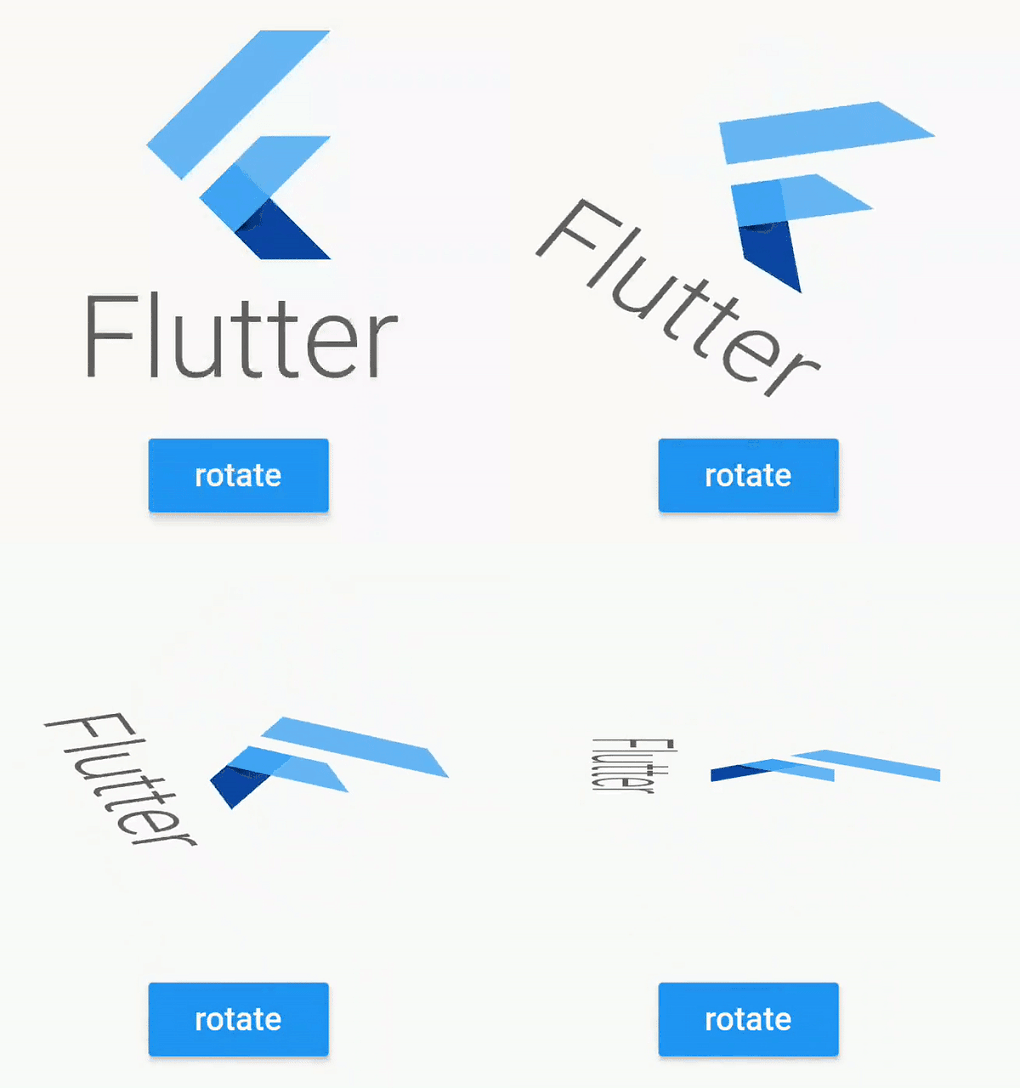
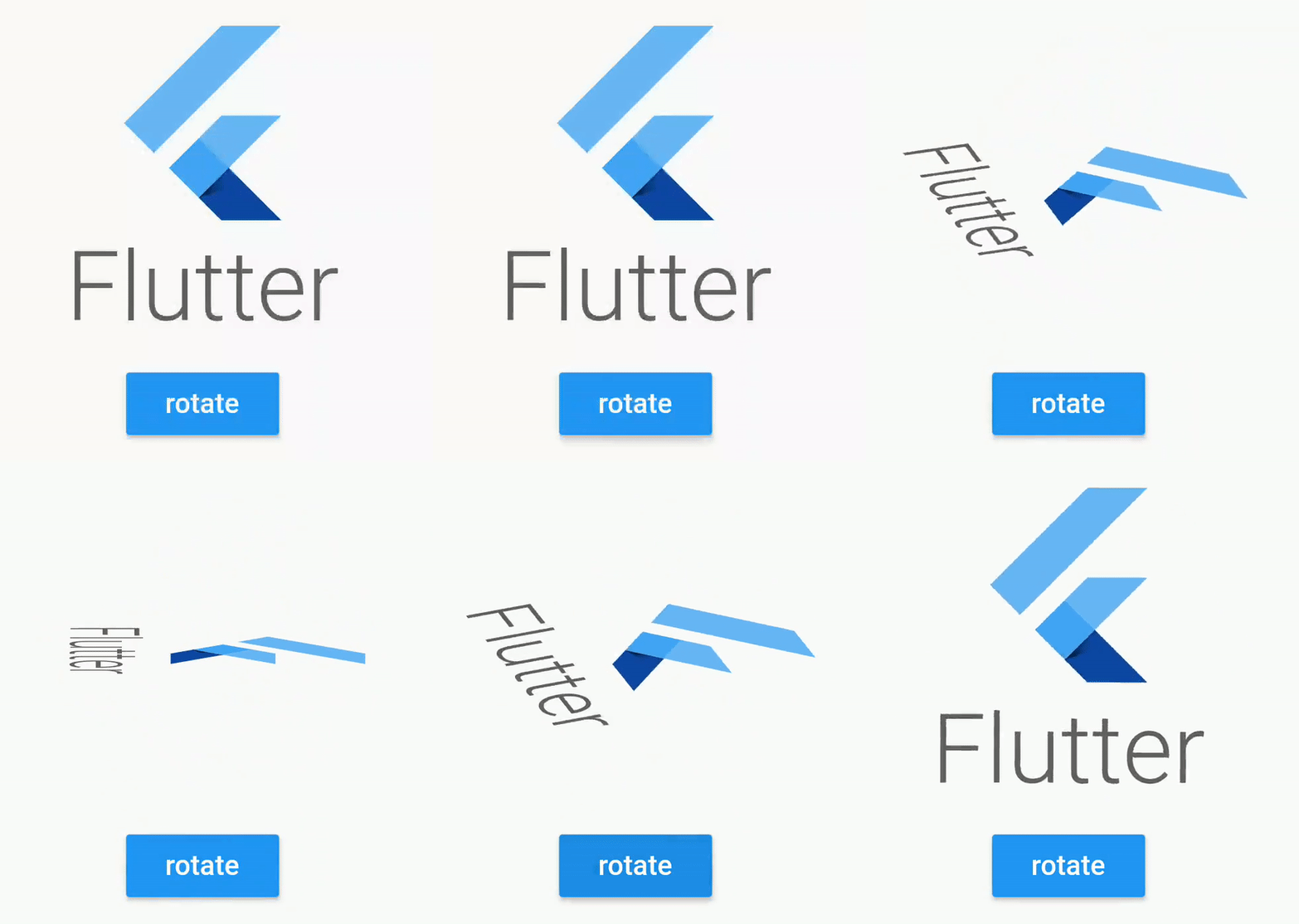
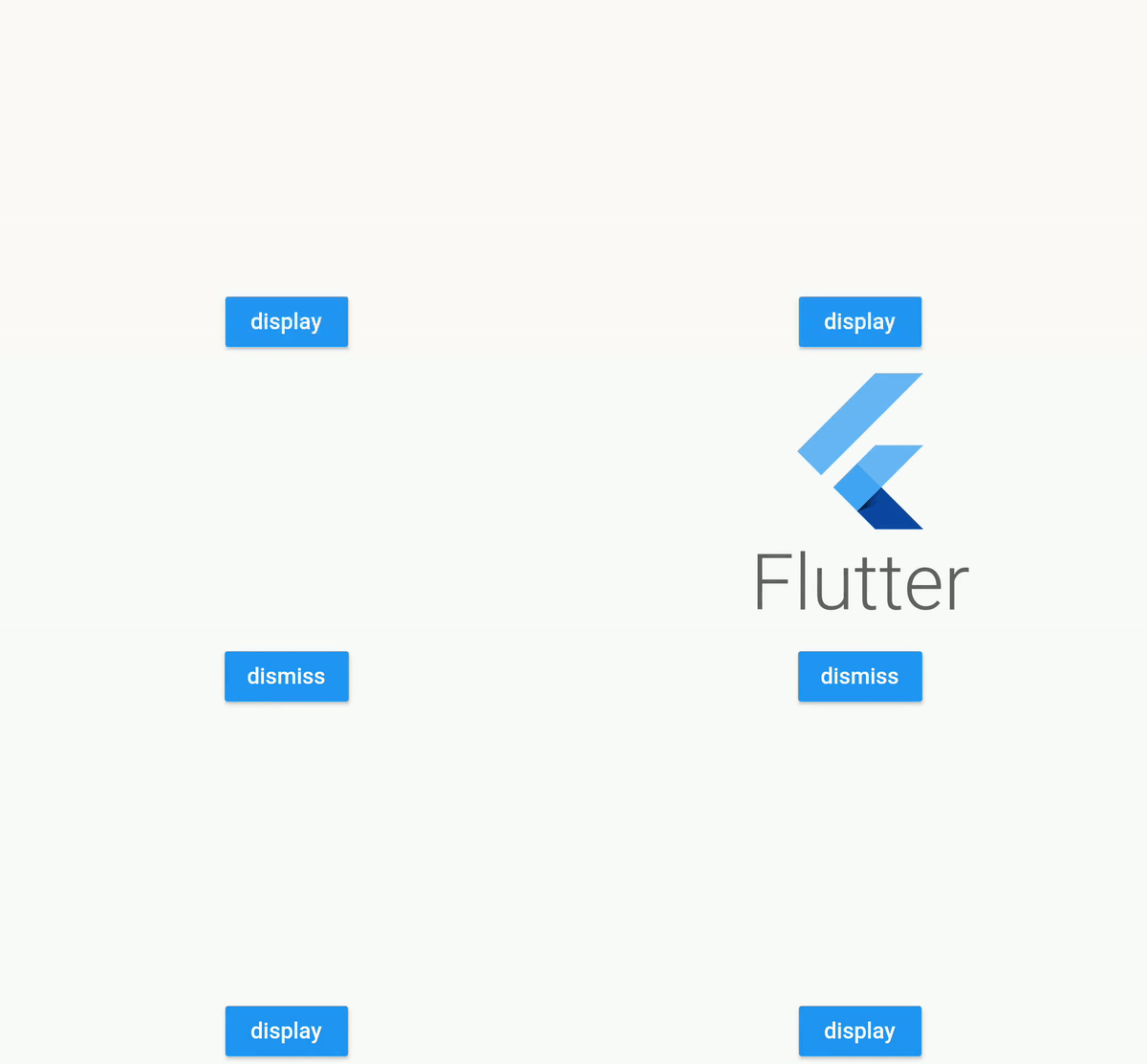
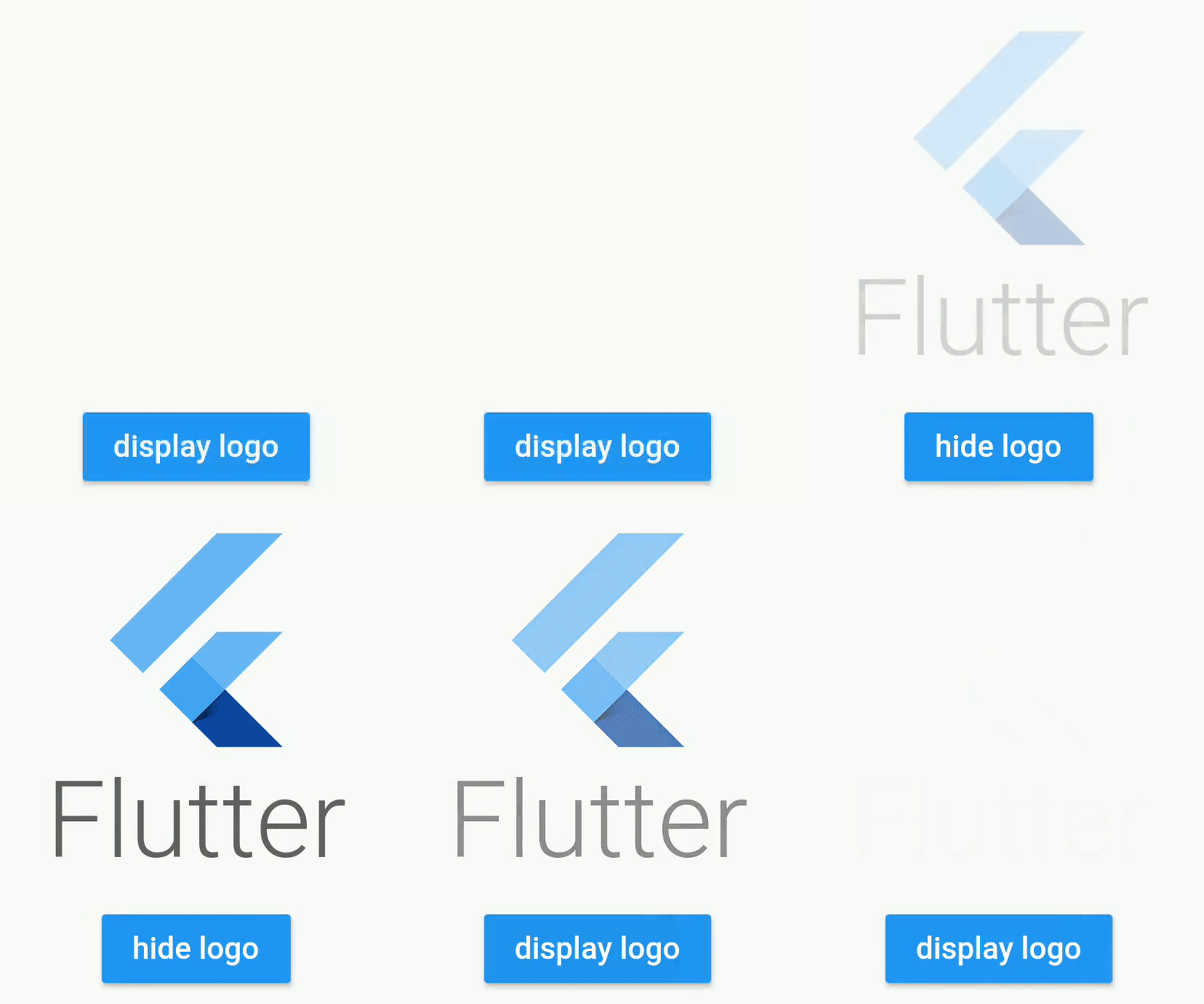
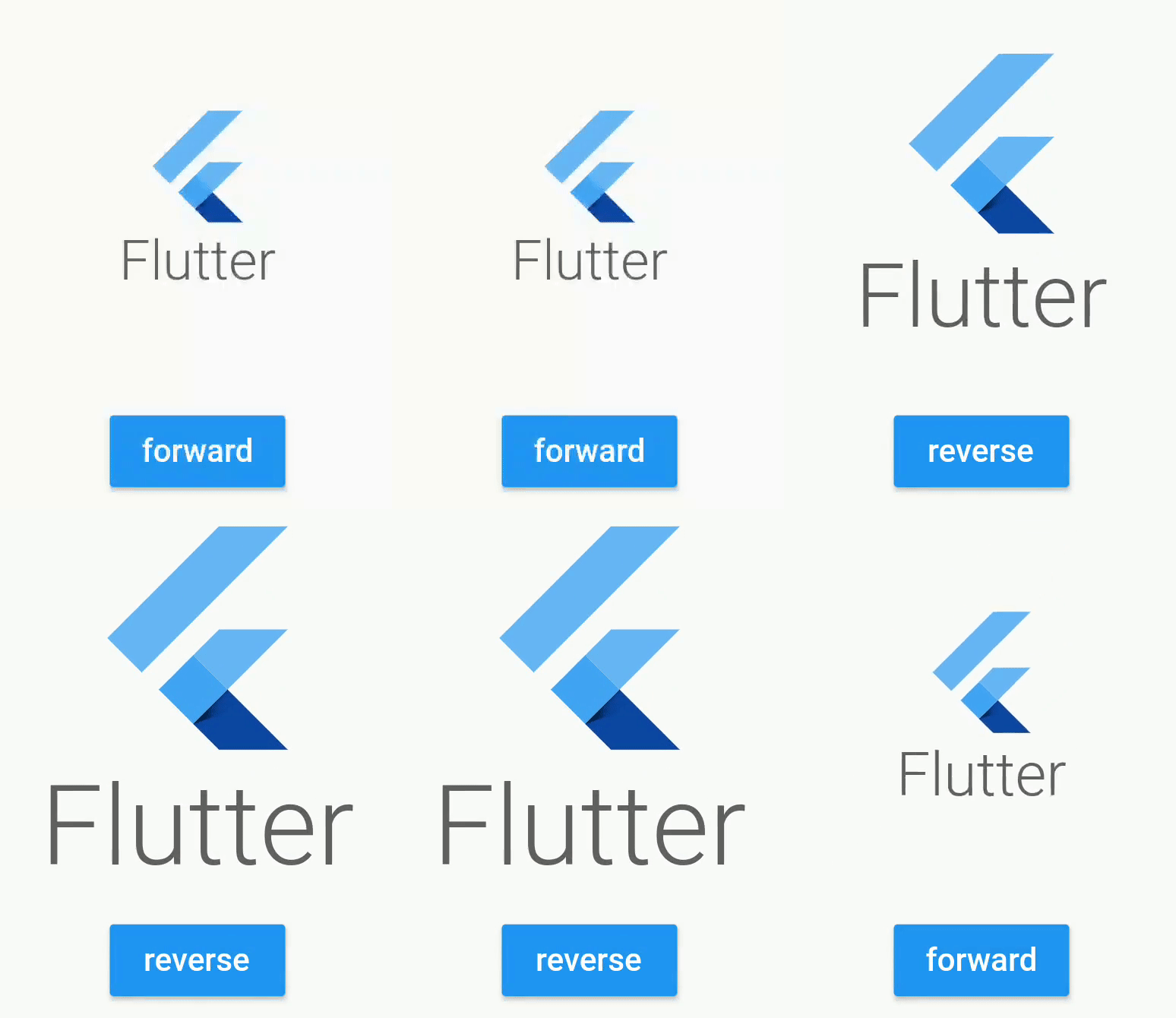
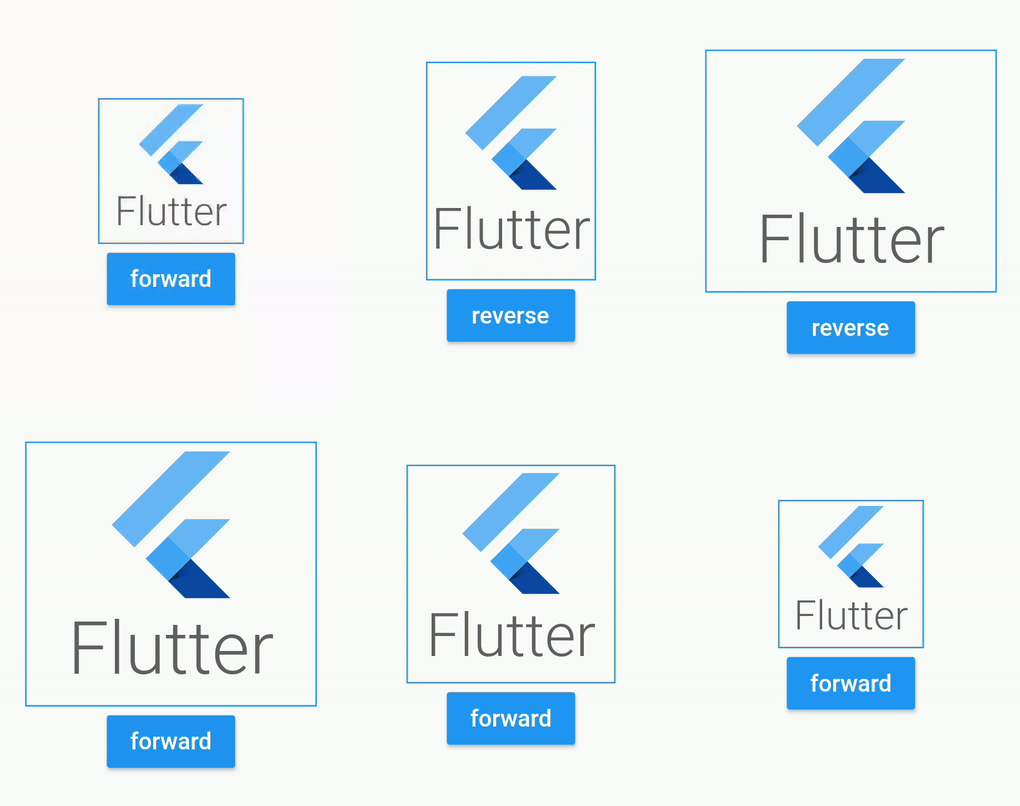
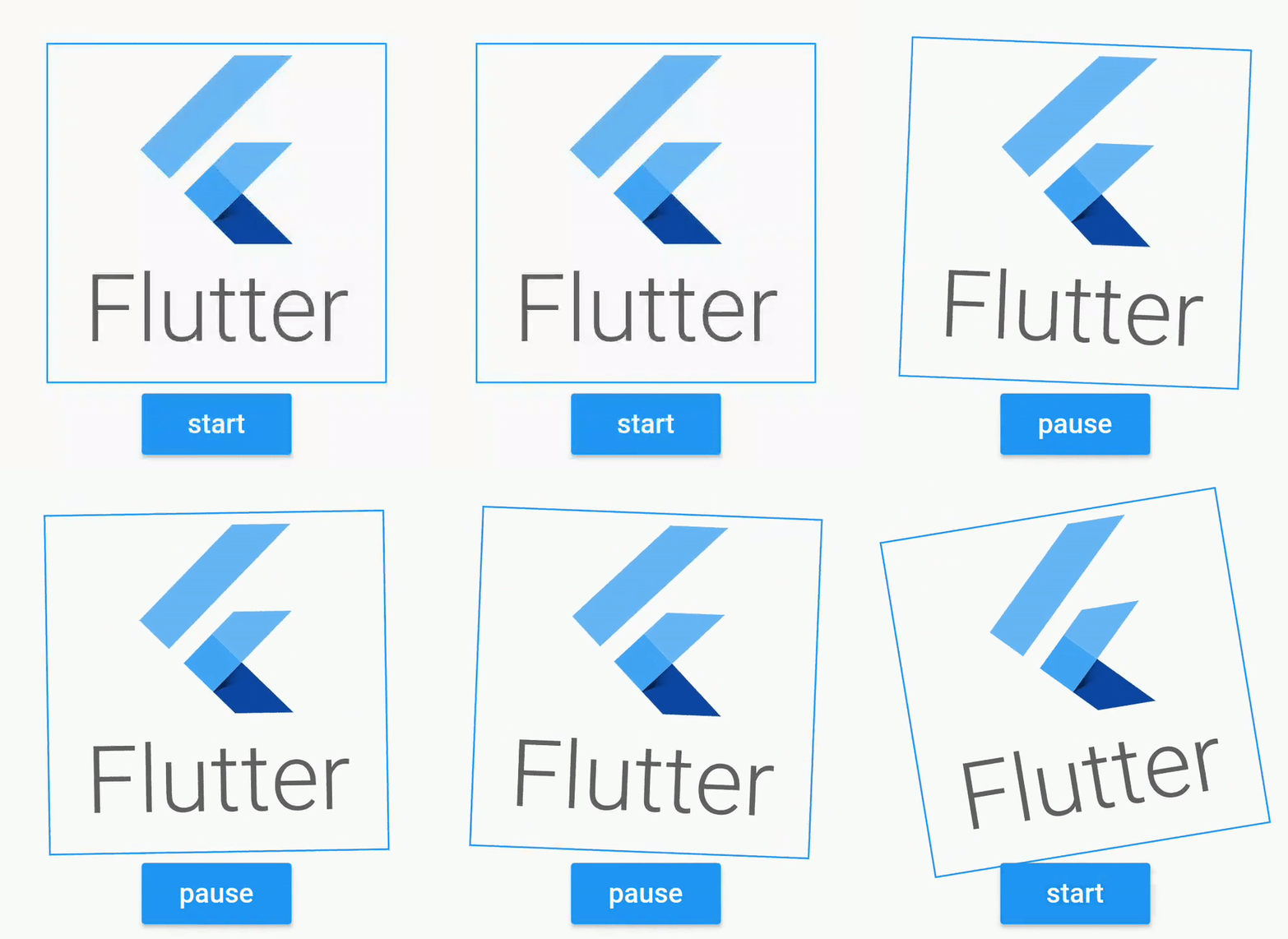
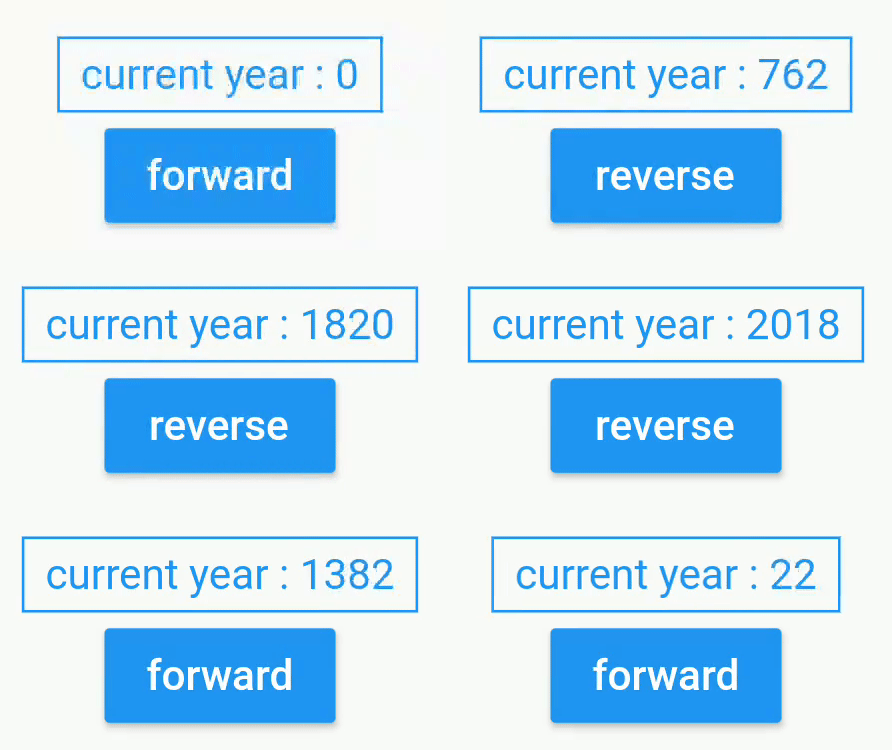
AnimatedWidgets के साथ अपनी स्क्रीन पर आसानी से एनीमेशन जोड़ें। अपने कंपोनेंट के वृक्ष में हमेशा अपने एनीमेटेड विजेट्स जोड़ें, और जब भी आवश्यक हो तो उन्हें सक्रिय करें ताकि एनीमेशन चालू हो जाए।
सार्वजनिक जानकारी से बना चयन मार्गदर्शन। केवल संदर्भ हेतु।
AnimatedWidgets एक Flutter पैकेज है जो UI कंपोनेंट्स में एनीमेशन जोड़ने को सरल बनाता है। यह विकासकर्ताओं को सीधे विजुअल ट्री में एनीमेटेड विजुअल्स एम्बेड करने और आवश्यकता के अनुसार एनीमेशन ट्रिगर करने की अनुमति देता है। न्यूनतम सेटअप के साथ, यह चिकने ट्रांज़िशन और डायनामिक प्रभाव को सक्षम करके उपयोगकर्ता इंटरफेस को बढ़ावा देता है जिससे जटिल कोड की आवश्यकता नहीं होती है। दृश्य प्रतिक्रिया या गति की आवश्यकता वाले ऐप्स में आकर्षक, अंतरक्रियात्मक अनुभव बनाने के लिए आदर्श है। पैकेज हल्का है और मौजूदा Flutter प्रोजेक्ट्स के साथ बिना किसी दिक्कत के एकीकृत होता है।
उपयोग
UI तत्वों में सूक्ष्म प्रवेश प्रभाव जोड़ना
इंटरैक्टिव बटन प्रतिक्रिया बनाना
स्क्रॉल के दौरान सूचियों या कार्डों को एनिमेट करना
डायनामिक प्रभावों के साथ स्प्लैश स्क्रीन को बढ़ावा देना
दृश्य संकेतों के साथ प्रतिक्रियाशील फॉर्म इनपुट बनाना
मुख्य विशेषताएँ
विजेट वृक्ष में सरल एकीकरण
आवश्यकता के अनुसार एनीमेशन ट्रिगर करें
हल्का और कार्यक्षम
सामान्य एनीमेशन पैटर्न का समर्थन करता है
समय और व्यवहार के संशोधन में आसानी
इनके लिए उपयुक्त
शुरुआती से मध्यम स्तर तक के Flutter विकासकर्मी
दृश्य चमक की आवश्यकता वाले ऐप
इंटरैक्टिव यूआई घटक
त्वरित प्रोटोटाइप एनीमेशन
उपयोगकर्ता भागीदारी पर केंद्रित प्रोजेक्ट्स
विचार योग्य बातें
मूल एनीमेशन प्रकार तक सीमित
जटिल कोरियोग्राफी के लिए कोई बिल्ट-इन समर्थन नहीं
एनीमेशन स्थिति के हस्तक्षेप आवश्यक है
उच्च आवृत्ति अपडेट के लिए अनअनुकूलित
Flutter के एनिमेशन इंजन प्रदर्शन पर निर्भर करता है
मूल README
संबंधित सोर्स रिपॉज़िटरी के मूल README का स्नैपशॉट। नवीनतम सामग्री के लिए रिपॉज़िटरी देखें।
animated_widgets
Easily add animations on your screen with AnimatedWidgets.
Optimized for MVVM using Bloc, updating the enabled value of the widget will forward or reverse the animation.
Available widgets : TranslationAnimatedWidget, OpacityAnimatedWidget, RotationAnimatedWidget, ScaleAnimatedWidget, SizeAnimatedWidget
For example : add a TranslationAnimatedWidget on a button, then activate it to display it !
TranslationAnimatedWidget(
enabled: this.displayMyWidget, //update this boolean to forward/reverse the animation
values: [
Offset(0, 200), // disabled value valueOffset(0, 250), //intermediate valueOffset(0, 0) //enabled value
],
child: /* your widget */
),
or using a tween constructor
RotationAnimatedWidget.tween(
    enabled: this.displayMyWidget, //update this boolean to forward/reverse the animation
    rotationDisabled: Rotation.degrees(z: 0),
    rotationEnabled: Rotation.degrees(z: 90),
    child: /* your widget */
),
Animated widget is available at
https://pub.dev/packages/animated_widgets
dependencies:animated_widgets:
Getting Started with Flutter
For help getting started with Flutter, view our
online documentation, which offers tutorials,
samples, guidance on mobile development, and a full API reference.
License
Copyright 2019 florent37, Inc.

Licensed under the Apache License, Version 2.0 (the "License");
you may not use this file except in compliance with the License.
You may obtain a copy of the License at

   http://www.apache.org/licenses/LICENSE-2.0

Unless required by applicable law or agreed to in writing, software
distributed under the License is distributed on an "AS IS" BASIS,
WITHOUT WARRANTIES OR CONDITIONS OF ANY KIND, either express or implied.
See the License for the specific language governing permissions and
limitations under the License.