सार्वजनिक जानकारी से बना चयन मार्गदर्शन। केवल संदर्भ हेतु।
Easy Formz एक Flutter पैकेज है जिसका उद्देश्य रूपरेखा निर्माण और मान्यता के लिए एक सुगम तरीका प्रदान करके रूपरेखा प्रबंधन को सरल बनाना है। यह बॉयलरप्लेट कोड को कम करता है और रूपरेखा राज्य, मान्यता नियम और उपलब्धि तर्क के प्रबंधन के लिए उपयोगकर्ता-अनुकूल API के साथ विकासकर्मियों की उत्पादकता को बढ़ाता है। Dart के साथ बनाया गया, यह एंड्रॉइड, आईओएस, वेब, मैकओएस, विंडोज और लिनक्स जैसे विभिन्न प्लेटफॉर्म पर फ्लटर एप्लिकेशन में बिना किसी अवरोध के एकीकृत होता है। यह अपरिवर्तनीय डेटा संरचनाओं और प्रतिक्रियाशील पैटर्न के उपयोग के माध्यम से साफ और रखरखाव योग्य कोड को बढ़ावा देता है। यह विकासकर्मियों के लिए विशेष रूप से उपयोगी है जो कम प्रयास में विश्वसनीय और विस्तारशील रूपरेखाएं बनाना चाहते हैं।
उपयोग
न्यूनतम बॉयलरप्लेट के साथ फॉर्म निर्माण
प्रतिक्रियाशील फॉर्म स्थिति प्रबंधन
क्रॉस-प्लेटफॉर्म फॉर्म कार्यान्वयन
जटिल वैधता तर्क का प्रबंधन
सरलीकृत फॉर्म सबमिशन वर्कफ्लो
मुख्य विशेषताएँ
अपरिवर्तनीय फॉर्म अवस्था
निर्मित वैधता उपकरण
प्रतिक्रियाशील फॉर्म अद्यतन
कस्टम वैधता के लिए समर्थन
Flutter विजेट्स के साथ आसान एकीकरण
इनके लिए उपयुक्त
जटिल फॉर्म बना रहे डेवलपर्स
कोड रखरखाव के प्रति ध्यान देने वाली टीमें
क्रॉस-प्लेटफॉर्म फॉर्म सुसंगतता की आवश्यकता वाले प्रोजेक्ट्स
कठोर वैधता की आवश्यकता वाले एप्लिकेशन
Flutter शुरुआती उपयोगकर्ता फॉर्म हैंडलिंग सीख रहे हैं
विचार योग्य बातें
प्रतिक्रियाशील प्रोग्रामिंग अवधारणाओं का ज्ञान आवश्यक है
उन्नत वैधता परिदृश्यों के लिए अतिरिक्त सेटअप की आवश्यकता हो सकती है
ब्लॉक या प्रोवाइडर जैसे राज्य प्रबंधन समाधान का उपयोग करने वाले प्रोजेक्ट्स के लिए सबसे उपयुक्त
मूल उदाहरणों के अतिरिक्त सीमित दस्तावेज़न
बहुत सरल एकल-उपयोग फॉर्म के लिए उपयुक्त नहीं
मूल README
संबंधित सोर्स रिपॉज़िटरी के मूल README का स्नैपशॉट। नवीनतम सामग्री के लिए रिपॉज़िटरी देखें।
EasyFormz Package
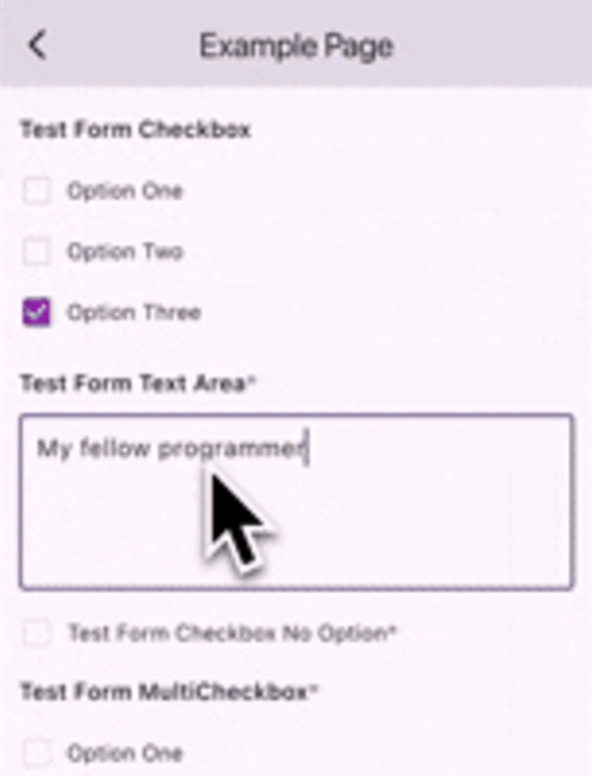
The purpose of this package is to facilitate the creation of dynamic forms based on data received from the server. The package provides several basic components, including form types such as 'input', 'textarea', 'dropdown', 'checkbox', 'multicheckbox', 'radio', 'date', and 'time'. Additionally, users have the flexibility to create custom forms if none of the predefined form types suit their needs.
Let's say you have a list of form page then you can do like the following example:
final formPages = [
    FormPage(
         id: 'gweorj29',
         label: 'Example Page 1',
         description: 'This form displays all the existing forms available',
         formConfigs: forms1,
     ),
        FormPage(
         id: 'gweorj29',
         label: 'Example Page 2',
         description: 'This form displays all the existing forms available',
         formConfigs: forms2,
     ),
];
To create a custom form component based on the form configuration using the customBuilder, consider the following example:
EasyFormz(
controller: controller,
customBuilder: (config, onValueChanged) {
if (config.type == 'custom_form') {
// Customize and return the specific custom form component based on the condition.returnCustomDropdown(
config: config,
onChanged: (value) => onValueChanged(value),
);
}
},
);
Custom Error Component Builder
Custom error component is available by using the errorBuilder, consider the following example:
To personalize the appearance of the dynamic form, you can modify the theme settings using the theme parameter. Below is an example of customizing the theme for a EasyFormz: