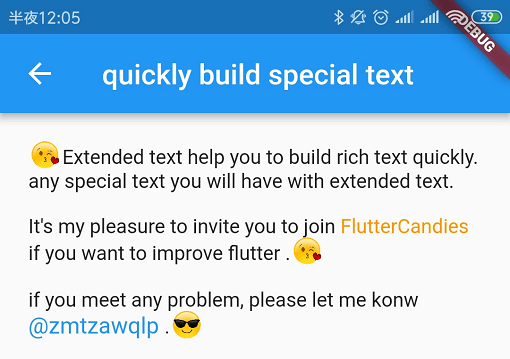
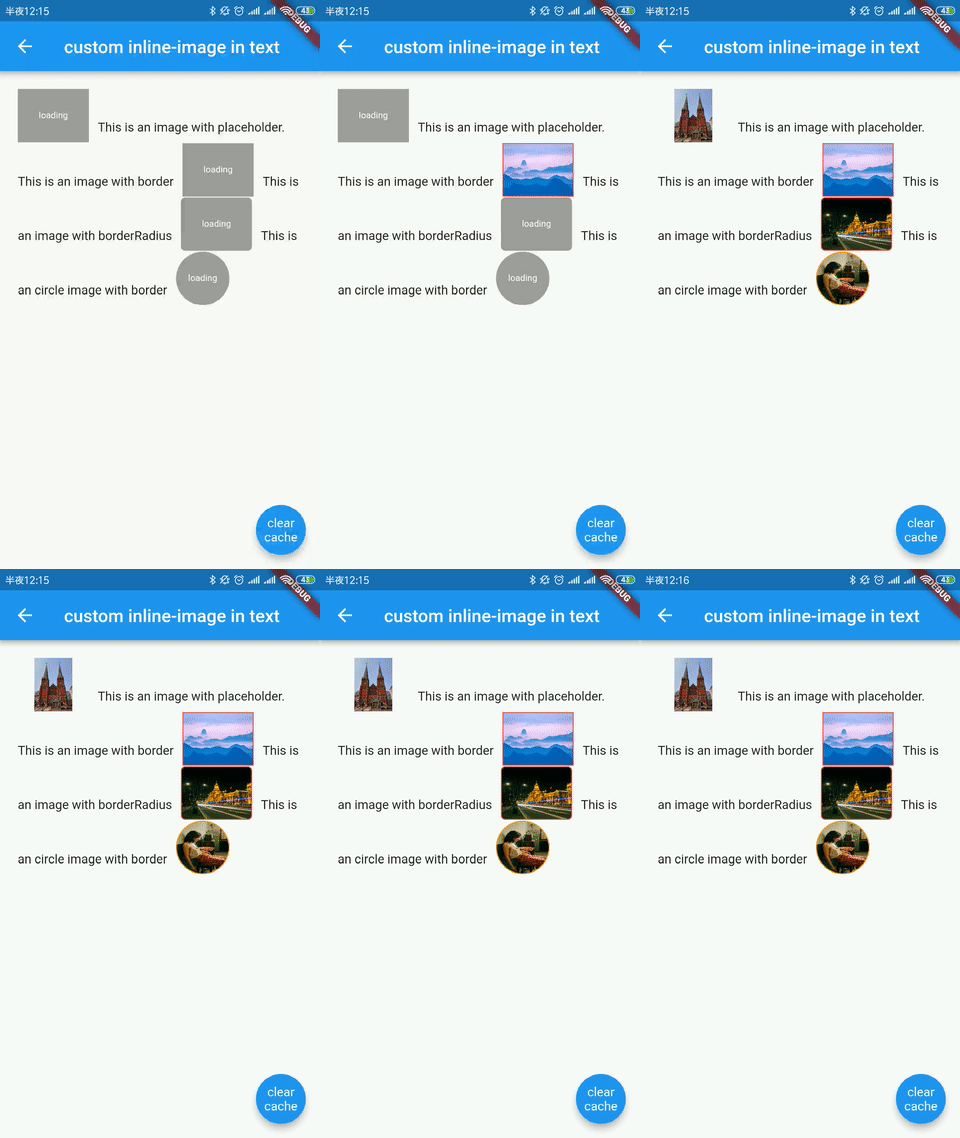
विशेष पाठ जैसे इनलाइन छवि या @कोई व्यक्ति को बनाने के लिए विस्तारित आधिकारिक पाठ, यह स्वयं के पृष्ठभूमि, स्वयं के ओवरफ्लो, धुंधलापन और स्वयं के चयन टूलबार और हैंडल्स को समर्थन भी करता है।
सार्वजनिक जानकारी से बना चयन मार्गदर्शन। केवल संदर्भ हेतु।
ExtendedText एक Flutter पैकेज है जो सम्मिलित Text विंडो को आंतरिक छवियाँ, उल्लेख (@somebody), कस्टम पृष्ठभूमि, ध्रुवीय पाठ और कस्टम ओवरफ्लो व्यवहार जैसे समृद्ध पाठ विशेषताओं को सक्षम करके बढ़ाता है। इसमें एक कस्टम चयन टूलबार और हैंडल्स के साथ उन्नत पाठ संपादन समर्थन है, जो चैट इंटरफेस, सोशल मीडिया ऐप्स या किसी भी ऐप के लिए आदर्श है जिसमें इंटरैक्टिव, स्टाइल्ड पाठ की आवश्यकता होती है। पैकेज सक्रिय रूप से बनाए रखा जाता है और सभी प्रमुख प्लेटफॉर्मों के साथ संगत है।
उपयोग
चैट एप्लिकेशन्स
सोशल मीडिया पोस्ट
समृद्ध पाठ संपादक
इंटरैक्टिव ट्यूटोरियल
सामग्री-युक्त यूजर इंटरफेस
मुख्य विशेषताएँ
इनलाइन छवि समर्थन
@user उल्लेख संभालना
कस्टम बैकग्राउंड स्टाइलिंग
घ्रेडिएंट टेक्स्ट प्रभाव
कस्टम चयन टूलबार
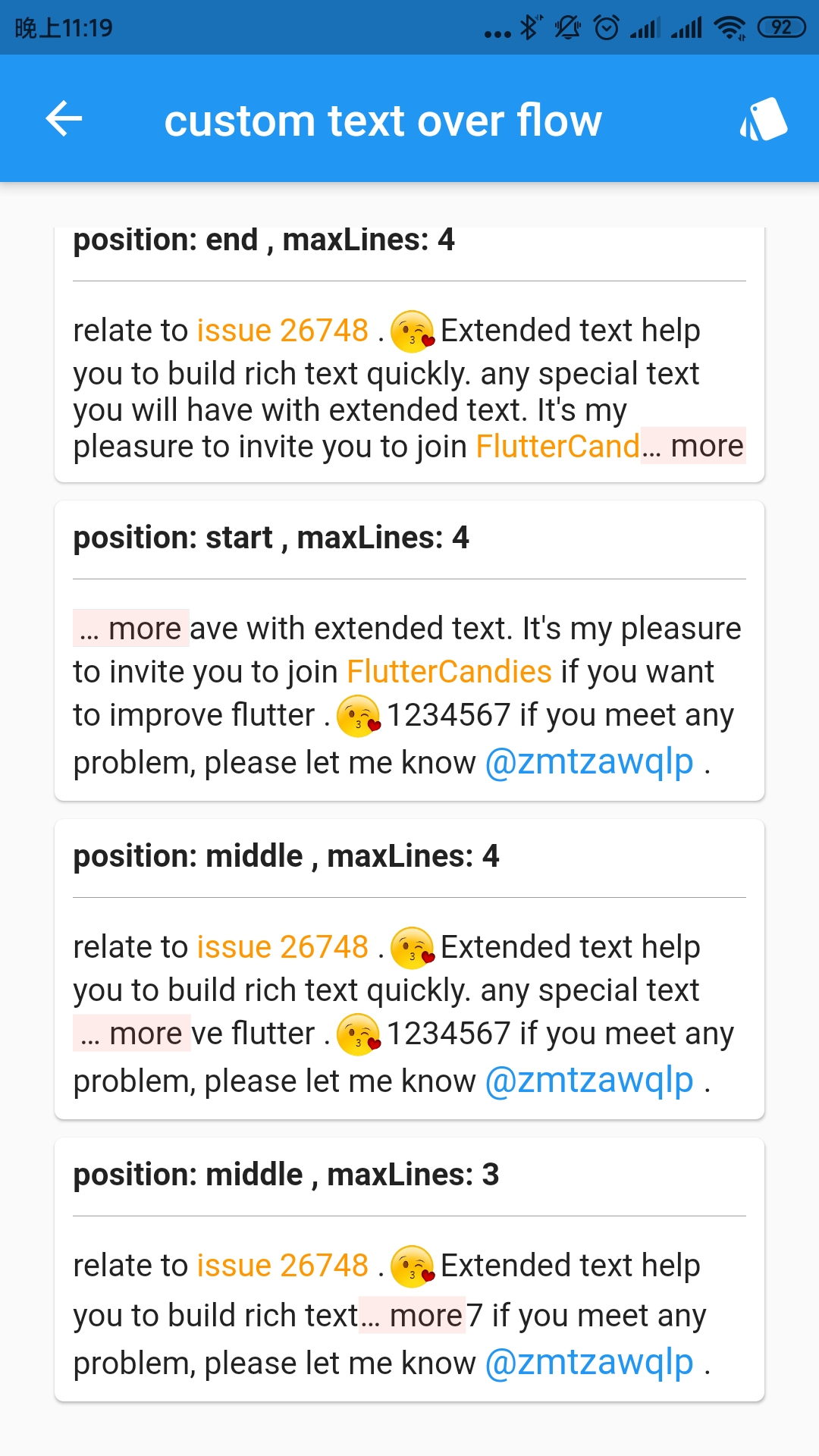
ओवरफ्लो कस्टमाइजेशन
इनके लिए उपयुक्त
चैट ऐप बनाने वाले डेवलपर्स
समृद्ध पाठ संरचना की आवश्यकता वाले एप्स
इंटरैक्टिव टेक्स्ट तत्वों वाले UI
क्रॉस-प्लेटफ़ॉर्म रिच टेक्स्ट की आवश्यकता होती है
उन्नत पाठ संपादन आवश्यकताएँ
विचार योग्य बातें
विस्तारित टेक्स्ट विजेट्स के बारे में समझने की आवश्यकता है
सरल पाठ प्रदर्शन के लिए जटिलता में वृद्धि हो सकती है
कस्टम स्पैन का ध्यान से हैंडल करने की आवश्यकता है
प्लेटफॉर्म-विशिष्ट रेंडरिंग अंतर
भारी सामग्री के साथ संभावित प्रदर्शन प्रभाव
मूल README
संबंधित सोर्स रिपॉज़िटरी के मूल README का स्नैपशॉट। नवीनतम सामग्री के लिए रिपॉज़िटरी देखें।
Extended official text to build special text like inline image or @somebody quickly,it also support custom background,custom over flow and custom selection toolbar and handles.
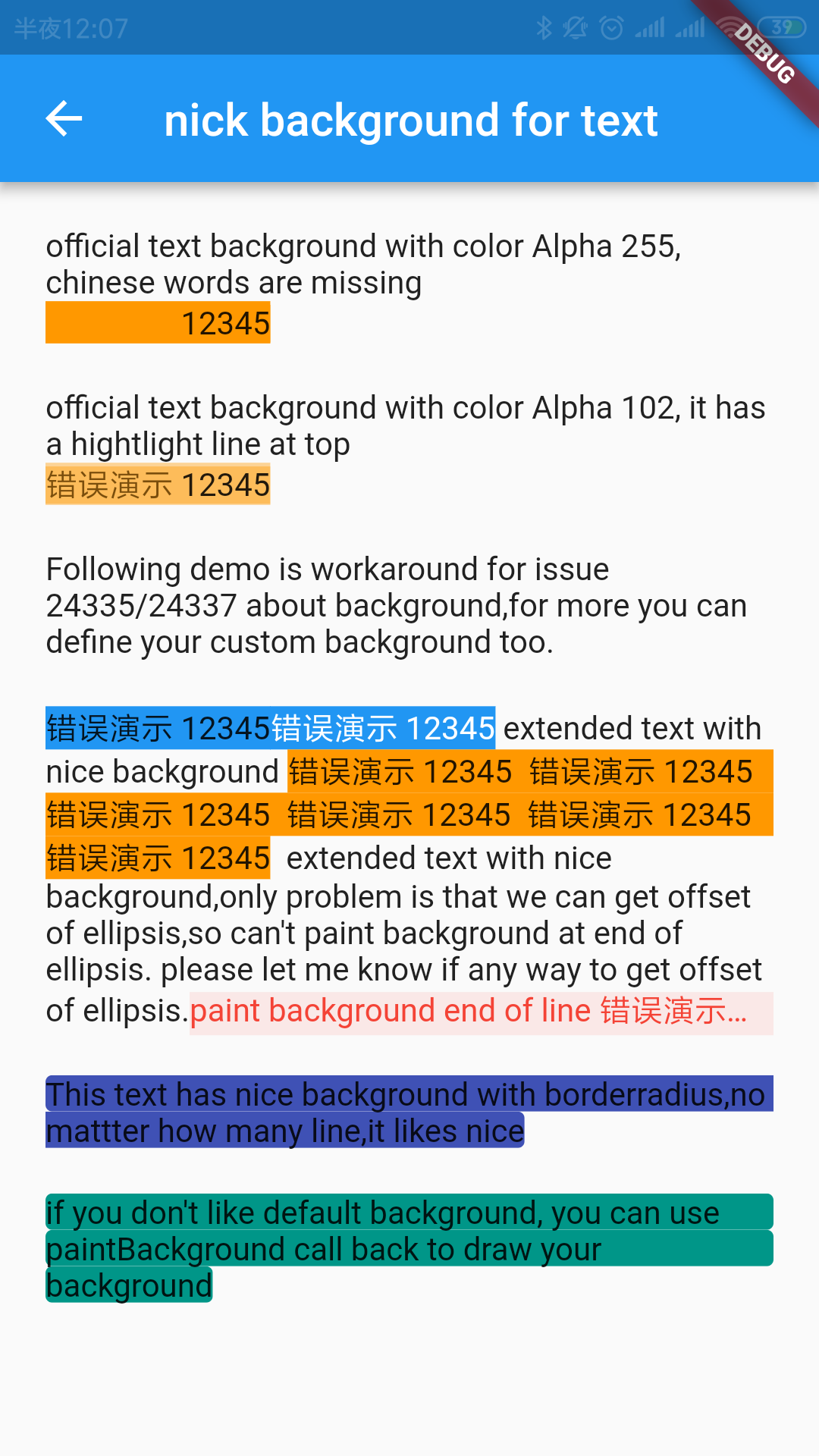
  BackgroundTextSpan(
      text:
          "This text has nice background with borderradius,no mattter how many line,it likes nice",
      background: Paint()..color = Colors.indigo,
      clipBorderRadius: BorderRadius.all(Radius.circular(3.0))),
parameter
description
default
background
Background painter
-
clipBorderRadius
Clip BorderRadius
-
paintBackground
Paint background call back, you can paint background by self
[gradient] is the gradient that will be applied to the text.
[ignoreWidgetSpan] determines whether WidgetSpan elements should be
included in the gradient application. By default, widget spans are ignored.
[renderMode] specifies how the gradient should be applied to the text. The default
is [GradientRenderMode.fullText], meaning the gradient will apply to the entire text.
[ignoreRegex] is a regular expression used to exclude certain parts of the text
from the gradient effect. For example, it can be used to exclude specific characters
or words (like emojis or special symbols) from the gradient application.
[beforeDrawGradient] A callback function that is called before the gradient is drawn on the text.
[blendMode] The blend mode to be used when applying the gradient.
default: [BlendMode.srcIn] (i.e., the gradient will be applied to the text).
It's better to use [BlendMode.srcIn] or [BlendMode.srcATop].