सार्वजनिक जानकारी से बना चयन मार्गदर्शन। केवल संदर्भ हेतु।
flutter_2fa एक Flutter पैकेज है जो Google Authenticator जैसे ऑथेंटिकेटर ऐप्स का उपयोग करके एप्लिकेशन में द्विकारक प्रमाणीकरण (2FA) सक्षम करता है। यह समय-आधारित एकल-बार पासवर्ड (TOTP) के उत्पादन और प्रबंधन के लिए उपकरण प्रदान करता है, सुरक्षित उपयोगकर्ता प्रमाणीकरण को सरल बनाता है। यह पैकेज Android, iOS, Web, macOS, Windows और Linux जैसे कई प्लेटफॉर्म को समर्थन देता है, जिससे प्लेटफॉर्म के बीच सुरक्षा एकरूपता सुनिश्चित होती है। `flutter pub add flutter_2fa` कमांड के माध्यम से सरल एकीकरण के माध्यम से विकासकर्ता अपने ऐप की सुरक्षा को न्यूनतम सेटअप के साथ बढ़ा सकते हैं। यह ऐप्स के लिए आदर्श है जिनमें गुणवत्तापूर्ण उपयोगकर्ता प्रमाणीकरण की आवश्यकता होती है लेकिन पासवर्ड पर निर्भर नहीं होते।
उपयोग
सुरक्षित लॉगिन प्रणाली
उपयोगकर्ता खातों के लिए द्वि-कारक प्रमाणीकरण
TOTP के साथ ऐप सुरक्षा में सुधार
प्रामाणिकता ऐप्स के साथ एकीकरण
उपयोगकर्ता पहचान सत्यापन
बहु-कारक प्रमाणीकरण कार्यप्रवाह
मुख्य विशेषताएँ
TOTP कोड उत्पादन
प्लेटफॉर्म के अनुकूल समर्थन
Flutter के साथ आसान एकीकरण
लोकप्रिय प्रामाणिक ऐप्स का समर्थन करता है
सुरक्षित τोकन संचालन
रियल-टाइम समय सिंक्रनाइज़ेशन
इनके लिए उपयुक्त
बढ़ी हुई सुरक्षा की आवश्यकता वाले ऐप्स
सुरक्षित प्रमाणीकरण प्रवाह बना रहे विकासकर्मी
उपयोगकर्ता लॉगिन के साथ मोबाइल और वेब एप्लिकेशन
RFC 6238 जैसे 2FA मानकों का उपयोग करने वाले प्रोजेक्ट
त्वरित 2FA कार्यान्वयन चाहने वाली टीमें
विचार योग्य बातें
प्रमाणीकरण ऐप के उपयोगकर्ता सेटअप की आवश्यकता होती है
प्रणाली घड़ी के सटीकता पर निर्भर करता है
कोई निर्मित बैकअप या पुनर्स्थापना तंत्र नहीं है
उन्नत द्विकारक प्रमाणीकरण परिदृश्यों के लिए सीमित कस्टमाइजेशन
ऑफलाइन-केवल परिस्थितियों के लिए उपयुक्त नहीं
मूल README
संबंधित सोर्स रिपॉज़िटरी के मूल README का स्नैपशॉट। नवीनतम सामग्री के लिए रिपॉज़िटरी देखें।
Flutter 2FA
🔐 A Flutter package to add secure Two-Factor Authentication (2FA) via time-based one-time passwords (TOTP) to any Flutter application with ease.
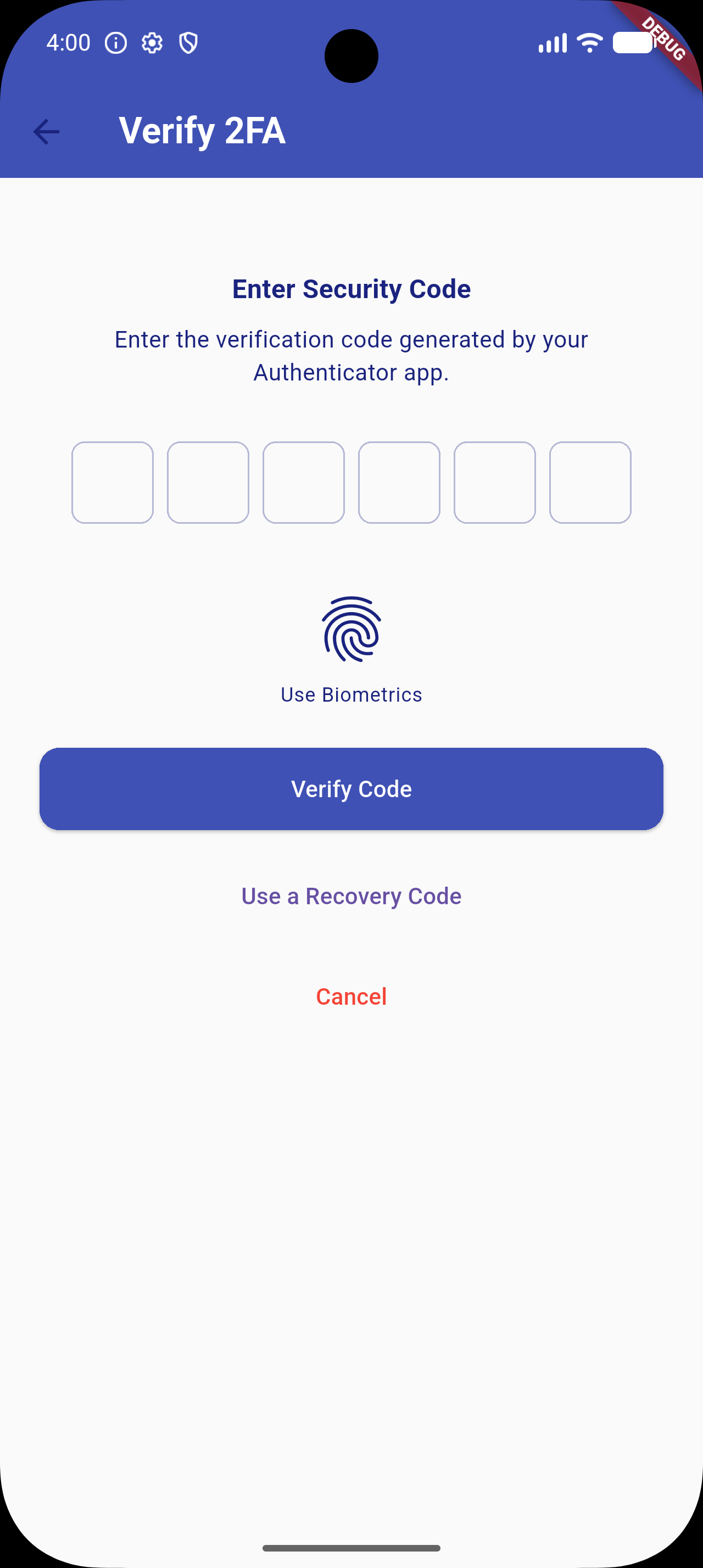
📸 Screenshots
✨ Features (v1.0.5 Upgrade)
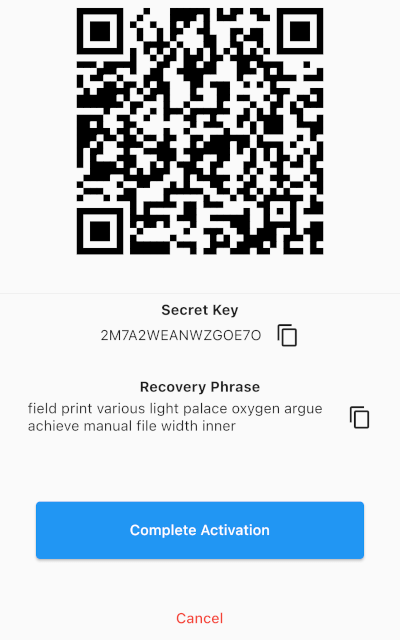
Quick Setup: Generates a standard cryptographically secure TOTP secret key compatible with Google Authenticator, Microsoft Authenticator, Authy, etc.
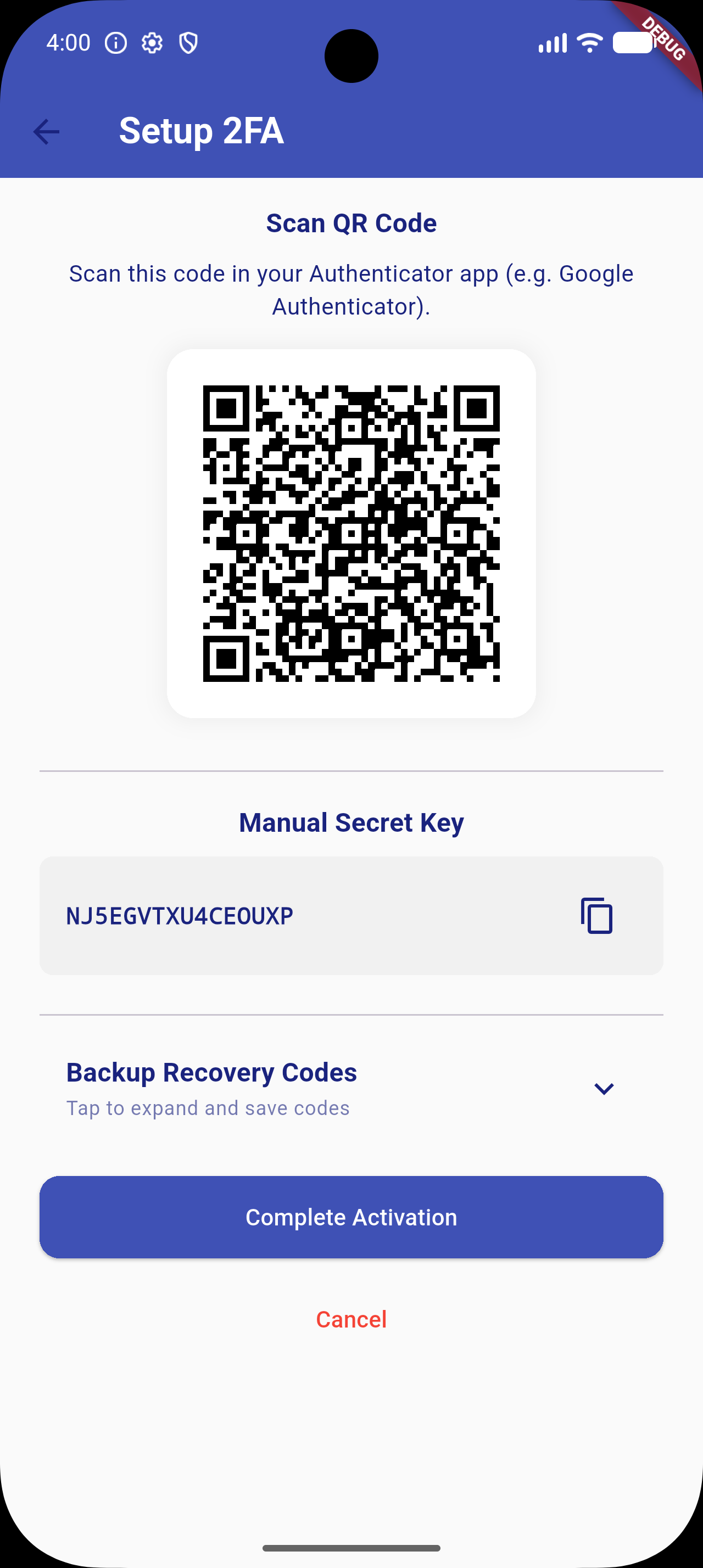
QR Code Generation: Integrated visual setup flow using dynamic QR codes.
Copy-to-Clipboard: Fallback configuration flow allowing users to copy the raw setup key manually.
Secure OTP Verification: Standard input interface using high-quality pin inputs (pinput integration).
🎨 Custom UI Themes: Override background colors, text colors, AppBars, button styles, and PIN input decorations to match your app's design system.
🔒 Secure Storage: Optional encrypted storage backend via flutter_secure_storage to secure secret keys and recovery codes.
🛡️ Biometric Authentication: Quick local unlock (Face ID / Touch ID / Fingerprint) via local_auth integration.
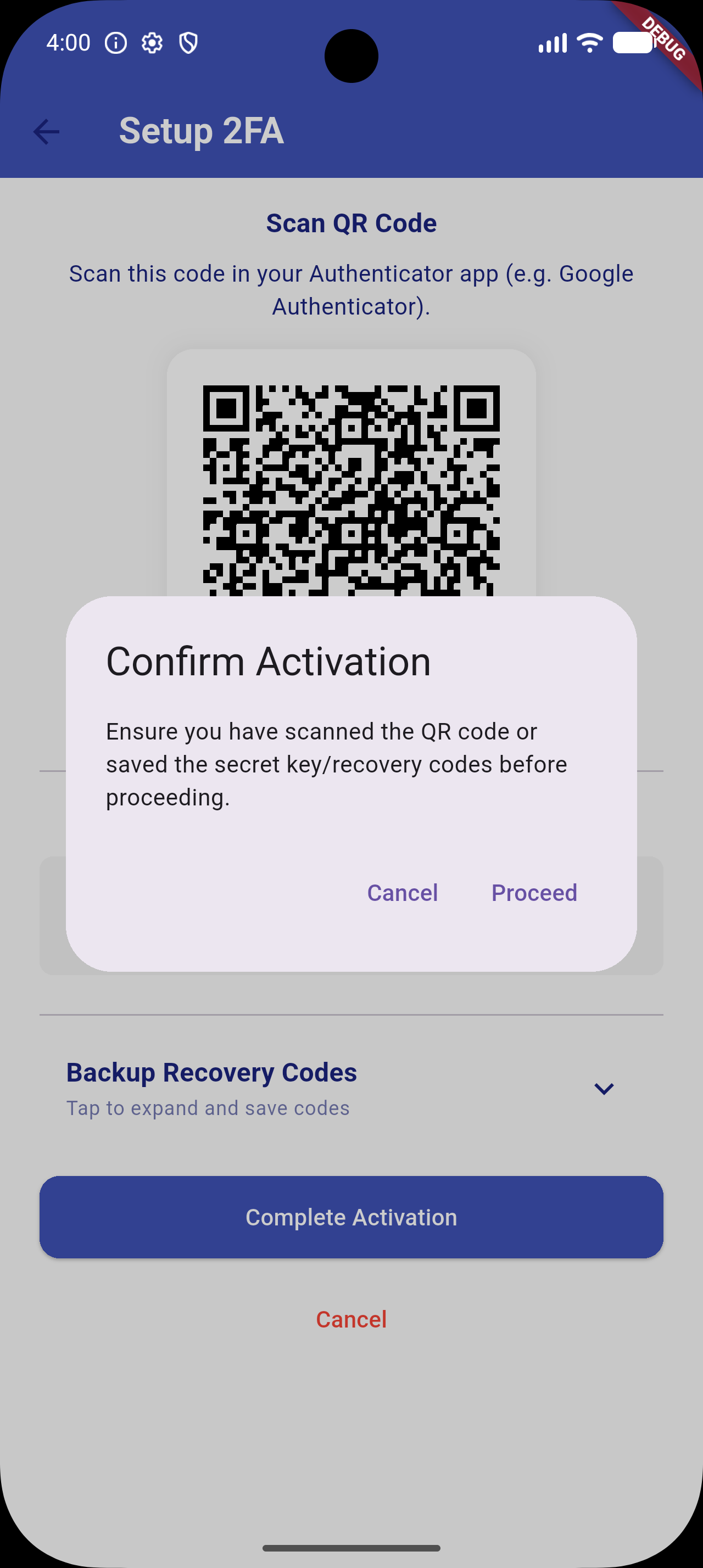
🧩 Backup Recovery Codes: Generates 10 static recovery codes during activation. Displayed under a space-saving collapsible accordion. Users can use these codes as a login fallback.
[!NOTE]
To support newer platform libraries and Dart 3.x, transitive dependency upgrades have been applied (specifically upgrading internal Windows helpers which removes deprecated win32 3.1.3 conflicts).
⚙️ Android Toolchain Requirements
To compile successfully with newer dependency versions (e.g. Kotlin 2.x and Java 21), make sure your Android project files are configured as follows:
Gradle Wrapper: Version 8.14.0 or higher (gradle-wrapper.properties).
Android Gradle Plugin (AGP): Version 8.11.1 or higher (settings.gradle).
Kotlin: Version 2.2.20 or higher (settings.gradle).
Compile SDK: Version 34 or higher (app/build.gradle).