सार्वजनिक जानकारी से बना चयन मार्गदर्शन। केवल संदर्भ हेतु।
एक पूरी तरह से डार्ट लिखित, चक्राकार रंग चयनकर्ता जो फ्लटर एप्लिकेशन के लिए डिज़ाइन किया गया है। यह रंग चुनने के लिए एक स्पष्ट वृत्ताकार इंटरफ़ेस प्रदान करता है, जो डिज़ाइन टूल, थीम कस्टमाइज़र और रचनात्मक एप्लिकेशन के लिए आदर्श है। चयनकर्ता मुलायम रंग संक्रमण का समर्थन करता है और सभी प्रमुख प्लेटफ़ॉर्म जैसे Android, iOS, Web, macOS, Windows और Linux के साथ संगत है। इसका साफ़, कस्टमाइज़ करने योग्य UI विकासकर्ताओं को न्यूनतम सेटअप के साथ दृश्य रूप से आकर्षक रंग चयन अनुभव को एकीकृत करने में सक्षम बनाता है।
उपयोग
डिज़ाइन टूल इंटीग्रेशन
थीम कस्टमाइजेशन इंटरफेस
रचनात्मक ऐप रंग चयन
मोबाइल और डेस्कटॉप ऐप यूआई
वेब-आधारित रंग चयनकर्ता
मुख्य विशेषताएँ
सर्कुलर व्हील कलर सेलेक्शन
पूरी तरह से डार्ट में लिखा गया
प्लेटफॉर्म के अनुकूलता
स्मूथ रंग संक्रमण
कस्टमाइज़ेबल यूआई
Flutter के साथ आसान एकीकरण
इनके लिए उपयुक्त
UI/UX डिजाइनर
रचनात्मक उपकरण बनाने वाले ऐप विकासकर्ता
थीम-सक्षम एप्लिकेशन
बहु-प्लेटफॉर्म Flutter प्रोजेक्ट्स
विचार योग्य बातें
व्हील-आधारित चयन पर सीमित
ब्रांडिंग के लिए अतिरिक्त स्टाइलिंग की आवश्यकता हो सकती है
HSL या HSV जैसे जटिल रंग मॉडल के लिए अनुपयुक्त
मूल README
संबंधित सोर्स रिपॉज़िटरी के मूल README का स्नैपशॉट। नवीनतम सामग्री के लिए रिपॉज़िटरी देखें।
Flutter Color Picker Wheel
Flutter Color Picker Wheel is an easy-to-use widget that can be heavily customized.
You can use the WheelColorPicker directly by providing list of colors you want to include and animation configs.
You can use the WheelColorPickerEntryContent and manage OverlayEntry yourself.
This library provides some presets which make it even easier to use this component.
How to use
Add the dependency to your pubspec.yaml
flutter_color_picker_wheel:^0.0.1
Try it out
Currently this Storybook only works well on Web
TODO: [ ] Use another storybook to provide better preview for both web
and phone
https://flutter-color-picker-wheel.kexinlu.com
Showcase
Fan Default Preset
Fan Simple Preset
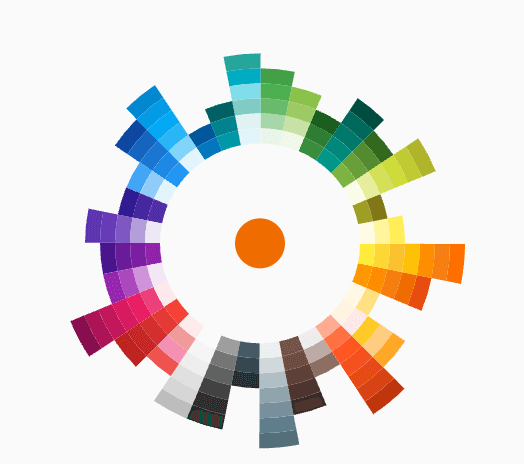
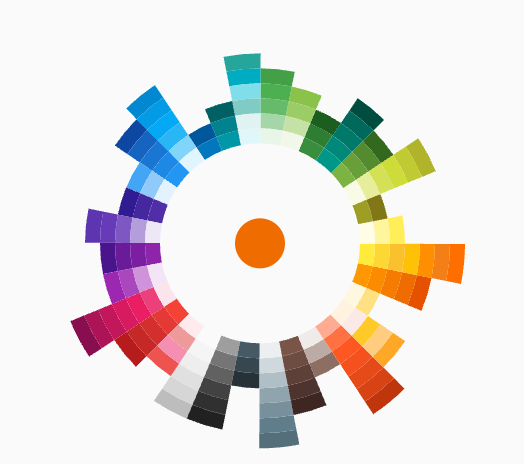
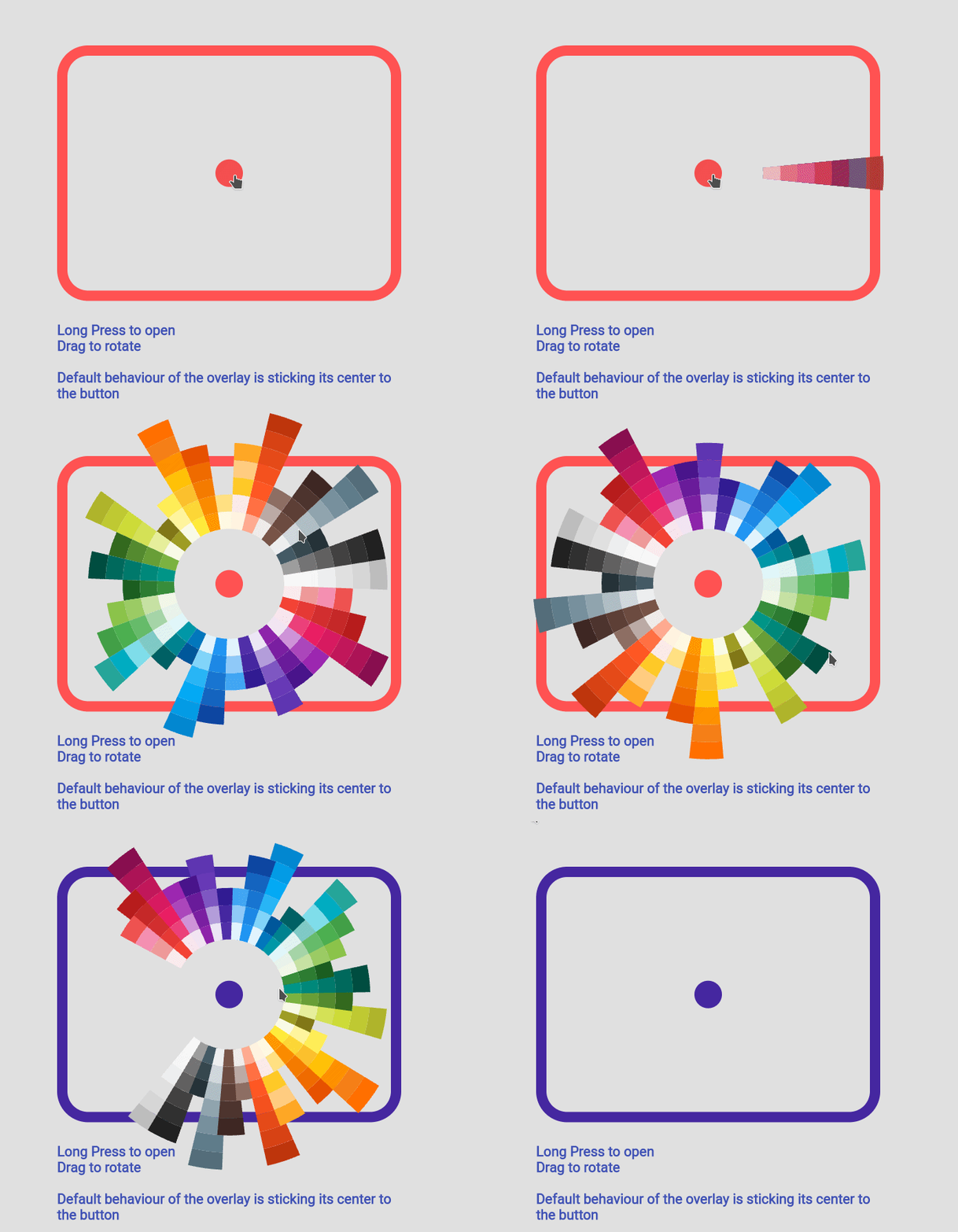
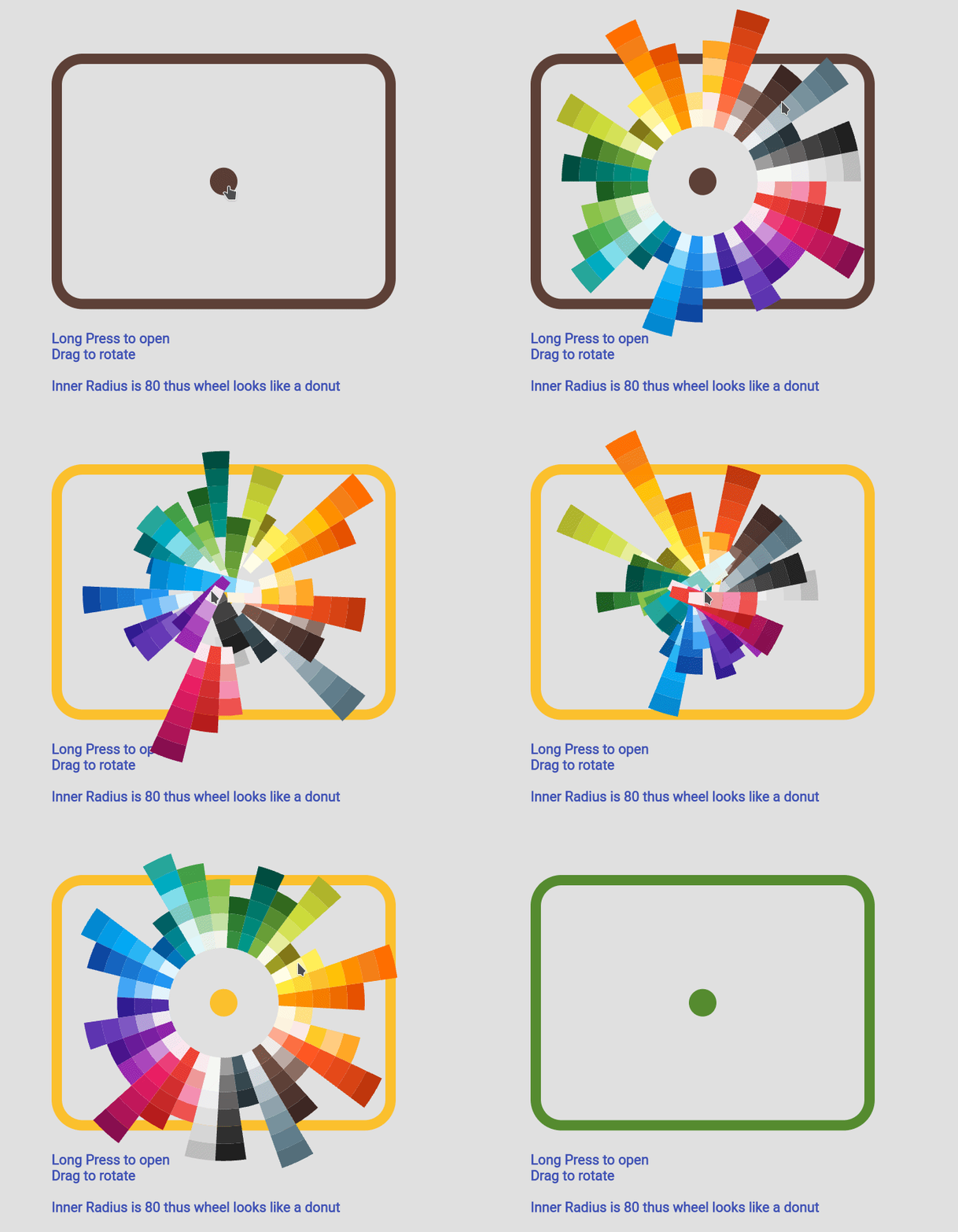
Sun Ray Default
Sun Ray Simple
Detached Full Screen without Gap
Detached Full Screen with Gap
Custom Color Set
Custom Animation
Manage Your Own OverlayEntry
Example Code
you can find more examples in the example path of this repository
Simple Usecase
import'package:flutter_color_picker_wheel/flutter_color_picker_wheel.dart';
Color color; /// you want to initialize this color in the initState methodWidget myButton = WheelColorPicker(
onSelect: (Color newColor) {
setState(() {
color = newColor;
});
},
/// long press to open, another behaviour is clickToOpen to open
behaviour: ButtonBehaviour.longPressToOpen,
/// inital color
defaultColor: color,
/// fanLikeAnimationConfig is a preset, you can import this from the package
animationConfig: fanLikeAnimationConfig,
/// simpleColors is a preset, you can import this from the package
colorList: simpleColors,
/// size of the clickable button in the middle
buttonSize: 40,
/// height of each piece (outerRadius - innerRadius of a piece)
pieceHeight: 25,
/// starting radius of the donut shaped wheel
innerRadius: 80,
);
If you decided to go this route there are several core ideas that you need to wrap your head around.
WheelOverlayEntryContent should be generated only ONCE but not generated each build. You can have a new OverlayEntry, but you only need one WheelOverlayEntryContent. This helps us to have a decent performance.
To stick the WheelOverlayEntryContent to some component, you want to use LayerLink.
See WheelColorPicker as an example
You need to provide AnimationController to the Widget, thus you want to extend some ticker provider, eg. SingleTickerProviderStateMixin

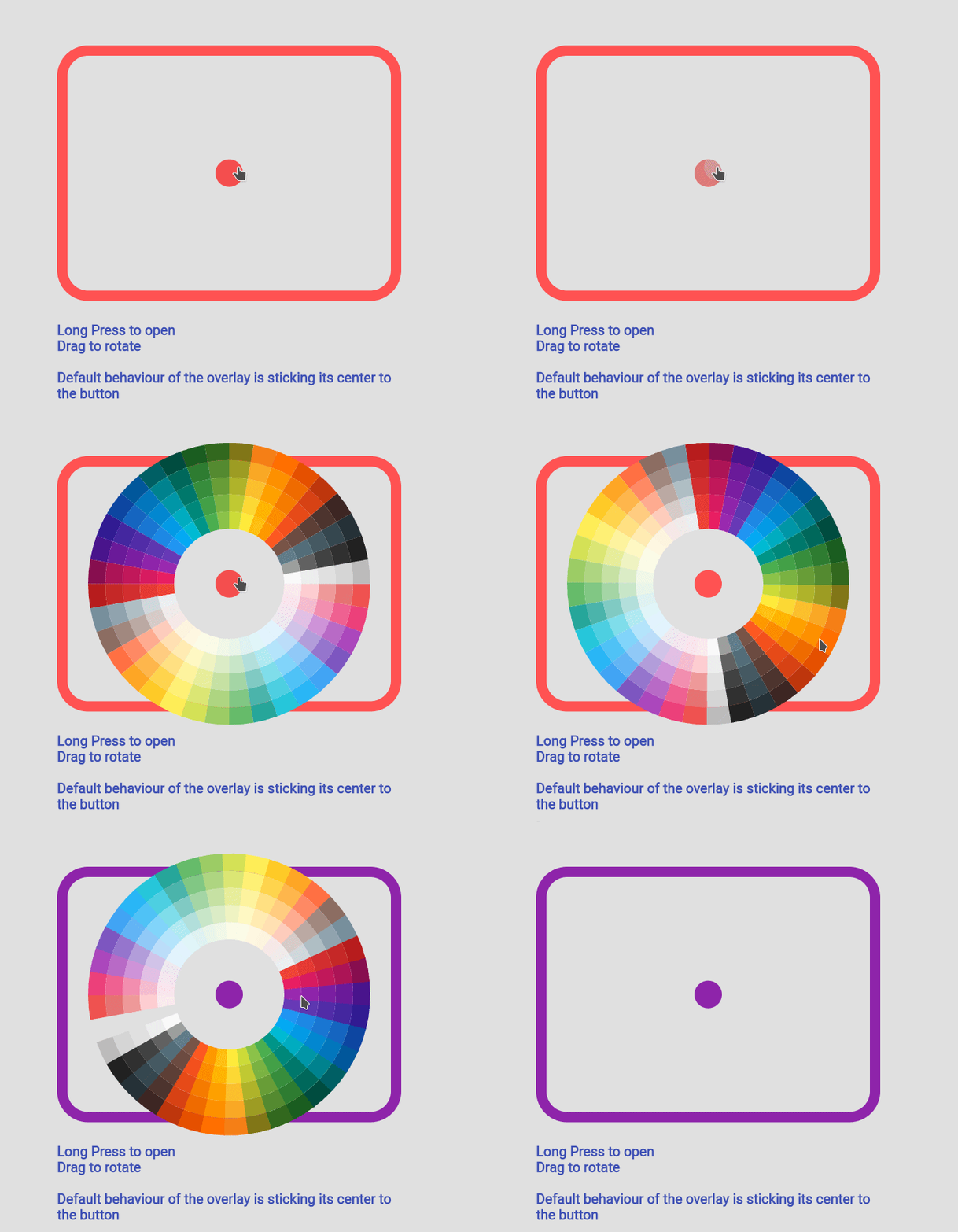 Fan Default Preset
 Fan Simple Preset
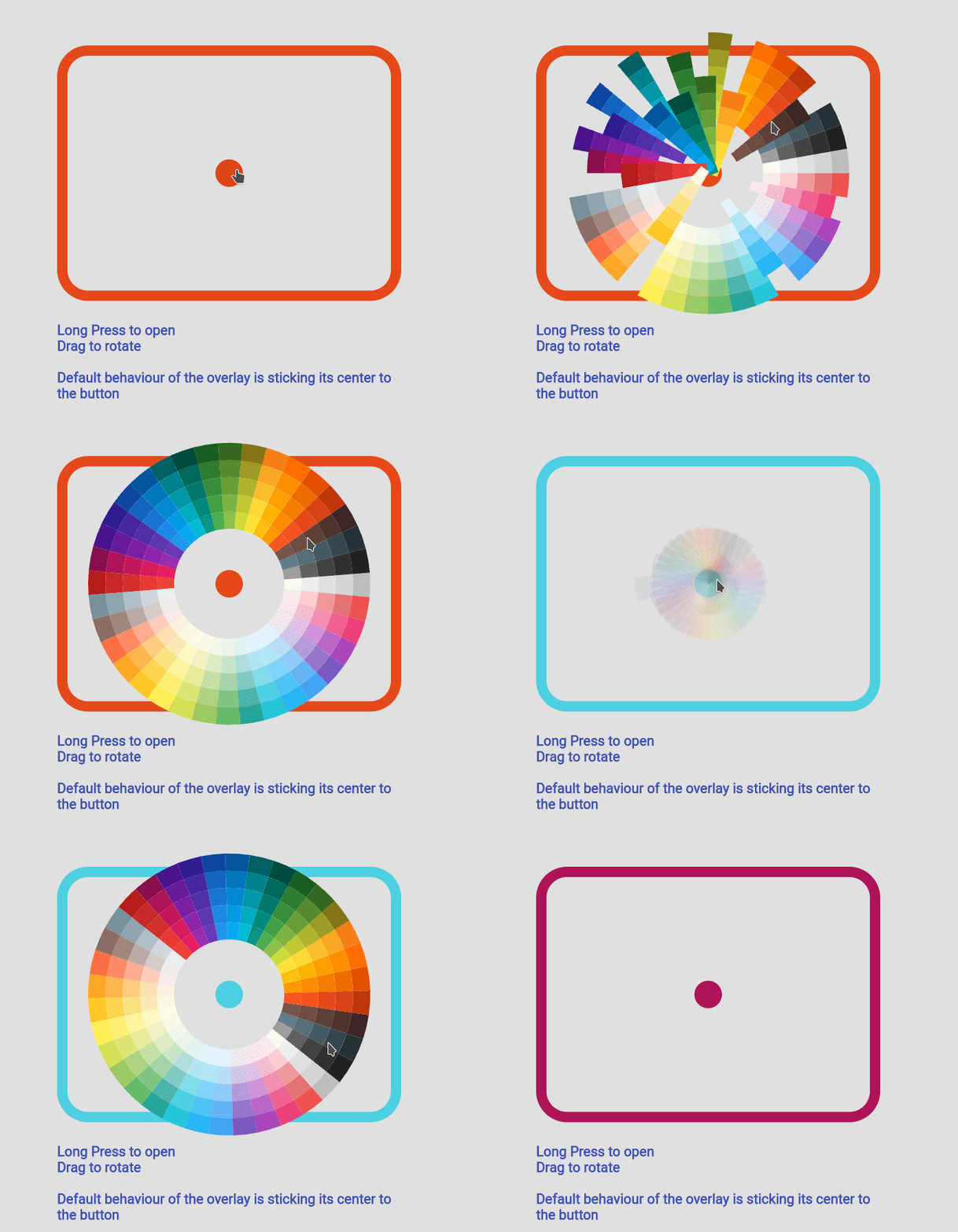 Sun Ray Default
 Sun Ray Simple
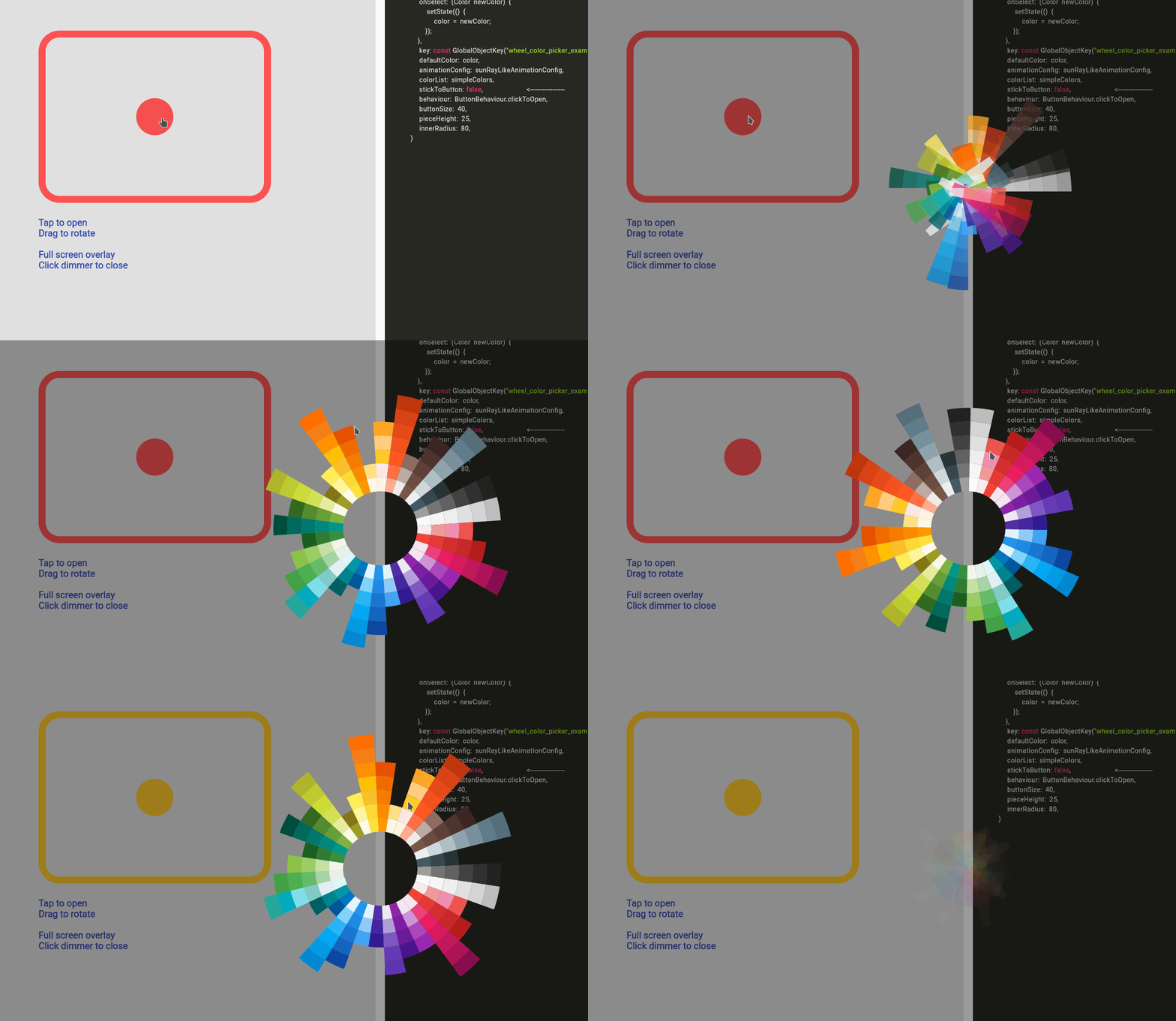 Detached Full Screen without Gap
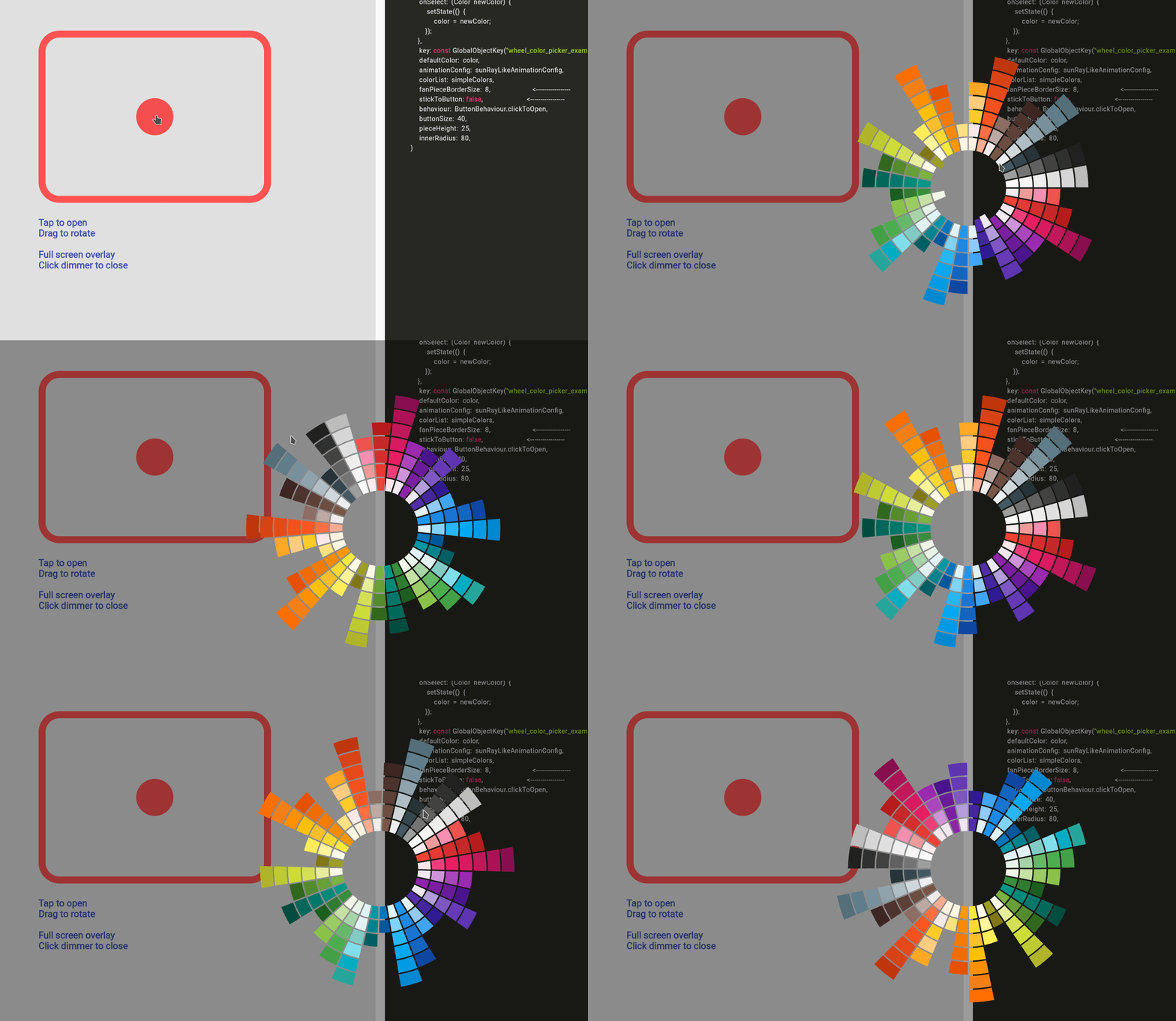 Detached Full Screen with Gap
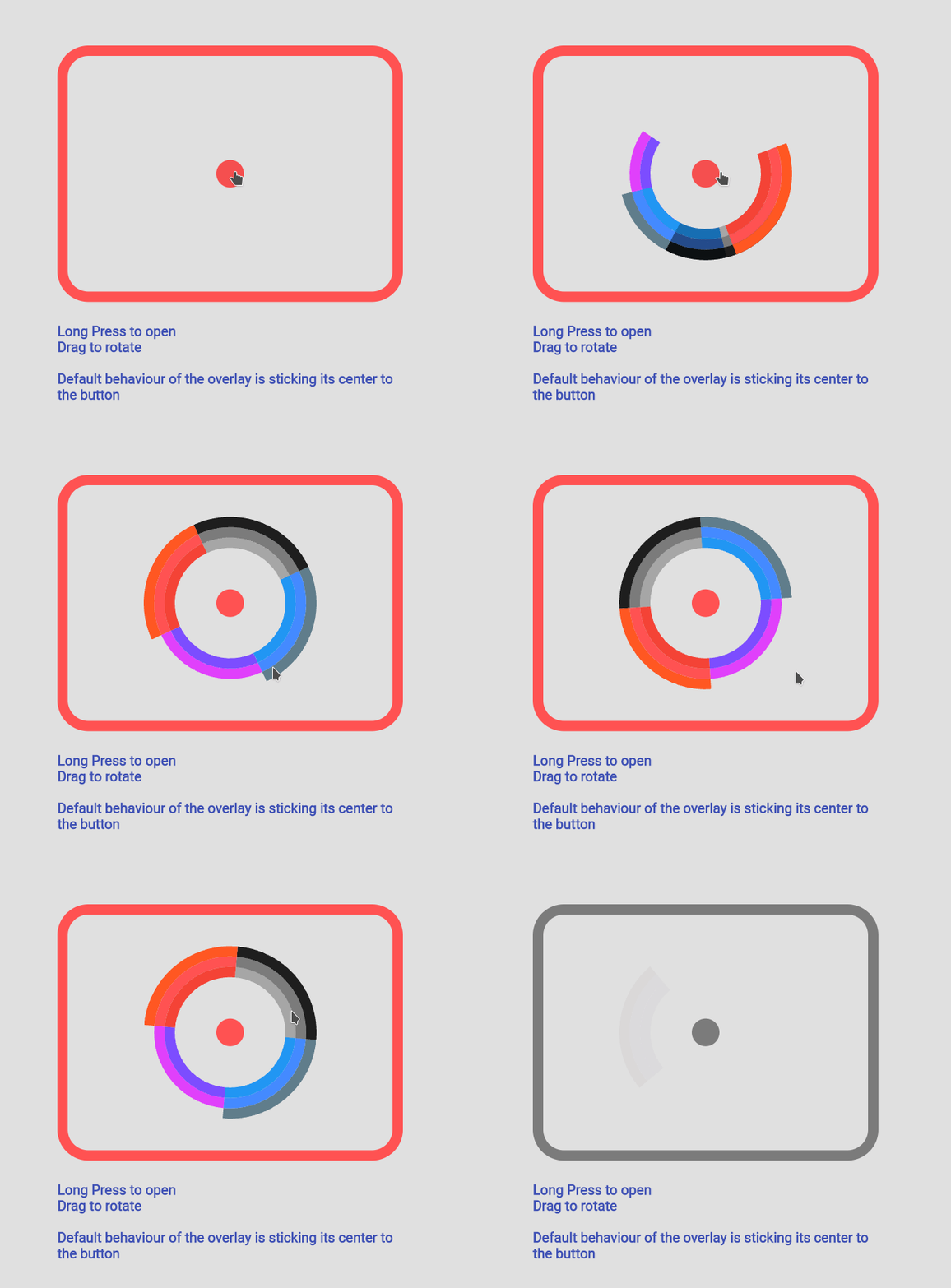 Custom Color Set
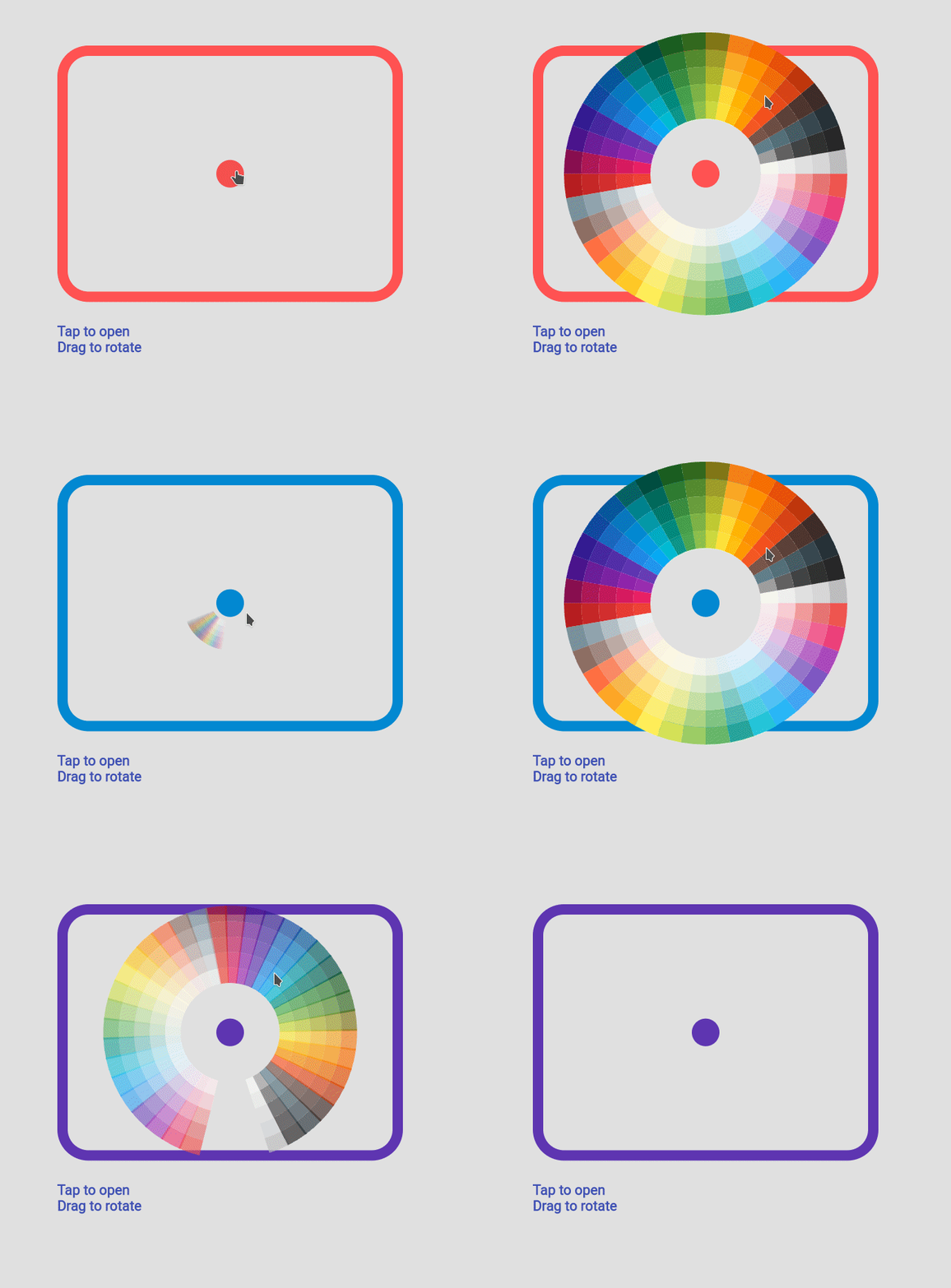 Custom Animation
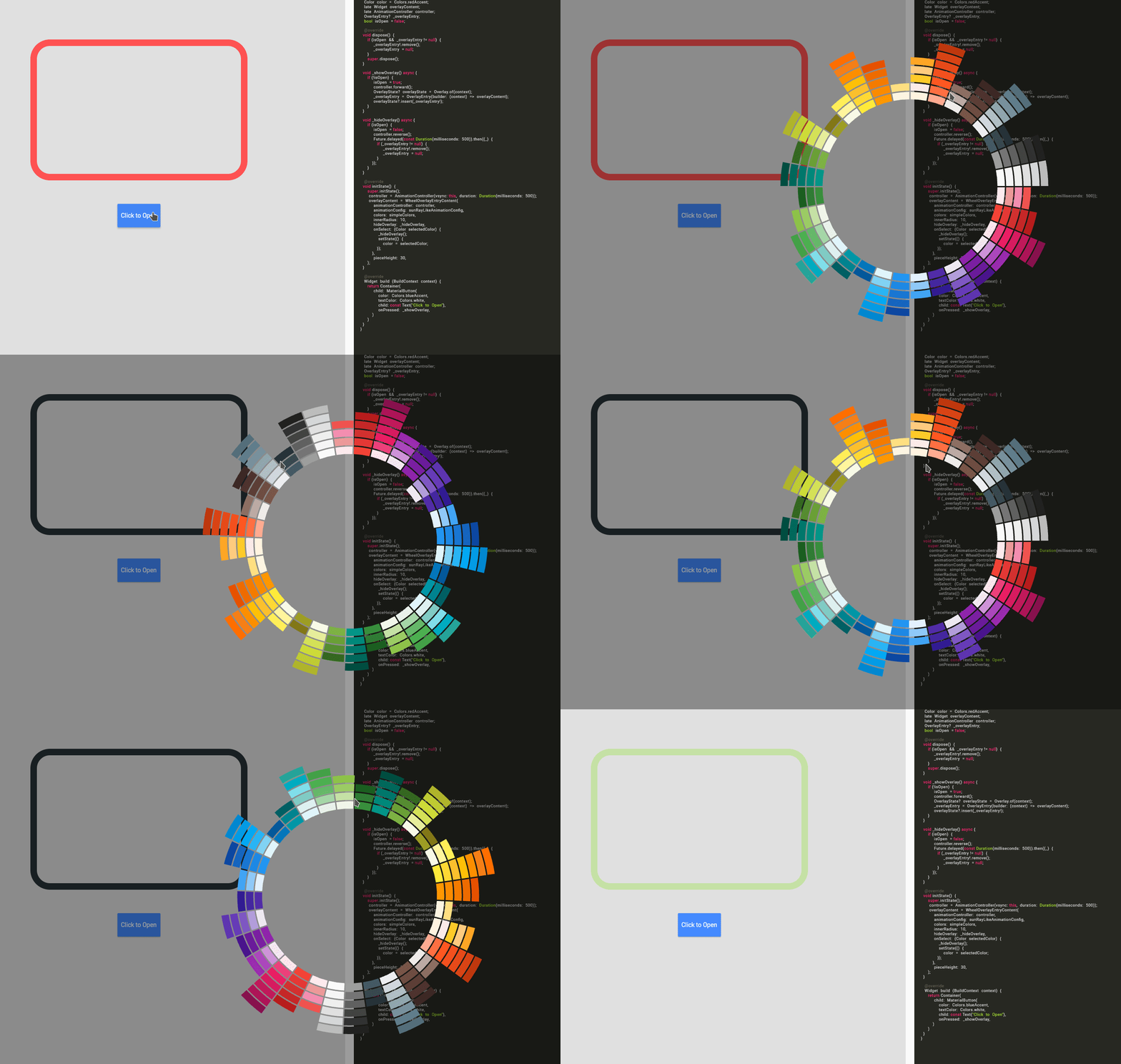 Manage Your Own OverlayEntry