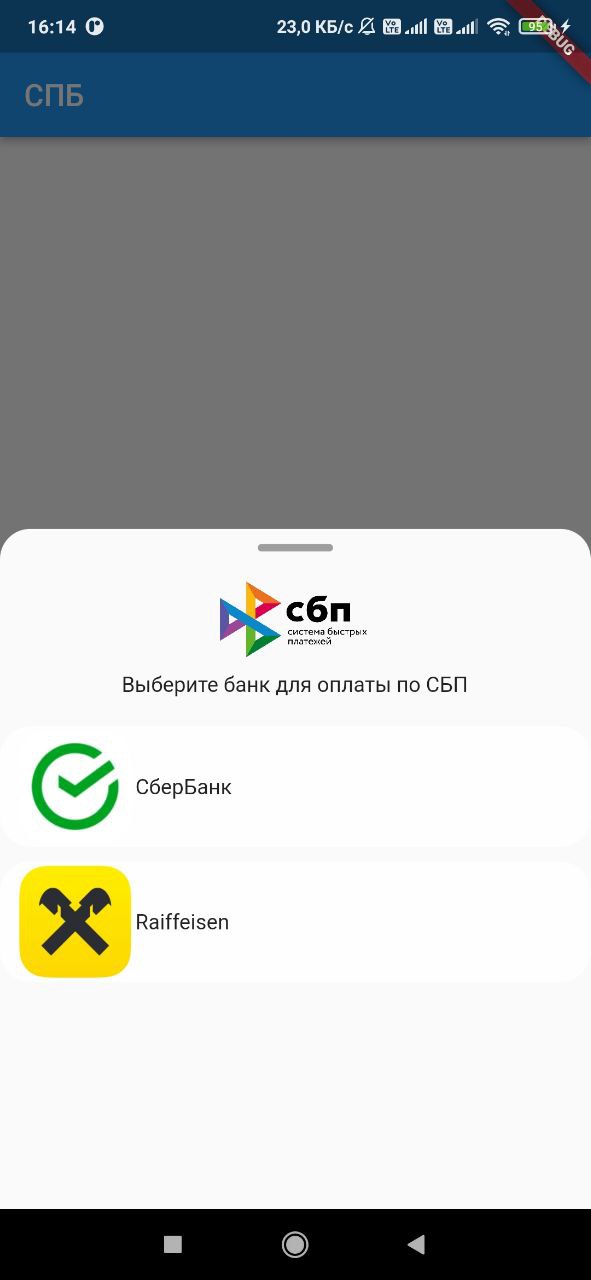
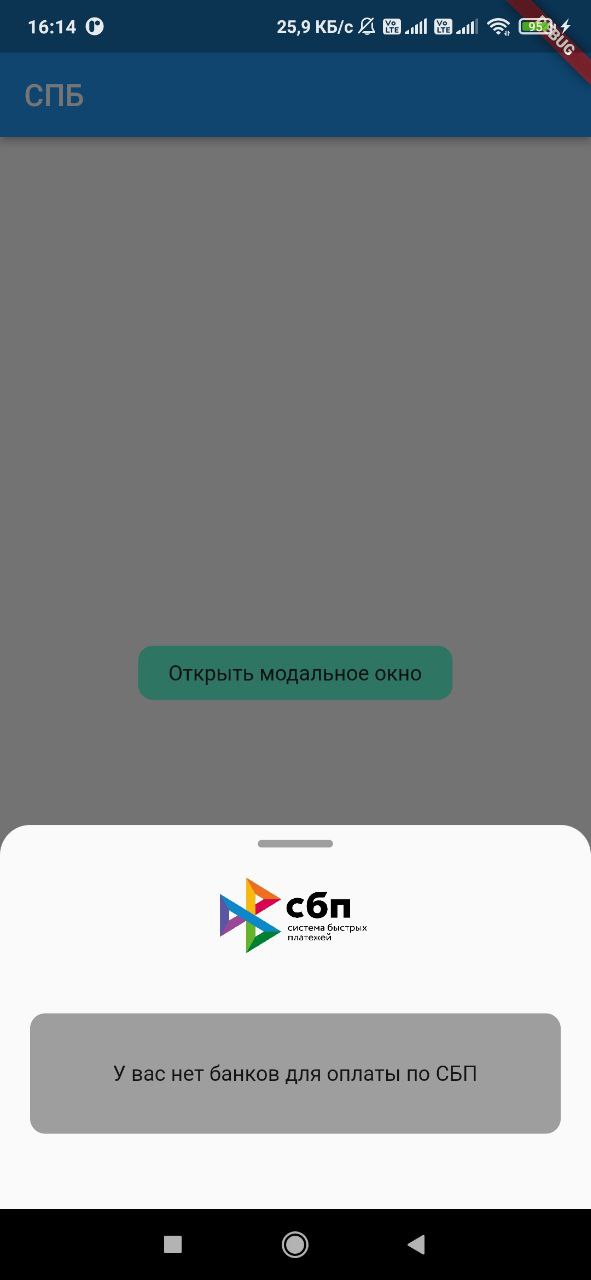
Flutter प्लगइन, जिसके साथ आप उपयोगकर्ता के डिवाइस पर स्थापित बैंकों की सूची प्राप्त कर सकते हैं, साथ ही SBP के माध्यम से भुगतान करने के लिए लिंक लॉन्च कर सकते हैं जैसे कि https://qr.nspk.ru/...
सार्वजनिक जानकारी से बना चयन मार्गदर्शन। केवल संदर्भ हेतु।
sbp पैकेज एफ्लोटर प्लगइन है जो रूस के त्वरित भुगतान प्रणाली (एसबीपी) के साथ एकीकरण की अनुमति देता है। यह डेवलपर्स को उपयोगकर्ता के डिवाइस पर स्थापित बैंकों का पता लगाने और ऐसे एसबीपी भुगतान लिंक, जैसे कि qr.nspk.ru से, लिंक को एप्लिकेशन से सीधे लॉन्च करने की अनुमति देता है। इससे एफ्लोटर एप्लिकेशन में बिना ब्रेक के त्वरित बैंक ट्रांसफर को संभव बनाया जाता है। प्लगइन एंड्रॉइड और आईओएस प्लेटफॉर्म दोनों को सपोर्ट करता है, जिससे व्यापक सुविधा मिलती है। यह उपयोगकर्ताओं को कार्ड विवरण दर्ज करने के बिना मौजूदा बैंकिंग एप्लिकेशन का उपयोग करके भुगतान प्रोसेसिंग को सरल बनाता है।
उपयोग
ई-कॉमर्स ऐप में तत्काल बैंक ट्रांसफर
मोबाइल वॉलेट में SBP भुगतान को एकीकृत करना
QR कोड-आधारित भुगतान सक्षम करें
डिजिटल सेवा सब्सक्रिप्शन का समर्थन करना
पीयर-टू-पीयर धन हस्तांतरण को सुगम बनाना
मुख्य विशेषताएँ
स्थापित SBP-अनुकूल बैंक का पता लगाता है
डीप लिंकिंग के माध्यम से SBP भुगतान लिंक लॉन्च करता है
Android और iOS प्लेटफॉर्म को समर्थन करता है
मानक QR-आधारित भुगतान URL का उपयोग करता है
भुगतान प्रारंभ के लिए सरल API प्रदान करता है
इनके लिए उपयुक्त
रूसी बाजार के भुगतान समाधान
त्वरित बैंक ट्रांसफर की आवश्यकता वाले ऐप्स
वित्तीय या रिटेल एप्प बनाने वाले डेवलपर्स
QR-आधारित भुगतान का उपयोग करने वाले प्रोजेक्ट
SBP-सक्षम उपयोगकर्ताओं के लिए फ्लटर ऐप
विचार योग्य बातें
उपयोगकर्ता उपकरणों पर SBP-समर्थित बैंक की आवश्यकता होती है
SBP (उदाहरण के लिए रूस) समर्थित क्षेत्रों तक सीमित
बाहरी बैंक एप्लिकेशन की उपलब्धता पर निर्भर करता है
लिंक सत्यापन के लिए अतिरिक्त निर्देश की आवश्यकता हो सकती है
गैर-SBP भुगतान प्रणालियों के लिए उपयुक्त नहीं
मूल README
संबंधित सोर्स रिपॉज़िटरी के मूल README का स्नैपशॉट। नवीनतम सामग्री के लिए रिपॉज़िटरी देखें।
sbp
Flutter plugin, with which you can get a list of banks installed on the device user, as well as
launch a link to pay for the SBP of the form https://qr.nspk.ru/.../
Adding dependencies
To use the plugin, add it to the pubspec.yaml file.
Installing
Android
Starting with android 11 in AndroidManifest.xml, you need to specify applications that our
application can see
Add URL schemes to LSApplicationQueriesSchemes in Info.plist file:
This list is needed in order to make it possible to open third-party installed applications on iOS.
The list of banks supported by SBP can be obtained
at c2bmembers.json.
Warning! Starting with iOS 15, the maximum number of the scheme list should not exceed
50.Detailed information can be obtained from
this link
Description of functions with examples
To use sbp and get current information on supported banks, SBP needs to be raised own server, which
will pull up new information on banks once in a while.
Warning!If you use json, don't forget to change the links to images in the file
/sbp/lib/data/c2bmembers_data.dart as they take a long time to load or not to load at all (IOS).
Links to current banks from the official website of the SBP
We pass the url of the form ('https://qr.nspk.ru/...' deprecated) schema://qr.nspk.ru/.... and the packageName of the application in which you want to open the SBP
IOS
Sbp.openIOSBank(String url, String schema)
We pass the url of the form https://qr.nspk.ru/.../ and the schema of the application in which you
want to open the SBP
useAndroidLocalIcons - if you want to use native android application icons, then put
true and use the bitmap variable to display the bank icon
useAndroidLocalNames - if you want to use the native name of the android application, then put
true and use the localName variable to display the name of the bank
A variable is passed c2bmembersData (json /sbp/lib/data/c2bmembers_data.dart), which is parsed and
returns a C2bmembersModel.
C2bmembersModel contains fields such as:
version - json version
c2bmembersModel - List C2bmemberModel installed applications
C2bmemberModel contains fields such as:
bankName - bank name
logoURL - link to picture
schema - application schema
packageName - application packageName
icon - icon app from assets
bitmap - bitmap app on device(only for Android)
localName - local name app on device(only for Android)