सार्वजनिक जानकारी से बना चयन मार्गदर्शन। केवल संदर्भ हेतु।
serial_communication पैकेज एंड्रॉइड प्लगइन है जो फ्लटर ऐप और बाहरी हार्डवेयर डिवाइस के बीच उपलब्ध सीरियल पोर्ट के माध्यम से सीरियल संचार की अनुमति देता है। यह इन पोर्ट्स से पढ़ने और लिखने की अनुमति देता है, जिससे UART/USB-टू-सीरियल इंटरफेस के माध्यम से कनेक्टेड सेंसर, माइक्रोकंट्रोलर या अन्य पेरिफेरल्स के साथ सीधे इंटरैक्शन करना संभव होता है। एंड्रॉइड के लिए विशेष रूप से डिज़ाइन किया गया, यह डेवलपर्स को अपने ऐप में हार्डवेयर-आधारित कार्यक्षमता को एकीकृत करने के लिए एक सीधा API प्रदान करता है। यह पैकेज रियल-टाइम डेटा एक्सचेंज का समर्थन करता है और आईओटी एप्लिकेशन, औद्योगिक ऑटोमेशन और एम्बेडेड सिस्टम नियंत्रण के लिए आदर्श है।
उपयोग
अर्डूइनो उपकरणों से कनेक्ट करना
रियल-टाइम में सेंसर डेटा पढ़ना
औद्योगिक उपकरण का नियंत्रण
USB-सीरियल एडाप्टर के साथ एकीकरण
आईओटी मॉनिटरिंग प्रणाली बनाना
मुख्य विशेषताएँ
केवल Android के लिए समर्थन करता है
सीरियल पोर्ट पर पढ़ने/लिखने के ऑपरेशन सक्षम करता है
हार्डवेयर एकीकरण के लिए सरल API
वास्तविक समय में डेटा हस्तांतरण
UART और USB-सीरियल उपकरणों के साथ सुमेलित
इनके लिए उपयुक्त
आईओटी एप्लिकेशन डेवलपर्स
हार्डवेयर इंटरफ़ेस प्रोजेक्ट्स
एंड्रॉइड-आधारित औद्योगिक एप्लिकेशन
एम्बेडेड सिस्टम इंटीग्रेटर्स
माइक्रोकंट्रोलर के साथ प्रोटोटाइपिंग
विचार योग्य बातें
Android प्लेटफॉर्म तक सीमित
हार्डवेयर सुसंगतता की आवश्यकता है
कोई iOS समर्थन नहीं
उचित अनुमतियों और उपकरण कॉन्फ़िगरेशन की आवश्यकता होती है
कुछ उपकरणों के लिए अतिरिक्त नेटिव सेटअप की आवश्यकता हो सकती है
मूल README
संबंधित सोर्स रिपॉज़िटरी के मूल README का स्नैपशॉट। नवीनतम सामग्री के लिए रिपॉज़िटरी देखें।
Serial communication!
An Android Plugin for Serial Communication which allow you to read
and write the data through the available ports
The supported features are:
Listing the available serial ports on the device, including USB to serial adapters
Configuring serial ports (baud rate, stop bits, permission, ...)
Providing standard InputStream and OutputStream
Description
This PlugIn enables the communication with the
USBRS232RS485UART
Supported platforms:
Android
Video tutorial
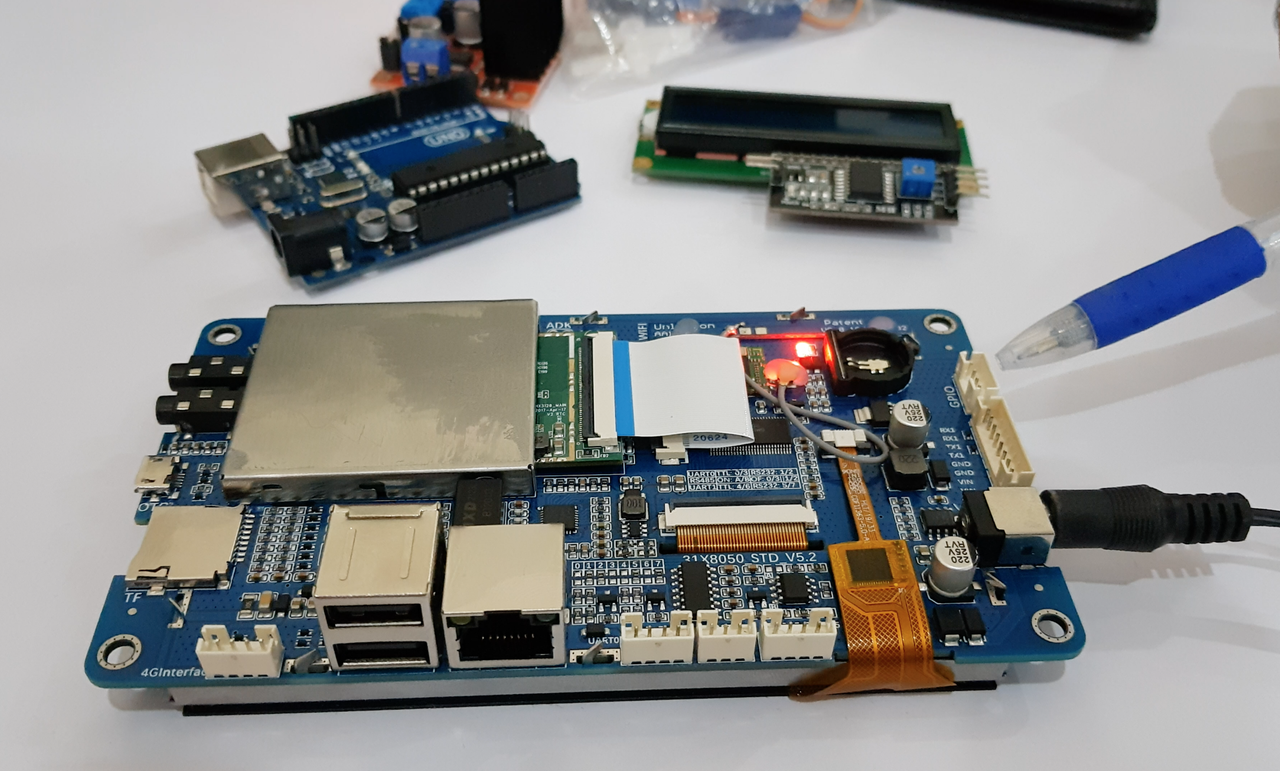
In order to completely understand you can view our sample video in which we are using an android Lcm module.
Click the image below to watch the video:
Getting Started
Add a dependency to your pubspec.yaml
dependencies:serial_communication:0.0.2
include the usbserial package at the top of your dart file.
Baud Rate
To get the Standard baud rates list
call the SerialCommunication().baudRateList
it will return the integer list of standard baud rate
Data Format
The Data format is used to convert the data type
To pass the data format in the open() method parameter
For ascii format
call the DataFormat.ASCII
For hex_String format
call the DataFormat.HEX_STRING
Contribution
Any help from the open-source community is always welcome and needed:
Found an issue?
Please fill a bug report with details.
Wish a feature?
Open a feature request with use cases.
Are you using and liking the project?
Promote the project: create an article, do a post or make a donation.
Are you a developer?
Fix a bug and send a pull request.
Implement a new feature.
Improve the Unit Tests.
Have you already helped in any way?
Many thanks from me, the contributors and everybody that uses this project!