सार्वजनिक जानकारी से बना चयन मार्गदर्शन। केवल संदर्भ हेतु।
ShakyAnimatedListView एक Flutter पैकेज है जो स्क्रॉल बदलावों या सूची में आइटम के प्रारंभिक उपस्थिति को दृश्य रूप से ट्रैक करने के लिए डायनामिक लिस्ट आइटम एनीमेशन प्रदान करता है। आइटम विज़ुअल व्यूपोर्ट में आने या स्क्रॉलिंग के दौरान कस्टमाइज़ करने योग्य ट्रांज़िशन प्रभाव लगाकर यह उपयोगकर्ता अनुभव को बढ़ाता है। चिकनी प्रवेश और गति एनीमेशन के साथ आकर्षक, प्रतिक्रियाशील सूचियाँ बनाने के लिए उपयुक्त है, यह एंड्रॉइड, आईओएस, वेब, मैकओएस, विंडोज और लिनक्स जैसे बहुत सारे प्लेटफॉर्म को समर्थन देता है। पैकेज हल्का है और मौजूदा Flutter प्रोजेक्ट में आसानी से एकीकृत होता है।
उपयोग
सूची आइटम प्रवेश एनिमेशन को बढ़ावा देना
स्क्रॉलिंग के दौरान विजुअल प्रतिक्रिया
डायनामिक ट्रांजीशन के साथ इंटरैक्टिव UI बनाना
स्क्रॉल करने योग्य सूचियों में उपयोगकर्ता भागीदारी में सुधार
बहु-प्लेटफॉर्म एप्स में सूचियों को एनिमेट करना
मुख्य विशेषताएँ
कस्टमाइज़ किए गए ट्रांज़िशन नियम
सूची आइटम के लिए स्मूथ प्रवेश एनीमेशन
स्क्रॉल-संवेदनशील एनिमेशन ट्रैकिंग
सभी प्रमुख फ्लटर प्लेटफ़ॉर्म का समर्थन करता है
हल्का और एकीकरण के लिए आसान
इनके लिए उपयुक्त
इंटरैक्टिव लिस्ट बनाने वाले डेवलपर्स
दृश्य चमक की तलाश में UI डिजाइनर
एनिमेटेड लिस्ट एंट्रीज़ की आवश्यकता वाले ऐप्स
क्रॉस-प्लेटफॉर्म Flutter एप्लिकेशन
उपयोगकर्ता अनुभव सुधार पर केंद्रित परियोजनाएं
विचार योग्य बातें
बहुत बड़ी सूचियों के साथ प्रदर्शन प्रभावित हो सकता है
एनीमेशन पैरामीटर को ध्यान से समायोजित करने की आवश्यकता है
उपलब्ध दस्तावेज़ सीमित हैं
मध्यम सूची आकार के लिए सबसे उपयुक्त
स्थिर या सरल सूचियों के लिए आदर्श नहीं है
मूल README
संबंधित सोर्स रिपॉज़िटरी के मूल README का स्नैपशॉट। नवीनतम सामग्री के लिए रिपॉज़िटरी देखें।
ListView Scroll animations will enable your to implement the scroll animations with full control on animations space and duration please don't add vertical margins to your elements, you can use the spaceBetween to give a space between elements and extendedSpaceBetween to control the scroll animations space.
Also you can use duration to control the reverse animations duration based on your needs
for example you can simply do this to show ListView vertical Scroll animations
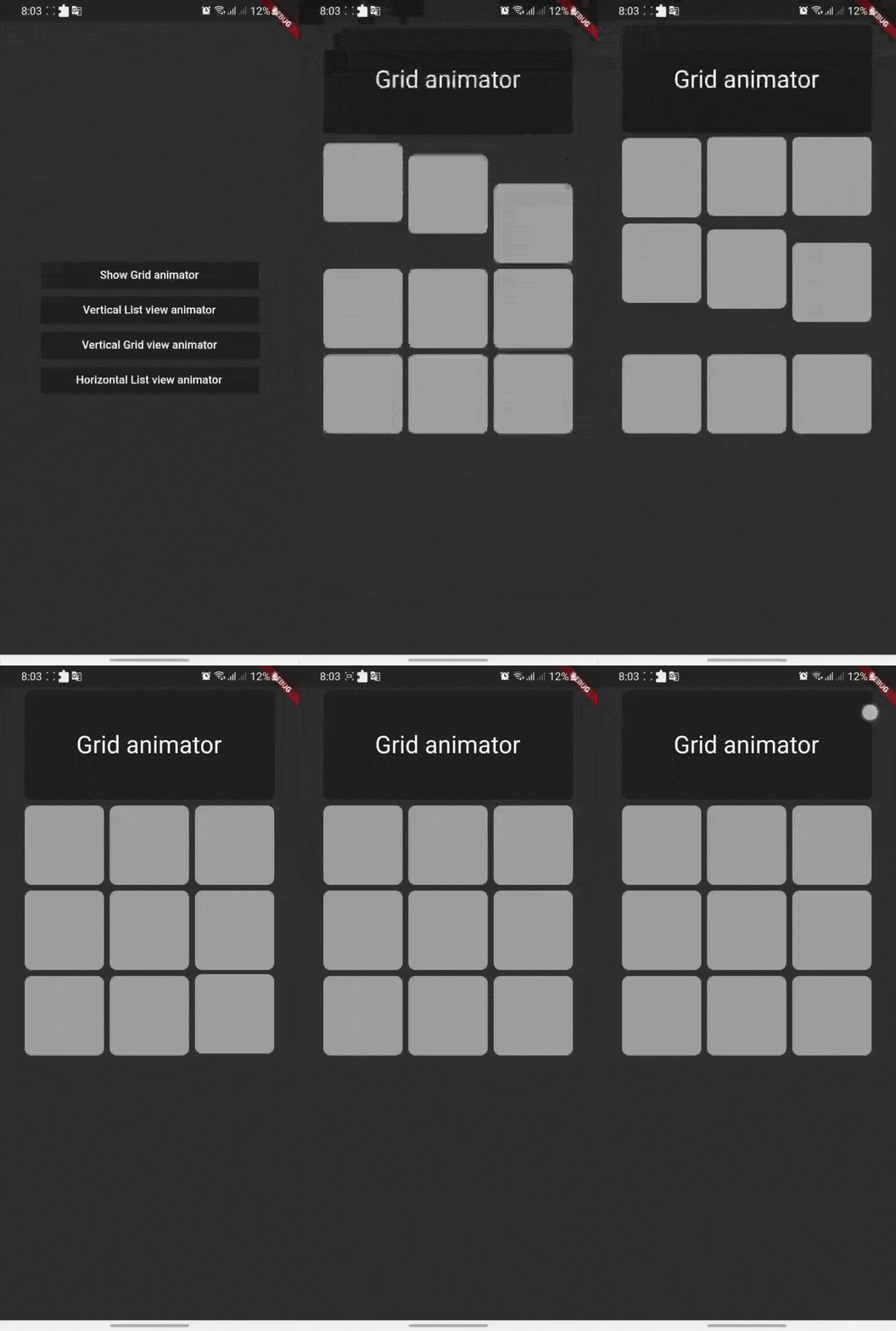
Grid Scroll animations will enable your to implement the scroll animations on a grid view, one little change here is that we will implement the delegate, this is a design issue that we run into so you will have to
to specify your crossAxisCount, crossAxisSpacing, mainAxisSpacing, and duration and we will take it from here,you can use any other default supported parameters in GridView.
for example you can simply do this to show Grid vertical Scroll animations
if you want to add a horizontal animations, all what you have to do is to add a scroll direction to the widget and that's it
for example you can simply do this to show ListView horizontal Scroll animations