パッケージ、リポジトリ、アプリカテゴリを検索

animated_bottom_navigation_bar のカバー
パッケージ詳細v1.4.1

animated_bottom_navigation_bar

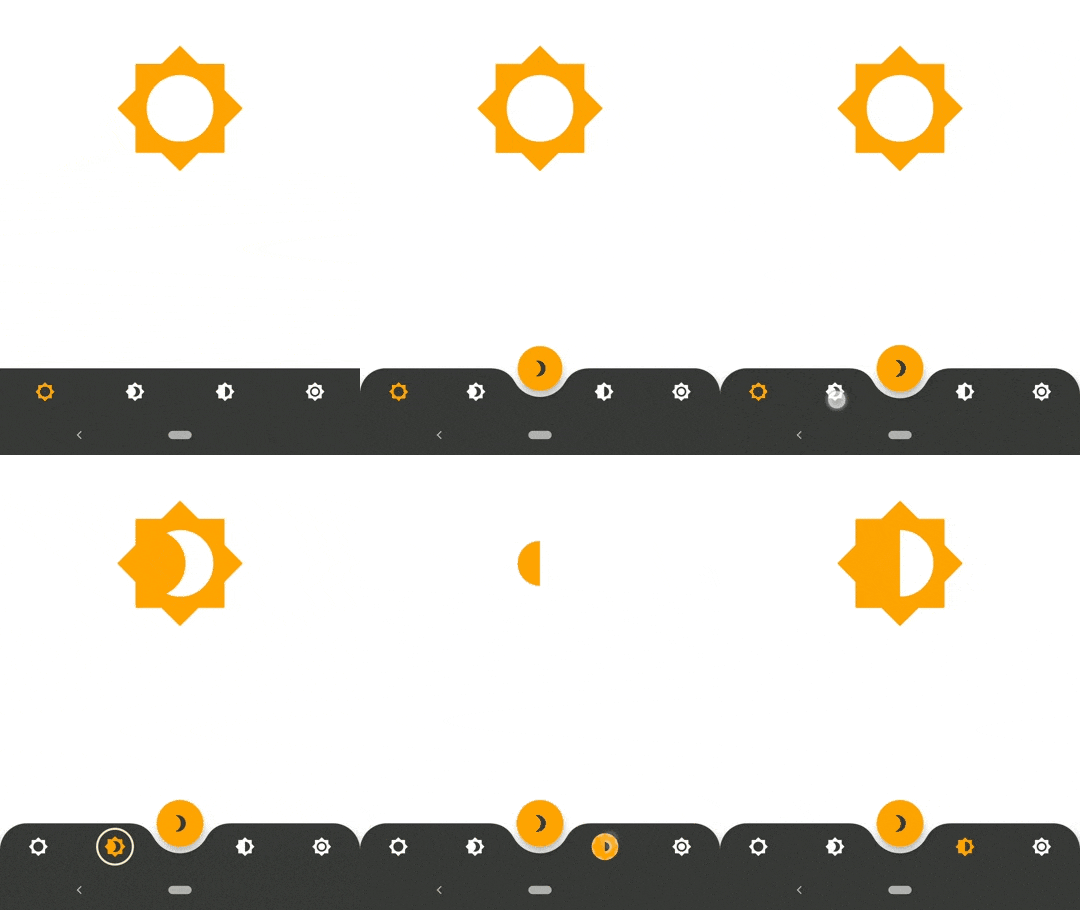
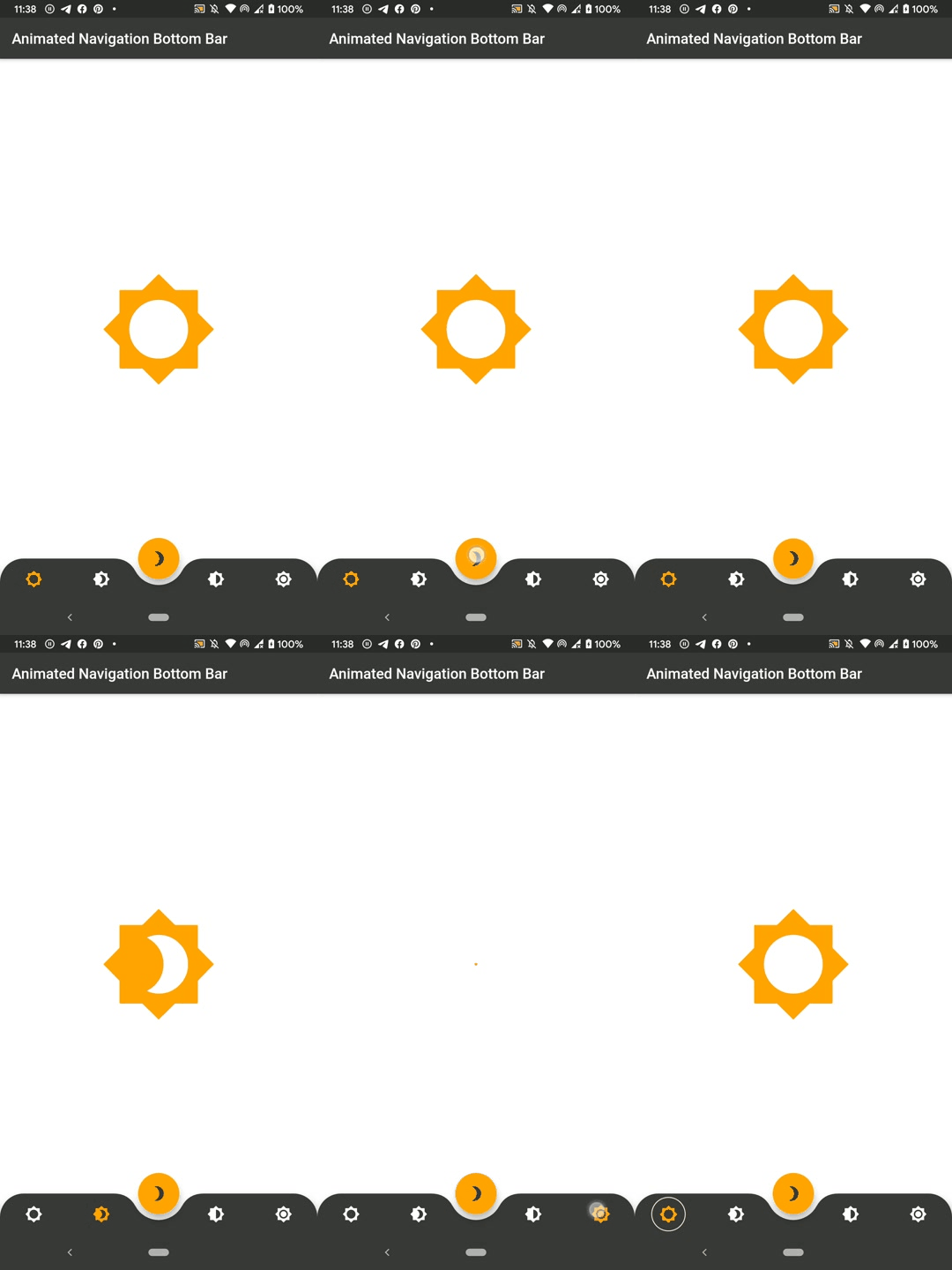
https://dribbble.com/shots/7134849-Simple-Tab-Bar-Animation にインスパイアされたアニメーション付きボトムナビゲーションバーのウィジェット実装

AndroidiOSWebmacOSWindowsLinux
30日間ダウンロード
1.9万
いいね数
1450
Pub ポイント
150

パッケージをインストール

flutter pub add animated_bottom_navigation_bar

パッケージ概要

公開情報に基づく選定ガイドです。参考としてご利用ください。

Dribbbleデザインを参考にしたアニメーション付きのボトムナビゲーションバーウィジェットを提供するFlutterパッケージです。タブ間の滑らかで視覚的に魅力的な遷移をカスタマイズ可能なアニメーション、色、アイコンで実現します。軽量で、任意のFlutterアプリに簡単に統合でき、Android、iOS、Web、macOS、Windows、Linuxなど複数のプラットフォームをサポートしています。ダイナミックなナビゲーションインターフェースにより、ユーザー体験を向上させるのに最適です。

用途

  • モバイルアプリのナビゲーション
  • Webアプリケーションダッシュボード
  • クロスプラットフォーム UI の向上
  • インタラクティブなタブ切り替え
  • モダンなアプリデザイン

主な機能

  • スムーズなアニメーションの遷移
  • カスタマイズ可能な色とアイコン
  • 複数プラットフォームにわたる応答性のあるデザイン
  • 既存のFlutterプロジェクトとの簡単な統合
  • 複数のプラットフォームターゲットのサポート

適している対象

  • 現代のUIコンポーネントを探している開発者
  • デザインを重視したFlutterアプリケーション
  • 魅力的なナビゲーション体験を必要とするアプリ
  • クロスプラットフォームのモバイルおよびウェブアプリ
  • インタラクティブ要素を実装するUI/UXデザイナー

注意事項

  • 複雑なレイアウトには追加のスタイリングが必要になる場合があります
  • アニメーションのパフォーマンスは、低スペックデバイスでテストするべきです
  • 基本プロパティを超えるカスタマイズは限定的です
  • 3〜5つのナビゲーション項目を持つアプリに最適
  • 非常に複雑なナビゲーション構造には推奨されません

元の README

関連するソースリポジトリの README 原文のスナップショットです。最新の内容はリポジトリをご覧ください。

SWUbanner

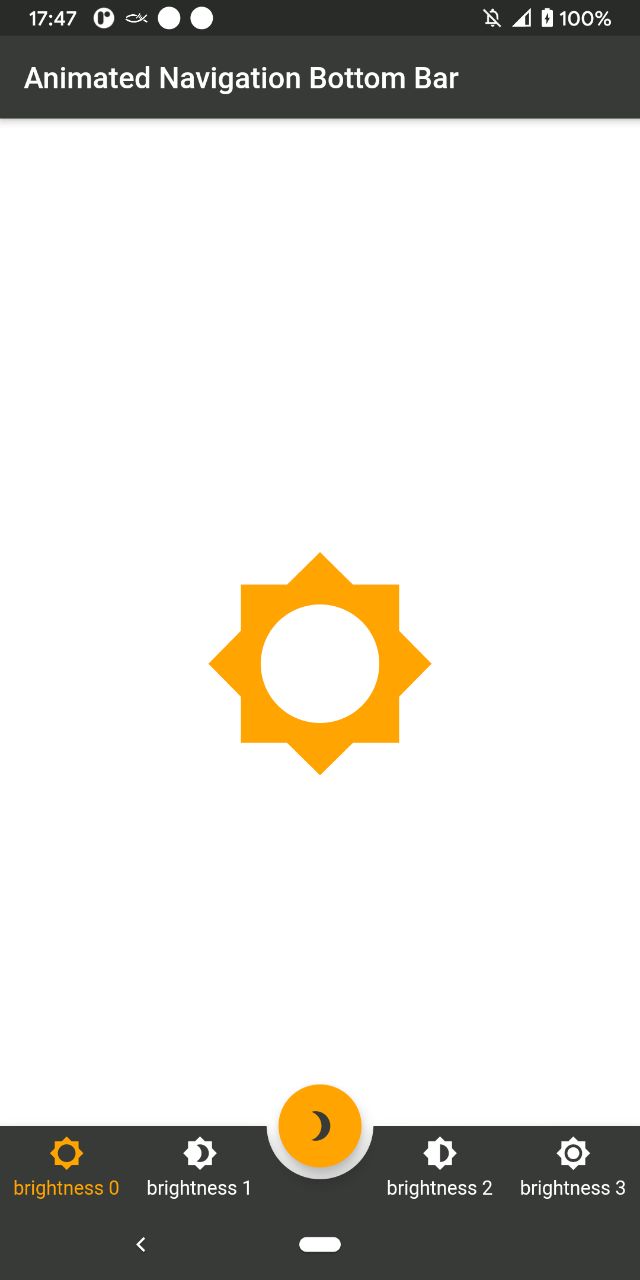
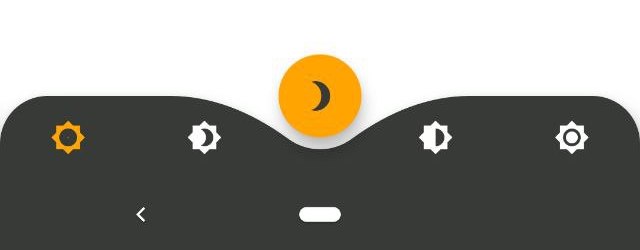
AnimatedBottomNavigationBar is a customizable widget inspired by dribble shot.

pub package

"Buy Me A Coffee"

With AnimatedBottomNavigationBar.builder you are able to customize tab view however you need. In this case you are responsible to handle an active(inactive) state of tabs.

Getting Started

To get started, place your AnimatedBottomNavigationBar or AnimatedBottomNavigationBar.builder in the bottomNavigationBar slot of a Scaffold. The AnimatedBottomNavigationBar respects FloatingActionButton location. For example:

Scaffold(
   body: Container(), //destination screen
   floatingActionButton: FloatingActionButton(
      //params
   ),
   floatingActionButtonLocation: FloatingActionButtonLocation.centerDocked,
   bottomNavigationBar: AnimatedBottomNavigationBar(
      icons: iconList,
      activeIndex: _bottomNavIndex,
      gapLocation: GapLocation.center,
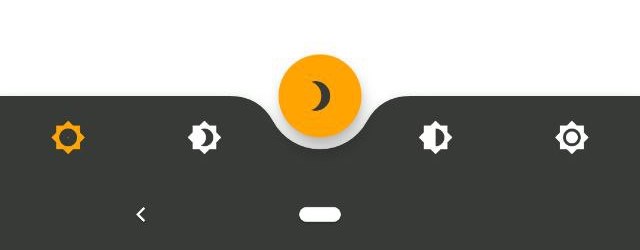
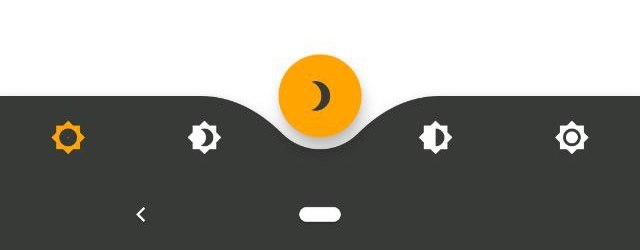
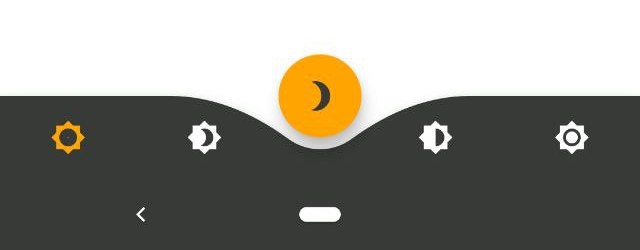
      notchSmoothness: NotchSmoothness.verySmoothEdge,
      leftCornerRadius: 32,
      rightCornerRadius: 32,
      onTap: (index) => setState(() => _bottomNavIndex = index),
      //other params
   ),
);

There is also a more flexible way to build bottomNavigationBar with Builder (see example for more insights):

Scaffold(
   body: Container(), //destination screen
   floatingActionButton: FloatingActionButton(
      //params
   ),
   floatingActionButtonLocation: FloatingActionButtonLocation.centerDocked,
   bottomNavigationBar: AnimatedBottomNavigationBar.builder(
      itemCount: iconList.length,
      tabBuilder: (int index, bool isActive) {
        return Icon(
          iconList[index],
          size: 24,
          color: isActive ? colors.activeNavigationBarColor : colors.notActiveNavigationBarColor,
        );
      activeIndex: _bottomNavIndex,
      gapLocation: GapLocation.center,
      notchSmoothness: NotchSmoothness.verySmoothEdge,
      leftCornerRadius: 32,
      rightCornerRadius: 32,
      onTap: (index) => setState(() => _bottomNavIndex = index),
      //other params
   ),
);

Customization

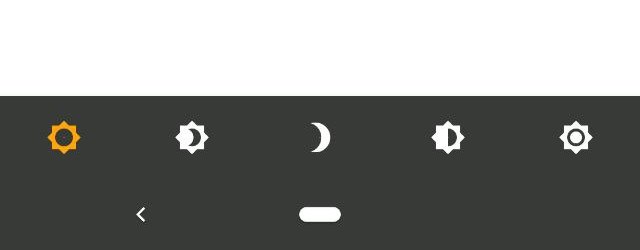
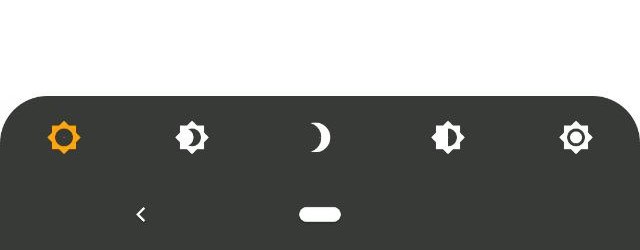
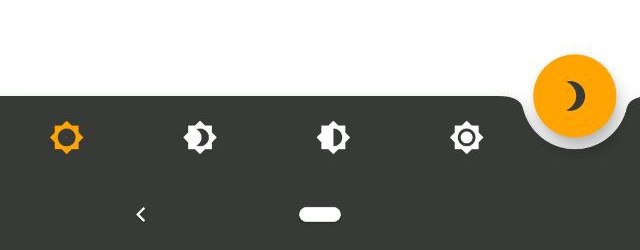
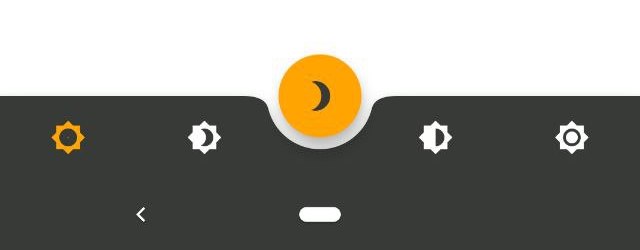
AnimatedBottomNavigationBar is customizable and works with 2, 3, 4, or 5 navigation elements.

Scaffold(
   bottomNavigationBar: AnimatedBottomNavigationBar(
      icons: iconList,
      activeIndex: _bottomNavIndex,
      onTap: (index) => setState(() => _bottomNavIndex = index),
      //other params
   ),
);
Scaffold(
   bottomNavigationBar: AnimatedBottomNavigationBar(
      icons: iconList,
      activeIndex: _bottomNavIndex,
      leftCornerRadius: 32,
      rightCornerRadius: 32,
      onTap: (index) => setState(() => _bottomNavIndex = index),
      //other params
   ),
);
Scaffold(
   floatingActionButton: FloatingActionButton(
      //params
   ),
   floatingActionButtonLocation: FloatingActionButtonLocation.endDocked,
   bottomNavigationBar: AnimatedBottomNavigationBar(
      icons: iconList,
      activeIndex: _bottomNavIndex,
      gapLocation: GapLocation.end,
      notchSmoothness: NotchSmoothness.defaultEdge,
      onTap: (index) => setState(() => _bottomNavIndex = index),
      //other params
   ),
);
Scaffold(
   floatingActionButton: FloatingActionButton(
      //params
   ),
   floatingActionButtonLocation: FloatingActionButtonLocation.centerDocked,
   bottomNavigationBar: AnimatedBottomNavigationBar(
      icons: iconList,
      activeIndex: _bottomNavIndex,
      gapLocation: GapLocation.center,
      notchSmoothness: NotchSmoothness.defaultEdge,
      onTap: (index) => setState(() => _bottomNavIndex = index),
      //other params
   ),
);
Scaffold(
   floatingActionButton: FloatingActionButton(
      //params
   ),
   floatingActionButtonLocation: FloatingActionButtonLocation.centerDocked,
   bottomNavigationBar: AnimatedBottomNavigationBar(
      icons: iconList,
      activeIndex: _bottomNavIndex,
      gapLocation: GapLocation.center,
      notchSmoothness: NotchSmoothness.softEdge,
      onTap: (index) => setState(() => _bottomNavIndex = index),
      //other params
   ),
);
Scaffold(
   floatingActionButton: FloatingActionButton(
      //params
   ),
   floatingActionButtonLocation: FloatingActionButtonLocation.centerDocked,
   bottomNavigationBar: AnimatedBottomNavigationBar(
      icons: iconList,
      activeIndex: _bottomNavIndex,
      gapLocation: GapLocation.center,
      notchSmoothness: NotchSmoothness.smoothEdge,
      onTap: (index) => setState(() => _bottomNavIndex = index),
      //other params
   ),
);
Scaffold(
   floatingActionButton: FloatingActionButton(
      //params
   ),
   floatingActionButtonLocation: FloatingActionButtonLocation.centerDocked,
   bottomNavigationBar: AnimatedBottomNavigationBar(
      icons: iconList,
      activeIndex: _bottomNavIndex,
      gapLocation: GapLocation.center,
      notchSmoothness: NotchSmoothness.verySmoothEdge,
      onTap: (index) => setState(() => _bottomNavIndex = index),
      //other params
   ),
);

Driving Navigation Bar Changes

You have to change the active navigation bar tab programmatically by passing a new activeIndex to the AnimatedBottomNavigationBar widget.

class _MyAppState extends State<MyApp> {
  int activeIndex;

  /// Handler for when you want to programmatically change
  /// the active index. Calling `setState()` here causes
  /// Flutter to re-render the tree, which `AnimatedBottomNavigationBar`
  /// responds to by running its normal animation.
  void _onTap(int index) {
    setState((){
      activeIndex = index;
    });
  }

  Widget build(BuildContext context) {
    return AnimatedBottomNavigationBar(
      activeIndex: activeIndex,
      onTap: _onTap,
      //other params
    );
  }
}

カテゴリー

ソースリポジトリ

このパッケージを使用しているプロジェクト