animated_widgets
Easily add animations on your screen with AnimatedWidgets.
Optimized for MVVM using Bloc , updating the enabled value of the widget will forward or reverse the animation.
Available widgets : TranslationAnimatedWidget, OpacityAnimatedWidget, RotationAnimatedWidget, ScaleAnimatedWidget, SizeAnimatedWidget
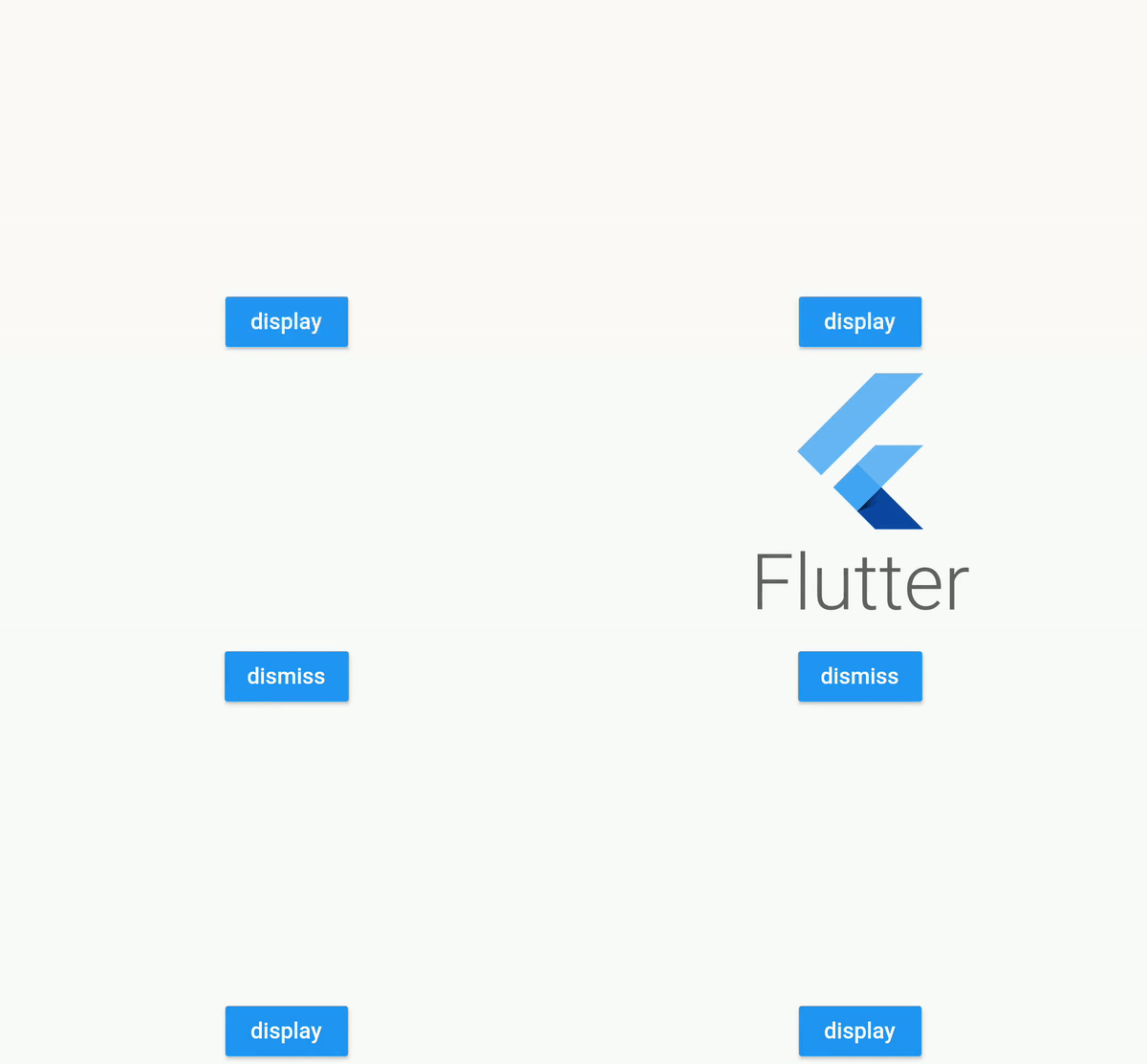
For example : add a TranslationAnimatedWidget on a button, then activate it to display it !
TranslationAnimatedWidget (
enabled: this .displayMyWidget,
values: [
Offset (0 , 200 ),
Offset (0 , 250 ),
Offset (0 , 0 )
],
child:
),
or using a tween constructor
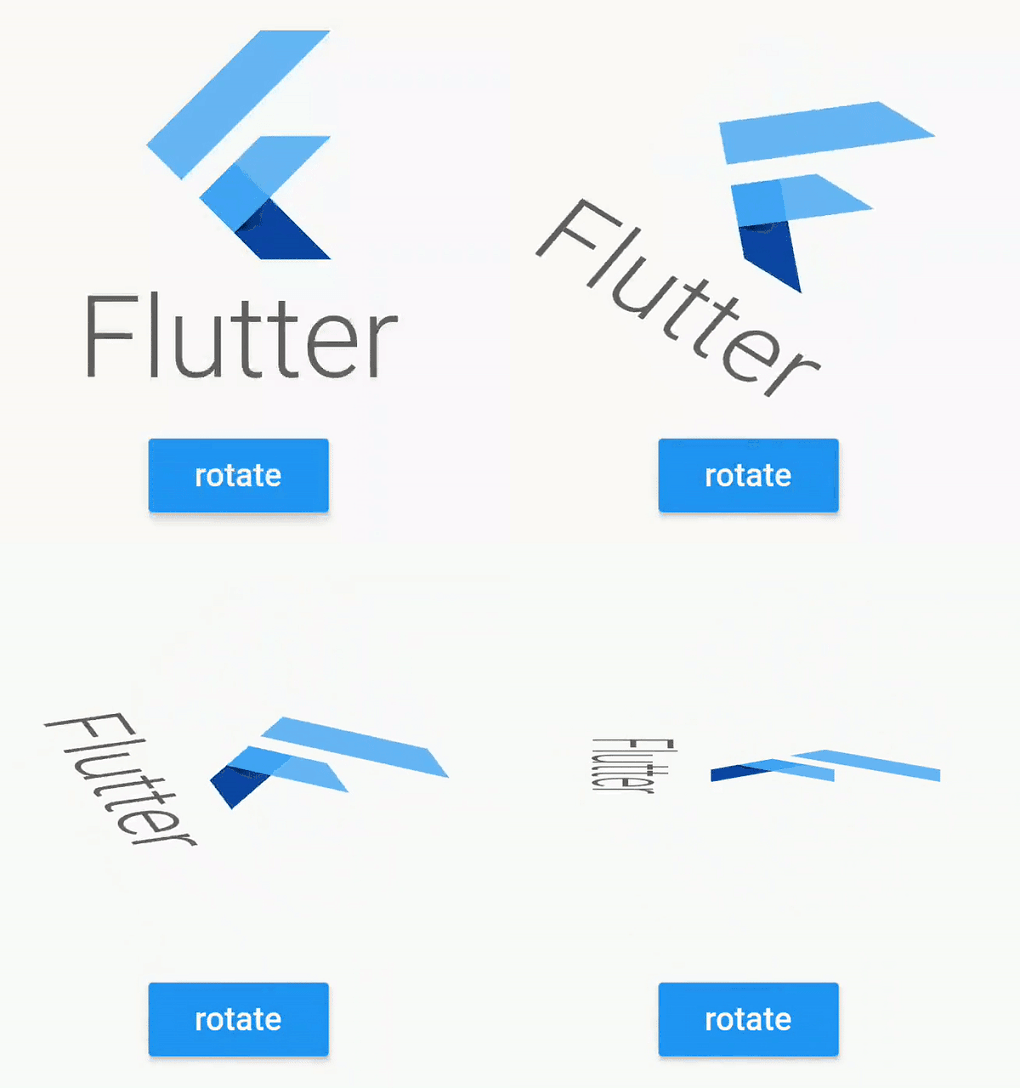
RotationAnimatedWidget .tween (
enabled: this .displayMyWidget,
rotationDisabled: Rotation .degrees (z: 0 ),
rotationEnabled: Rotation .degrees (z: 90 ),
child:
),
Compose
Don't hesitate to compose them
TranslationAnimatedWidget .tween (
enabled: this .displayMyWidget,
translationDisabled: Offset (0 , 200 ),
translationEnabled: Offset (0 , 0 ),
child:
OpacityAnimatedWidget .tween (
enabled: this .displayMyWidget,
opacityDisabled: 0 ,
opacityEnabled: 1 ,
child:
),
),
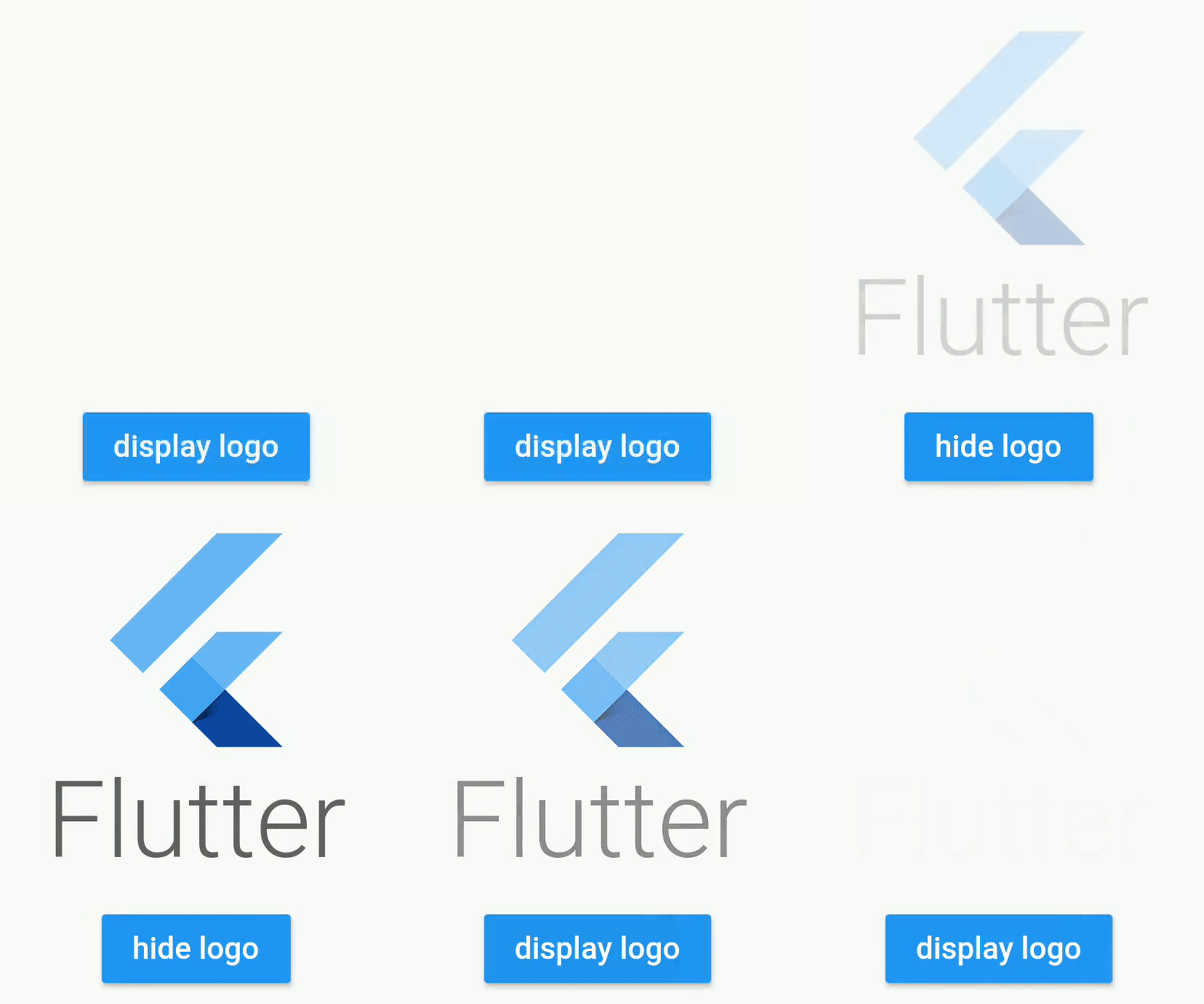
Opacity
Example using a Stateful Widget
class _StatefulScreenState extends State <StatefulScreen > bool _display = false ;
@override
Widget build (BuildContext context) {
return Scaffold (
appBar: AppBar (),
body: Column (
crossAxisAlignment: CrossAxisAlignment .stretch,
mainAxisAlignment: MainAxisAlignment .center,
mainAxisSize: MainAxisSize .max,
children: [
OpacityAnimatedWidget .tween (
opacityEnabled: 1 ,
opacityDisabled: 0 ,
enabled: _display,
child: Container (
height: 200 ,
width: 200 ,
child: FlutterLogo (
style: FlutterLogoStyle .stacked,
),
),
),
RaisedButton (
color: Colors .blue,
child: Text (
_display ? "hide logo" : "display logo" ,
style: TextStyle (color: Colors .white),
),
onPressed: () {
setState (() {
_display = !_display;
});
},
)
],
),
);
}
}
Translation
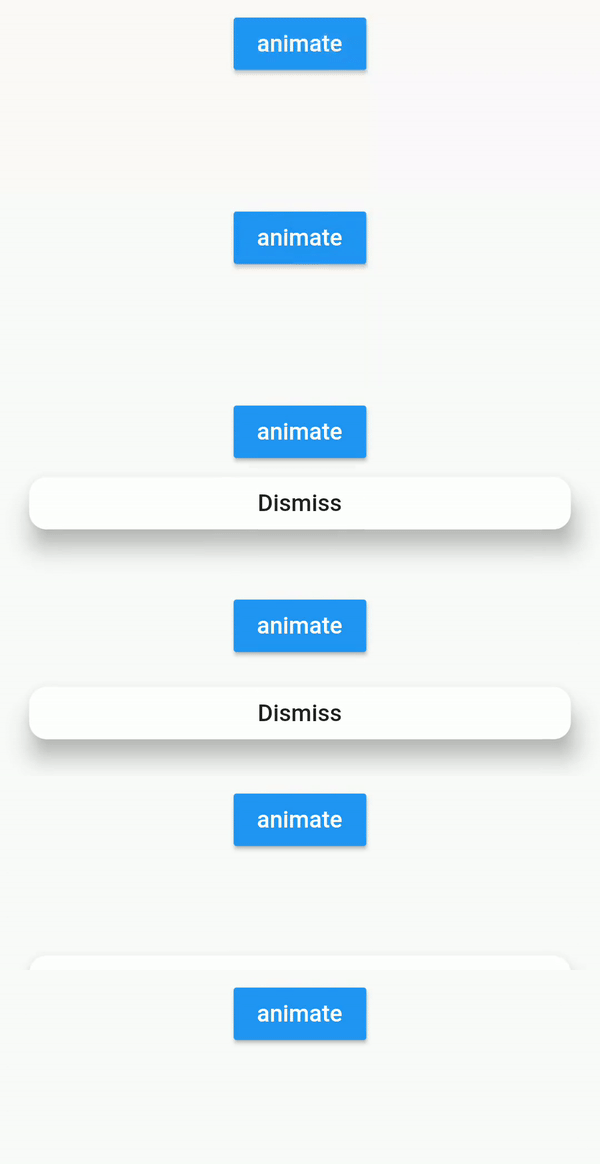
Example using bloc pattern
class FirstScreenBloc extends Bloc final _viewState = BehaviorSubject <FirstScreenViewState >.seeded (FirstScreenViewState ());
Observable <FirstScreenViewState > get viewState => _viewState;
void onClicked () {
_viewState.add (FirstScreenViewState (buttonVisible: true ));
}
void onDismissClicked () {
_viewState.add (FirstScreenViewState (buttonVisible: false ));
}
@override
void dispose () {
_viewState.close ();
}
}
class FirstScreenViewState final bool buttonVisible;
const FirstScreenViewState ({
this .buttonVisible = false ,
});
}
class FirstScreenView extends StatelessWidget @override
Widget build (BuildContext context) {
final bloc = BlocProvider .of<FirstScreenBloc >(context);
return StreamBuilder <FirstScreenViewState >(
stream: bloc.viewState,
builder: (context, snapshot) {
final viewState = snapshot.data;
return Stack (
fit: StackFit .expand,
children: [
_buildInputButton (onClicked: () {
bloc.onClicked ();
}),
Positioned (
bottom: 20 ,
left: 20 ,
right: 20 ,
child: TranslationAnimatedWidget (
enabled: viewState.buttonVisible,
curve: Curves .easeIn,
duration: Duration (seconds: 1 ),
values: [
Offset (0 , 200 ),
Offset (0 , -50 ),
Offset (0 , 0 ),
],
child: RaisedButton (
onPressed: () {
bloc.onDismissClicked ();
},
child: Text ("Dismiss" ),
),
),
),
],
);
}
);
}
}
Rotation
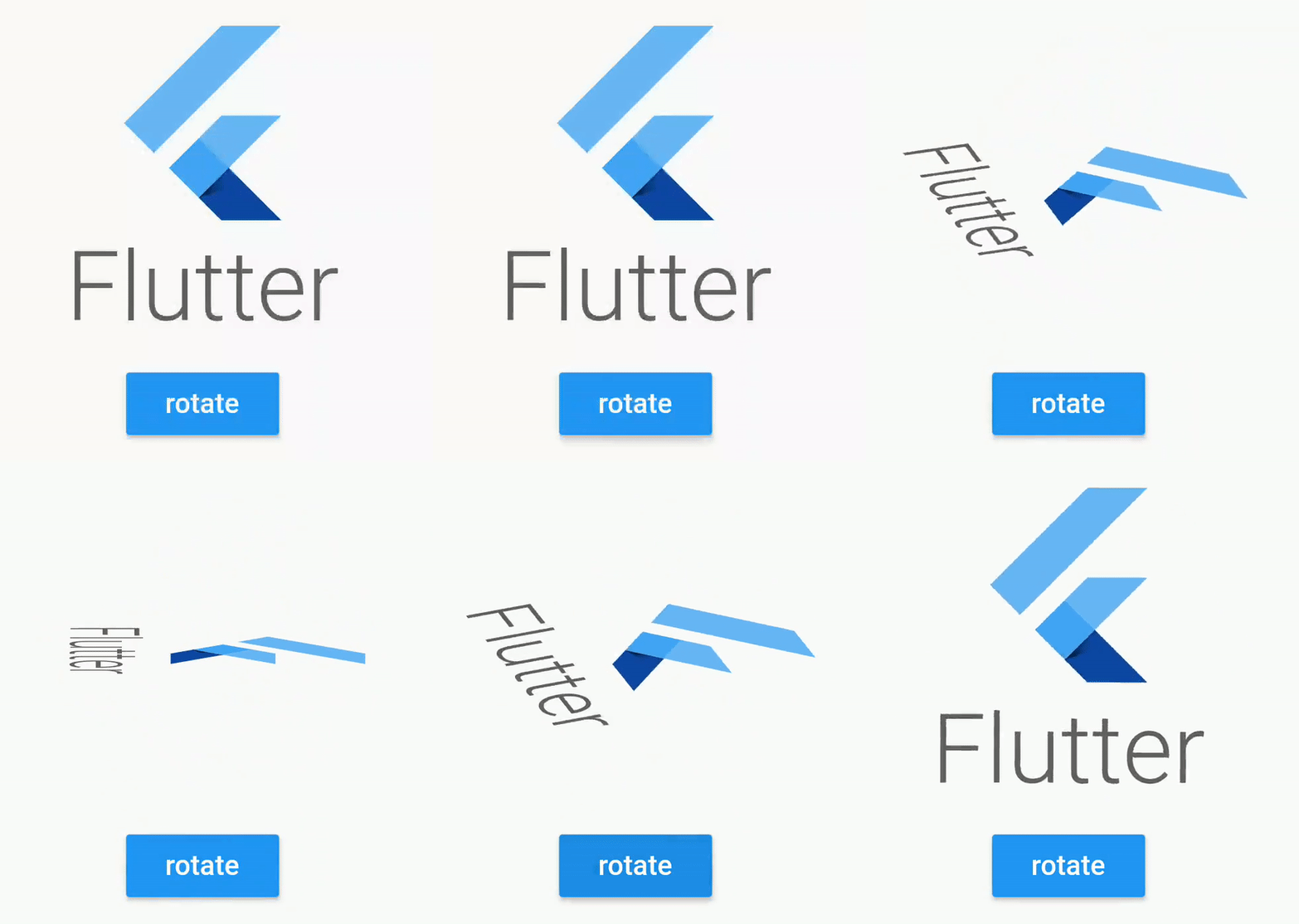
RotationAnimatedWidget .tween (
enabled: enabled,
rotationDisabled: Rotation .deg (),
rotationEnabled: Rotation .deg (z: 90 , x: 80 ),
child:
),
RotationAnimatedWidget .tween (
enabled: enabled,
rotation: Rotation .deg (),
rotationEnabled: Rotation .deg (z: 90 , x: 80 ),
child:
),
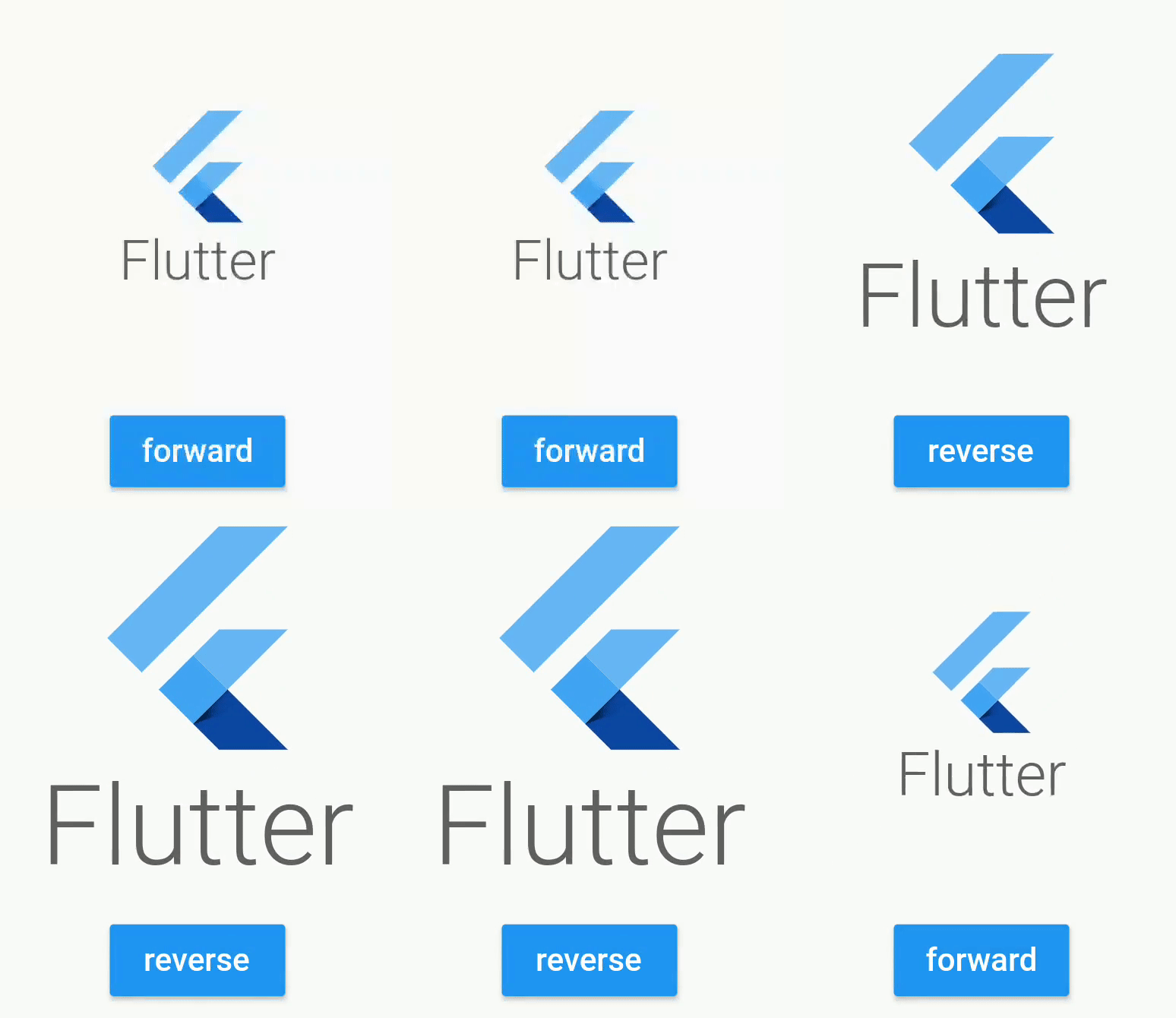
Scale
ScaleAnimatedWidget .tween (
enabled: this ._enabled,
duration: Duration (milliseconds: 600 ),
scaleDisabled: 0.5 ,
scaleEnabled: 1 ,
child: Container (
height: 200 ,
width: 200 ,
child: FlutterLogo (
style: FlutterLogoStyle .stacked,
),
),
),
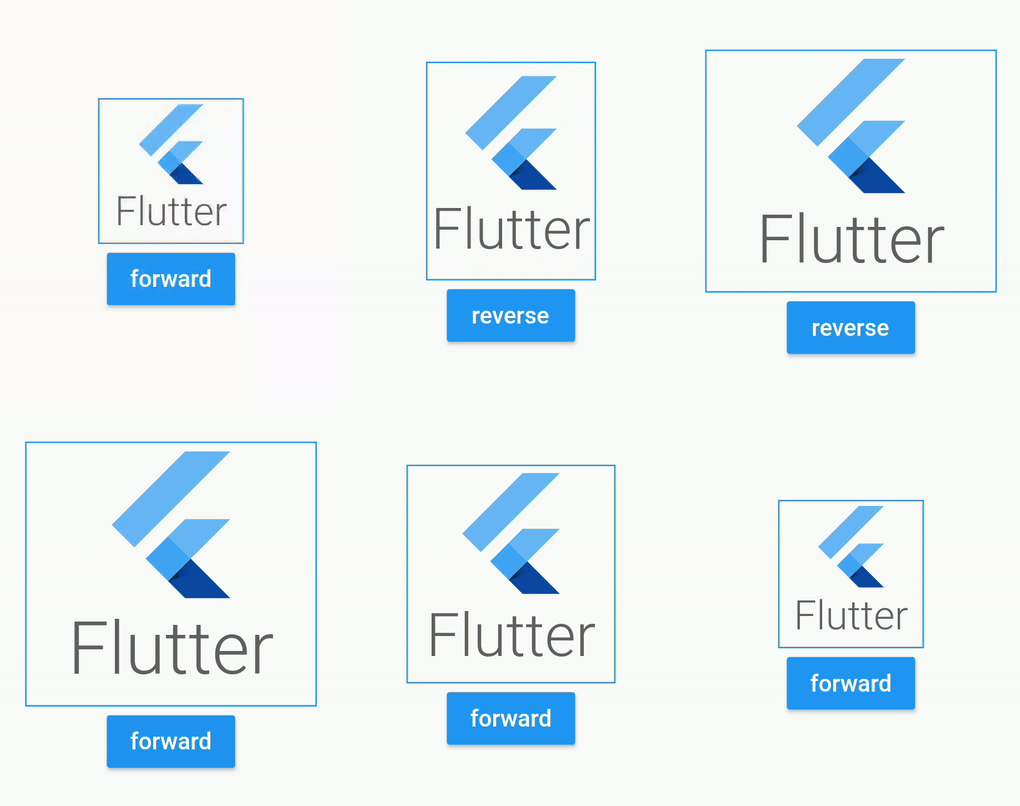
Size
SizeAnimatedWidget (
enabled: this ._enabled,
duration: Duration (milliseconds: 1500 ),
values: [Size (100 , 100 ), Size (100 , 150 ), Size (200 , 150 ), Size (200 , 200 )],
curve: Curves .linear,
child: Container (
decoration: BoxDecoration (
border: Border .all (color: Colors .blue)
),
child: FlutterLogo (
style: FlutterLogoStyle .stacked,
),
),
),
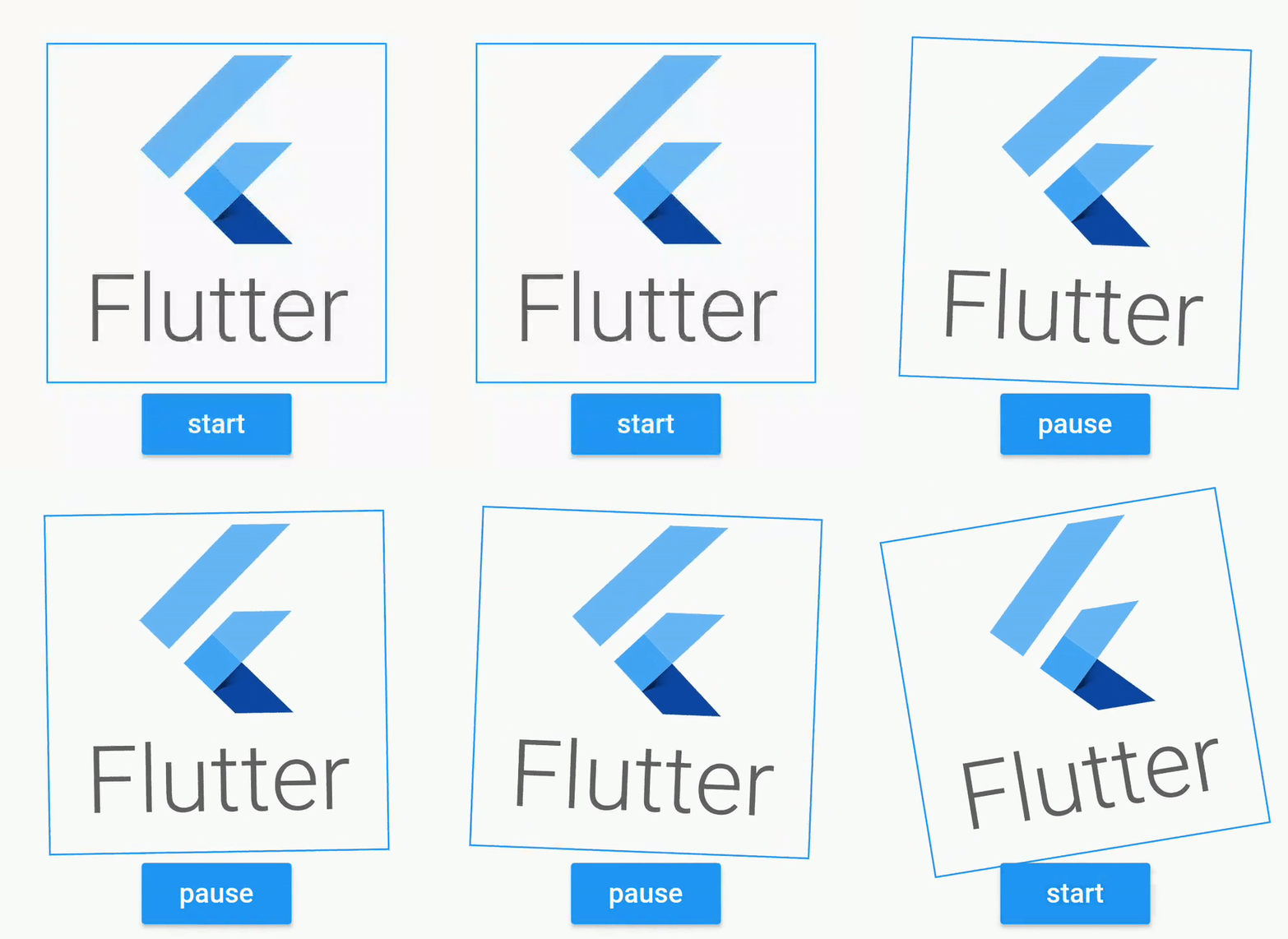
Shake
ShakeAnimatedWidget (
enabled: this ._enabled,
duration: Duration (milliseconds: 1500 ),
shakeAngle: Rotation .deg (z: 40 ),
curve: Curves .linear,
child: FlutterLogo (
style: FlutterLogoStyle .stacked,
),
),
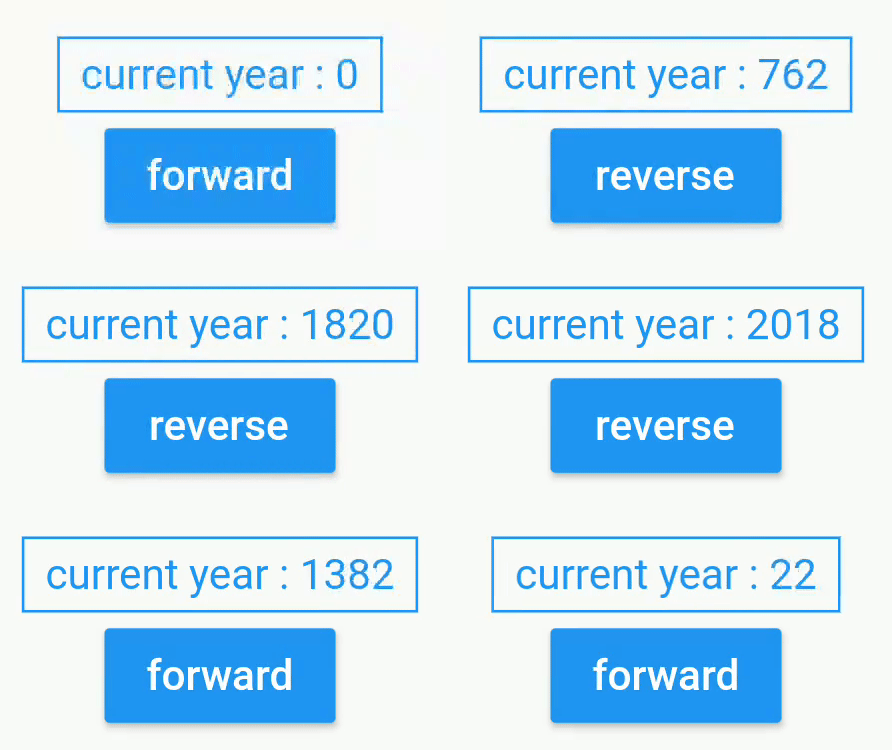
Custom Animated
CustomAnimatedWidget (
enabled: this ._enabled,
duration: Duration (seconds: 3 ),
curve: Curves .easeOut,
builder: (context, percent) {
final int displayedDate = (2018 * percent).floor ();
return Text (
"current year : $displayedDate " ,
style: TextStyle (color: Colors .blue),
);
},
),
Flutter Package
Animated widget is available at
https://pub.dev/packages/animated_widgets
dependencies:
  animated_widgets:
Getting Started with Flutter
For help getting started with Flutter, view our
online documentation , which offers tutorials,
samples, guidance on mobile development, and a full API reference.
License
Copyright 2019 florent37, Inc.

Licensed under the Apache License, Version 2.0 (the "License");
you may not use this file except in compliance with the License.
You may obtain a copy of the License at

   http://www.apache.org/licenses/LICENSE-2.0

Unless required by applicable law or agreed to in writing, software
distributed under the License is distributed on an "AS IS" BASIS,
WITHOUT WARRANTIES OR CONDITIONS OF ANY KIND, either express or implied.
See the License for the specific language governing permissions and
limitations under the License.