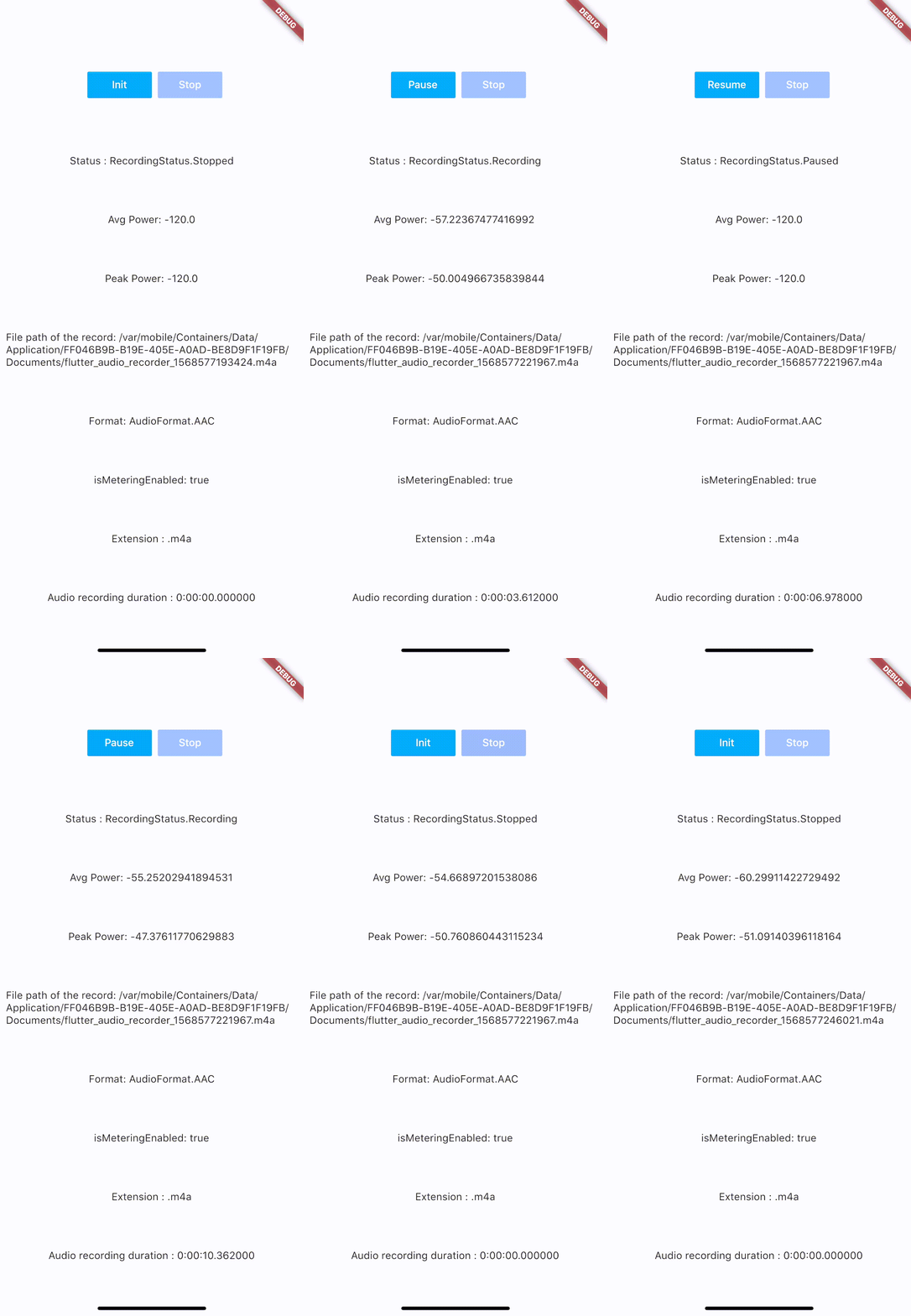
Then use hasPermission api to ask user for permission when needed
Configuration
iOS Deployment Target is 8.0 above
Android
AndroidX: use latest version (0.5.x)
Legacy Android: use old version (0.4.9)
Usage
Recommended API Usage: hasPermission => init > start -> (pause <-> resume) * n -> stop, call init again before start another recording
Always check permission first(it will request permission if permission has not been set to true/false yet, otherwise it will return the result of recording permission)
Initialize (run this before start, so we could check if file with given name already exists)
var recorder = AnotherAudioRecorder("file_path.mp4"); // .wav .aac .m4aawait recorder.initialized;
or
var recorder = AnotherAudioRecorder("file_path", audioFormat: AudioFormat.AAC); // or AudioFormat.WAVawait recorder.initialized;
Sample Rate
var recorder = AnotherAudioRecorder("file_path", audioFormat: AudioFormat.AAC, sampleRate: 22000); // sampleRate is 16000 by defaultawait recorder.initialized;
Audio Extension and Format Mapping
Audio Format
Audio Extension List
AAC
.m4a .aac .mp4
WAV
.wav
Start recording
await recorder.start();
var recording = await recorder.current(channel: 0);
Get recording details
var current = await recording.current(channel: 0);
// print(current.status);
You could use a timer to access details every 50ms(simply cancel the timer when recording is done)
newTimer.periodic(tick, (Timer t) async {
var current = await recording.current(channel: 0);
// print(current.status);setState(() {
});
});
Recording
Name
Description
path
String
extension
String
duration
Duration
audioFormat
AudioFormat
metering
AudioMetering
status
RecordingStatus
Recording.metering
Name
Description
peakPower
double
averagePower
double
isMeteringEnabled
bool
Recording.status
Unset,Initialized,Recording,Paused,Stopped
Pause
await recorder.pause();
Resume
await recorder.resume();
Stop (after stop, run init again to create another recording)
var result = await recorder.stop();
File file = widget.localFileSystem.file(result.path);
Example
Please check example app using Xcode.
Getting Started
This project is a starting point for a Flutter
plug-in package,
a specialized package that includes platform-specific implementation code for
Android and/or iOS.
For help getting started with Flutter, view our
online documentation, which offers tutorials,
samples, guidance on mobile development, and a full API reference.
Credits
This plugin is based on the flutter_audio_recorder, because they stopped updating their plugin and answering/accepting PR's (https://github.com/rmbrone/flutter_audio_recorder)
@hnvn - Migrate to Android embedding v2 + Support AAC codec (https://github.com/rmbrone/flutter_audio_recorder/pull/52)
@PerrchicK - error handling instead of app crash (https://github.com/rmbrone/flutter_audio_recorder/pull/45/files)