パッケージ、リポジトリ、アプリカテゴリを検索

cupertino_progress_bar のカバー
パッケージ詳細v0.2.0

cupertino_progress_bar

非対話型のプログレスバーには、既知の期間を持つタスクの進行状況を示すために左から右に充填されるトラックが含まれます。

AndroidiOSWebmacOSWindowsLinux
30日間ダウンロード
5720
いいね数
18
Pub ポイント
150

パッケージをインストール

flutter pub add cupertino_progress_bar

パッケージ概要

公開情報に基づく選定ガイドです。参考としてご利用ください。

左から右へトラックを塗りつぶすことで、タスクの進行状況を視覚的に表現する非インタラクティブなプログレスバーです。Cupertino(iOSスタイル)の美学を採用しており、iOSおよび他のプラットフォーム向けのFlutterアプリにスムーズに統合されます。ファイルアップロードや読み込みシーケンスなど、所要時間がわかっているタスクの完了状態を示すのに最適です。このコンポーネントは軽量でありながらAppleのデザイン言語と一貫性を持ち、複数のプラットフォームをサポートしています。

用途

  • アップロード/ダウンロードの進行状況を表示
  • フォームでのタスク完了の表示
  • アプリでの読み込み状態の可視化
  • メディア再生の進行状況を追跡する
  • アプリの初期化進行状況を示す

主な機能

  • iOSスタイルのCupertinoデザイン
  • 左から右へのフィルアニメーション
  • デフォルトでは非インタラクティブ
  • クロスプラットフォーム対応
  • カスタマイズ可能なトラックおよび進行状況の色
  • スムーズな視覚的遷移

適している対象

  • iOS テーマの Flutter アプリケーション
  • モバイルアプリ内の進行状況インジケーター
  • シンプルでクリーンな読み込みフィードバック
  • プラットフォームに一貫したUIを必要とするアプリ
  • 開発者はネイティブな見た目と感触を最優先にします

注意事項

  • インタラクティブなユーザー入力には適していません
  • 色とサイズ以外のカスタマイズは限定的
  • 進行状況値の手動更新が必要です
  • 逆方向をサポートしていません
  • 組み込みの一時停止/再開コントロールなし

元の README

関連するソースリポジトリの README 原文のスナップショットです。最新の内容はリポジトリをご覧ください。

Cupertino Progress Bar for Flutter

pub license: BSD build codecov

A progress bar includes a track that fills from left to right to show the progression of a task with a known duration. Progress bars are non-interactive, although they are often accompanied by a button for canceling the corresponding operation.

Screenshots

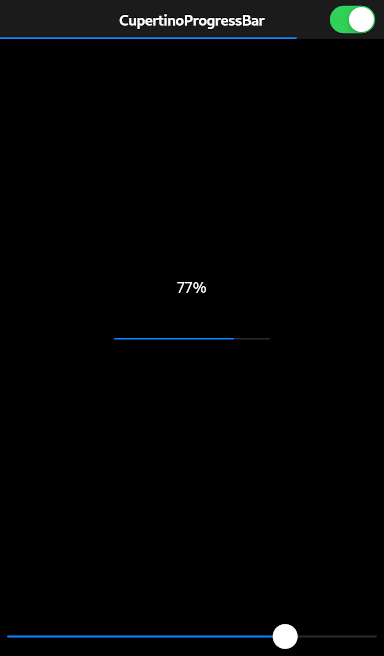
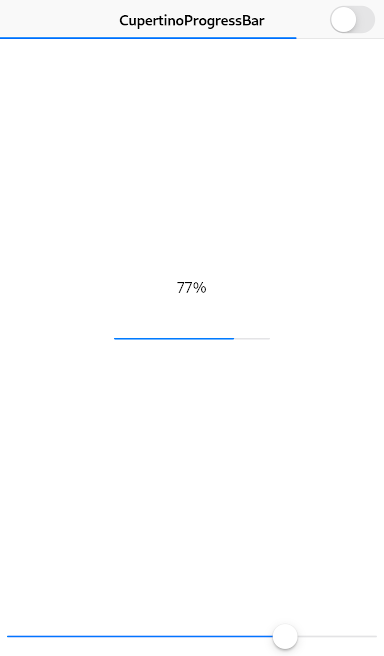
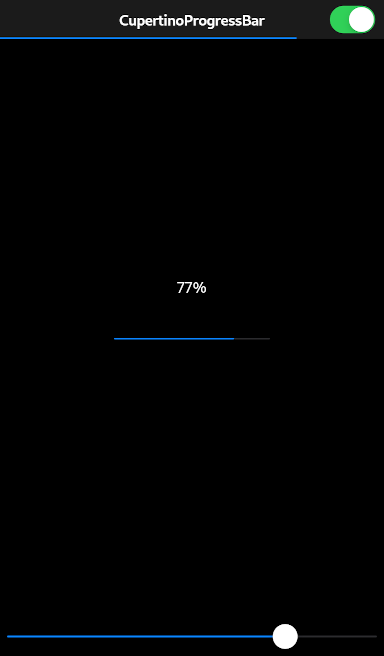
Light Dark
Light CupertinoProgressBar Dark CupertinoProgressBar

Example

CupertinoProgressBar(
  value: 0.77,
)

Guidelines

Always report progress accurately. Don’t display inaccurate progress information just to make your app appear busy. Only use progress bars for tasks that are quantifiable. Otherwise, use an activity indicator.

Use progress bars for tasks with a well-defined duration. Progress bars are great for showing the status of a task, especially when it helps convey how much longer the task needs to complete.

Hide the unfilled portion of track in navigation bars and toolbars. By default, a progress bar’s track includes both filled and unfilled portions. When used in a navigation bar or toolbar, such as to denote a page loading, a progress bar should be configured to hide the unfilled portion of the track.

Consider customizing a progress bar’s appearance to match your app. A progress bar’s appearance can be adjusted to match your app’s design. You can specify, for example, a custom color for both the track and fill.

See also:

Usage

To use this package, add cupertino_progress_bar as a dependency in your pubspec.yaml file.

カテゴリー

ソースリポジトリ

このパッケージを使用しているプロジェクト