パッケージ、リポジトリ、アプリカテゴリを検索

fluentui_system_icons のカバー
パッケージ詳細v1.1.273

fluentui_system_icons

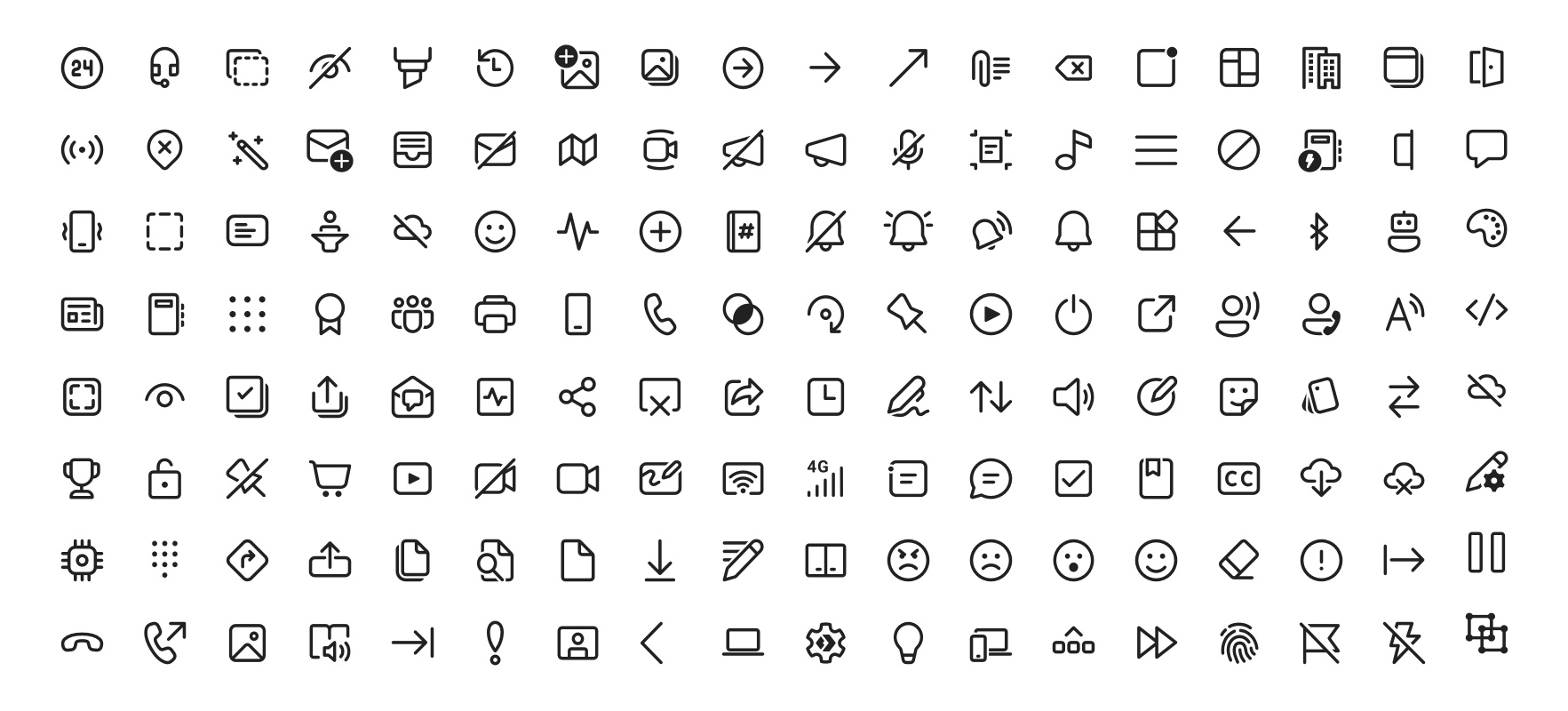
Fluent UI システムアイコンは、マイクロソフトのよく知られ、親しみやすく、モダンなアイコンのコレクションです。

AndroidiOSWebmacOSWindowsLinux
30日間ダウンロード
6.3万
いいね数
958
Pub ポイント
160

パッケージをインストール

flutter pub add fluentui_system_icons

パッケージ概要

公開情報に基づく選定ガイドです。参考としてご利用ください。

Fluent UI System Icons は、マイクロソフトが開発した包括的な現代的で洗練された一貫性のあるアイコンのコレクションです。複数のプラットフォームでの使用を想定して設計されており、Fluent Design System と整合しており、アプリケーションに統合された視覚言語を提供します。このパッケージは、Flutter プロジェクトへの簡単な統合を可能にし、Android、iOS、Web、macOS、Windows、Linux をサポートしています。アクセシビリティとスケーラビリティに重点を置き、追加のデザイン負荷なしにプロフェッショナルなレベルのアイコンでユーザーインターフェースを強化できます。

用途

  • アプリUIの強化
  • クロスプラットフォームアプリ設計
  • モダンなインターフェーススタイル
  • アクセシビリティを重視したデザイン
  • ブランド統一のアイコングラフィー

主な機能

  • 公式 Microsoft イコンセット
  • マルチプラットフォーム対応
  • スケーラブルなベクターアイコン
  • アクセシビリティ最適化
  • Flutterへの簡単な統合

適している対象

  • Fluent Design を使用する開発者
  • クロスプラットフォームのモバイルおよびデスクトップアプリ
  • ブランドの一貫性を優先するチーム
  • 現代的なアイコンを探しているUIデザイナー
  • アクセシブルなアイコンを必要とするプロジェクト

注意事項

  • Flutter 2.5 以上が必要です
  • 制限されたカスタマイズオプション
  • 外部ソースの更新に依存する
  • 高度にカスタマイズされたアイコンのニーズには適していません
  • 完全なアイコンセットによるサイズへの潜在的影響

元の README

関連するソースリポジトリの README 原文のスナップショットです。最新の内容はリポジトリをご覧ください。

Fluent UI System Icons

Pull request validation

Fluent UI System Icons are a collection of familiar, friendly and modern icons from Microsoft.

Fluent System Icons

Icon List

Direction

Within the metadata.json file for an icon, a property named directionType is used to indicate the direction of the icon. This property can have one of the following values:

  • unique, meaning that the icon is unique and has a specific RTL and LTR version
  • mirror, meaning that the icon can be mirrored for RTL or LTR languages

The property singleton is also used to indicate the default direction that should be used for the icon.

Installation

Android

The library is published via Maven Central, please ensure that the mavenCentral() repository has been added to the root build.gradle file:

repositories {
    ...
    mavenCentral()
}

Include the following dependency in your project's build.gradle:

implementation 'com.microsoft.design:fluent-system-icons:1.1.341@aar'

For library docs, see android/README.md.

iOS and macOS
CocoaPods
use_frameworks!

pod "FluentIcons", "1.1.341"
Carthage
git "git@github.com:microsoft/fluentui-system-icons.git" "1.1.341"

For library docs, see ios/README.md.

Flutter

In the pubspec.yaml of your flutter project, add the following dependency:

dependencies:
  ...
  fluentui_system_icons: ^1.1.341

For library docs, see flutter/README.md.

Plain svg

Inline svg directly. See packages/svg-icons/README.md.

Contributing

Importer

The importer generates the Android and iOS libraries from the icons in the assets directory.

Install dependencies from the repository root (this is a single yarn workspace, so dependencies for every package are installed in one go):

corepack enable
yarn install

Jump into the directory:

cd importer
yarn clean

List all the available commands:

yarn run
Build Pipeline

Our build pipeline runs deploy:android and deploy:ios to create the libraries. The build definitions are located in .github/workflows/.

Demo apps

You can build and run the demo apps following the steps below.

Android
  1. Follow the Importer section above and run the command yarn deploy:android
  2. Open the android directory in Android Studio
  3. Select the sample-showcase in the build configuration dropdown
  4. Click run
Flutter

Prerequisite: Make sure you have flutter configured in Android Studio

  1. Open the flutter directory in Android Studio
  2. Select the example in the directory and open it in Android Studio
  3. Click run

Contact

Please feel free to open a GitHub issue and assign to the following points of contact with questions or requests.

Code of Conduct

This project has adopted the Microsoft Open Source Code of Conduct. For more information see the Code of Conduct FAQ or contact opencode@microsoft.com with any additional questions or comments.

カテゴリー

ソースリポジトリ

このパッケージを使用しているプロジェクト

ランキング