パッケージ、リポジトリ、アプリカテゴリを検索

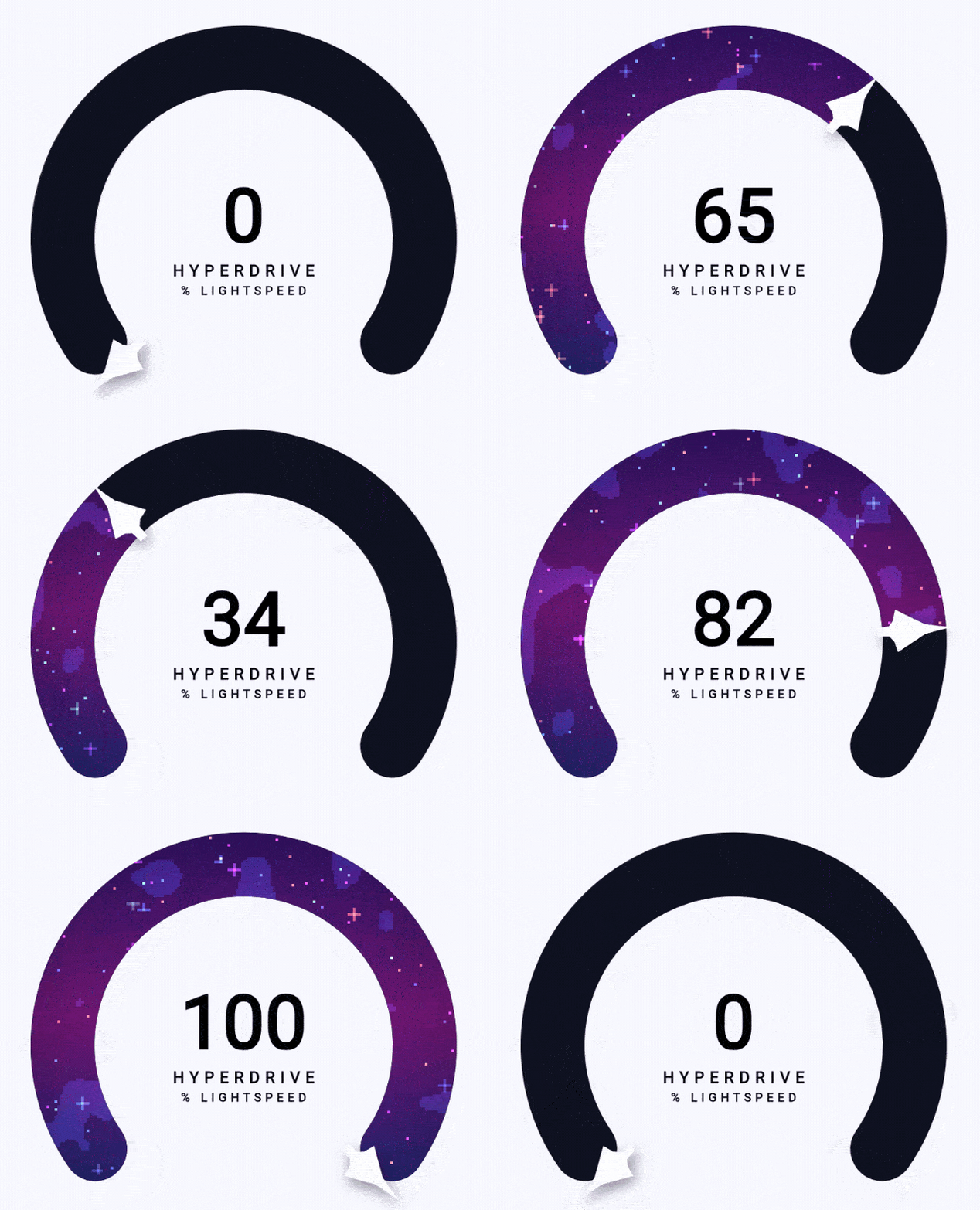
gauge_indicator のカバー
パッケージ詳細v0.6.0

gauge_indicator

アニメーション付きで、高度にカスタマイズ可能なオープンソースのFlutterゲージウィジェット。

AndroidiOSWebmacOSWindowsLinux
30日間ダウンロード
2.1万
いいね数
217
Pub ポイント
160

パッケージをインストール

flutter pub add gauge_indicator

パッケージ概要

公開情報に基づく選定ガイドです。参考としてご利用ください。

gauge_indicator パッケージは、アニメーション付きで高度にカスタマイズ可能な Flutter ウィジェットを提供し、プログレスやメトリクス、値を動的かつ視覚的に魅力的な方法で表示するのに最適です。オープンソースの原則に基づいて構築されており、滑らかなアニメーションと広範なスタイルオプションをサポートしており、ダッシュボード、ヘルスアプリ、パフォーマンスモニタリングインターフェースに適しています。このウィジェットは、Android、iOS、Web、macOS、Windows、Linux を含むすべての主要プラットフォームで互換性があります。

用途

  • ダッシュボードウィジェット
  • パフォーマンス監視
  • ヘルスケアおよびフィットネスアプリ
  • 進捗のトラッキング
  • アプリ内のデータ可視化
  • インタラクティブなUI要素

主な機能

  • アニメーション付きの遷移
  • 高度にカスタマイズ可能な外観
  • 複数のゲージタイプのサポート
  • レスポンシブデザイン
  • Platform-agnostic
  • オープンソースかつコミュニティ主導

適している対象

  • データダッシュボードを構築する開発者
  • 動的なビジュアルを求めるUIデザイナー
  • リアルタイムメトリクス表示を必要とするアプリ
  • クロスプラットフォームアプリケーション
  • カスタマイズ可能な UI コンポーネント

注意事項

  • 多数のインスタンスがあるとパフォーマンスに影響する可能性があります
  • 複雑なアニメーションには注意深い調整が必要です
  • 制限された組み込みテーマ
  • 非常に高い頻度の更新には最適化されていない
  • 高度な機能には外部の依存関係に依存しています

元の README

関連するソースリポジトリの README 原文のスナップショットです。最新の内容はリポジトリをご覧ください。

Radial gauge

Animated, highly customizable, open-source Flutter gauge indicator widget.

Check out a working example! 🔗


Examples

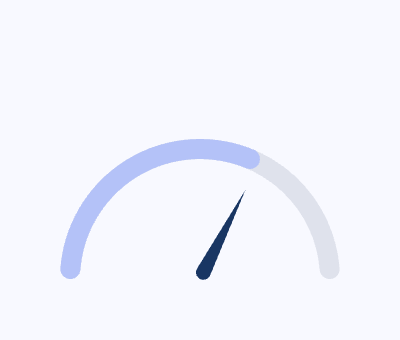
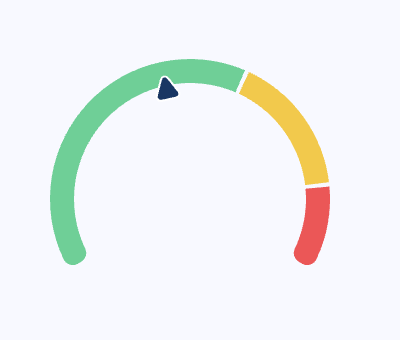
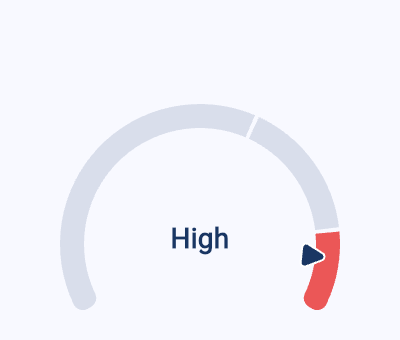
Click any thumbnail to open it in the hosted playground. Source for each lives in example/lib/examples/.

Getting started
Getting started
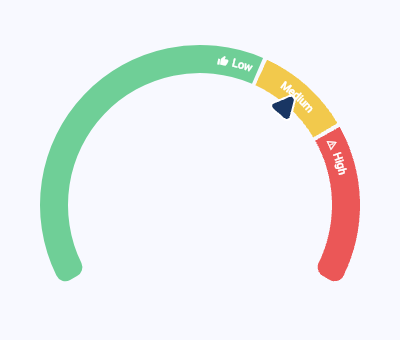
Zones
Zones
Active zone
Active zone
Zone labels
Zone labels
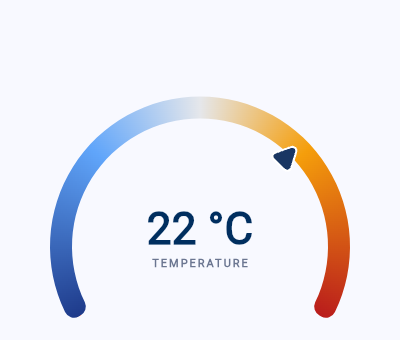
Thermometer
Thermometer
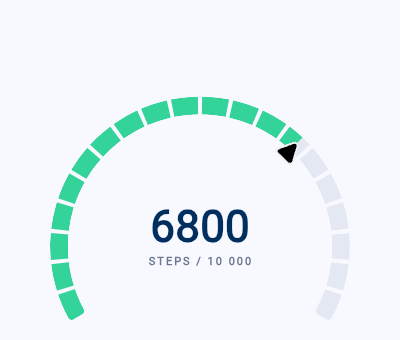
Step goal
Step goal
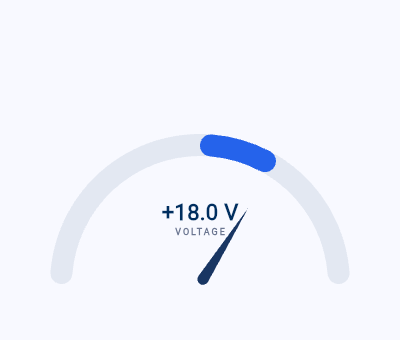
Voltmeter
Voltmeter
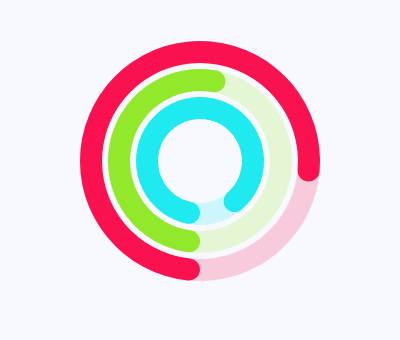
Activity rings
Activity rings
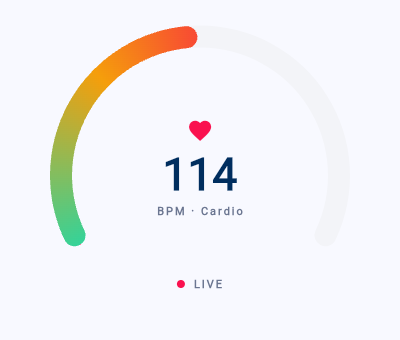
Live heart rate
Live heart rate
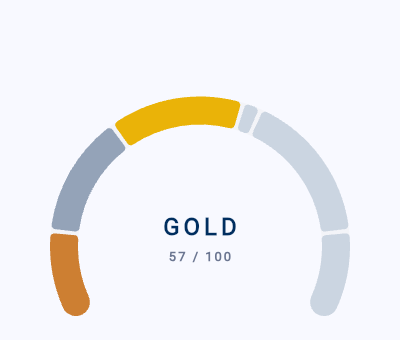
Rank progression
Rank progression
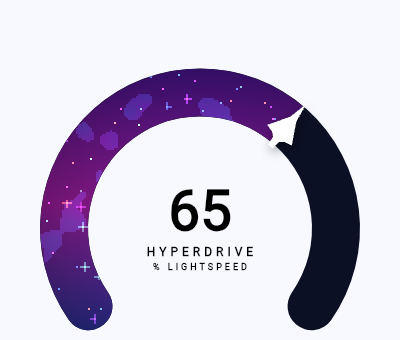
Progress bar shader
Progress bar shader

Usage

Install:

flutter pub add gauge_indicator

Drop an AnimatedRadialGauge (or RadialGauge) into your tree, sized by its parent:

import 'package:gauge_indicator/gauge_indicator.dart';

SizedBox(
  width: 280,
  height: 200,
  child: AnimatedRadialGauge(
    duration: const Duration(milliseconds: 800),
    value: 65,
    axis: const GaugeAxis(min: 0, max: 100),
  ),
)

Pointers, progress bars, zones, gradients, and labels are all opt-in via the GaugeAxis config — see the gallery above for working setups.

カテゴリー

ソースリポジトリ

このパッケージを使用しているプロジェクト