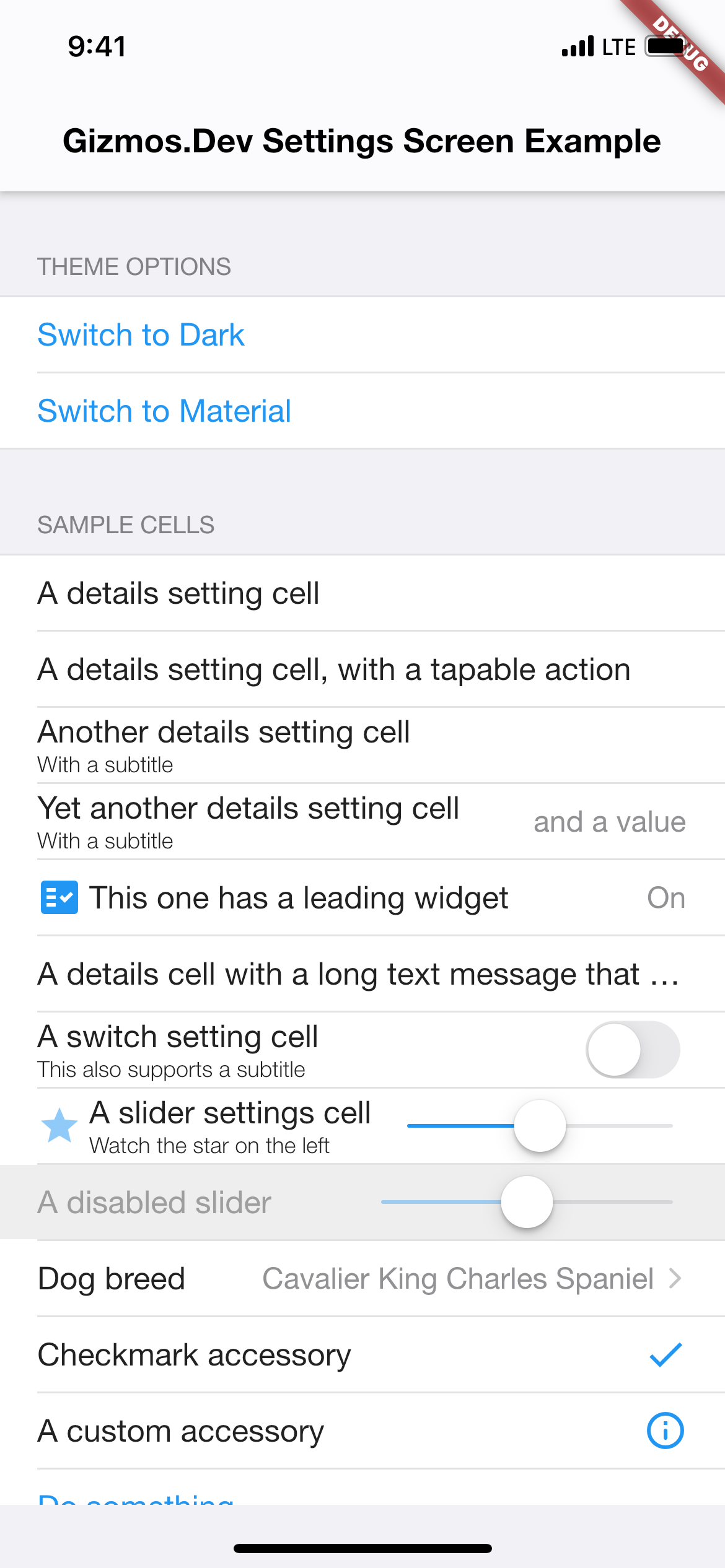
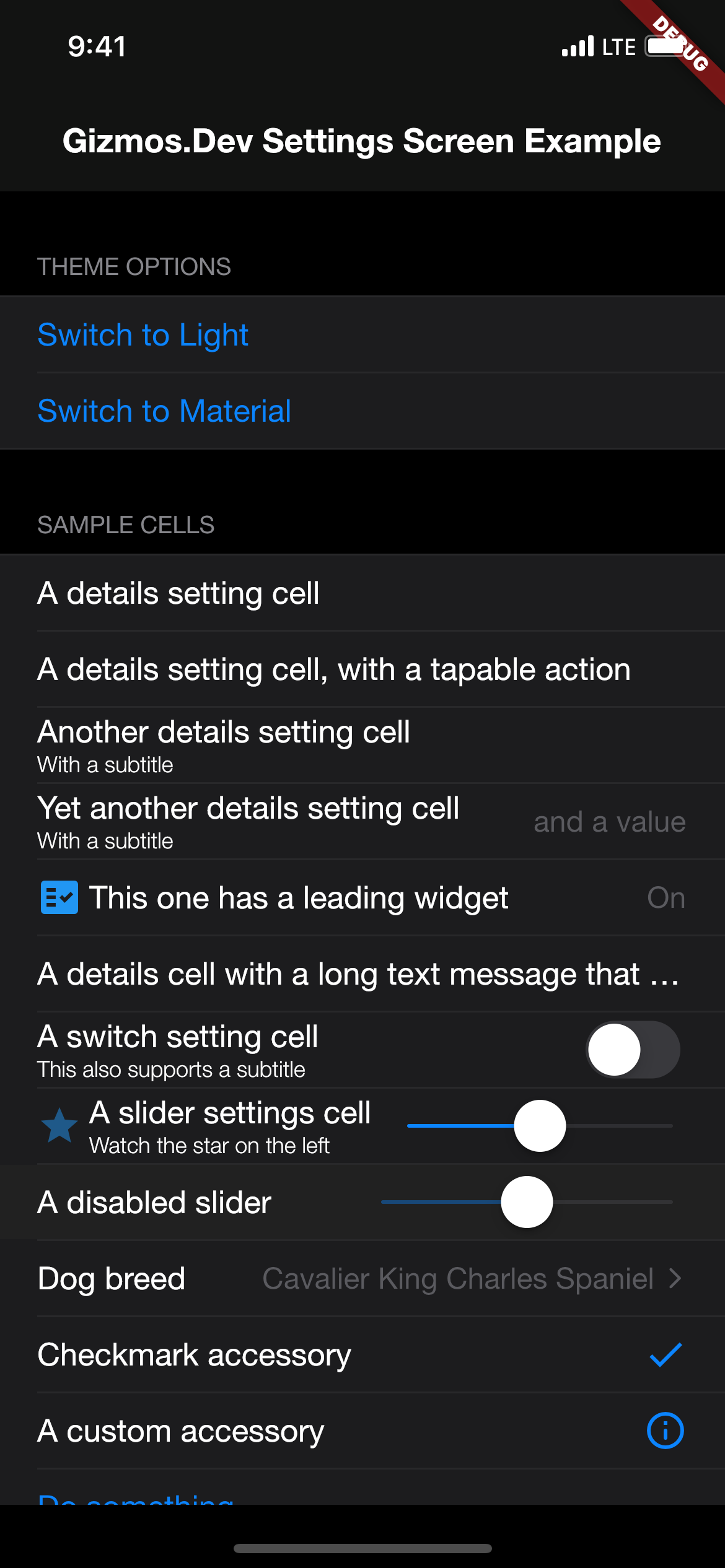
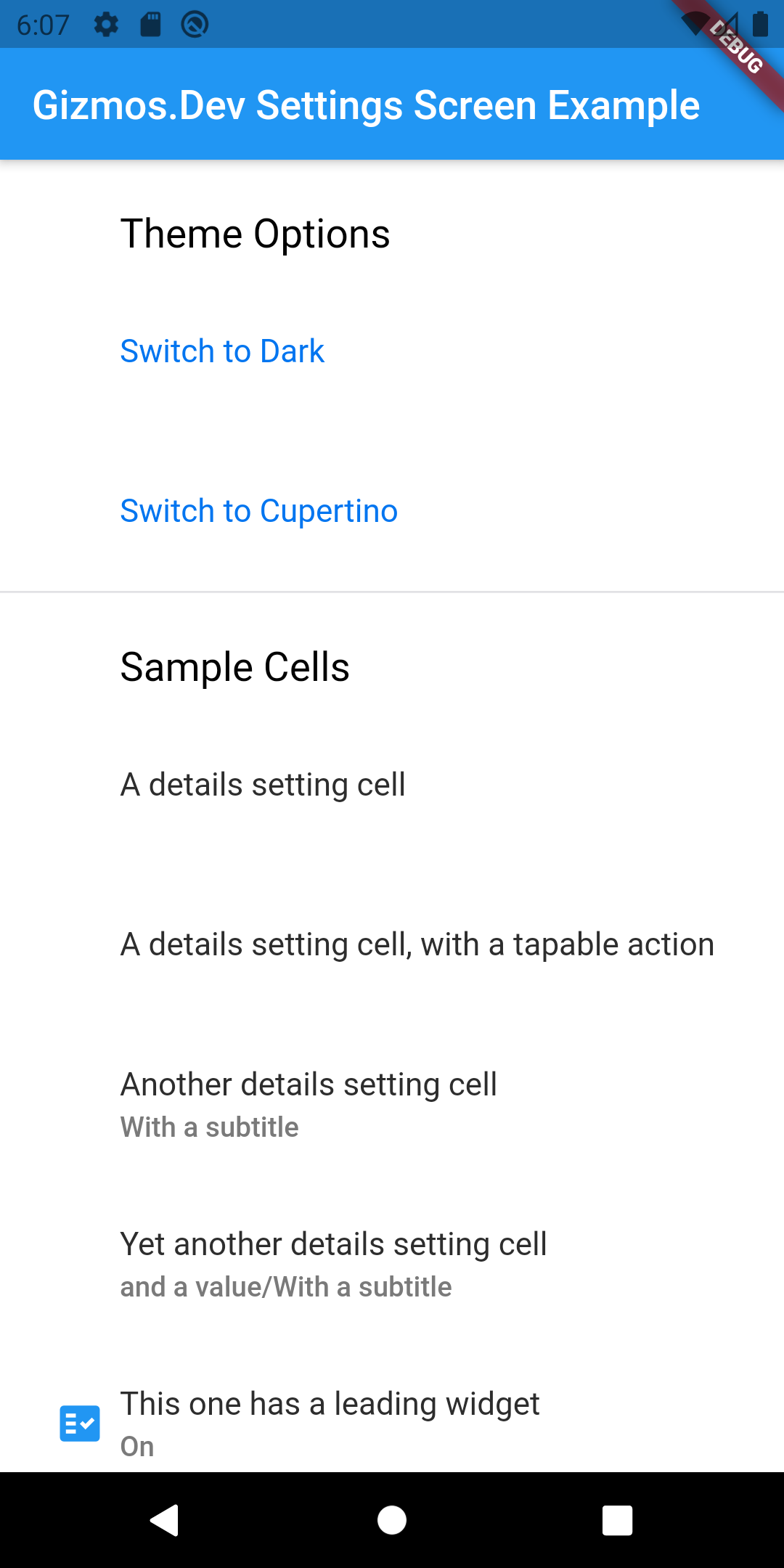
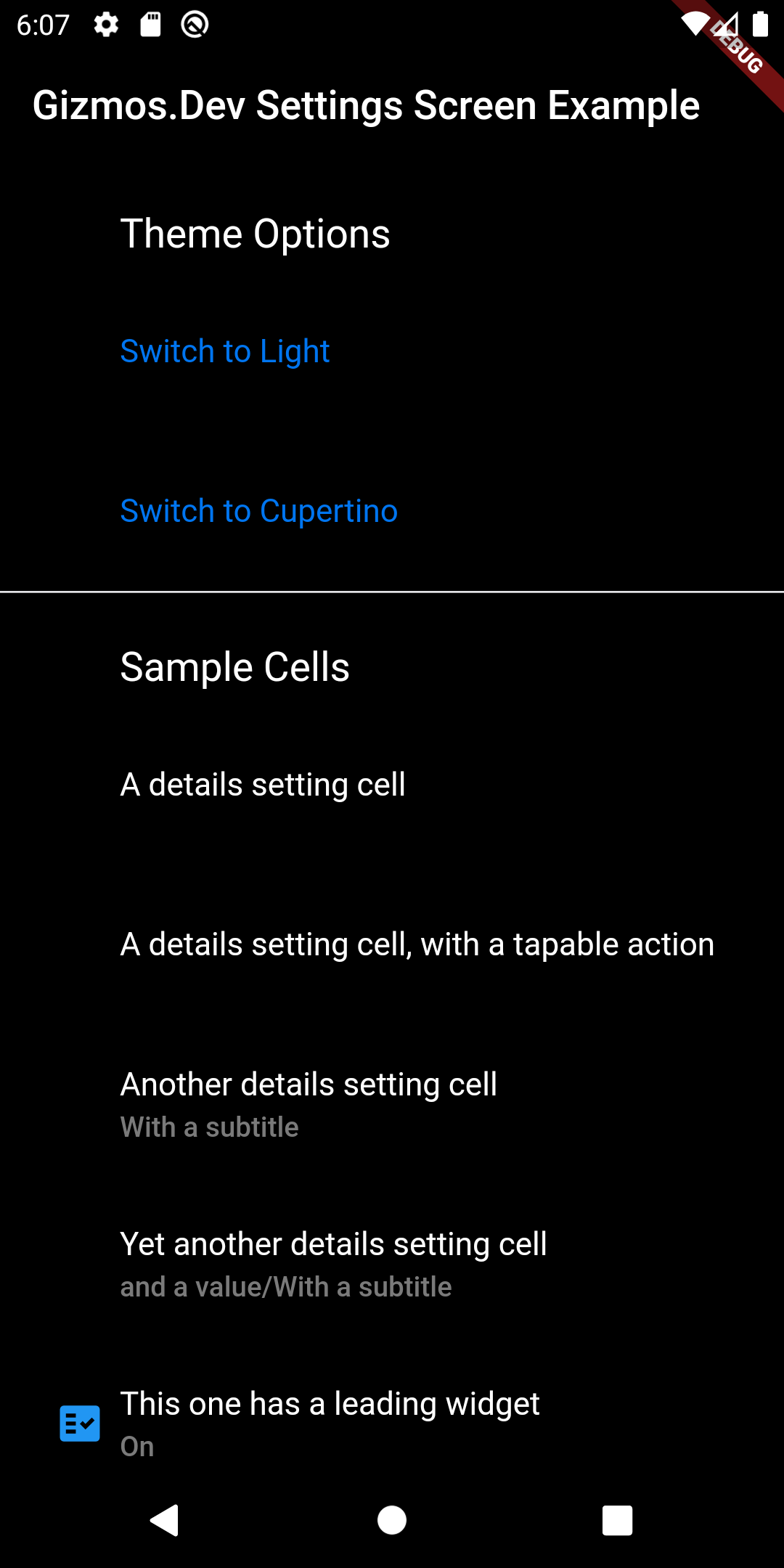
A Flutter package for displaying settings screens (or similar screens). I built this after finding it near impossible to customize the look and feel of the other popular settings screen packages. This package takes a different approach and separates the functionality from the UI customization. This lets you create custom skins to better fit into your existing app. There are several skin prototypes included for Cupertino (light and dark modes), and Material (light and dark modes). In most cases, you can just subclass those, alter your colours and move on to the rest of your app.
This package doesn't depend on any specific package for settings storage. In fact, gizmos_settings_screen can be used for any type of general purpose cell based list, it's just that settings is the most obvious use case. The example application included uses shared_preferences, but I've also used flutter_secure_storage in production apps.
Check the included example app for full details. For basic usage, you need to instantiate a SkinDelegate using one of the supplied skins, or by create your own subclass of one of the supplied skins. Then customize a SettingsScreen by attaching one of more SettingsSections configured with one or more SettingsCell subclasses. Included subclasses include DetailsSettingCell, SwitchSettingsCell, 'SliderSettingsCellandButtonSettingsCell`. These will cover most of your basic needs, but it's trivial to create additional subclasses to handle specific options for your app.
Screenshots
Example
// Select the default skin to useSettingsSkinDelegate skinDelegate = !Platform.isIOS ? MaterialSettingsSkin() : CupertinoSettingsSkin();
// Return the configured SettingsScreen wrapped in a SettingsSkin with an assigned delegatereturnSettingsSkin(
delegate: skinDelegate,
child: SettingsScreen(
sections: [
SettingsSection(
header: 'App Settings',
footer: 'Your app preferences are set here',
cells: [
DetailsSettingsCell(
title: 'Informational',
subtitle: 'Can include simple cells',
leadingWidget: Icon(
Icons.star,
color: Colors.blue,
),
),
SwitchSettingsCell(
title: 'Toggleable option',
subtitle: 'Uses a switch to set something on or off',
value: sampleBooleanSetting,
onPressed: () {
setState(() {
sampleBooleanSetting = !sampleBooleanSetting;
});
},
onChanged: (bool value) {
setState(() {
sampleBooleanSetting = value;
});
},
),
SliderSettingsCell(
title: 'Fractional option (i.e. Volume)',
subtitle: 'Uses a slider to adjust a double',
value: sampleDoubleSetting,
onChanged: (value) {
setState(() {
sampleDoubleSetting = value;
});
},
),
DetailsSettingsCell(
title: 'Multiple choice option',
value: preferences.currentOption.description,
accessoryType: AccessoryType.Disclosure,
onPressed: () async {
// Your code goes here
},
),
ButtonSettingsCell(
type: ButtonType.Normal,
title: 'Check for updates',
onPressed: () async {
// Your code goes here
},
),
],
),
],
),
);
Please see the example app in this package for a full example.
Notes
This is my second Flutter package, and I'm still learning the Flutter way of doing things so a lot of this package may change. Specifically, I'll be looking to make use of ThemeData etc in the skins to reduce duplication of having to set specific colours for your app.