pip_flutter
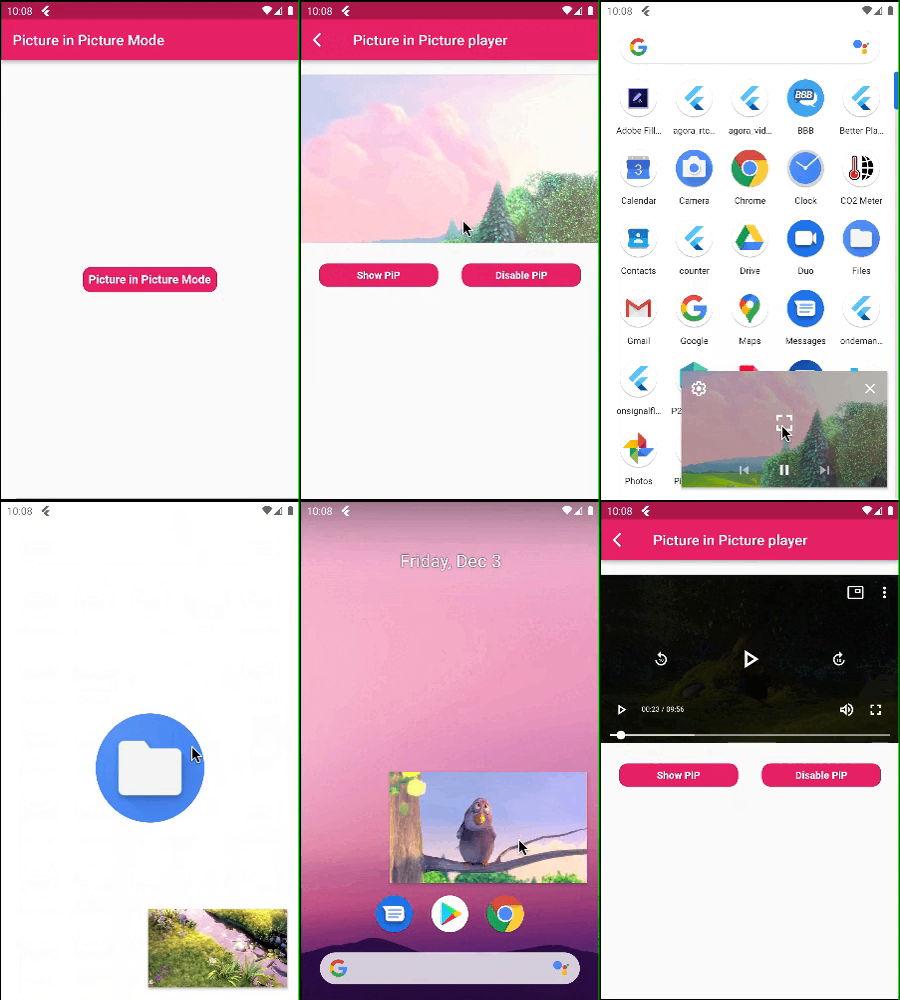
A Flutter plugin for Android and ios for make video in picture in picture mode.
Picture in Picture Mode Flutter
Picture in Picture Mode
Disable Picture in Picture Mode
A flutter package pip flutter which will help to put your video in pip mode.
Features 💚
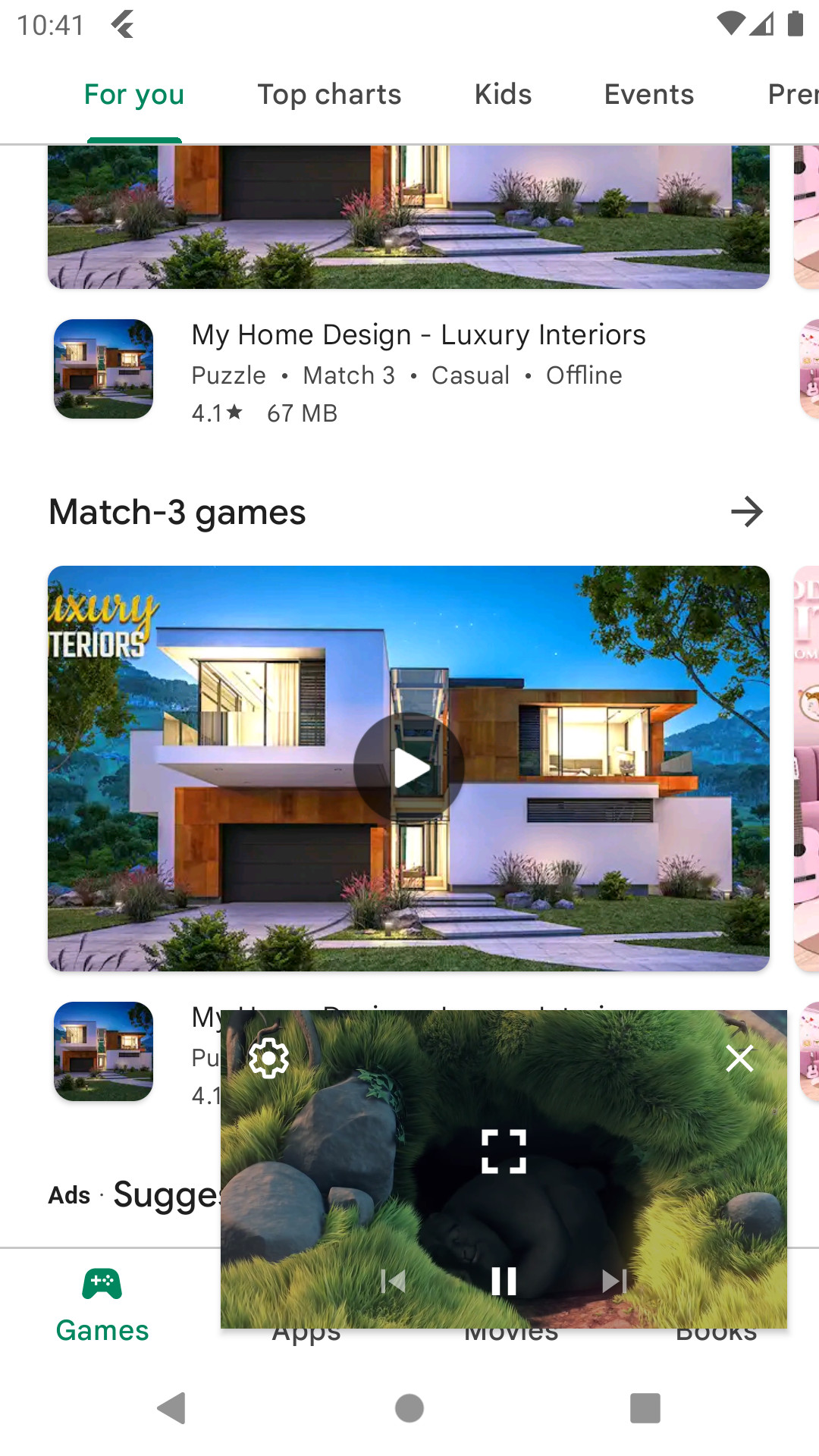
Put your video in Picture in Picture mode.
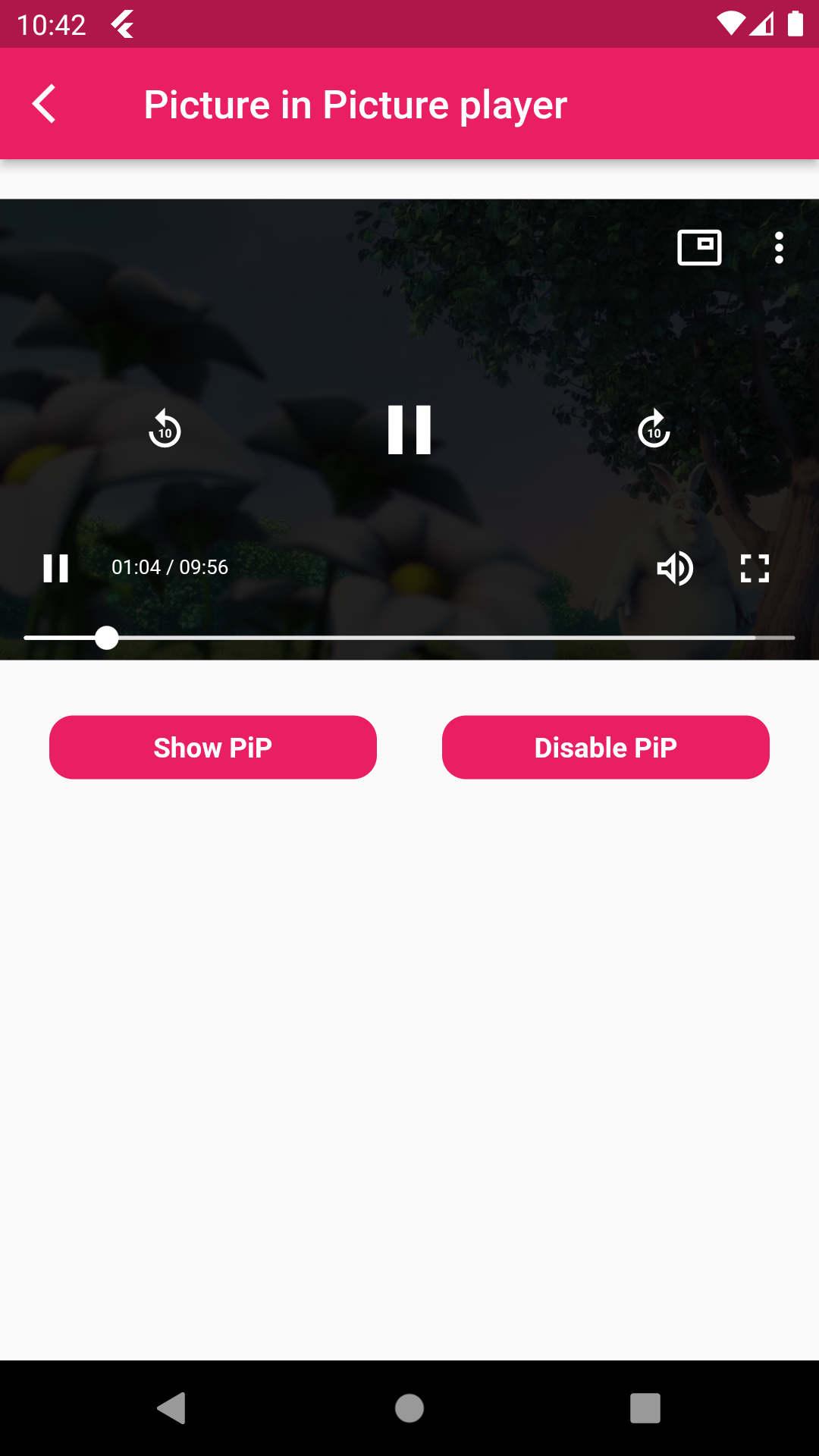
Also mute sound and play and pause the video.
Make video in full screen mode,set play back speed of video
Installation
First, add pip_flutter as a dependency in your pubspec.yaml file .
Android
Add below permission in your AndroidManifest.xml file ,also specified picture in picture mode in your activity tag and add foreground service for when
app is not in background that time app not kill and running in foregorund and also add update code of MainActivity.kt and add PipFlutterPlayerService.
<uses-permission android :name="android.permission.INTERNET" />
<uses-permission android:name ="android.permission.FOREGROUND_SERVICE" /> <activity
android:name =".MainActivity"
android:supportsPictureInPicture ="true"
android:launchMode ="singleTop"
android:theme ="@style/LaunchTheme"
android:configChanges ="orientation|keyboardHidden|keyboard|screenSize|smallestScreenSize|locale|layoutDirection|fontScale|screenLayout|density|uiMode"
android:hardwareAccelerated ="true"
android:windowSoftInputMode ="adjustResize"
android:exported ="true" /> <service
android:name =".PipFlutterPlayerService"
android:stopWithTask ="false" /> IOS
In Xcode of your project set ios deployment info 11.0 and set in below code in your Info.plist file.
<key>NSAppTransportSecurity </key>
<dict >
<key > NSAllowsArbitraryLoads</key >
<true />
</dict > <key > NSBonjourServices</key > <array >
<string > _dartobservatory._tcp</string >
</array > <key > UIBackgroundModes</key > <array >
<string > audio</string >
<string > processing</string >
<string > remote-notification</string >
</array > How to use
PipFlutterPlayerConfiguration : Put this class for your video configuration.
PipFlutterPlayerConfiguration pipFlutterPlayerConfiguration =
const PipFlutterPlayerConfiguration (
aspectRatio: 16 / 9 ,
fit: BoxFit .contain,
);
PipFlutterPlayerDataSource : Put this class for declare your video type url
and url.
PipFlutterPlayerDataSource dataSource = PipFlutterPlayerDataSource (
PipFlutterPlayerDataSourceType .network,
'http://commondatastorage.googleapis.com/gtv-videos-bucket/sample/BigBuckBunny.mp4' ,
);
PipFlutterPlayer (
controller: pipFlutterPlayerController,
key: pipFlutterPlayerKey,
),
Make your video in Pip mode put this code on your onTap.
pipFlutterPlayerController.enablePictureInPicture (pipFlutterPlayerKey);
And make your video in disable mode put this code on your onTap.
pipFlutterPlayerController.disablePictureInPicture ();
Run the example app in the exmaple folder to find out more about how to use it.