パッケージ、リポジトリ、アプリカテゴリを検索

パッケージ詳細v1.0.8

smooth_scroll_multiplatform

すべてのプラットフォームでマウスによるスムーズなスクロールを可能にする、スクロール可能なウィジェット用のラッパー。

AndroidiOSWebmacOSWindowsLinux
30日間ダウンロード
1320
いいね数
30
Pub ポイント
130

パッケージをインストール

flutter pub add smooth_scroll_multiplatform

パッケージ概要

公開情報に基づく選定ガイドです。参考としてご利用ください。

すべてのプラットフォームでマウス駆動のスムーズなスクロールを可能にするFlutterパッケージです。ListViewやScrollViewControllerなどの既存のスクロール可能なコンポーネントをラップし、マウスを使用する際の滑らかで連続的なスクロール体験を提供することで、デスクトップおよびWebでの使いやすさを向上させます。このパッケージは、ターゲットプラットフォームに関係なく一貫した挙動を保証しており、正確なナビゲーションが必要なアプリケーションに最適です。ネイティブな入力処理を活用して、応答性が高く自然なスクロール動作を実現しています。

用途

  • デスクトップアプリケーションのナビゲーション
  • Web アプリのスムーズスクロール
  • クロスプラットフォームのUI一貫性
  • マウス入力におけるユーザー体験の向上
  • データ量の多いインターフェースでのスクロール

主な機能

  • プラットフォームに依存しないスムーズスクロール
  • マウス中心のスクロール最適化
  • 既存のスクロール可能なコンポーネントとのシームレスな統合
  • すべての主要プラットフォームをサポートしています
  • 必要な最小構成

適している対象

  • 複数のプラットフォームをターゲットにする開発者
  • 広範なスクロール可能コンテンツを備えたアプリ
  • デスクトップおよびウェブ向けのFlutterプロジェクト
  • ユーザーエクスペリエンスを重視したインターフェースデザイン
  • 洗練されたスクロール動作を必要とするプロジェクト

注意事項

  • タッチベースのスクロールに影響しない可能性があります
  • 完全な効果を発揮するにはマウス入力が必要です
  • モバイルプラットフォームへの影響は限定的
  • モバイル以外の用途に最適
  • 大規模なリストにおける潜在的なパフォーマンスオーバーヘッド

元の README

関連するソースリポジトリの README 原文のスナップショットです。最新の内容はリポジトリをご覧ください。

Multiplatform Smooth Scroll

A fork of the dyn_mouse_scroll package, including Wizzel1's fixes and my own fixes; Provides wrapper for scrollable widgets that enables smooth scrolling with a mouse wheel, trackpad or touch screen on all platforms; This fork fixes all issues regarding trackpad, mouse/trackpad switching and animations, fixing the slippery effect when changing scroll direction; The fork also changes the default mouse scroll animation to look smoother; Additionally, it allows to change the scroll speed, on top of the duration and animation curve.

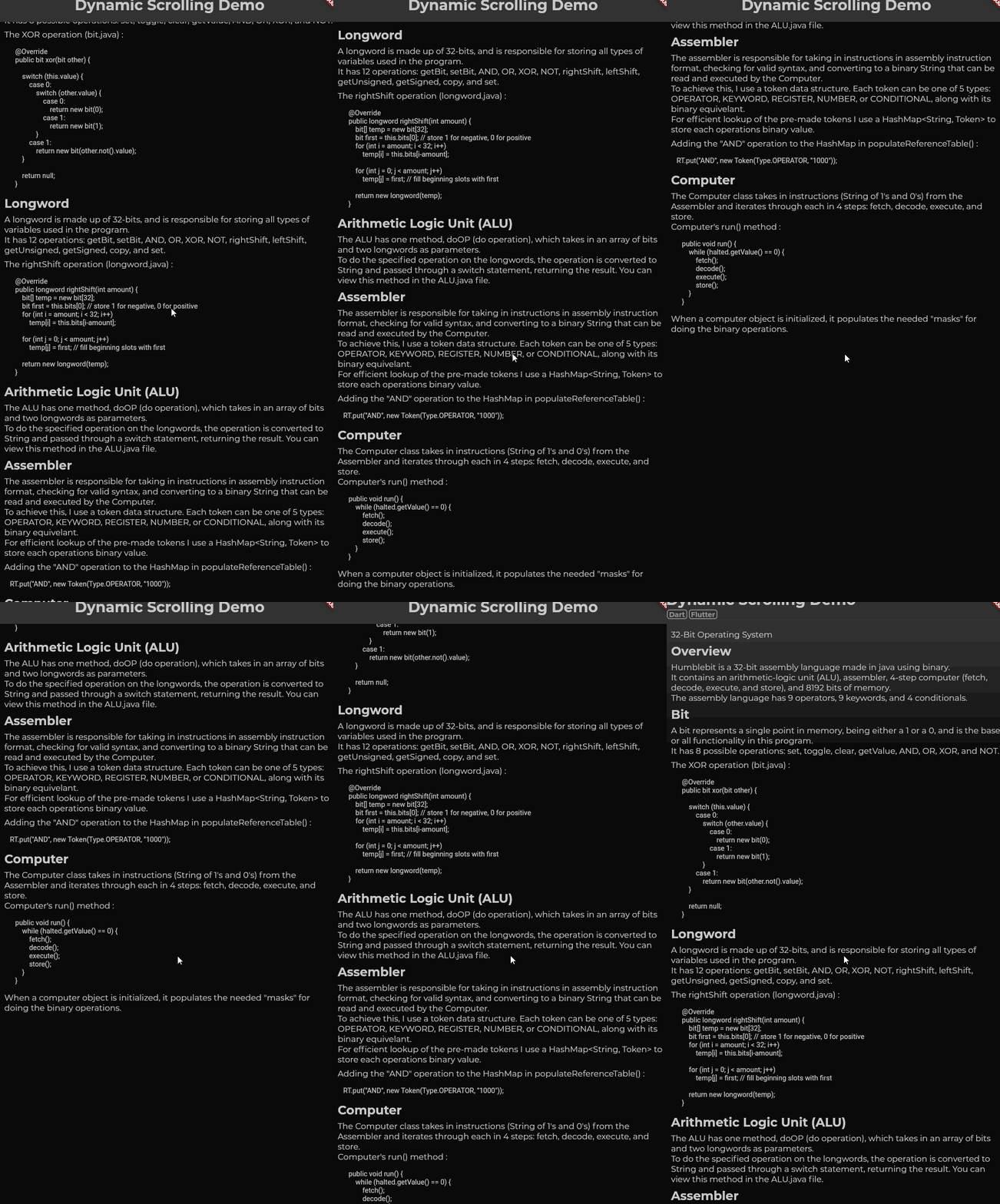
First gif: Scrolling slowly.
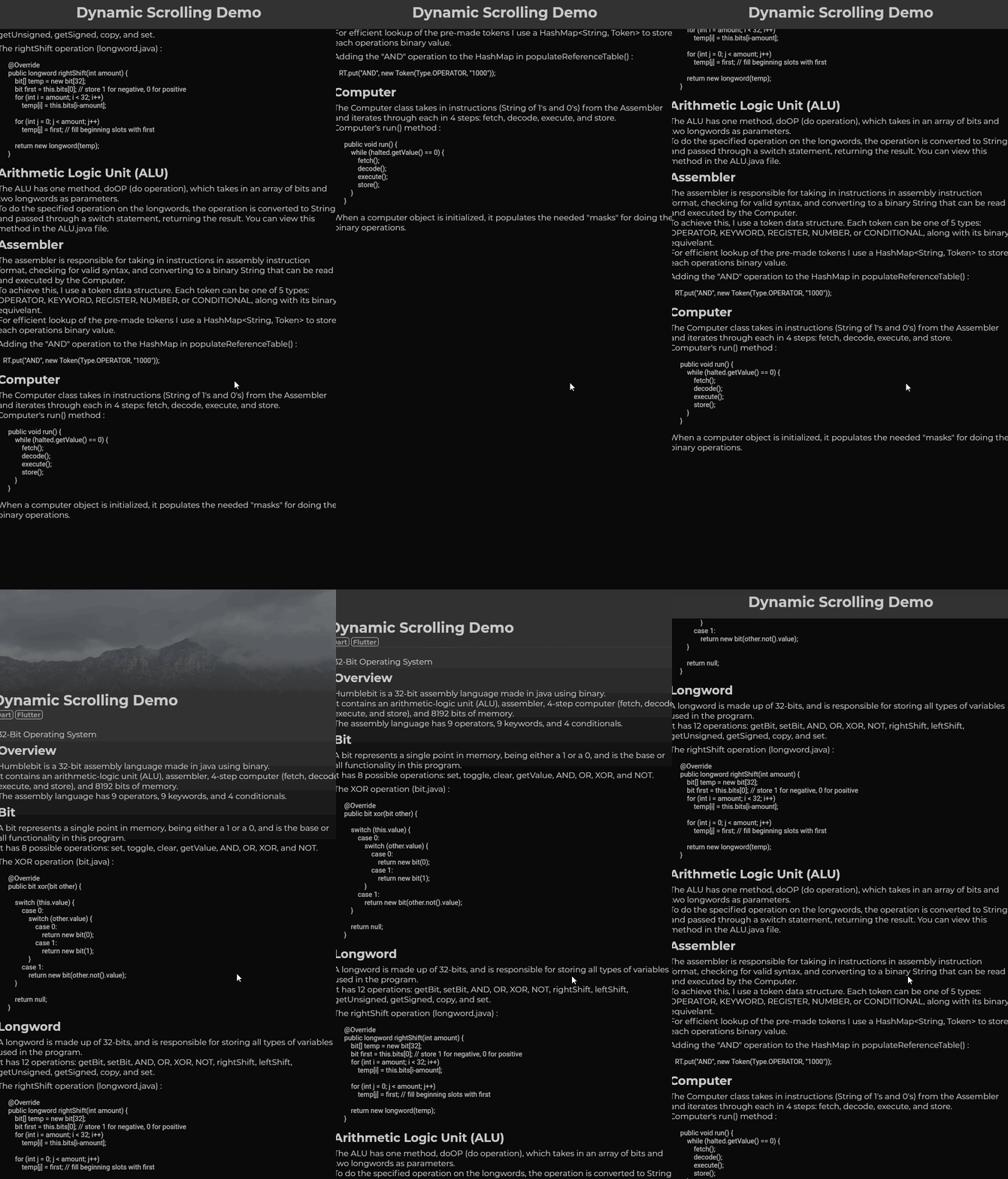
Second gif: Scrolling quickly (flick scroll).
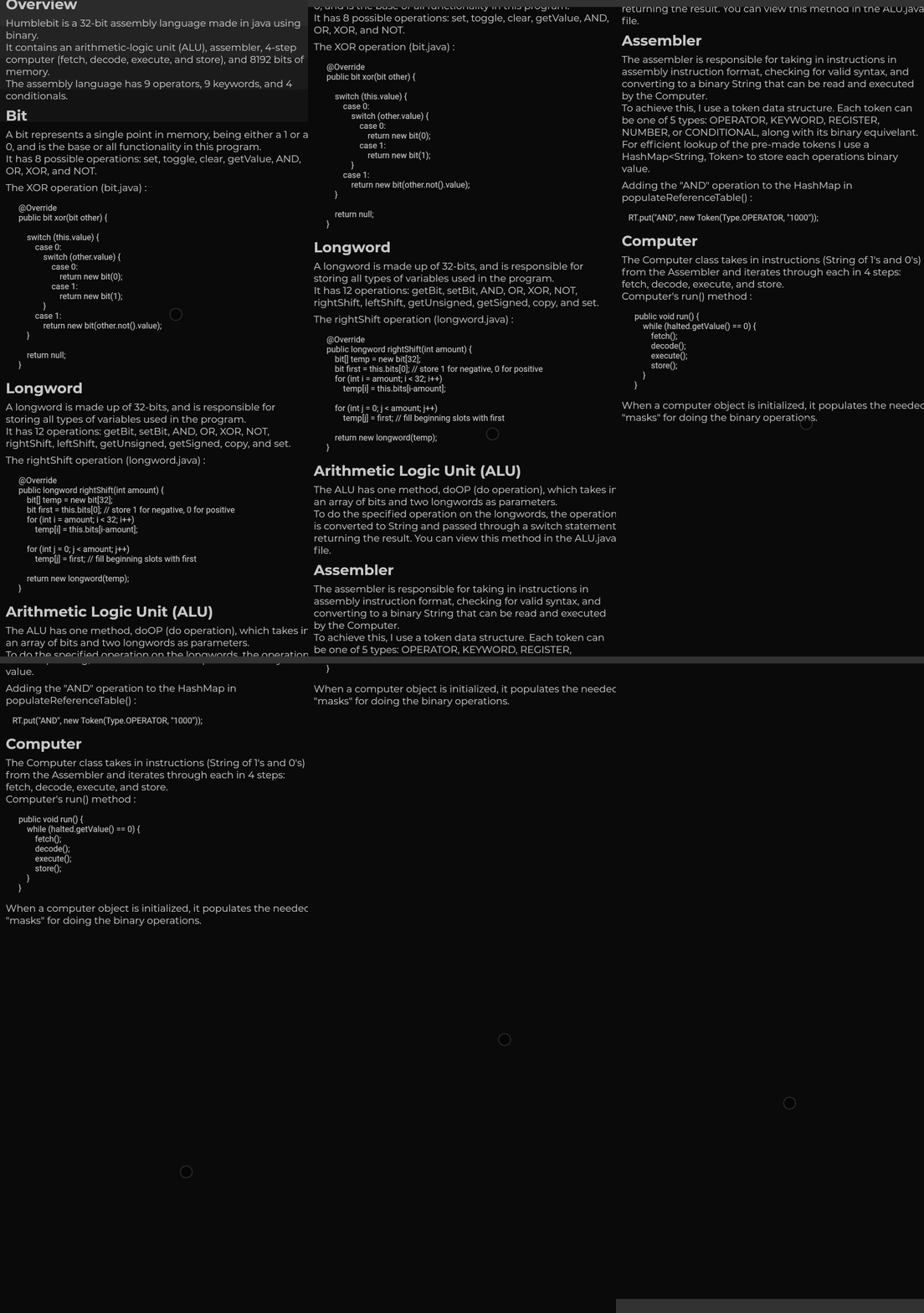
Third gif: Mobile drag scroll detected, physics change.

Features

  • Animate smooth scroll based on speed of user's scroll.
  • Automatically detect if the wrong ScrollPhysics is being used and update using provider.
  • Adjust the duration of your scroll events.
  • Choose what mobile physics you would like to use.

Basic Usage

DynMouseScroll(
  builder: (context, controller, physics) => ListView(
    controller: controller,
    physics: physics,
    children: ...
    )
)

With additional settings:

DynMouseScroll(
  durationMS: 500,
  scrollSpeed: 4.4,
  animationCurve: Curves.easeOutQuart,
  builder: (context, controller, physics) => ListView(
    controller: controller,
    physics: physics,
    children: ...
    )
)

Problem:

Flutter does not animate smooth scrolls for pointers, causing choppy experiences for the end user. One package, web_smooth_scroll, attempts to fix this problem by disabling default scrolling entirely (mobile can't drag now) and listening for pointer events to animate the scroll controller that can only move at one speed.

Solution:

To allow mobile default scrolling to still be accessible I detect the user's platform and automatically update if the detection was wrong. When the user scrolls, the 'futurePosition' variable is updated and the animation is started I set the mobile scroll physics as the default one, switching to desktop scroll physics as the mouse wheel scroll is initiated and only starting the animation after the widget is rebuilt; the desktop scroll physics then takes priority over mobile physics, switching back to mobile physics only after the last scroll animation has ended, only if no new scroll wheel action had been initiated in the meantime.

カテゴリー

依存関係

依存関係一覧 1 件

ソースリポジトリ

このパッケージを使用しているプロジェクト