パッケージ、リポジトリ、アプリカテゴリを検索

stickereditor のカバー
パッケージ詳細v0.0.8

stickereditor

境界に応じてテキストや画像を編集および移動できるウィジェットです。

30日間ダウンロード
27
いいね数
58
Pub ポイント
60

パッケージをインストール

flutter pub add stickereditor

パッケージ概要

公開情報に基づく選定ガイドです。参考としてご利用ください。

StickerEditor は、定義された境界内でのテキストおよび画像の自由な編集、移動、配置を可能にする Flutter ウィジェットです。動的なコンテンツオーバーレイを必要とするアプリケーションに最適なインタラクティブなステッカー編集インターフェースを提供します。ドラッグアンドドロップ機能と境界制約をサポートしており、要素が希望する領域内に留まるように保証します。シンプルさとパフォーマンスを重視して構築されており、カスタムステッカーまたは注釈を作成するためのマルチメディアアプリへの統合がスムーズです。

用途

  • ソーシャルメディアアプリでカスタムステッカーを作成する
  • 画像に編集可能なテキストオーバーレイを追加する
  • 移動可能な要素を備えたユーザー生成コンテンツの設計
  • インタラクティブな写真編集ツールの構築
  • メッセージアプリでのリアルタイムステッカー操作の有効化

主な機能

  • ドラッグアンドドロップによるテキストと画像の配置
  • 境界制約の強制
  • ステッカーのコンテンツのインタラクティブ編集
  • 既存のFlutterプロジェクトとの簡単な統合
  • 動的リサイズおよび再配置のサポート

適している対象

  • 写真編集機能を開発する開発者
  • ユーザー生成のステッカー作成を必要とするアプリ
  • インタラクティブなコンテンツを備えたソーシャルメディアプラットフォーム
  • 視覚的注釈付きの教育ツール
  • カスタマイズ可能なスタンプ付きメッセージアプリ

注意事項

  • 基本的なテキストおよび画像操作に限定
  • 組み込みのエクスポートまたは保存機能がありません
  • 保存ロジックの手動実装が必要
  • 複雑なマルチレイヤードデザインには最適化されていません
  • 高度な画像処理には外部ライブラリに依存します

元の README

関連するソースリポジトリの README 原文のスナップショットです。最新の内容はリポジトリをご覧ください。

Sticker Editor

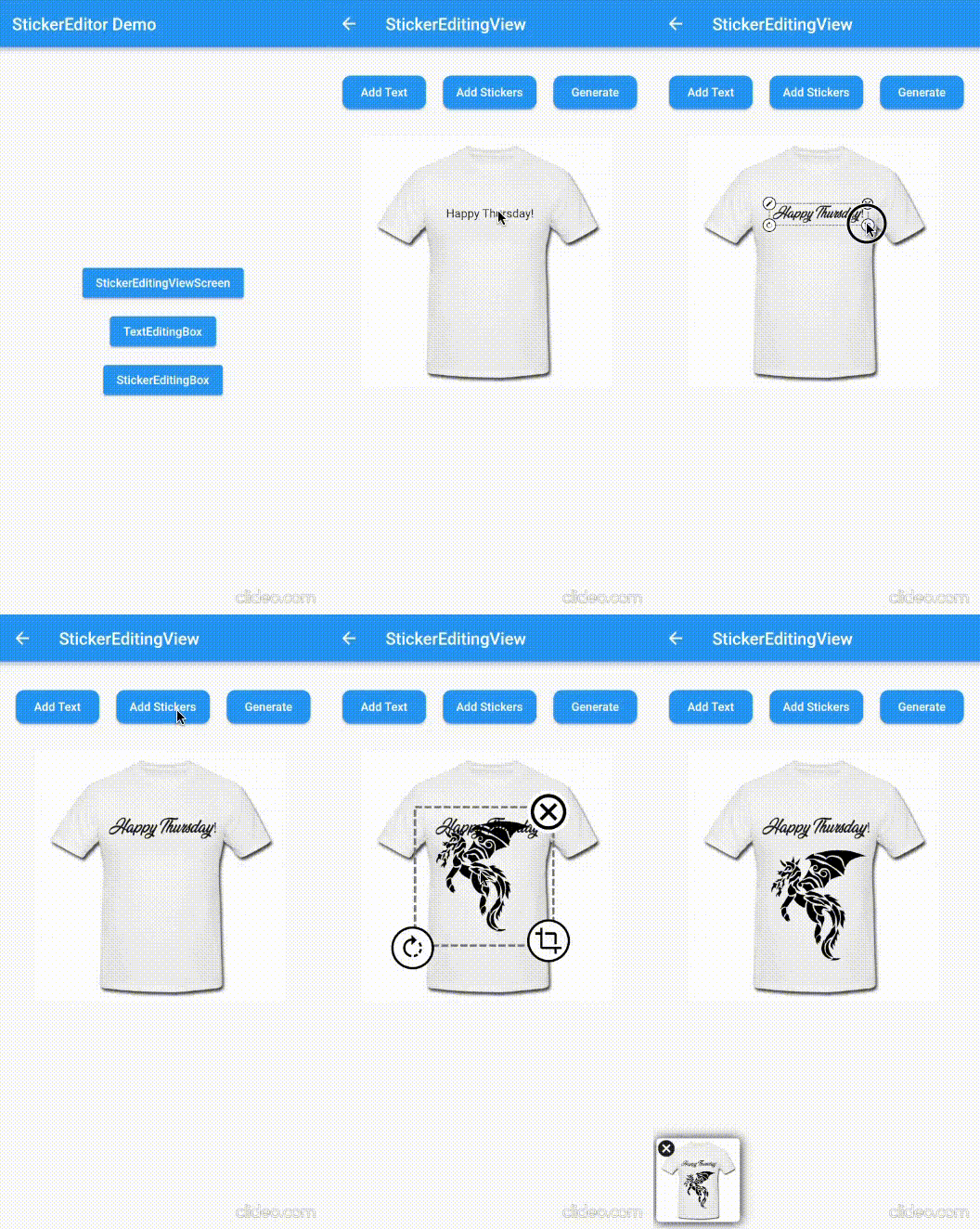
A flutter plugin for iOS, Android and Mac for Rotate, Scaling, Moving and Editing Text, Photo, Stickers


Sticker Editor


Only Text Only Photo

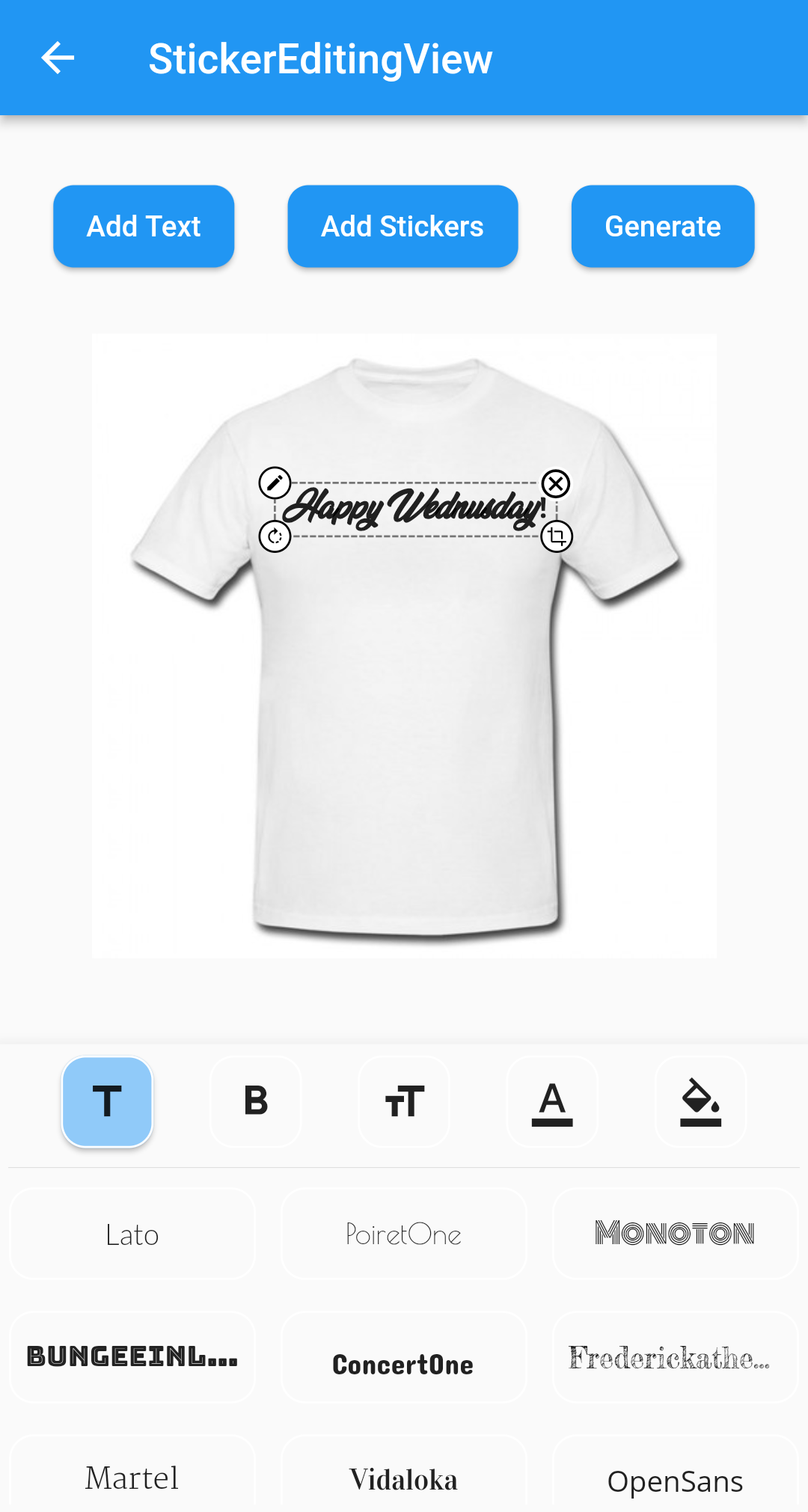
A flutter package Sticker Editor which will help you to create editable and scalable text or sticker widget that can be dragged around the area you given in screen.

License: MIT

Features 💚

  • Manually Control the position of the widget along with drags.
  • You can bound the dragarea of your widget using boundHeight and boundWidth parameters
  • onTap and onCancel function where user's can use there own function
  • You can resizes widget using scaling function
  • Highly customizable
  • You can use whole sticker view or particular widgets

Installation

First, add stickereditor as a dependency in your pubspec.yaml file.

MacOs

Fore NetworkImage, macOS needs you to request a specific entitlement in order to access the network. To do that open macos/Runner/DebugProfile.entitlements and add the following key-value pair.

<key>com.apple.security.network.client</key>
<true/>

How to use

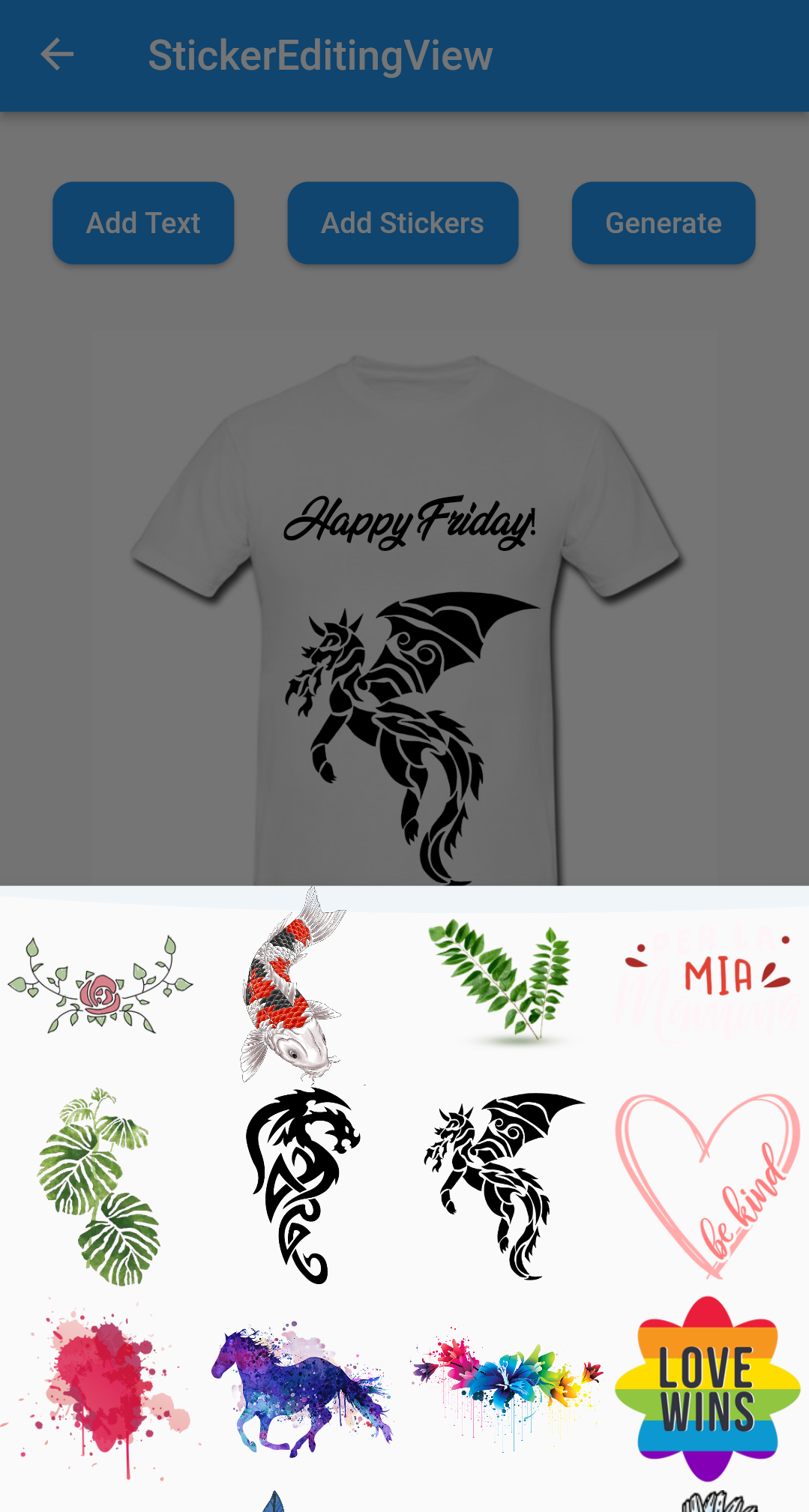
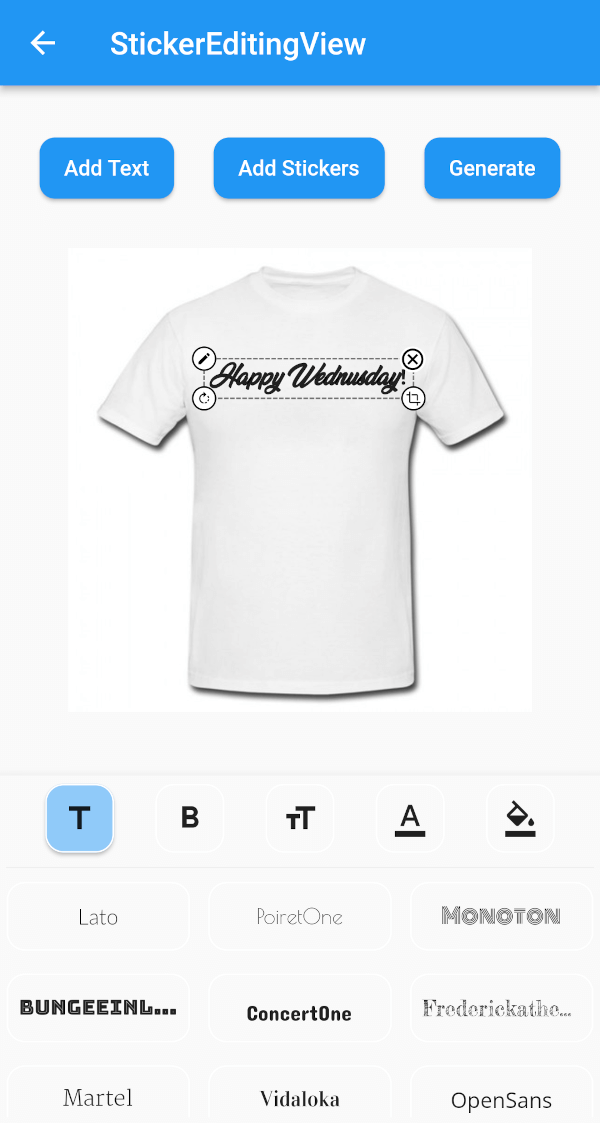
  • Sticker View
StickerEditingView(
  isnetwork: false,
  height: 300,
  width: 300,
  imgUrl: backgroundImageUrl,
  fonts: fonts,
  palletColor: colorPallet,
  assetList: stickerList,
),
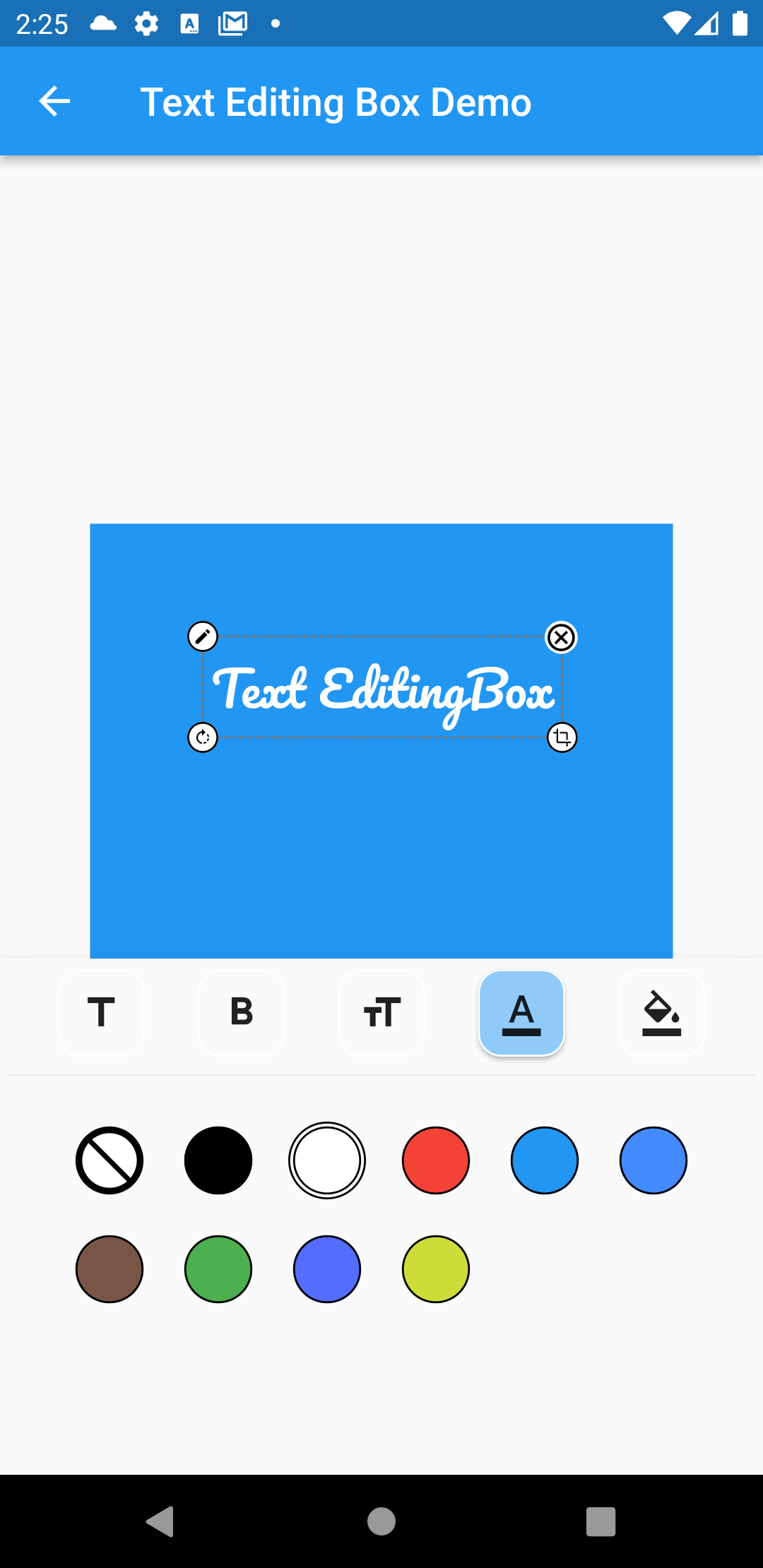
  • Text Editing Box
Container(
  height: 300,
  width: 300,
  color: Colors.blue,
  child: Stack(
    children: [
      TextEditingBox(
        fonts: fonts,
        boundHeight: 200,
        boundWidth: 100,
        isSelected: true,
        palletColor: colorPallet,
        newText: TextModel(
            name: 'Text EditingBox',
            textStyle:
                GoogleFonts.pacifico(fontSize: 25, color: Colwhite),
            top: top,
            isSelected: true,
            textAlign: TextAlign.center,
            scale: 1,
            left: left),
      ),
    ],
  ),
),
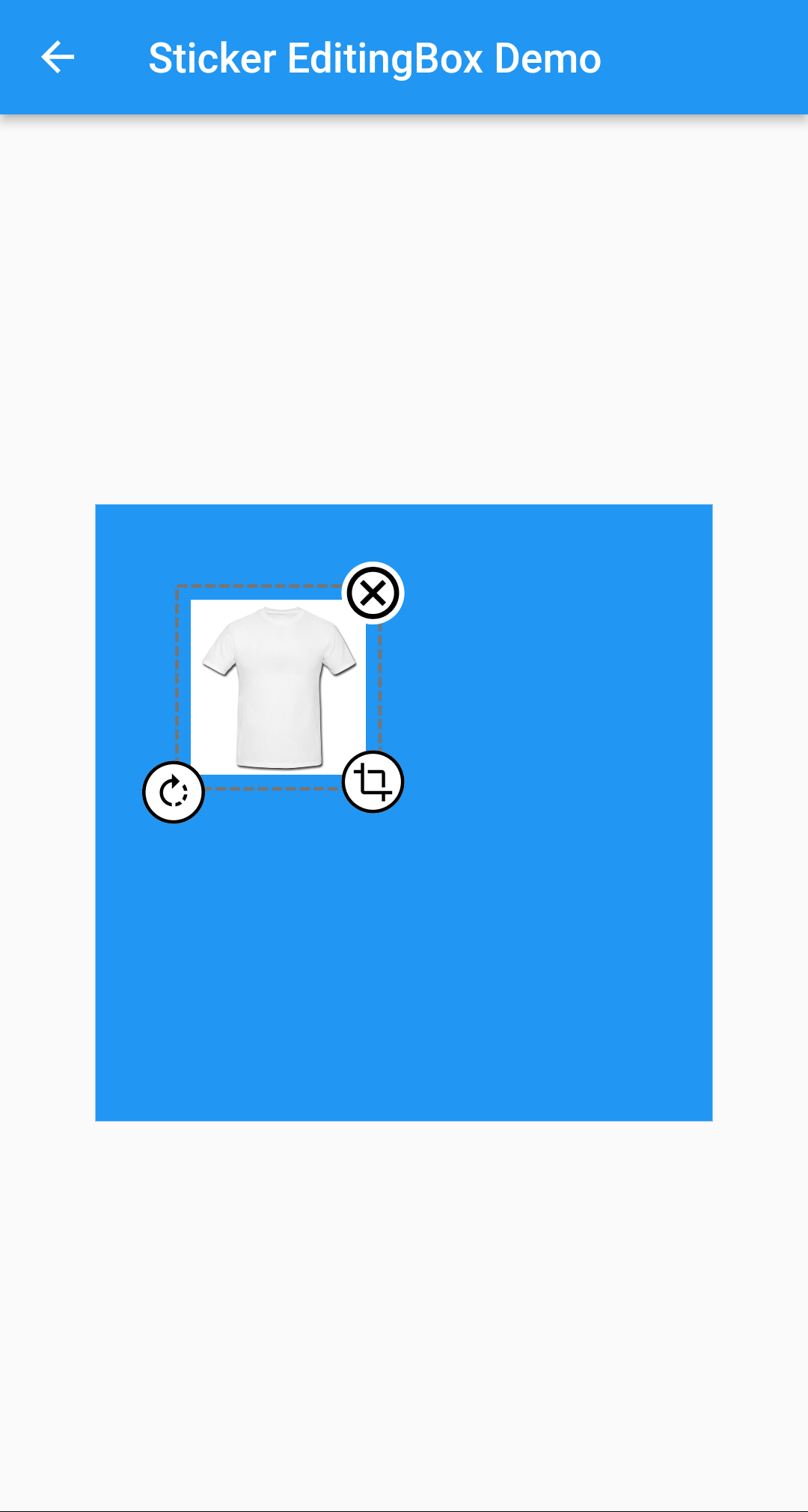
  • Picture Editing Box
Container(
  height: 300,
  width: 300,
  color: Colors.blue,
  child: Stack(
    children: [
      StickerEditingBox(
          boundHeight: 200,
          boundWidth: 200,
          pictureModel: PictureModel(
            isNetwork: true,
            isSelected: false,
            left: 50,
            top: 50,
            scale: 1,
            stringUrl:
                'https://raw.githubusercontent.com/Harsh-Radadiya/sticker_editor/master/assets/t-shirt.jpeg',
          )),
    ],
  ),
)

Run the example app in the exmaple folder to find out more about how to use it.

カテゴリー

依存関係

依存関係一覧 4 件

ソースリポジトリ

このパッケージを使用しているプロジェクト

データはまだありません。