パッケージ、リポジトリ、アプリカテゴリを検索

syncfusion_officechart のカバー
パッケージ詳細v35.1.46

syncfusion_officechart

Syncfusion Flutter Office Chart は、Dart でネイティブに記述されたライブラリであり、オフィスチャートをゼロから作成するために使用されます。

AndroidiOSWebmacOSWindowsLinux
30日間ダウンロード
2.5万
いいね数
92
Pub ポイント
150

パッケージをインストール

flutter pub add syncfusion_officechart

パッケージ概要

公開情報に基づく選定ガイドです。参考としてご利用ください。

Syncfusion Flutter Office Chart は、Flutter アプリケーション内で Microsoft Office 風のチャートを直接作成できるネイティブな Dart ライブラリです。棒グラフ、折れ線グラフ、円グラフ、棒グラフなど、幅広いチャートタイプをサポートしており、データラベル、凡例、軸のカスタマイズオプションが豊富です。クロスプラットフォーム対応を意識して設計されており、Android、iOS、Web、macOS、Windows、Linux でスムーズに動作します。pub.dev を通じて Flutter プロジェクトに簡単に統合でき、Office チャートの基準に合わせた高パフォーマンスと視覚的な正確性を提供します。

用途

  • ビジネスダッシュボードの作成
  • 売上およびパフォーマンスデータの可視化
  • 埋め込みチャート付きのレポートの作成
  • データ駆動型のモバイルおよびウェブアプリの構築
  • 時系列の傾向を表示する
  • エンタープライズアプリにプロフェッショナルグレードのチャートを統合する

主な機能

  • ネイティブな Dart 実装
  • 複数のチャートタイプをサポート
  • クロスプラットフォーム互換性
  • カスタマイズ可能なデータラベルと凡例
  • 高パフォーマンスレンダリング
  • オフィススタイルのチャート外観

適している対象

  • エンタープライズアプリケーション開発者
  • データ可視化スペシャリスト
  • ビジネスインテリジェンスツールの作成者
  • Flutter チームが分析アプリを構築しています
  • 複数のプラットフォーム間で一貫したチャートスタイルが必要な開発者

注意事項

  • チャートデータ構造の理解が必要です
  • 静的チャートレンダリングに限定(リアルタイム更新なし)
  • バンドルされたアセットのため、アプリサイズが増加する可能性があります
  • 軽量なUIよりも、複雑で静的な可視化に適している
  • 商用利用におけるSyncfusionのライセンスモデルに依存します

元の README

関連するソースリポジトリの README 原文のスナップショットです。最新の内容はリポジトリをご覧ください。

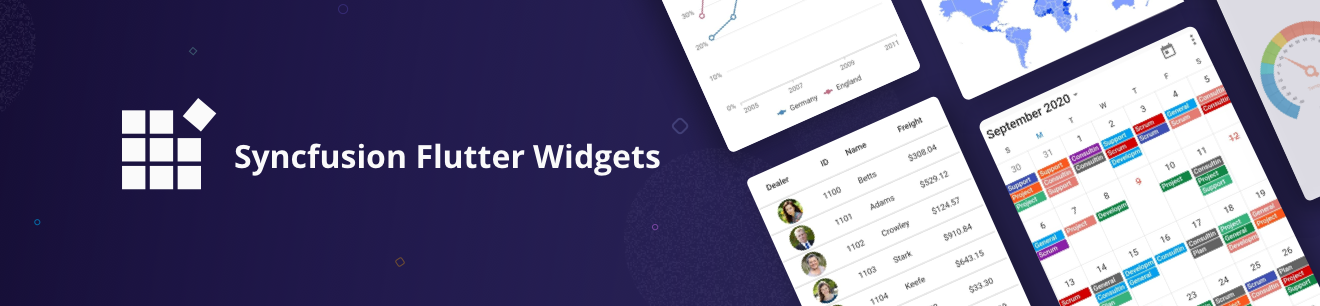
Syncfusion Flutter Widgets

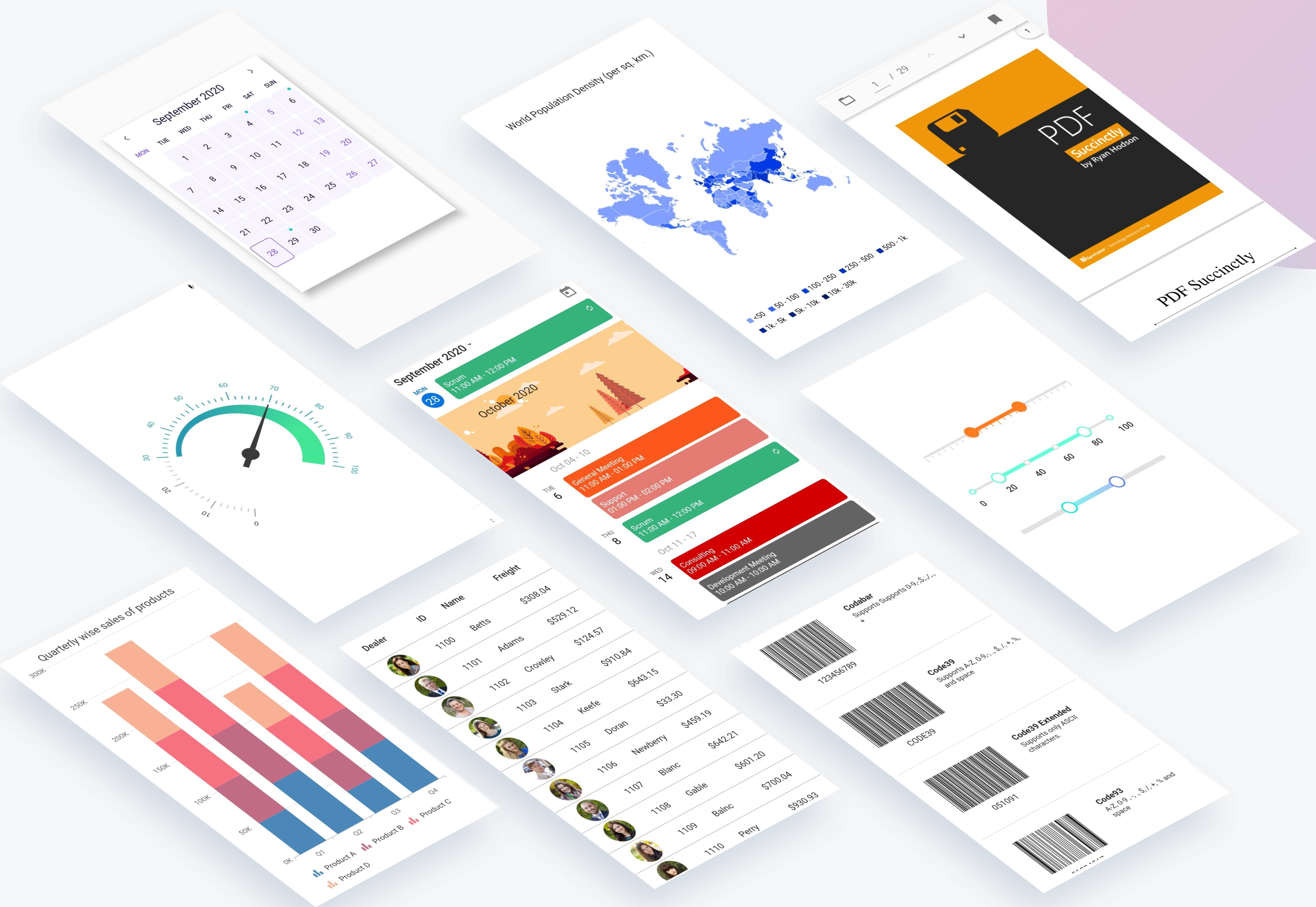
Syncfusion Flutter widgets libraries include high-quality UI widgets and file-format packages to help you create rich, high-quality applications for iOS, Android, and web from a single code base. Please find the supported platforms for our Flutter widgets.

Disclaimer: This is a commercial package. To use our packages, you need to have either the Syncfusion Commercial License or Syncfusion Community license. For more details, please check the LICENSE file.

Table of contents

Repository structure

This repository holds the source code of all the Syncfusion Flutter widgets and libraries. Source code of the widget, a working example, read me, changelog, etc., files are available in the packages directory.

Also, you can view the samples code from this repository.

Packages

Package/Plugin Available widgets/libraries Pub Points Popularity Likes
syncfusion_flutter_chat
  • SfChat
pub package pub points popularity likes
syncfusion_flutter_charts
  • SfCartesianChart
  • SfCircularChart
  • SfPyramidChart
  • SfFunnelChart
pub package pub points popularity likes
syncfusion_flutter_calendar
  • SfCalendar
pub package pub points popularity likes
syncfusion_flutter_datagrid
  • SfDataGrid
pub package pub points popularity likes
syncfusion_flutter_pdfviewer
  • SfPdfViewer
pub package pub points popularity likes
syncfusion_flutter_pdf
  • PDF library
pub package pub points popularity likes
syncfusion_flutter_xlsio
  • XlsIO library
pub package pub points popularity likes
syncfusion_flutter_datepicker
  • SfDateRangePicker
pub package pub points popularity likes
syncfusion_flutter_maps
  • SfMaps
pub package pub points popularity likes
syncfusion_flutter_gauges
  • SfRadialGauge
pub package pub points popularity likes
syncfusion_flutter_sliders
  • SfSlider
  • SfRangeSlider
  • SfRangeSelector
pub package pub points popularity likes
syncfusion_flutter_signaturepad
  • SfSignaturePad
pub package pub points popularity likes
syncfusion_flutter_barcodes
  • SfBarcodeGenerator
pub package pub points popularity likes
syncfusion_officechart
  • Office chart library
pub package pub points popularity likes
syncfusion_officecore This package is a dependecy package for Office chart library. pub package pub points popularity likes
syncfusion_flutter_core This package is a dependecy package for all the Syncfusion Flutter widgets and libraries. pub package pub points popularity likes
syncfusion_localizations This package contains localized text for 77 cultures for all the applicable Syncfusion Flutter Widgets. pub package pub points popularity likes

How to use

Referring packages source in your application

All the packages available in the packages folder can be referred in your application by following the below steps.

Step 1

Clone the flutter-widgets repository into your machine.

Step 2

Refer the required package in your application's pubspec.yaml file by mentioning its local path. For example, here we have referred the charts package.

syncfusion_flutter_charts:
    path: D:/flutter-widgets/packages/syncfusion_flutter_charts

Step 3

Run the following command to get the required packages.

$ flutter pub get

Step 4

Run your application using the following commands:

Windows & Linux

Run code: Ctrl + F5

Run with debugging: F5 or Run > Start Debugging

Stop debugging: Shift + F5

Restart debugging: Ctrl + Shift + F5

MacOS

Run code: Cmd + F5

Run with debugging: F5 or Run > Start Debugging

Stop debugging: Shift + Cmd + F5

Restart debugging: Cmd + Shift + F5

Web (VS Code in the Browser)

Run code: Ctrl + F5

Run with debugging: F5 or Run > Start Debugging

Running the available example

All the packages available in the packages folder has an example and it can be run by following the below steps.

Step 1

Clone the flutter-widgets repository into your machine.

Step 2

Open the example folder available in packages in an IDE. The below path is for reference.

..\flutter-widgets\packages\syncfusion_flutter_charts\example

Step 3

Run the following command to get the required packages.

$ flutter pub get

Note: In the example, packages are referred from the local folder which is available in this repository. If you wish, you can also refer the packages from pub.

Step 4

Run your application either using F5 or Run > Start Debugging.

Get the demo application

Explore the full capabilities of our Flutter widgets on your device by installing our sample browser applications from the below app stores, and view samples code in GitHub.

Useful links

Take a look at the following to learn more about Syncfusion Flutter widgets:

Support and feedback

  • For any other queries, reach our Syncfusion support team or post the queries through the Community forums and submit a feature request or a bug through our Feedback portal.
  • To renew the subscription, click renew or contact our sales team at salessupport@syncfusion.com | Toll Free: 1-888-9 DOTNET.

About Syncfusion

Founded in 2001 and headquartered in Research Triangle Park, N.C., Syncfusion has more than 20,000 customers and more than 1 million users, including large financial institutions, Fortune 500 companies, and global IT consultancies.

Today we provide 1,000+ controls and frameworks for web (ASP.NET Core, ASP.NET MVC, ASP.NET WebForms, JavaScript, Angular, React, Vue, and Blazor, mobile (Xamarin, Flutter, UWP, and JavaScript), and desktop development (WinForms, WPF, and UWP). We provide ready-to deploy enterprise software for dashboards, reports, data integration, and big data processing. Many customers have saved millions in licensing fees by deploying our software.

カテゴリー

依存関係

依存関係一覧 3 件

ソースリポジトリ

このパッケージを使用しているプロジェクト