パッケージ、リポジトリ、アプリカテゴリを検索

time_chart のカバー
パッケージ詳細v0.5.5

time_chart

Flutterでのスクロール可能な時間チャート。現在、en、ko言語をサポートしています。

30日間ダウンロード
141
いいね数
76
Pub ポイント
50

パッケージをインストール

flutter pub add time_chart

パッケージ概要

公開情報に基づく選定ガイドです。参考としてご利用ください。

time_chart は、時間データを可視化するためのスクロール可能なタイムチャートを提供するFlutterパッケージです。現在、英語と韓国語の複数言語をサポートしており、より広範なユーザーに利用可能になっています。スムーズなスクロールと応答性の高いレンダリングを実現するように設計されており、開発者が時系列データを簡単に表示できるようになっています。Flutterアプリケーションへのシームレスな統合が可能で、ダッシュボードや分析インターフェース、またはタイムラインの可視化が必要なあらゆるアプリに最適です。軽量な構造により、大規模なデータセットでも効率的なパフォーマンスを発揮します。

用途

  • ダッシュボードで時系列データを表示する
  • 時間の経過に伴うユーザー活動の可視化
  • リアルタイムアプリケーションにおけるメトリクスの追跡
  • インタラクティブなタイムラインの作成
  • モニタリングシステムのパフォーマンスログ

主な機能

  • 時間データ用のスクロール可能インターフェース
  • 英語および韓国語のローカライゼーション対応
  • 軽量でパフォーマンスに優れたレンダリング
  • Flutterアプリへの簡単な統合
  • さまざまな画面サイズに対応するレスポンシブデザイン

適している対象

  • モバイルアプリにおけるデータの可視化
  • 分析ダッシュボード
  • 時間ベースの監視ツール
  • マルチリンガルアプリケーション
  • シンプルな時系列チャートを求める開発者

注意事項

  • 水平スクロールのみに制限
  • en および ko 以外の言語に対する組み込みサポートはありません
  • データの更新を手動で処理する必要がある
  • 非常に大きなデータセットには最適化されていない
  • 組み込みのツールチップや注釈なし

元の README

関連するソースリポジトリの README 原文のスナップショットです。最新の内容はリポジトリをご覧ください。

time_chart

pub package

An amazing time chart in Flutter.

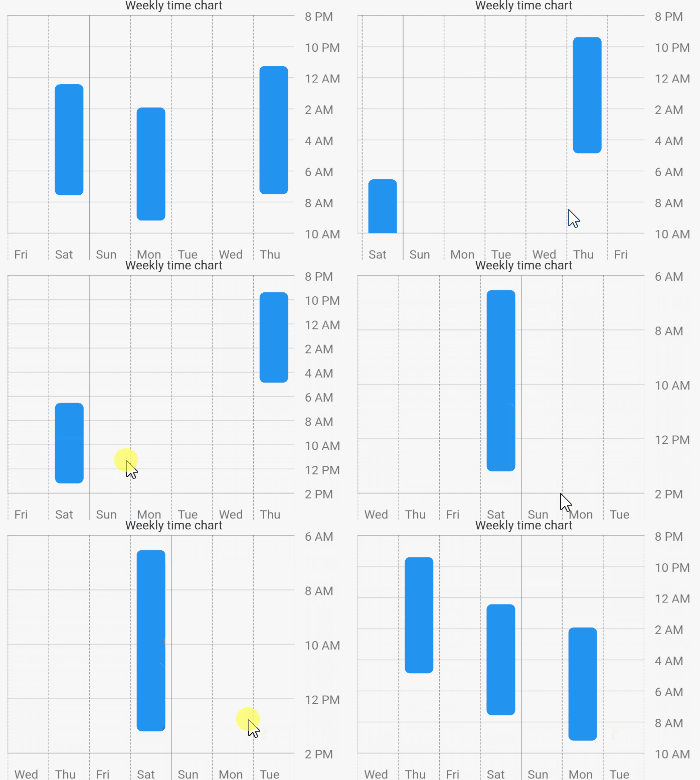
How the animation works?

The animation is created by determining the top hour and the bottom hour. The top hour denotes the most top hour displayed at the current scroll position, while the bottom hour represents its opposite. When scrolling occurs, the animation is triggered by comparing the previous top hour and bottom hour with the top hour and bottom hour after scrolling.

Chart Types
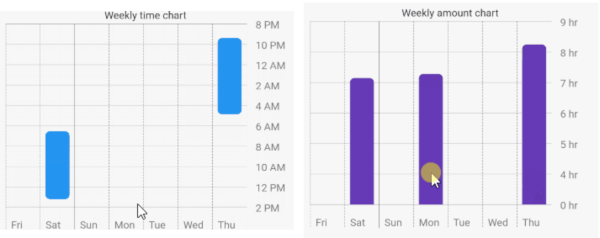
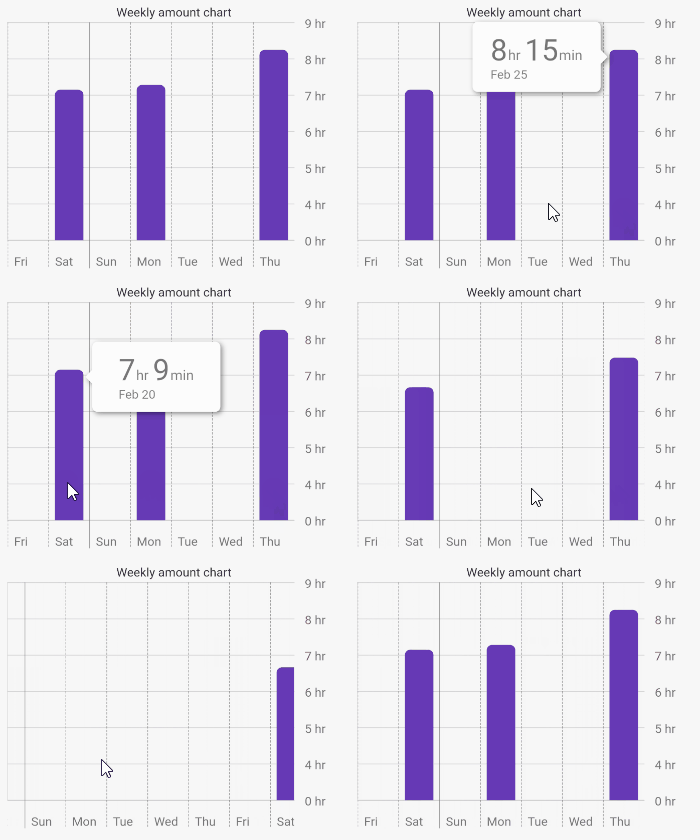
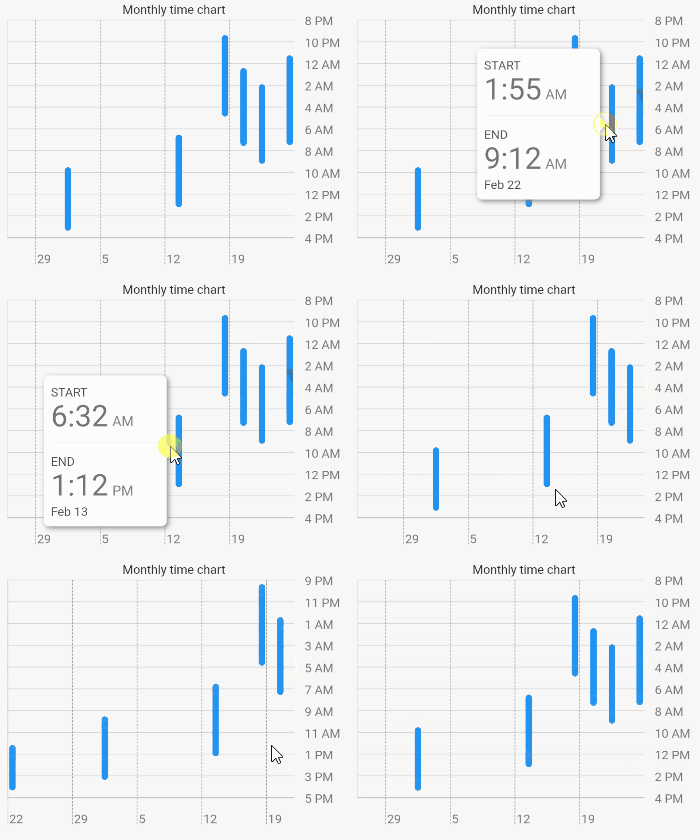
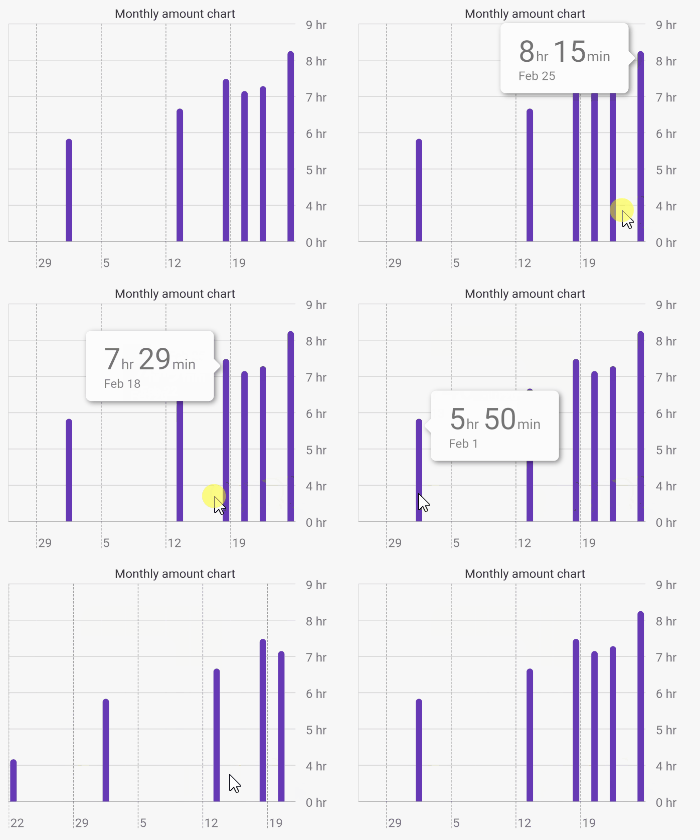
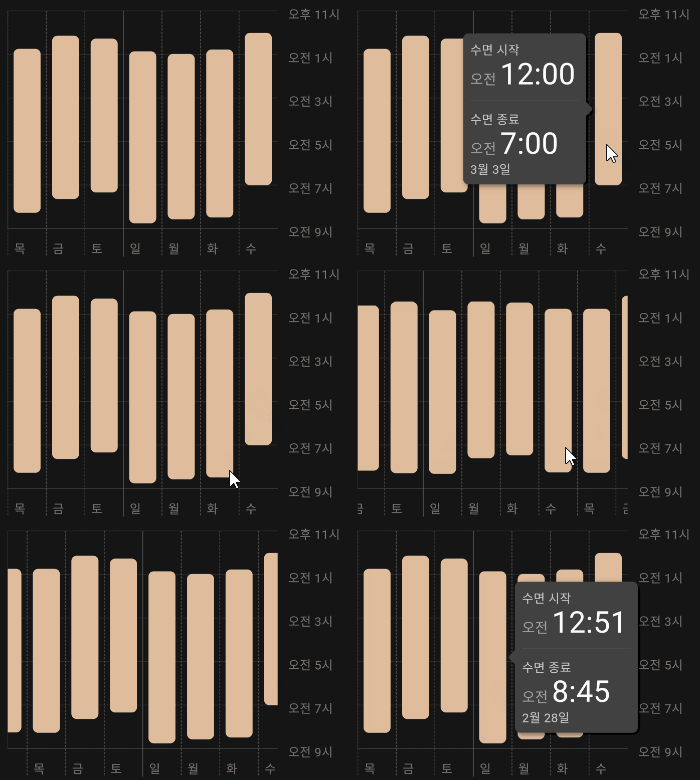
TimeChart AmountChart

Getting Started

1 - Depend on it

Add it to your package's pubspec.yaml file

dependencies:
  time_chart: ^0.5.4
2 - Install it

Install packages from the command line

flutter packages get
3 - Usage

Just input your DateTimeRange list to data: argument. The list must be sorted. First data is latest, last data is oldest.

Example

import 'package:flutter/material.dart';
import 'package:time_chart/time_chart.dart';

void main() => runApp(MyApp());

class MyApp extends StatelessWidget {

  // Data must be sorted.
  final data = [
    DateTimeRange(
      start: DateTime(2021,2,24,23,15),
      end: DateTime(2021,2,25,7,30),
    ),
    DateTimeRange(
      start: DateTime(2021,2,22,1,55),
      end: DateTime(2021,2,22,9,12),
    ),
    DateTimeRange(
      start: DateTime(2021,2,20,0,25),
      end: DateTime(2021,2,20,7,34),
    ),
    DateTimeRange(
      start: DateTime(2021,2,17,21,23),
      end: DateTime(2021,2,18,4,52),
    ),
    DateTimeRange(
      start: DateTime(2021,2,13,6,32),
      end: DateTime(2021,2,13,13,12),
    ),
    DateTimeRange(
      start: DateTime(2021,2,1,9,32),
      end: DateTime(2021,2,1,15,22),
    ),
    DateTimeRange(
      start: DateTime(2021,1,22,12,10),
      end: DateTime(2021,1,22,16,20),
    ),
  ];

  @override
  Widget build(BuildContext context) {
    final sizedBox = const SizedBox(height: 16);

    return MaterialApp(
      home: Scaffold(
        appBar: AppBar(title: const Text('Time chart example app')),
        body: SingleChildScrollView(
          child: Padding(
            padding: const EdgeInsets.all(16.0),
            child: Column(
              children: [
                const Text('Weekly time chart'),
                TimeChart(
                  data: data,
                  viewMode: ViewMode.weekly,
                ),
                sizedBox,
                const Text('Monthly time chart'),
                TimeChart(
                  data: data,
                  viewMode: ViewMode.monthly,
                ),
                sizedBox,
                const Text('Weekly amount chart'),
                TimeChart(
                  data: data,
                  chartType: ChartType.amount,
                  viewMode: ViewMode.weekly,
                  barColor: Colors.deepPurple,
                ),
                sizedBox,
                const Text('Monthly amount chart'),
                TimeChart(
                  data: data,
                  chartType: ChartType.amount,
                  viewMode: ViewMode.monthly,
                  barColor: Colors.deepPurple,
                ),
              ],
            ),
          ),
        ),
      ),
    );
  }
}

Supported languages

English Korean

You can also use korean language by Internationalizing Flutter apps.

カテゴリー

依存関係

依存関係一覧 4 件

ソースリポジトリ

このパッケージを使用しているプロジェクト

データはまだありません。