パッケージ、リポジトリ、アプリカテゴリを検索

whatsapp_story_editor のカバー
パッケージ詳細v0.0.6

whatsapp_story_editor

WhatsApp に似たストーリー編集機能を追加するための Flutter パッケージ。

AndroidiOS
30日間ダウンロード
35
いいね数
42
Pub ポイント
140

パッケージをインストール

flutter pub add whatsapp_story_editor

パッケージ概要

公開情報に基づく選定ガイドです。参考としてご利用ください。

Flutterパッケージで、開発者がアプリにWhatsApp風のストーリー編集機能を統合できるようにします。テキスト、ステッカー、描画、フィルターの追加を可能にするツールを提供し、AndroidおよびiOSプラットフォームをサポートしています。インタラクティブで視覚的に豊かなストーリーの作成を簡素化し、ソーシャルメディアやメッセージングアプリに最適です。ネイティブ機能をプラットフォームチャネルを通じて活用することで、スムーズなパフォーマンスと一貫したユーザー体験を実現しています。

用途

  • ソーシャルメディアのストーリーを作成する
  • ストーリー機能付きメッセージアプリの構築
  • クリエイティブなコンテンツ編集の追加
  • ユーザーが作成したストーリーの共有を有効にする
  • ステッカーとテキストオーバーレイの統合

主な機能

  • テキストとステッカーの追加
  • 描画およびスケッチツール
  • フィルターやエフェクトの適用
  • クロスプラットフォーム互換性
  • Flutter とのシンプルな統合

適している対象

  • ソーシャルネットワーキングアプリ
  • メッセージングプラットフォーム
  • クリエイティブコンテンツツール
  • モバイルアプリ開発者
  • 物語に基づくユーザー参加

注意事項

  • プラットフォーム固有のセットアップが必要です
  • 限定されたカスタマイズオプション
  • ネイティブSDKに依存しています
  • 追加のスタイリングが必要になる可能性があります
  • 基本的なストーリー編集のニーズに最適

元の README

関連するソースリポジトリの README 原文のスナップショットです。最新の内容はリポジトリをご覧ください。

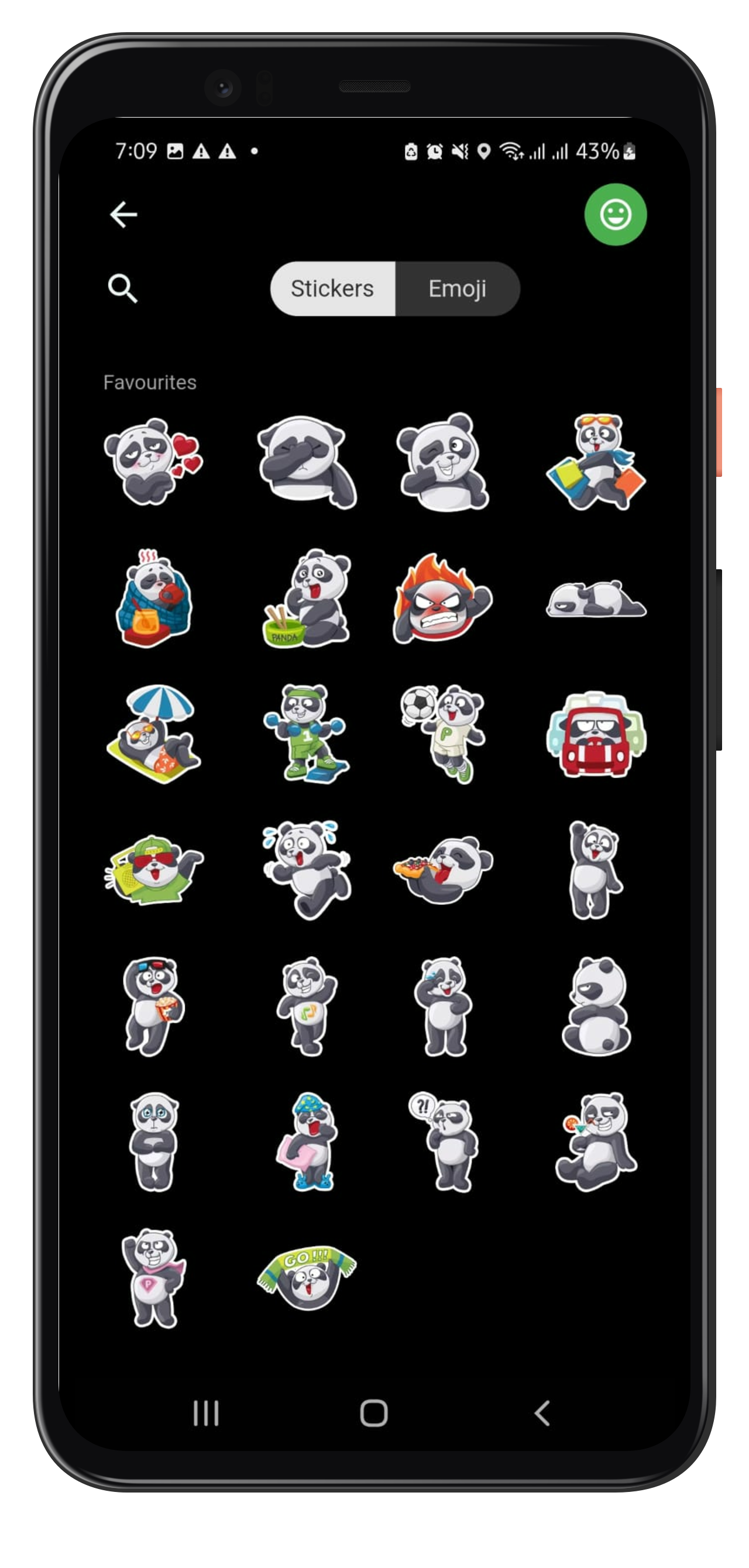
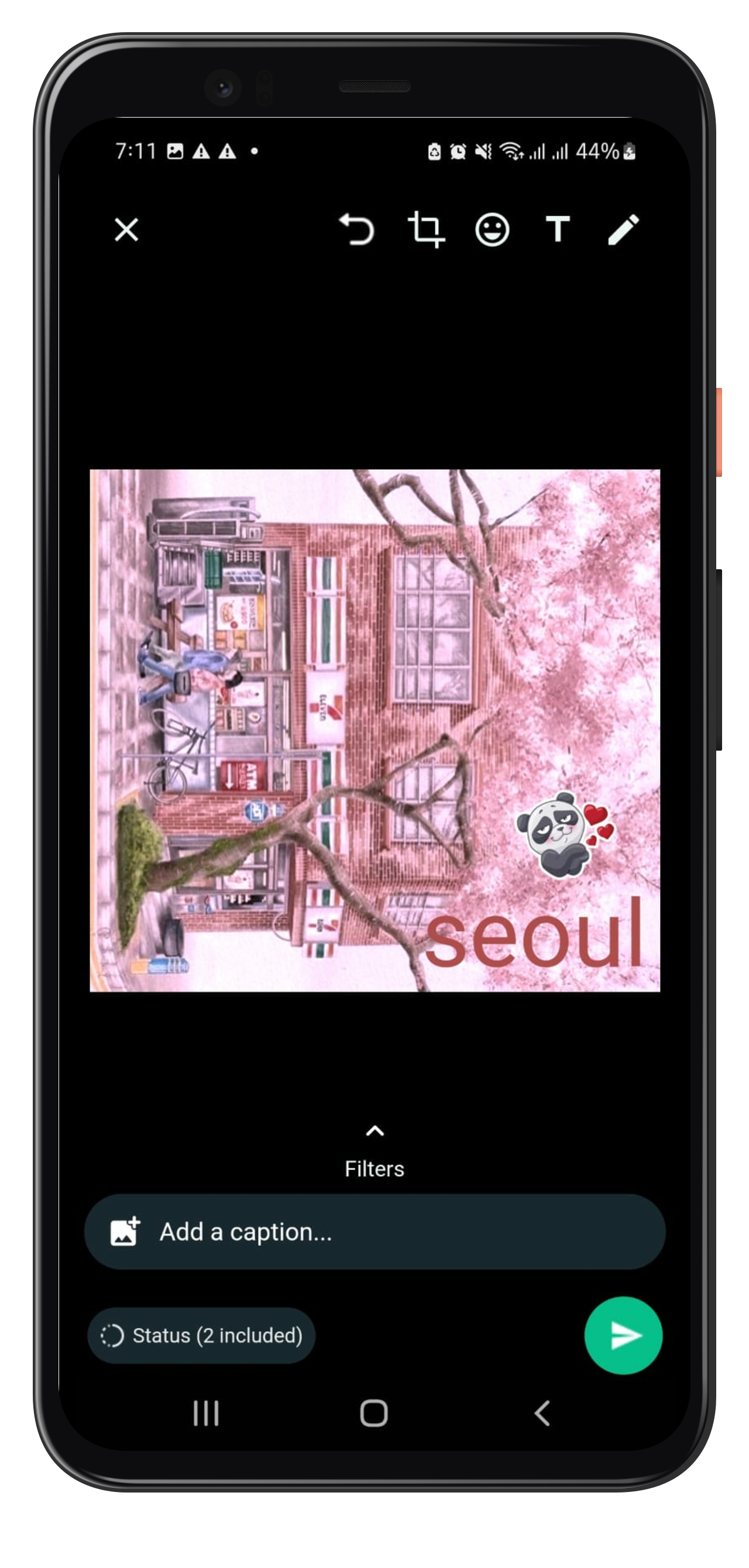
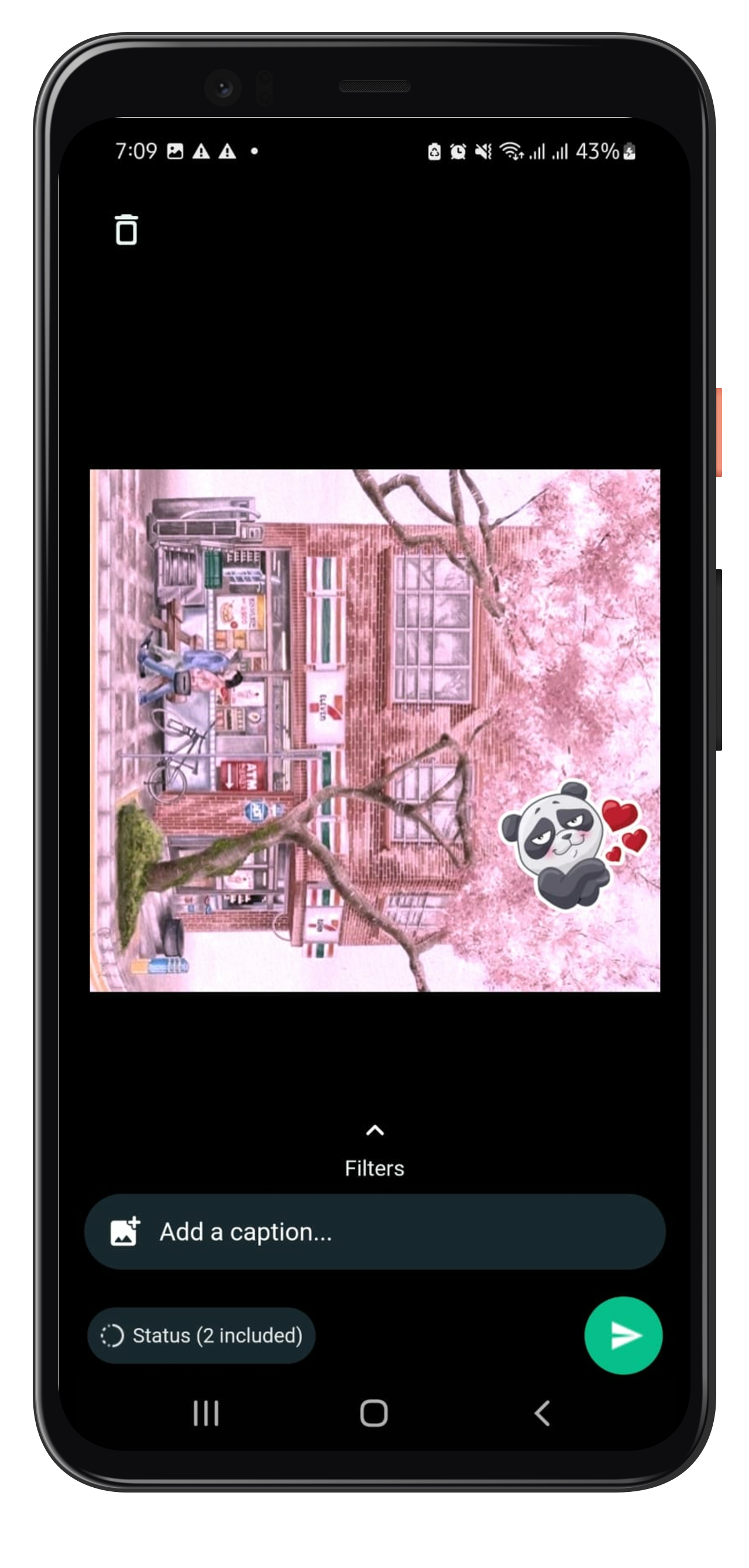
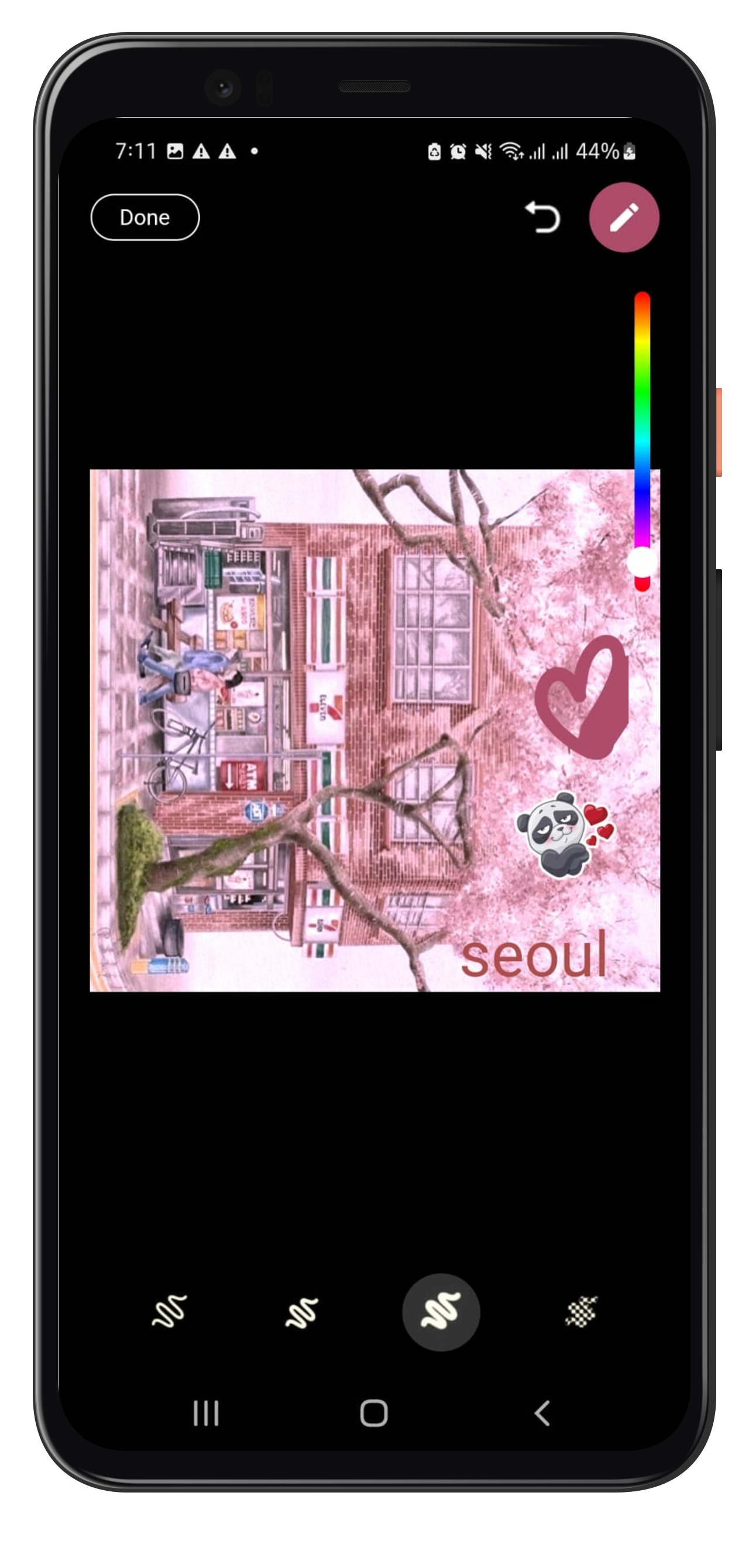
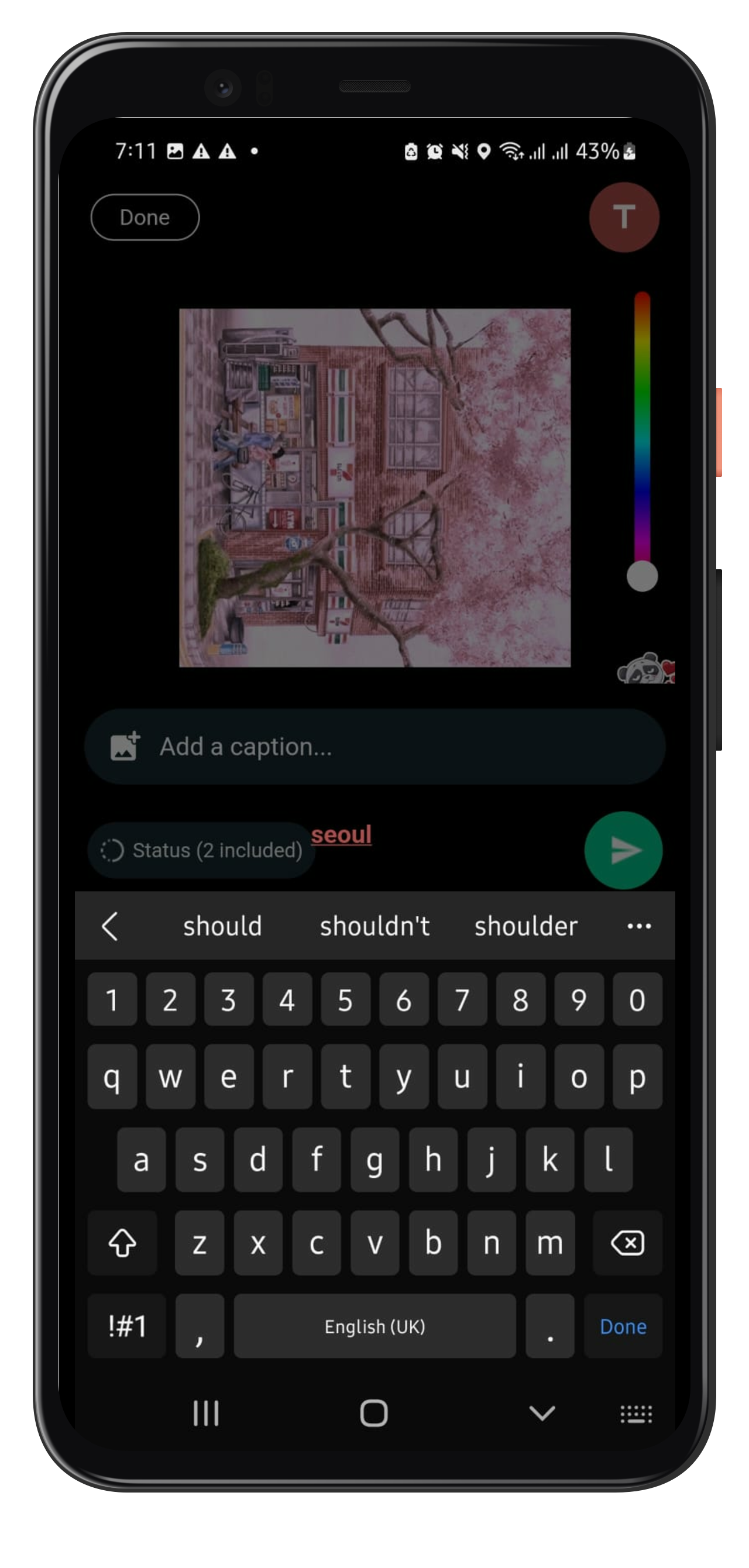
Flutter package to add story editing features similar to Whatsapp. Make Stories like whatsapp and add texts, stickers, painting on your photo along with basic features like crop, rotation, and also add captions to it.

How to Use

To use whatsapp_story_editor, follow the following steps:

Step1: Adding plugin dependency

add the plugin to your pubspec.yaml file:

whatsapp_story_editor: [latest_version]
Step2: Importing the package.

import the plugin in [your_file].dart

import 'package:whatsapp_story_editor/whatsapp_story_editor.dart';
Step3: Navigate to Whatsapp Story Editor Page

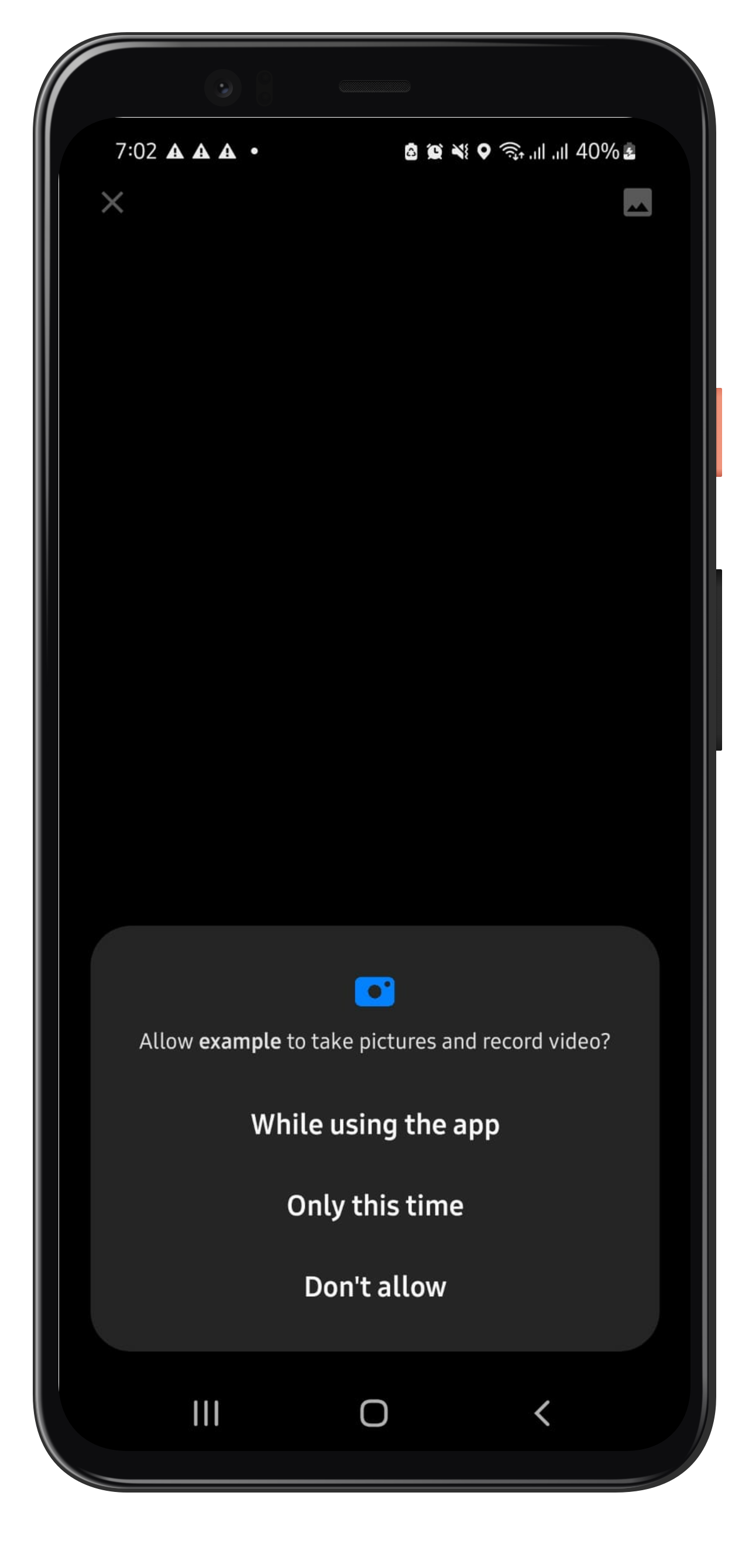
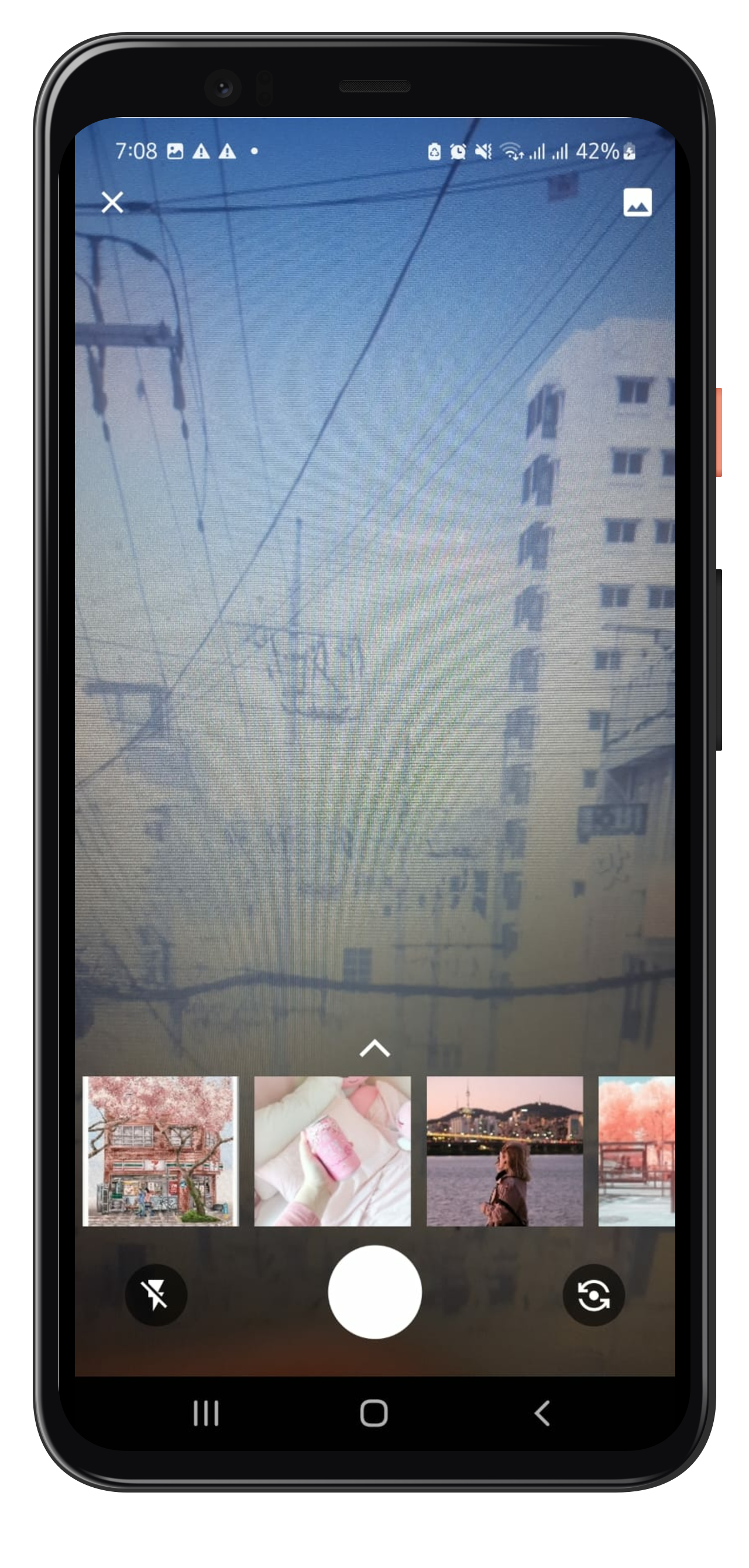
Navigate to WhatsappStortEditor Page on button click, you can find a whatsapp Camera button in the example file for reference. It will land you to the camera page which allows you to capture or select the photo from gallery upon your conscent.

 Navigator.push(
                context,
                MaterialPageRoute(builder: (context) => const WhatsappStoryEditor()),
);

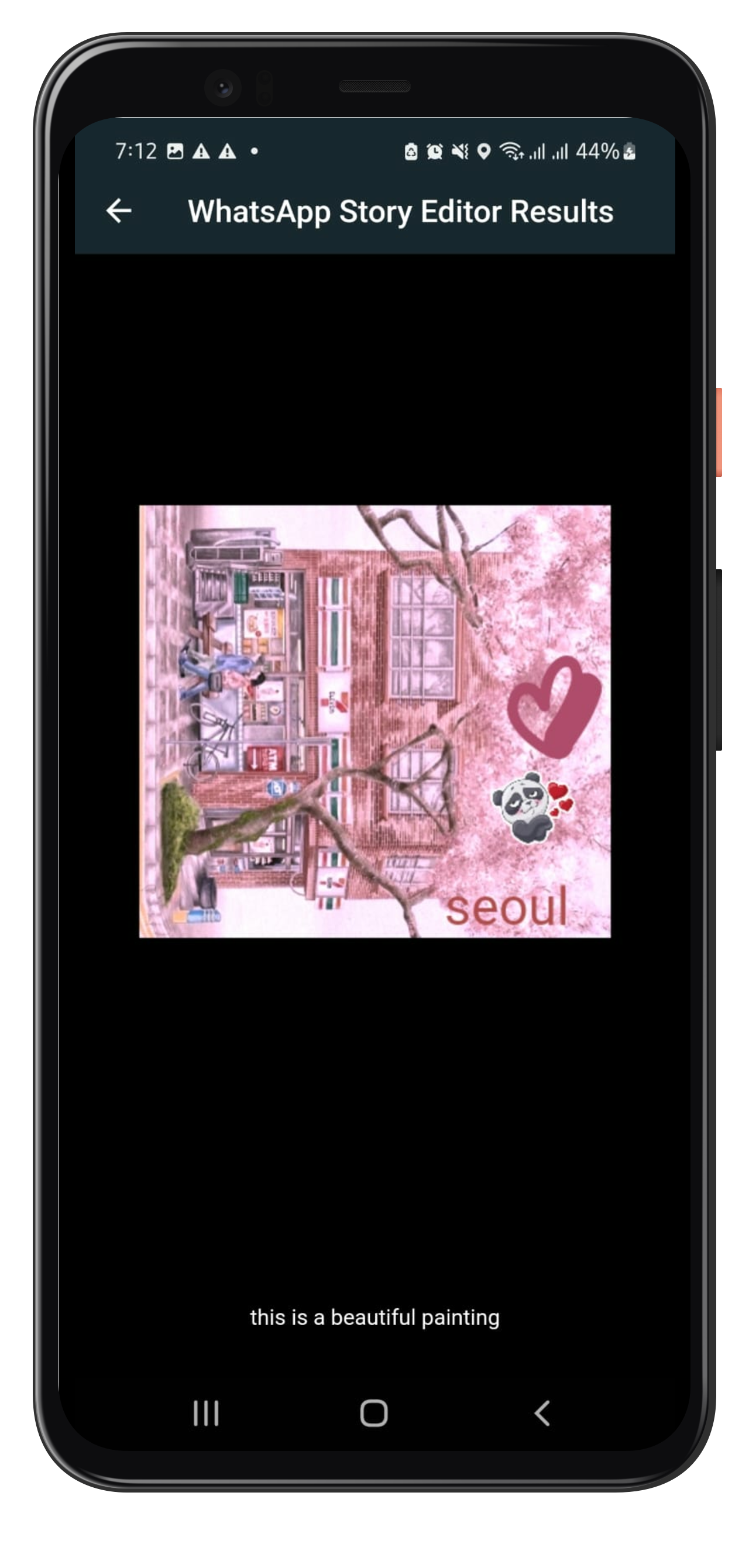
this returns an Object containing the edited photo and caption as Future as:

  Navigator.push(
                context,
                MaterialPageRoute(
                      builder: (context) => const WhatsappStoryEditor()),
                ).then((whatsappStoryEditorResult) {
                  if (whatsappStoryEditorResult != null) {
                    Navigator.push(
                      context,
                      MaterialPageRoute(
                          builder: (context) => SavedImageView(
                                image: whatsappStoryEditorResult.image,
                                caption: whatsappStoryEditorResult.caption,
                              )),
                    );
                }
                });
);

Note that the whatsappStoryEditorResult could be null if the user dosnt makes any edit on the photo and leaves. SavedImageView is the page where you could show the edited photo and caption. You may change as you need it to be.

Example

Please refer to the example file for detailed usage and example here

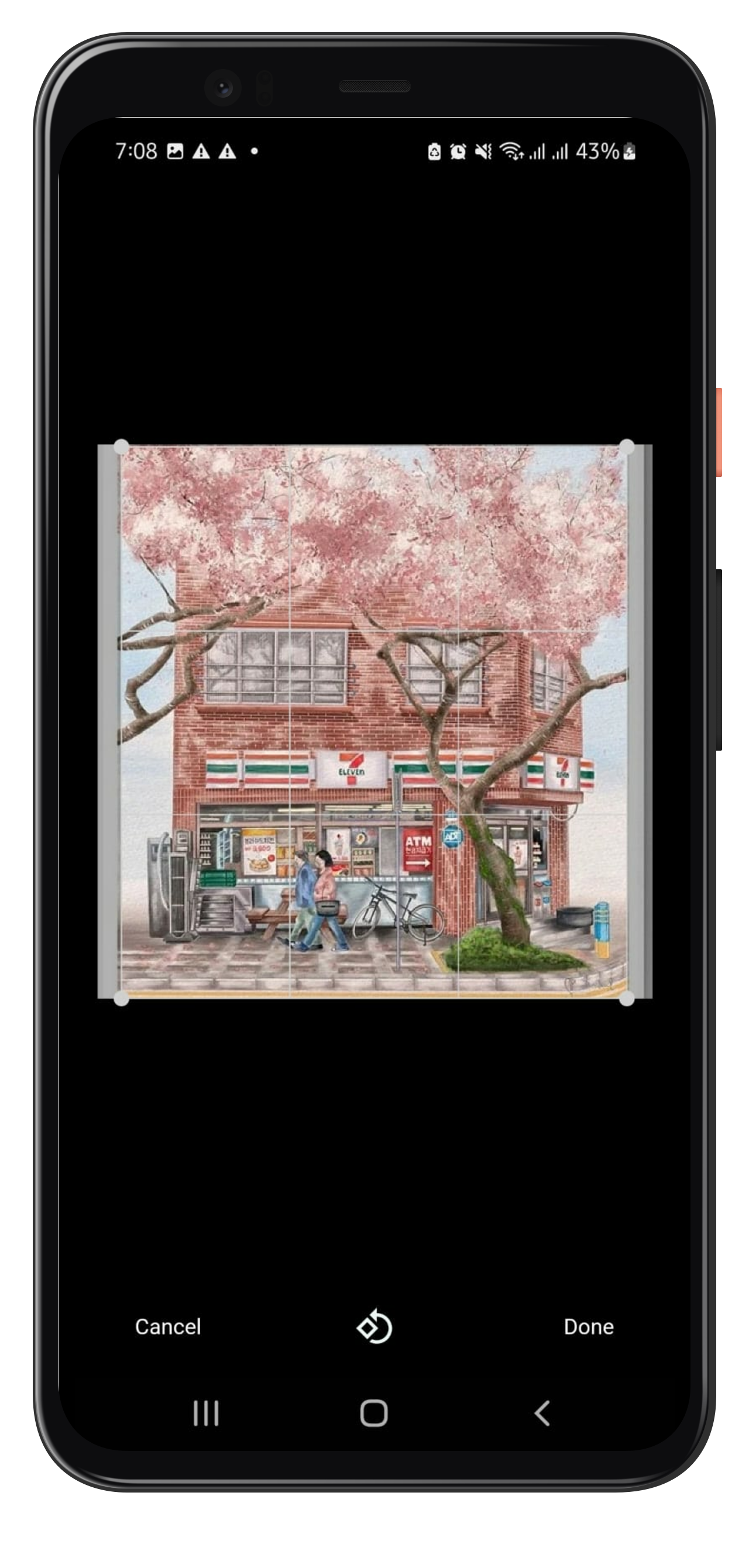
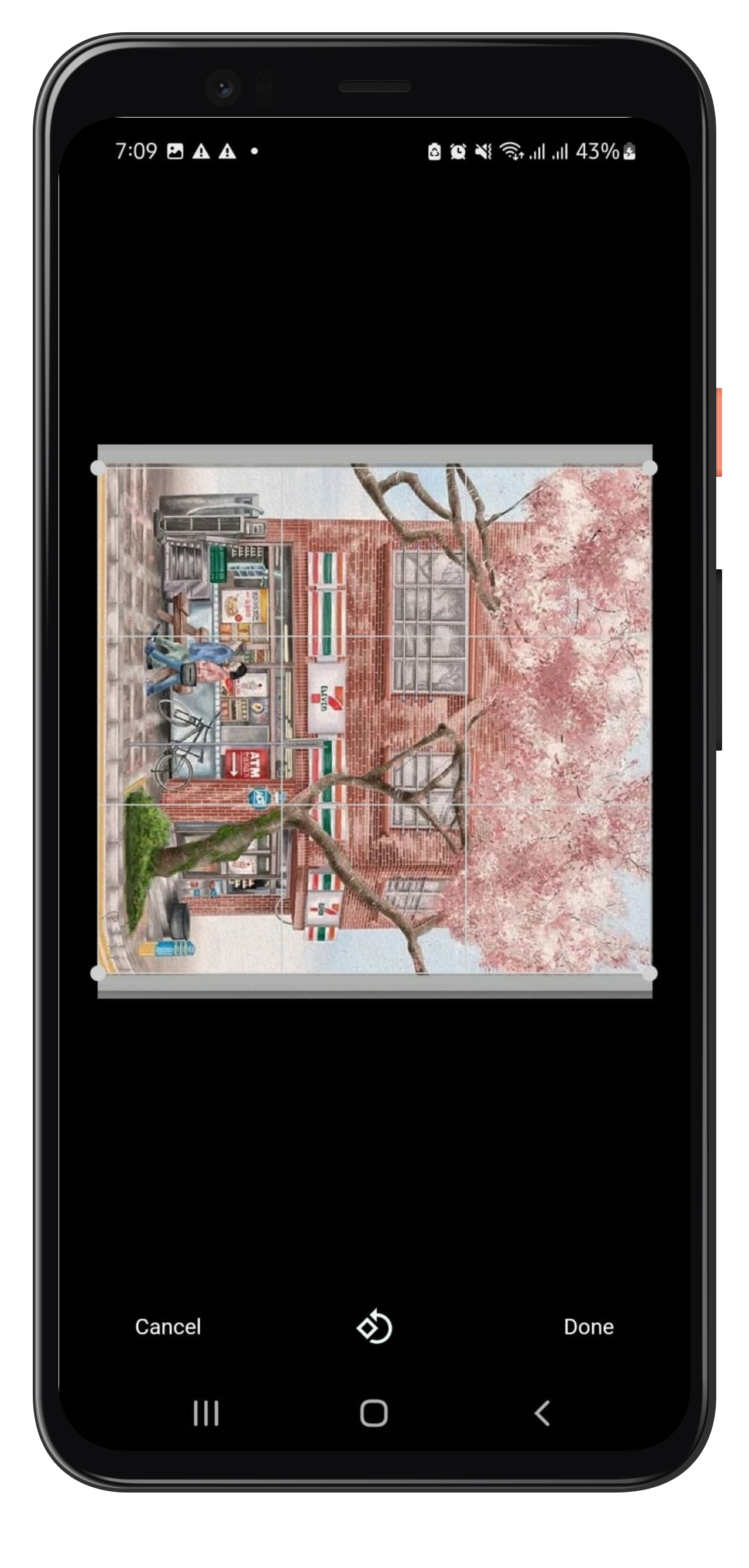
Example Images:

Created by Javeria Iffat

Future Work

For now, only one image editing capability is being handled by Whatsapp Story Editor in this version.

FAQ

In case you need: to add new feature or you get any error or any help, please contact me at javeriaiffat312@gmail.com or javeria.iffat@lums.edu.pk please be kind if you get any errors, text me I'll be more than happy to help you all.

THANK YOU!

カテゴリー

依存関係

依存関係一覧 11 件

ソースリポジトリ

このパッケージを使用しているプロジェクト

データはまだありません。