パッケージ、リポジトリ、アプリカテゴリを検索

パッケージ詳細v0.1.0

yoyo_player

yoyo_player は、品質を選択することでHLS動画ストリーミングを選択できる動画プレイヤーです

30日間ダウンロード
49
いいね数
125
Pub ポイント
40

パッケージをインストール

flutter pub add yoyo_player

パッケージ概要

公開情報に基づく選定ガイドです。参考としてご利用ください。

yoyo_player は、HLS(HTTPライブストリーミング)再生に特化したFlutter動画プレイヤー用パッケージで、動的な画質選択をサポートしています。再生中に異なる動画画質レベル間を切り替えることができ、ネットワーク状況に応じてストリーミング体験を向上させます。シンプルさとパフォーマンスを重視して開発されており、Flutterアプリへのシームレスな統合が可能です。アダプティブストリーミングをサポートし、再生コントロールや画質設定を管理するための明確なAPIを提供します。柔軟な動画配信が必要なメディア豊富なアプリに最適です。

用途

  • 品質切り替え付きストリーミング動画
  • Flutter アプリにおけるアダプティブ動画再生
  • HLS を使用したライブ動画ストリーミング
  • 複数の解像度を備えたオンデマンド動画
  • ユーザー品質制御を備えたメディアプレーヤーの構築

主な機能

  • HLSストリーミングサポート
  • 動的品質選択
  • Flutter とのシンプルな統合
  • アダプティブビットレート処理
  • 洗練された最小限のAPI設計

適している対象

  • メディアアプリケーション
  • オンデマンド動画プラットフォーム
  • ライブストリーミングアプリ
  • 教育コンテンツの配信
  • 応答性のある動画再生を必要とするアプリ

注意事項

  • HLS互換の動画ソースが必要です
  • iOSおよびAndroidに限定(Web/デスクトップサポートなし)
  • 組み込みのUIコンポーネントなし
  • 外部のHLSストリームの利用可能性に依存します
  • カスタム再生ロジック用に追加の構成が必要になる場合があります

元の README

関連するソースリポジトリの README 原文のスナップショットです。最新の内容はリポジトリをご覧ください。

KoHtut

YoYo Video Player

YoYo Video Player is a HLS(.m3u8) video player for flutter. The video_player is a video player that allows you to select HLS video streaming by selecting the quality. YoYo Player wraps video_player under the hood and provides base architecture for developers to create their own set of UI and functionalities.

Pub Version (including pre-releases)

Features

  • You can select multiple quality and open
  • On video tap play/pause, mute/unmute, or perform any action on video.
  • Auto hide controls.
  • (.m3u8) HLS Video Streaming Support

Install & Set up

  1. Add dependency, open the root directory pubspec.yamlFile independencies:Add the following code below
yoyo_player: #latest
  1. Installation dependencies (please ignore if it has been installed automatically)
 cd Project directory
 flutter packages get
  1. Introduce the library in the page
import 'package:yoyo_player/yoyo_player.dart';

Usage

A simple usage example:

  YoYoPlayer(
          aspectRatio: 16 / 9,
          url:  "",
          videoStyle: VideoStyle(),
          videoLoadingStyle: VideoLoadingStyle(),
  ),

Change Icon

 videoStyle: VideoStyle(
    play : Icon(Icons.play_arrow),
    pause : Icon(Icons.pause),
    fullscreen : Icon(Icon(Icons.fullscreen)),
    forward : Icon(Icons.skip_next),
    backward : Icon(Icons.skip_previous),
 )

Change Video Loading

   videoLoadingStyle: VideoLoadingStyle(loading : Center(child: Text("Loading video")),

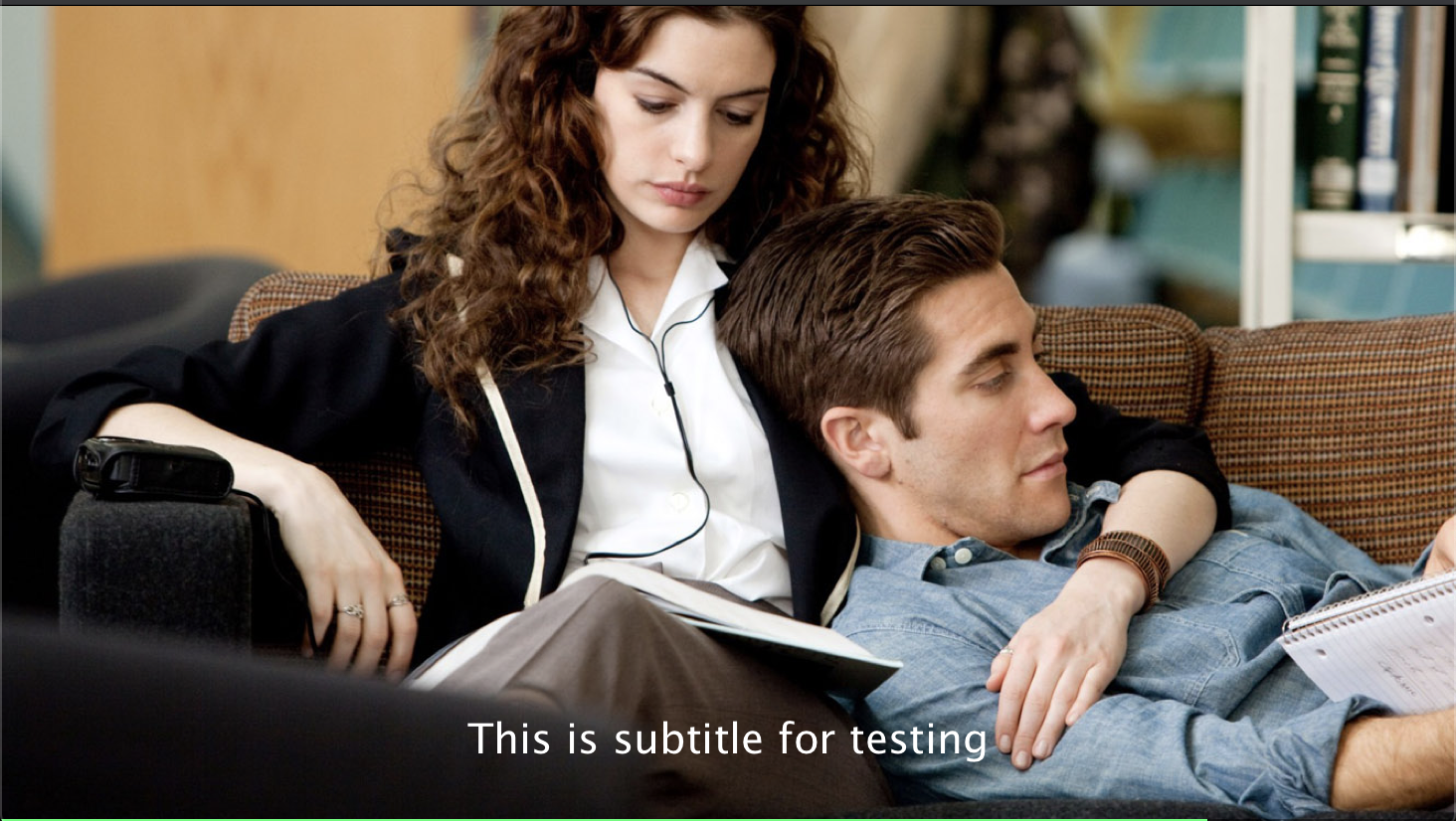
Play With Subtitle

        body: YoYoPlayer(
          aspectRatio: 16 / 9,
          //url ( .m3u8 video streaming link )
          //example ( url :"https://sfux-ext.sfux.info/hls/chapter/105/1588724110/1588724110.m3u8" )
          //example ( url :"https://player.vimeo.com/external/440218055.m3u8?s=7ec886b4db9c3a52e0e7f5f917ba7287685ef67f&oauth2_token_id=1360367101" )
          url:  " ",
          videoStyle: VideoStyle(),
          videoLoadingStyle: VideoLoadingStyle(
            loading: Center(
              child: Text("Loading video"),
            ),
          ),
        ),

Player Option

Player

Attributes Type Description
url String Video source ( .m3u8 & File only)
videoStyle VideoStyle Video Player style
videoLoadingStyle VideoLoadingStyle Video Loading Style
aspectRatio double Video AspectRaitio [aspectRatio : 16 / 9 ]
onfullscreen VideoCallback video state fullscreen
openingvideo VideoCallback video type ( eg : mkv,mp4,hls)

Player custom style (VideoStyle)

Attributes Type Description
play Widget You can use any Widget you want
pause Widget You can use any Widget you want
fullscreen Widget You can use any Widget you want
forward Widget You can use any Widget you want
backward Widget You can use any Widget you want
playedColor Color You can use any Icon style you want
qualitystyle TextStyle You can use any Text style you want
qashowstyle TextStyle You can use any Text style you want

Player Loading custom style (VideoStyle)

Attributes Type Description
loading Widget You can use any loading style you want

How is it created ?

  • The data in the source url (m3u8) is regex checked and the child m3u8 files are created and saved according to the respective rules.
  • It starts creating child m3u8 files as soon as the video starts playing
  • Each time a video is completed or the main url changes, child m3u8 files are checked and deleted.

The child m3u8 files are created as follows:

  • If viedo quality yoyo[vido-quality].m3u8

  • If video quality & audio quality yoyo[video-quality][audio-quality].m3u8

Support M3U8

  • #EXT-X-MEDIA
  • #EXT-X-STREAM-INF(not for ios)

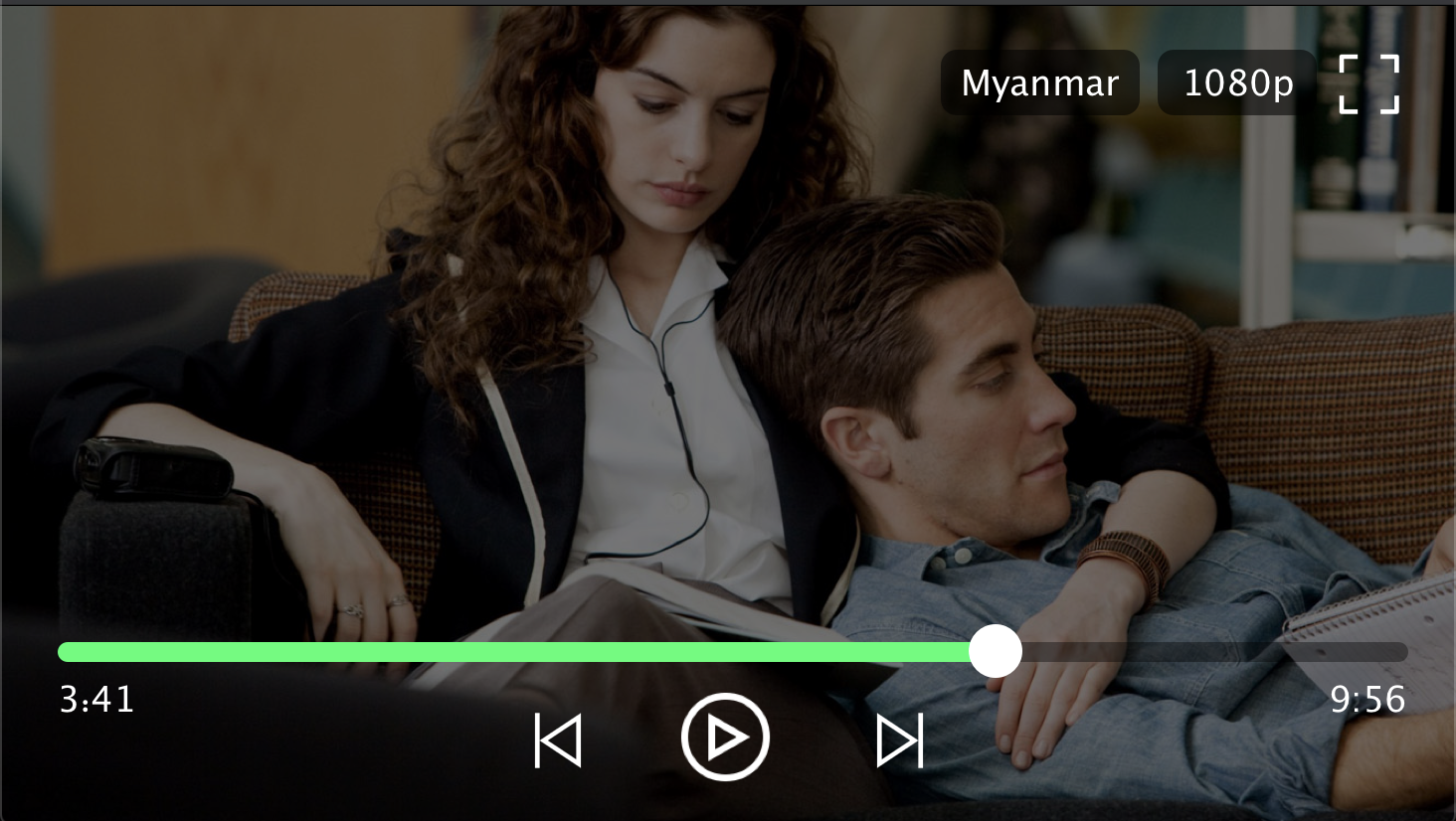
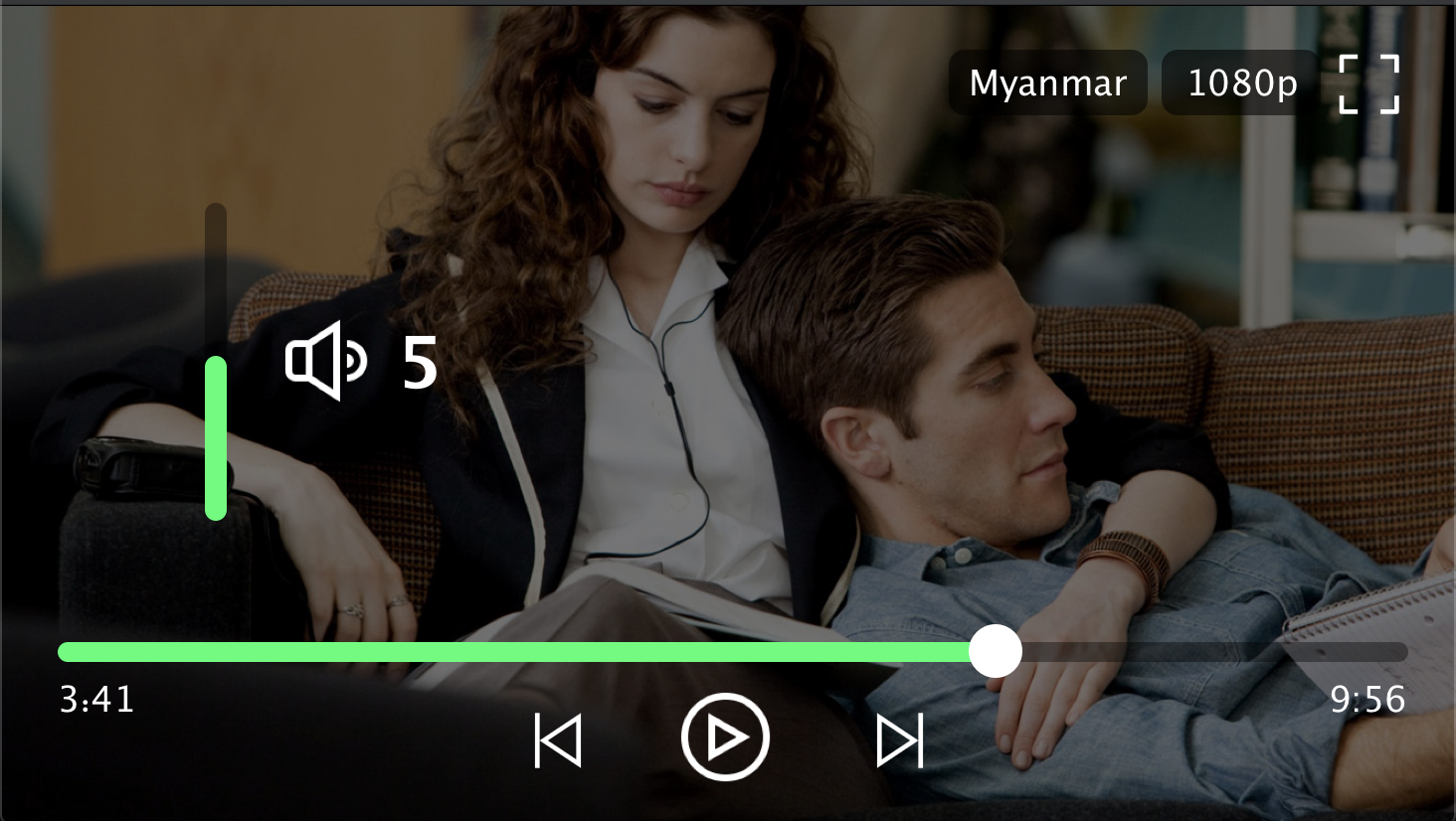
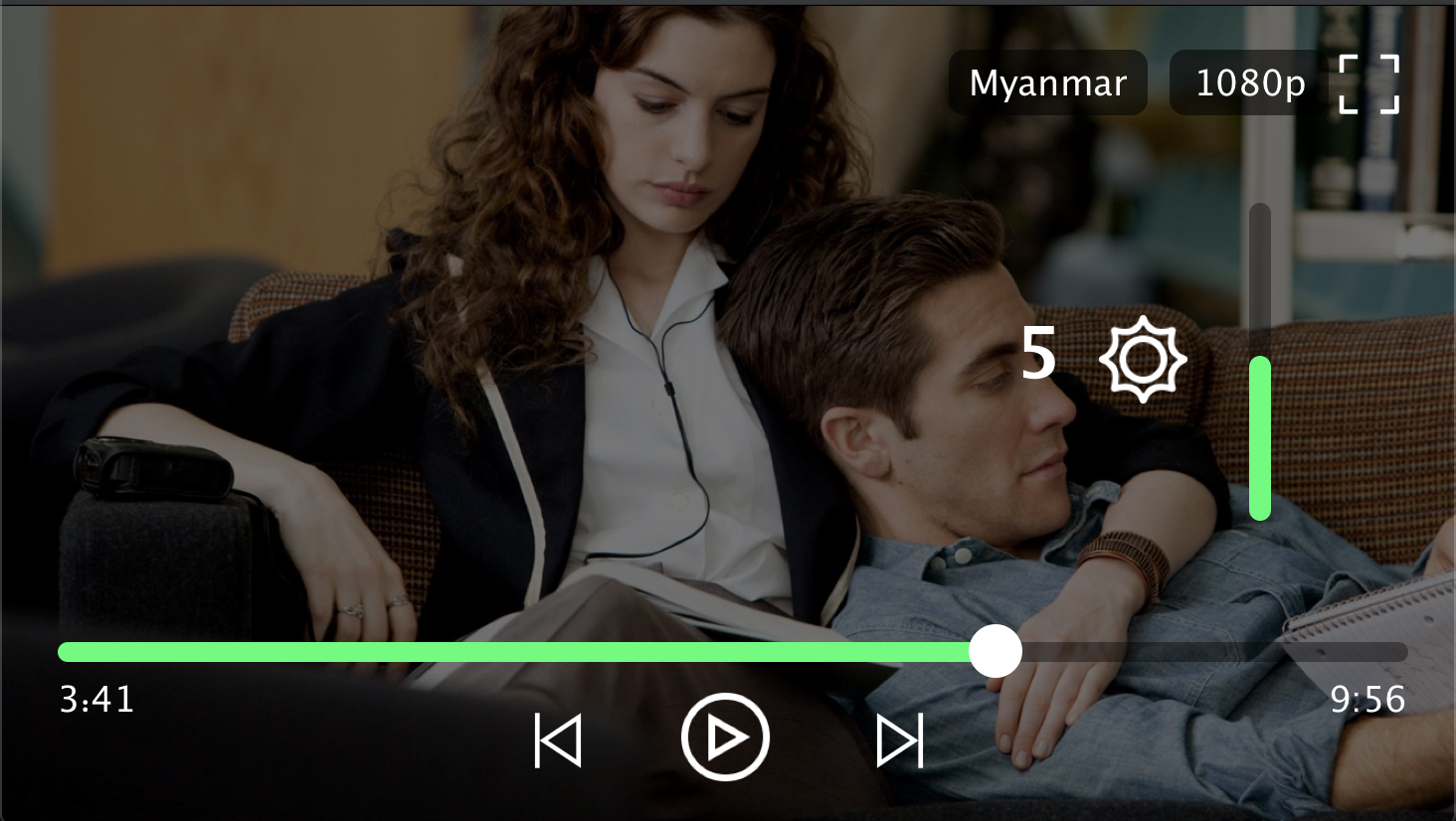
Player Screenshot

Contributors

  • Min Si Thu
  • Ko Htut

MIT License

Copyright (c) 2020 Ko Htut (Ko Min Than Htut)

Permission is hereby granted, free of charge, to any person obtaining a copy of this software and associated documentation files (the "Software"), to deal in the Software without restriction, including without limitation the rights to use, copy, modify, merge, publish, distribute, sublicense, and/or sell copies of the Software, and to permit persons to whom the Software is furnished to do so, subject to the following conditions:

The above copyright notice and this permission notice shall be included in all copies or substantial portions of the Software.

THE SOFTWARE IS PROVIDED "AS IS", WITHOUT WARRANTY OF ANY KIND, EXPRESS OR IMPLIED, INCLUDING BUT NOT LIMITED TO THE WARRANTIES OF MERCHANTABILITY, FITNESS FOR A PARTICULAR PURPOSE AND NONINFRINGEMENT. IN NO EVENT SHALL THE AUTHORS OR COPYRIGHT HOLDERS BE LIABLE FOR ANY CLAIM, DAMAGES OR OTHER LIABILITY, WHETHER IN AN ACTION OF CONTRACT, TORT OR OTHERWISE, ARISING FROM, OUT OF OR IN CONNECTION WITH THE SOFTWARE OR THE USE OR OTHER DEALINGS IN THE SOFTWARE.

カテゴリー

依存関係

依存関係一覧 7 件

ソースリポジトリ

このパッケージを使用しているプロジェクト

データはまだありません。