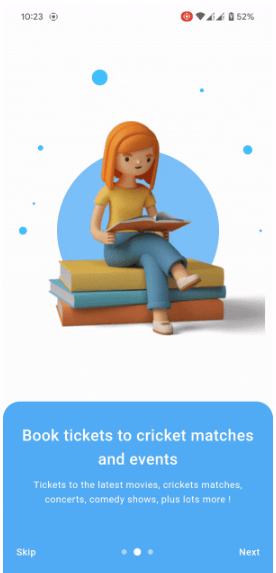
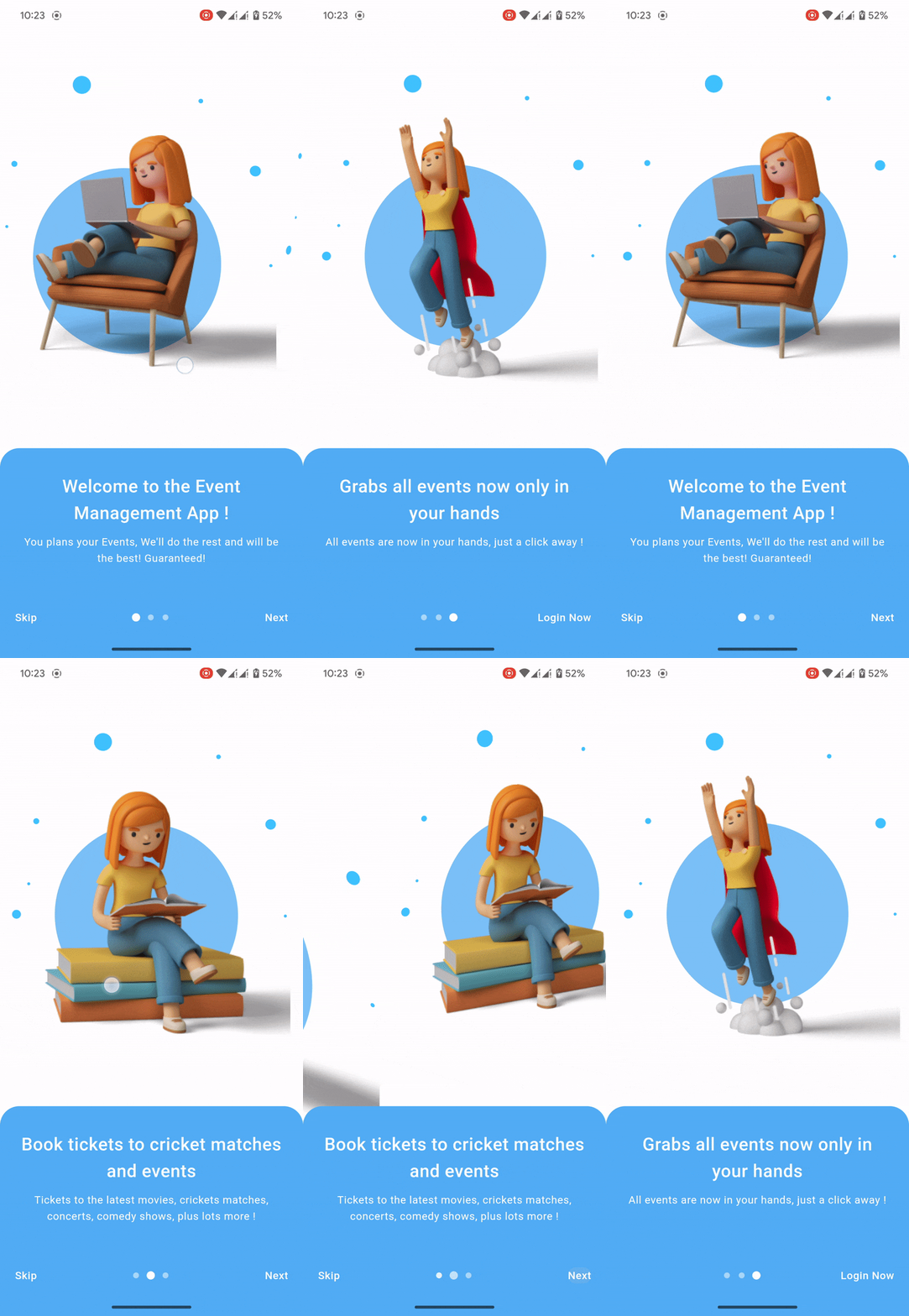
Animated Introduction는 사용자 정의 가능한 이미지와 애니메이션을 통해 매력적인 온보딩 경험을 만들 수 있도록 설계된 Flutter 패키지입니다. 부드럽고 상호작용 가능한 슬라이드를 통해 앱 기능이나 제품의 주요 특징을 보여줄 수 있습니다. 처음 사용자 온보딩에 적합하며 Android, iOS, Web, macOS, Windows, Linux 등 여러 플랫폼을 지원합니다. 통합이 간편하고 동적으로 콘텐츠를 제시할 수 있는 깔끔하고 현대적인 인터페이스를 제공합니다.
사용 사례
앱 온보딩 화면
제품 기능 쇼케이스
사용자 가이드 워크스루
첫 실행 환영 경험
인터랙티브 마케팅 프레젠테이션
주요 기능
사용자 정의 가능한 이미지 및 애니메이션 지원
다중 플랫폼 호환성
pub를 통한 간단한 통합
부드러운 슬라이드 전환
슬라이드별 구성 가능한 콘텐츠
반응형 디자인
적합한 대상
새로운 앱 개발자
제품 마케터
UX 디자이너
모바일 및 웹 앱 제작자
교육용 앱 빌더
고려 사항
자산 최적화에 주의가 필요합니다
제한된 내장 테마
오래된 기기에서는 애니메이션 성능이 다를 수 있습니다
복잡한 흐름에 대한 수동 구성이 필요합니다
매우 동적인 콘텐츠에는 적합하지 않습니다
외부 이미지 자산에 의존합니다
원본 README
연결된 소스 저장소의 README 원문 스냅샷입니다. 최신 내용은 저장소에서 확인하세요.
Simple Animated Introduction Screen for Flutter
Features
Add this to your flutter app to get a simple animated introduction screen.
finalList<SingleIntroScreen> pages = [
constSingleIntroScreen(
title: 'Welcome to the Event Management App !',
description: 'You plans your Events, We\'ll do the rest and will be the best! Guaranteed! ',
imageAsset: 'assets/onboard_one.png',
),
constSingleIntroScreen(
title: 'Book tickets to cricket matches and events',
description: 'Tickets to the latest movies, crickets matches, concerts, comedy shows, plus lots more !',
imageAsset: 'assets/onboard_two.png',
),
constSingleIntroScreen(
title: 'Grabs all events now only in your hands',
description: 'All events are now in your hands, just a click away ! ',
imageAsset: 'assets/onboard_three.png',
),
];
Pass the list to AnimatedIntroduction widget
Scaffold(
  body: AnimatedIntroduction(
    slides: pages,
    indicatorType: IndicatorType.circle,
    onDone: () {
/// TODO: Go to desire page like login or home
      },
    ),
  );