패키지, 저장소 및 앱 카테고리 검색

animated_splash_screen 표지
패키지 상세v1.3.0

animated_splash_screen

완전히 사용자 정의할 수 있는 방식으로 애니메이션 스플래시 화면을 만드는 가장 쉬운 방법입니다.

AndroidiOSWebmacOSWindowsLinux
30일 다운로드
1.1만
좋아요
777
Pub 점수
150

패키지 설치

flutter pub add animated_splash_screen

패키지 개요

공개 정보를 바탕으로 생성한 선택 가이드입니다.

애니메이션 스플래시 화면을 완전히 사용자 정의할 수 있도록 단순화하는 플러터 패키지입니다. 애니메이션, 전환 효과 및 사용자 지정 위젯을 사용하여 매력적인 온보딩 경험을 설계할 수 있습니다. 안드로이드, iOS, 웹, macOS, 윈도우, 리눅스 등 여러 플랫폼을 지원하며 장치 간 일관된 동작을 보장합니다. 최소한의 설정과 직관적인 구성으로, 인상적인 첫인상을 원하는 앱에 적합합니다. 소스 코드는 오픈되어 있으며 지속적으로 유지 관리되고 있습니다.

사용 사례

  • 앱 온보딩 화면
  • 브랜딩 소개
  • 로딩 상태 시각화
  • 사용자 정의 애니메이션 전환
  • 크로스 플랫폼 스플래시 화면

주요 기능

  • 완전히 사용자 정의 가능한 애니메이션
  • 다중 플랫폼 지원
  • Flutter와의 간편한 통합
  • 사용자 정의 가능한 지속 시간 및 지연
  • 내장 전환 효과
  • 오픈소스이며 잘 문서화되어 있습니다

적합한 대상

  • 초보자 플러터 개발자
  • 브랜드 스플래시 화면이 필요한 앱
  • 크로스플랫폼 요구 사항이 있는 프로젝트
  • 빠른 설정을 원하는 개발자
  • 사용자 인터페이스 중심 앱이 출시됨

고려 사항

  • 기본적인 플러터 애니메이션에 대한 이해 필요
  • 초기 빌드 크기를 약간 증가시킬 수 있습니다
  • 애니메이션의 복잡성은 성능 목표와 일치해야 합니다
  • 정적 스플래시 화면에 적합하지 않습니다
  • 경량 콘텐츠와 함께 사용하는 것이 가장 좋습니다

원본 README

연결된 소스 저장소의 README 원문 스냅샷입니다. 최신 내용은 저장소에서 확인하세요.

Animated Splash Screen

Check it out at Pub.Dev

Do it your way

Assets image

ezgif com-video-to-gif (1)

Custom Widget

ezgif com-video-to-gif (4)

Url image

ezgif com-video-to-gif (3)

IconData

ezgif com-video-to-gif (2)

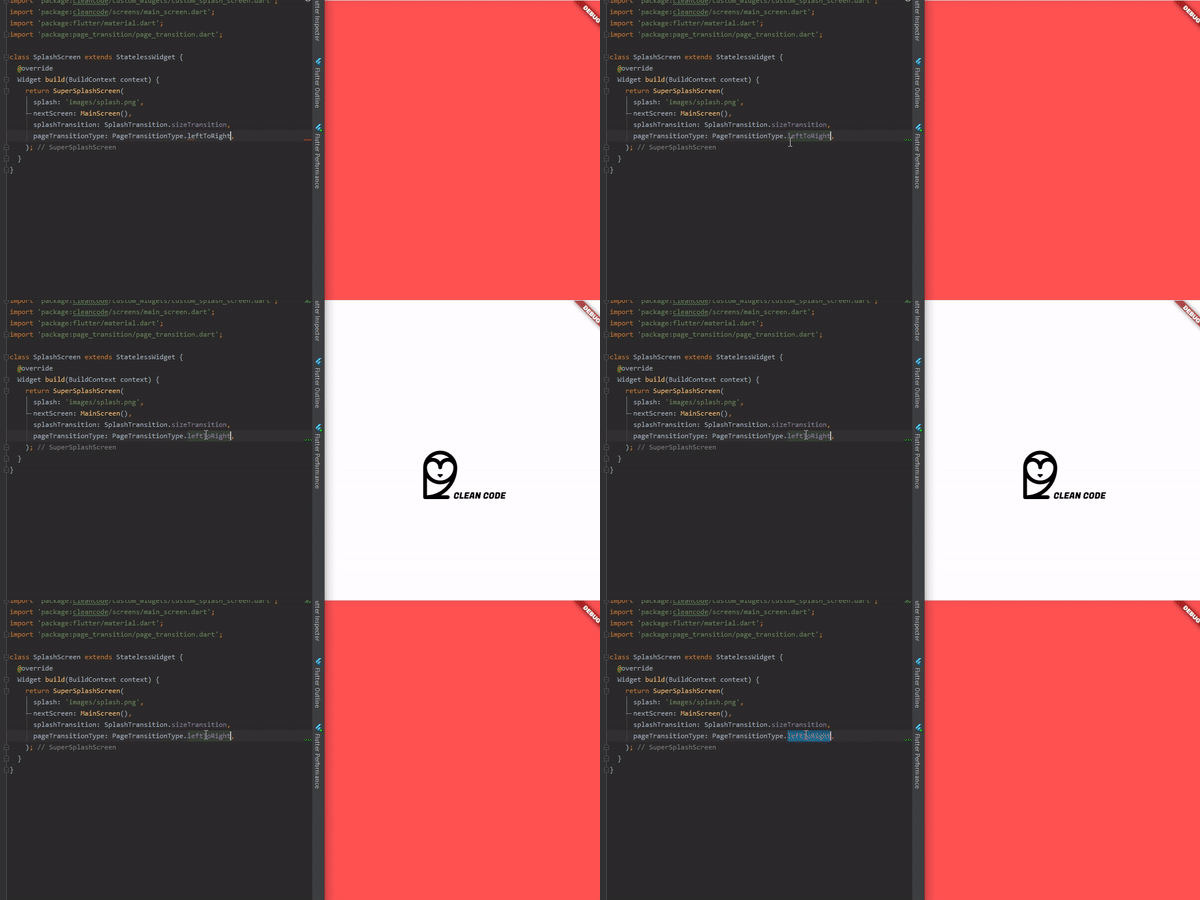
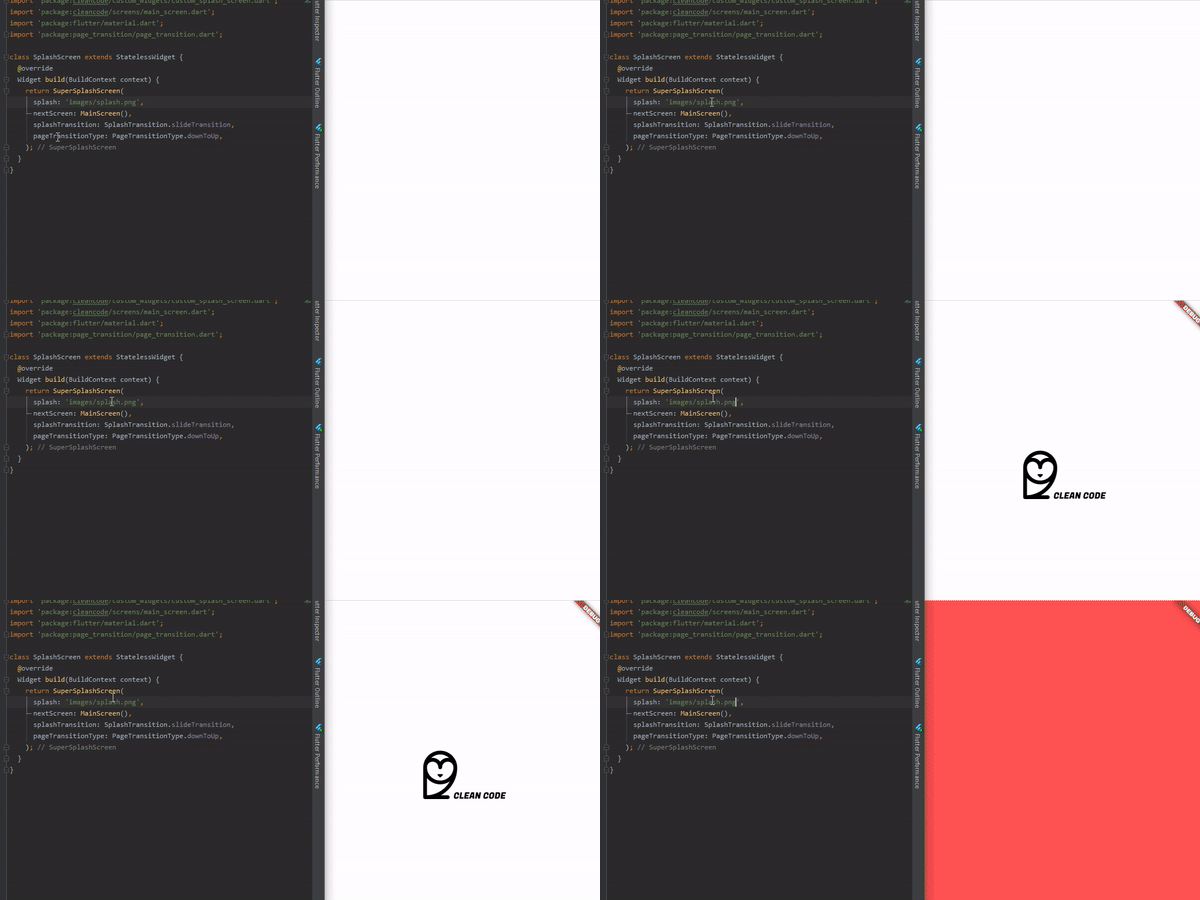
Or just change PageTransition and/or SplashTransition

ezgif com-video-to-gif (5)

Help Maintenance

I've been maintaining quite many repos these days and burning out slowly. If you could help me cheer up, buying me a cup of coffee will make my life really happy and get much energy out of it.

Buy Me A Coffee

Getting Started

To use is simple, just do this:

@override
  Widget build(BuildContext context) {
    return AnimatedSplashScreen(
      splash: 'images/splash.png',
      nextScreen: MainScreen(),
      splashTransition: SplashTransition.rotationTransition,
      pageTransitionType: PageTransitionType.scale,
    );
  }
Splash Parameter

Here, you can pass:

  • String with assets route;
  • String with your url Image, don't forget of pass tag like this "[n]www.my-url.com/my-image.png";
  • IconData;
  • Widget;
SplashTransition
enum SplashTransition {
  slideTransition,
  scaleTransition,
  rotationTransition,
  sizeTransition,
  fadeTransition,
  decoratedBoxTransition
}
PageTransitionType
enum PageTransitionType {
  fade,
  rightToLeft,
  leftToRight,
  upToDown,
  downToUp,
  scale,
  rotate,
  size,
  rightToLeftWithFade,
  leftToRightWithFade,
}
Others:
AnimatedSplashScreen({
    Curve curve = Curves.easeInCirc,
    Future Function() function, // Here you can make something before change of screen
    int duration = 2500,
    @required dynamic splash,
    @required Widget nextScreen,
    Color backgroundColor = Colors.white,
    Animatable customTween,
    bool centered = true,
    SplashTransition splashTransition = SplashTransition.fadeTransition,
    PageTransitionType pageTransitionType = PageTransitionType.downToUp,
 })

With Future Screen

Here you can do something that will return your next screen, ex:

AnimatedSplashScreen.withScreenFunction(
  splash: 'images/splash.png',
  screenFunction: () async{
    return MainScreen();
  },
  splashTransition: SplashTransition.rotationTransition,
  pageTransitionType: PageTransitionType.scale,
)

카테고리

의존성

의존성 목록 1 개

소스 저장소

이 패키지를 사용하는 프로젝트