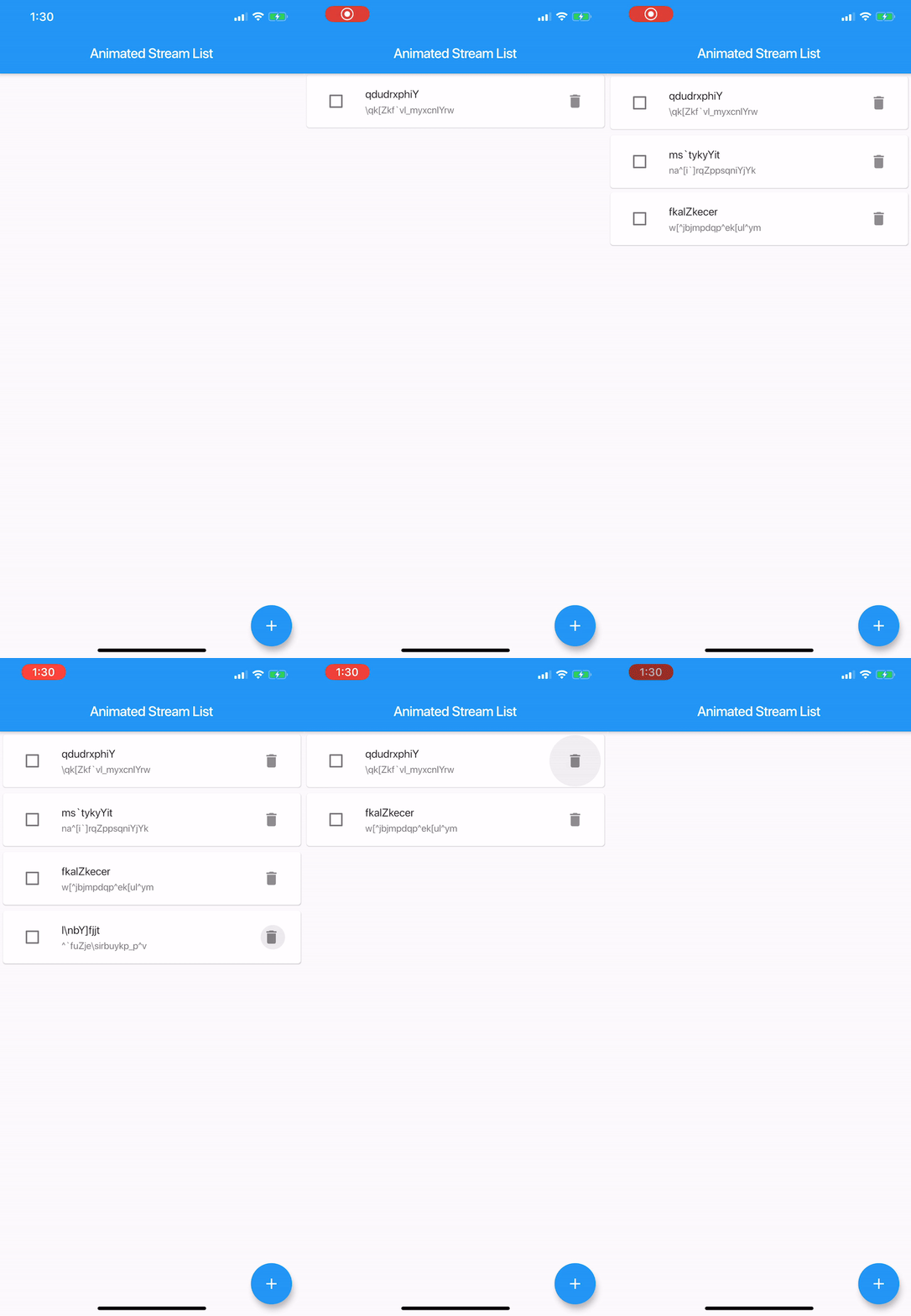
Stream에서 애니메이션 업데이트를 간편하게 표시할 수 있도록 도와주는 플러터 패키지입니다. StreamBuilder와 ListView.builder의 기능을 결합하여 삽입, 삭제, 업데이트에 대한 내장 애니메이션을 제공합니다. 실시간 데이터베이스나 사용자 입력과 같은 동적 데이터 소스에 적합하며, 수동 애니메이션 처리 없이 부드러운 시각적 전환을 보장합니다. 라이브러리는 가볍고 기존 프로젝트에 쉽게 통합할 수 있습니다.
사용 사례
실시간 데이터 피드
동적 목록 업데이트
채팅 앱 메시지 목록
사용자 생성 콘텐츠 표시
라이브 대시보드 데이터
주요 기능
내장 항목 애니메이션
스트림 기반 리스트 업데이트
최소한의 보일러플레이트
부드러운 삽입/삭제 전환
스트림 변경 시 자동 재구성
적합한 대상
간단한 애니메이션 목록을 찾는 개발자
실시간 데이터를 갖춘 프로젝트
반응형 UI가 필요한 앱
Flutter 초보자들이 배우는 스트림
UI 중심 애플리케이션
고려 사항
기본 애니메이션을 넘어서는 사용자 정의 기능은 제한적입니다
사용자 정의 스크롤 물리에 대한 지원 없음
매우 큰 데이터 세트에 최적화되지 않음
신중한 스트림 관리가 필요합니다
자주 업데이트될 경우 성능에 영향을 줄 수 있습니다
원본 README
연결된 소스 저장소의 README 원문 스냅샷입니다. 최신 내용은 저장소에서 확인하세요.
Animated Stream List
A Flutter library to easily display a list with animated changes from a Stream<List<E>>.
It's like StreamBuilder + ListView.Builder with animations.
Taken inspiration from the Animated List Sample and Java-diff-utils
AnimatedStreamListItemBuilder<T> is just a function which builds a tile
typedefWidgetAnimatedStreamListItemBuilder<T>(
T item,
int index,
BuildContext context,
Animation<double> animation,
);
Example
// create tile view as the user is going to see it, attach any onClick callbacks etc. Widget_createTile(String item, Animation<double> animation) {
returnSizeTransition(
axis: Axis.vertical,
sizeFactor: animation,
child: constText(item),
);
}
// what is going to be shown as the tile is being removed, usually same as above but without any // onClick callbacks as, most likely, you don't want the user to interact with a removed view Widget_createRemovedTile(String item, Animation<double> animation) {
returnSizeTransition(
axis: Axis.vertical,
sizeFactor: animation,
child: constText(item),
);
}
finalStream<List<String>> list = // get list from some source, like BLOC final animatedView = AnimatedStreamList<String>(
streamList: list,
itemBuilder: (String item, int index, BuildContext context, Animation<double> animation) =>
_createTile(item, animation),
itemRemovedBuilder: (String item, int index, BuildContext context, Animation<double> animation) =>
_createRemovedTile(item, animation),
);
}
Options
List<E> initialList;
Initial list
Equalizer equals;
Compares items for equality, by default it uses the == operator, it's critical this works properly.
Equalizer is function, that, given two items of the same type, returns true if they are equal, false otherwise
This amazing package was originally created by Dawid Bota over here. I have taken over the development with his blessing and all tracking will be done on this repo moving forward.