패키지, 저장소 및 앱 카테고리 검색

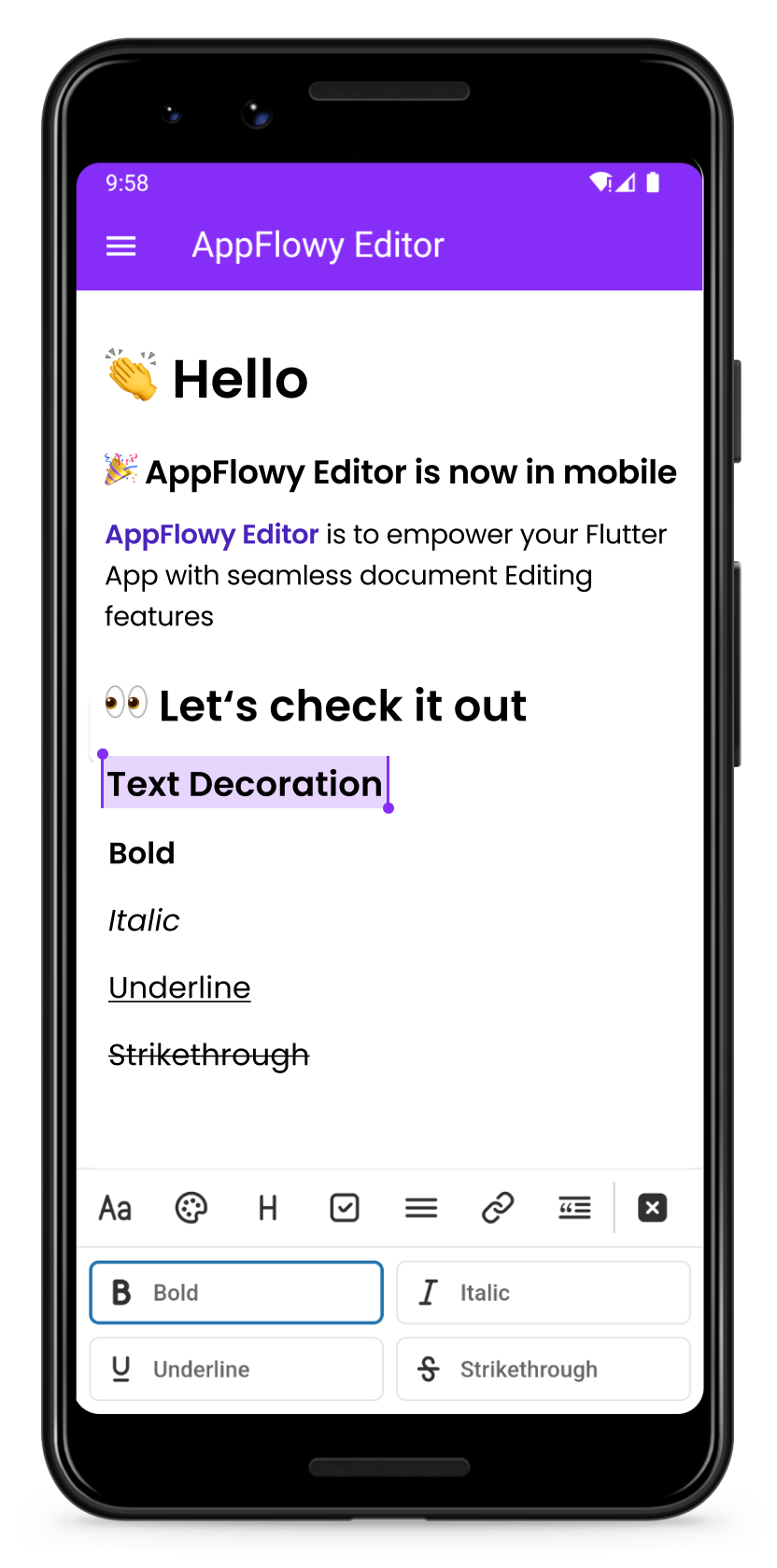
appflowy_editor 표지
패키지 상세v6.2.0

appflowy_editor

Flutter용으로 매우 사용자 정의 가능한 리치 텍스트 에디터입니다. AppFlowy 및 그 이상을 위한 AppFlowy 에디터 프로젝트입니다.

AndroidiOSWebmacOSWindowsLinux
30일 다운로드
1.6만
좋아요
517
Pub 점수
60

패키지 설치

flutter pub add appflowy_editor

패키지 개요

공개 정보를 바탕으로 생성한 선택 가이드입니다.

AppFlowy Editor는 플러터를 위해 설계된 고도로 사용자 정의 가능한 리치 텍스트 에디터로, 다양한 플랫폼에서 고급 텍스트 편집 기능을 지원하도록 설계되었습니다. 마크다운, HTML 및 구조화된 콘텐츠와의 원활한 통합을 가능하게 하며 확장성과 성능에 중점을 둡니다. 동적 문서 편집이 필요한 애플리케이션에 적합하며, AppFlowy의 핵심 기능을 구동하면서도 더 넓은 용도에 대응할 수 있습니다. 실시간 협업 기능을 지원하고 개발자가 동작 및 외관을 확장할 수 있도록 모듈식 아키텍처를 제공합니다.

사용 사례

  • 문서 생성 및 편집
  • Markdown-풍부한 콘텐츠 렌더링
  • 협업 노트 앱
  • 사용자 정의 가능한 콘텐츠 관리 시스템
  • 텍스트 워크플로우용 확장 가능한 UI 컴포넌트

주요 기능

  • 높은 사용자 정의가 가능한 디자인 및 동작
  • 크로스 플랫폼 지원 (Android, iOS, Web, macOS, Windows, Linux)
  • 내장된 마크다운 및 HTML 파싱
  • 모듈러 플러그인 아키텍처
  • 실시간 협업 준비 상태
  • 확장 가능한 이벤트 시스템

적합한 대상

  • 리치 텍스트 에디터를 구축하는 개발자
  • 협업 생산성 도구를 만드는 팀
  • 구조화된 문서 처리가 필요한 앱
  • 크로스 플랫폼 일관성 필요 프로젝트
  • 콘텐츠가 많은 앱에서 사용자 정의 가능한 UI 컴포넌트

고려 사항

  • Flutter 위젯 트리에 대한 이해가 필요합니다
  • 모듈성으로 인해 학습 곡선이 더 가파르다
  • 실시간 동기화를 위해 추가 설정이 필요할 수 있습니다
  • 성능은 사용자 정의 플러그인의 복잡성에 따라 달라집니다
  • 기본 사용법 외에 문서가 제한적

원본 README

연결된 소스 저장소의 README 원문 스냅샷입니다. 최신 내용은 저장소에서 확인하세요.

AppFlowy Editor

A highly customizable rich-text editor for Flutter

Discord • Twitter

Key Features

  • Build rich, intuitive editors
  • Design and modify an ever-expanding list of customizable features including
    • block components (such as form input controls, numbered lists, and rich text widgets)
    • shortcut events
    • themes
    • selection menu
    • toolbar menu
  • Test Coverage and ongoing maintenance by AppFlowy's core team and community of more than 1,000 builders
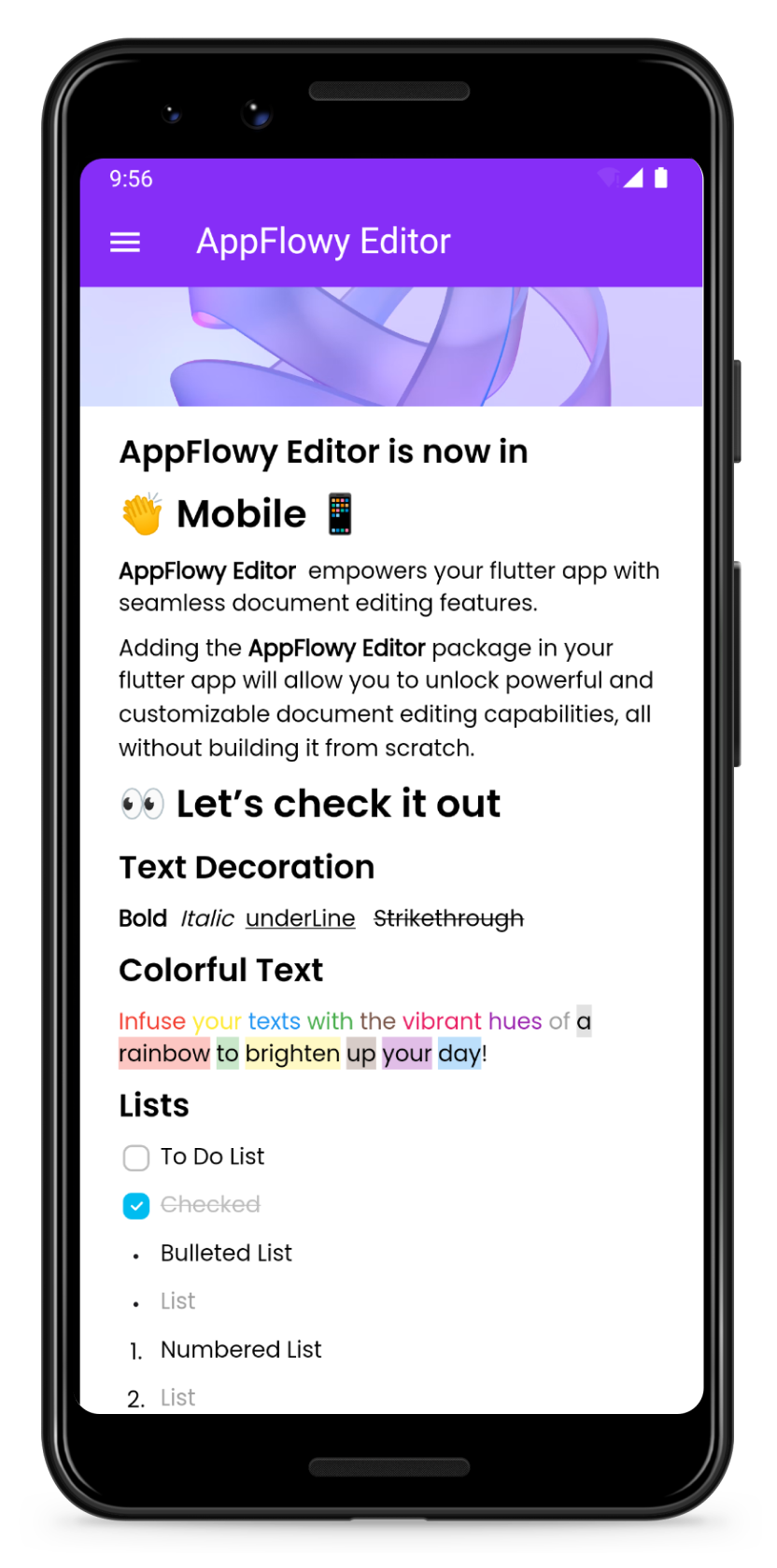
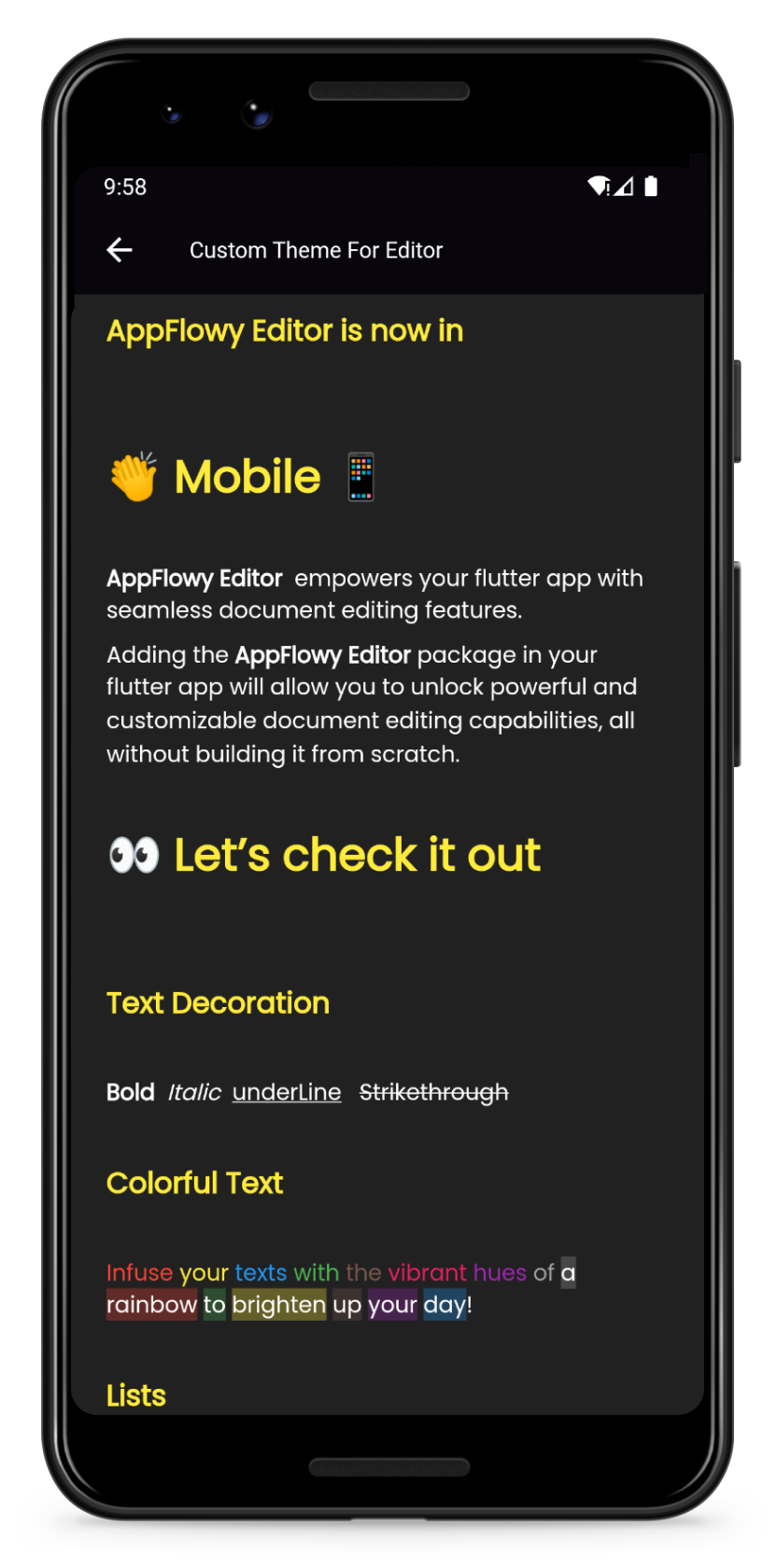
Preview Customize your own theme
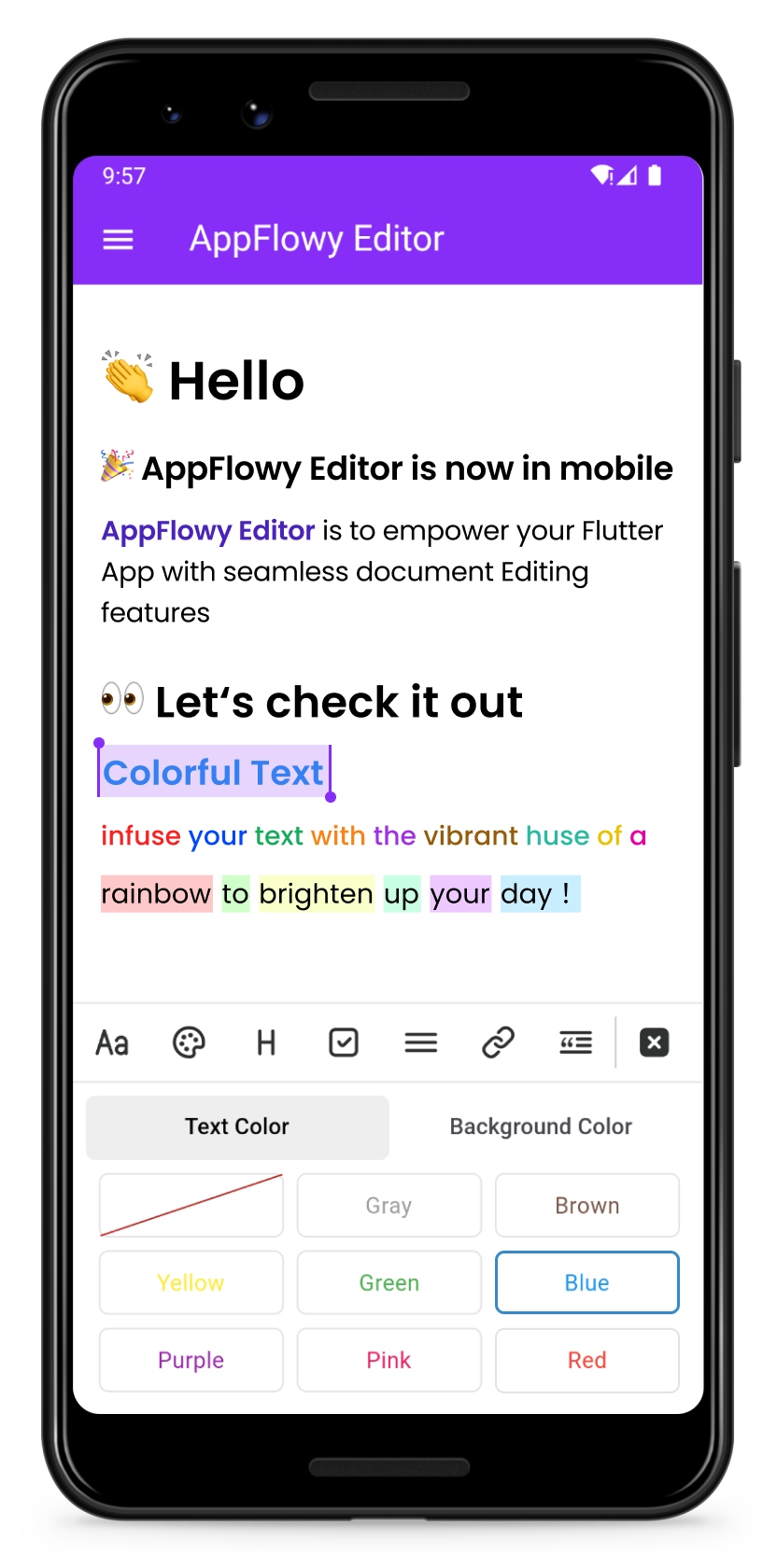
Change the color of your text Format your text
Color Format

Getting Started

Add the AppFlowy editor Flutter package to your environment.

flutter pub add appflowy_editor
flutter pub get

Creating Your First Editor

Start by creating a new empty AppFlowyEditor object.

final editorState = EditorState.blank(withInitialText: true); // with an empty paragraph
final editor = AppFlowyEditor(
  editorState: editorState,
);

You can also create an editor from a JSON object in order to configure your initial state. Or you can create an editor from Markdown or Quill Delta.

final json = jsonDecode('YOUR INPUT JSON STRING');
final editorState = EditorState(document: Document.fromJson(json));
final editor = AppFlowyEditor(
  editorState: editorState,
);

Note: The parameters localizationsDelegates need to be assigned in MaterialApp widget

MaterialApp(
  localizationsDelegates: const [
    AppFlowyEditorLocalizations.delegate,
  ],
);

To get a sense of how the AppFlowy Editor works, run our example:

git clone https://github.com/AppFlowy-IO/appflowy-editor.git
flutter pub get
flutter run

Customizing Your Editor

Customizing theme

Please refer to our documentation on customizing AppFlowy for a detailed discussion about customizing theme.

Customizing Block Components

Please refer to our documentation on customizing AppFlowy for a detailed discussion about customizing components.

Below are some examples of component customizations:

Customizing Shortcut Events

Please refer to our documentation on customizing AppFlowy for a detailed discussion about customizing shortcut events.

Below are some examples of shortcut event customizations:

  • BIUS demonstrates how to make text bold/italic/underline/strikethrough through shortcut keys
  • Need more examples? Check out shortcuts

Migration Guide

Please refer to the migration documentation.

Glossary

Please refer to the API documentation.

Contributing

Contributions are what make the open source community such an amazing place to learn, inspire, and create. Any contributions you make are greatly appreciated.

Please look at CONTRIBUTING.md for details.

License

All code contributed to the AppFlowy Editor project is dual-licensed, and released under both of the following licenses:

  1. The GNU Affero General Public License Version 3
  2. The Mozilla Public License, Version 2.0 (the “MPL”)

See LICENSE for more information.

카테고리

의존성

의존성 목록 20 개

소스 저장소

이 패키지를 사용하는 프로젝트