Audio Manager는 Android, iOS 및 웹 플랫폼에서 원활한 음악 재생을 위한 Flutter 플러그인입니다. 미디어 알림을 내장된 지원으로 제공하여 사용자가 시스템의 알림 섀도우에서 직접 재생을 제어할 수 있도록 합니다. 이 패키지는 배경 오디오, 트랙 메타데이터 표시 및 음악 애플리케이션의 재생 컨트롤 통합을 간소화합니다. 크로스플랫폼 일관성에 중점을 두어 기기 유형에 관계없이 부드러운 사용자 경험을 보장합니다. 음악 플레이어나 팟캐스트 리스너와 같은 오디오 중심 앱을 개발하는 개발자에게 이상적입니다.
사용 사례
음악 플레이어 개발
팟캐스트 앱 통합
백그라운드 오디오 재생
미디어 알림 관리
크로스 플랫폼 오디오 제어
주요 기능
내장 미디어 알림
크로스 플랫폼 지원 (Android, iOS, Web)
백그라운드 오디오 재생
트랙 메타데이터 처리
재생 제어를 위한 간단한 API
적합한 대상
음악 앱을 개발하는 개발자
백그라운드 오디오가 필요한 앱
시스템 알림이 필요한 프로젝트
크로스플랫폼 오디오 솔루션
팟캐스트 또는 오디오 스트리밍 앱
고려 사항
플랫폼별 구성이 필요합니다
알림 디자인에 대한 사용자 지정이 제한적
외부 오디오 소스에 의존합니다
일부 플랫폼에서는 추가 권한이 필요할 수 있습니다
웹 지원은 모바일에 비해 기능이 제한될 수 있습니다
원본 README
연결된 소스 저장소의 README 원문 스냅샷입니다. 최신 내용은 저장소에서 확인하세요.
audio_manager
A Flutter plugin for music playback, notification handling, lock-screen controls, and desktop system media controls.
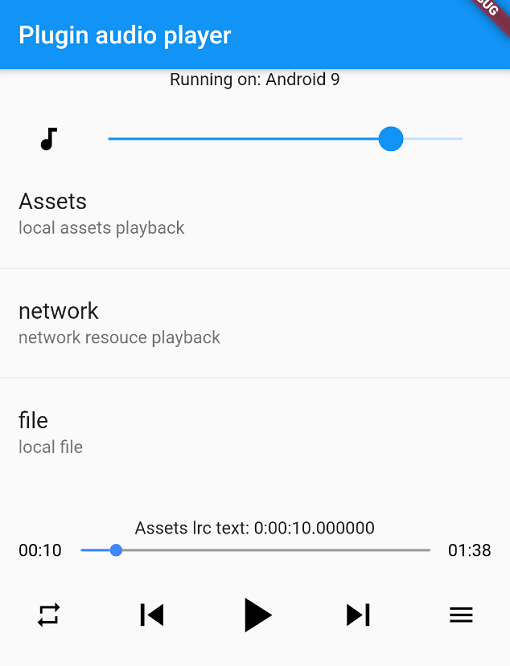
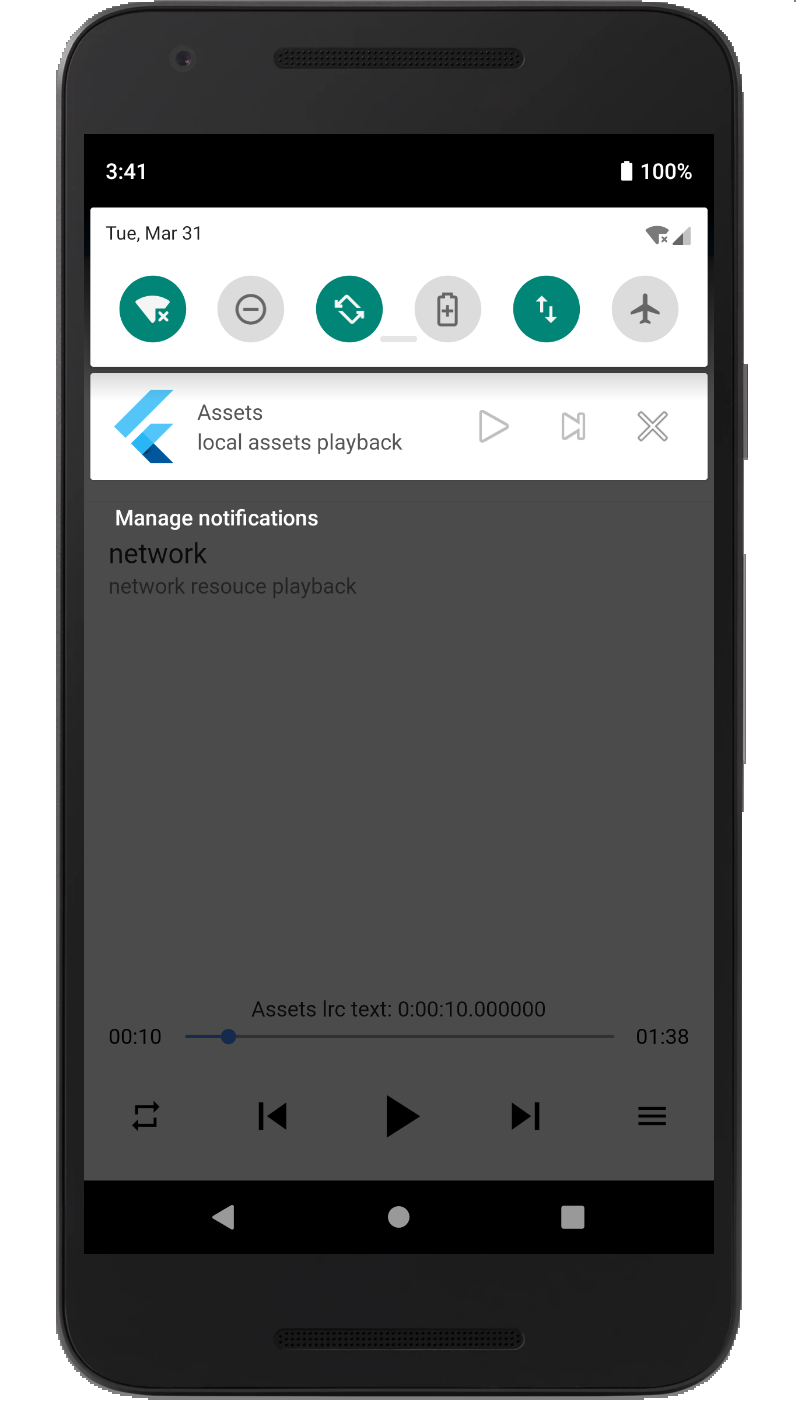
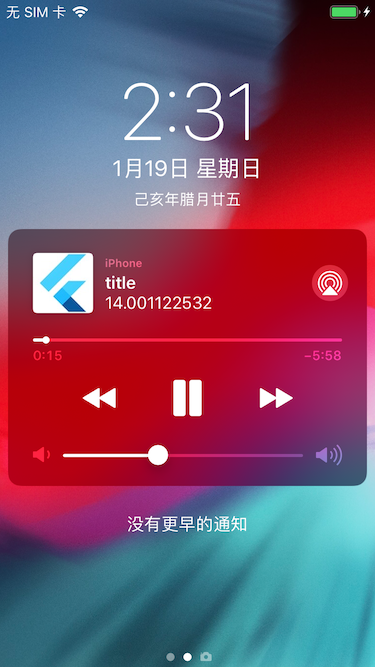
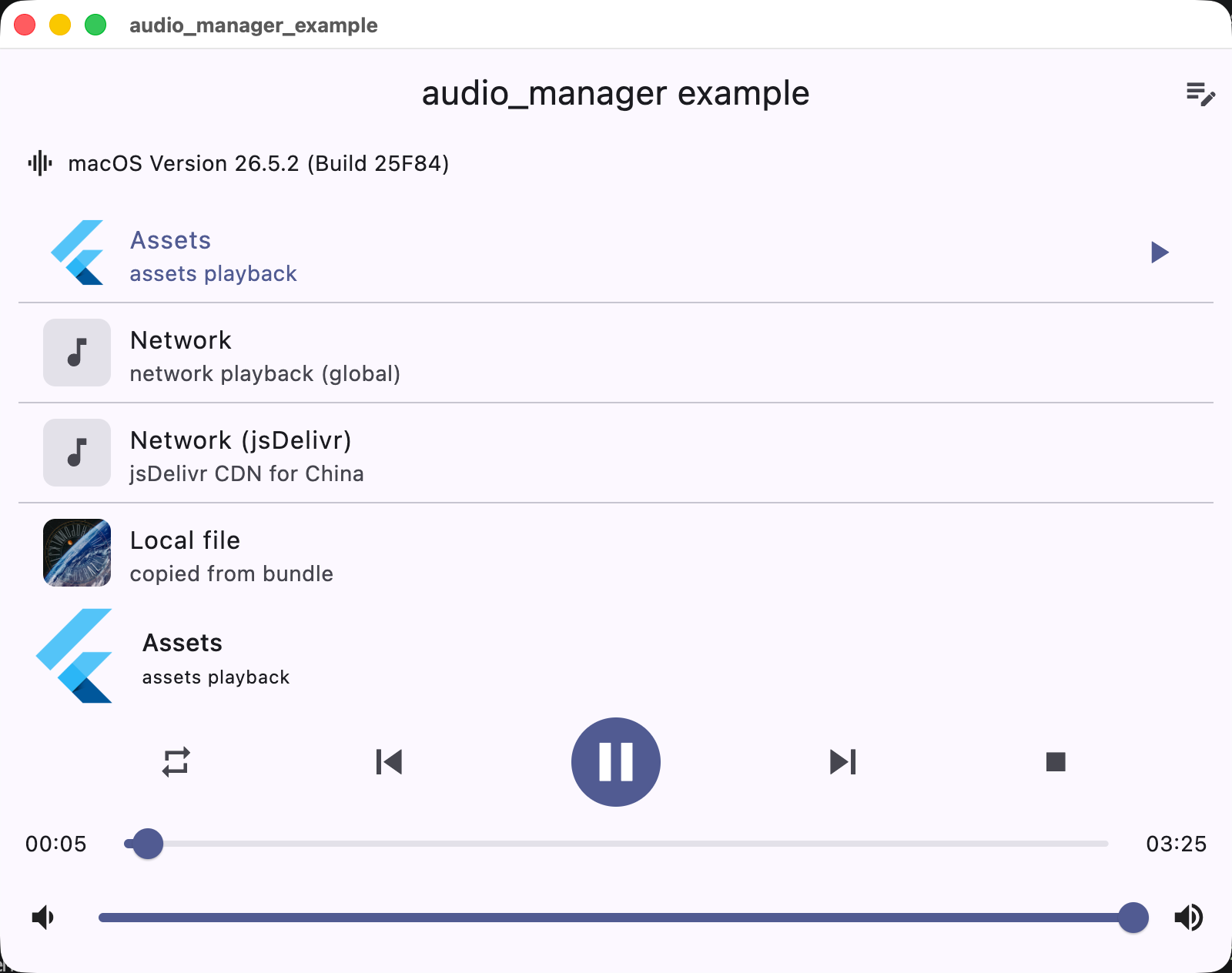
Screenshots
Android
iOS
macOS
Supported platforms
Platform
Playback / integration
iOS
AVPlayer + lock screen / Control Center
Android
MediaPlayer + MediaSession notification
macOS
AVPlayer + Now Playing / Control Center
Windows
Windows.Media.Playback + SMTC
Linux
GStreamer + MPRIS
Web
HTMLAudioElement
Installation
Add the dependency to pubspec.yaml:
dependencies:audio_manager:^1.0.0
iOS
The plugin supports both CocoaPods and Swift Package Manager (SPM) on iOS. Flutter 3.24+ integrates it via SPM automatically; otherwise it falls back to CocoaPods.
Add the following permissions in the info.plist file
⚠️ Some methods are invalid in the simulator, please use the real machine
⚠️ Only add UIBackgroundModes -> audio when your app really keeps playing audio in the background. If the app does not provide background audio, App Store review may reject it with guideline 2.5.4.
Android
Since Android9.0 (API 28), the application disables HTTP plaintext requests by default. To allow requests, add android:usesCleartextTraffic="true" in AndroidManifest.xml
⚠️ Android minimum supported version 23 (app/build.gradle -> minSdkVersion: 23)
⚠️ Compile against Android SDK 34 or newer when targeting Android 12+ apps. The plugin now requires explicit PendingIntent flags, a media playback foreground service type, and Android 13+ receiver export flags.
⚠️ Android notification and lock-screen controls use MediaSession / MediaStyle. Custom notification icons and full custom layouts are not exposed by the public API.
Desktop (macOS / Windows / Linux)
Desktop playback integrates with the system media controls: macOS Now Playing / Control Center, Windows SMTC (taskbar media flyout), and Linux MPRIS.
macOS: to stream network audio, add the com.apple.security.network.client entitlement to the app's entitlements files (DebugProfile.entitlements / Release.entitlements):