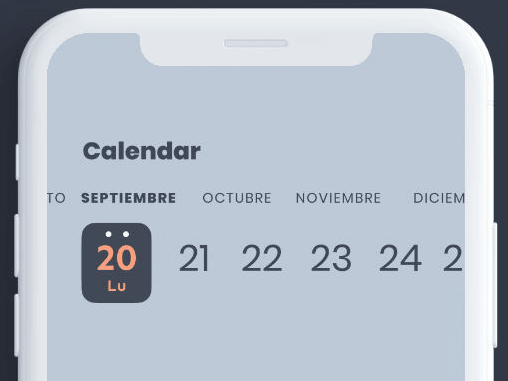
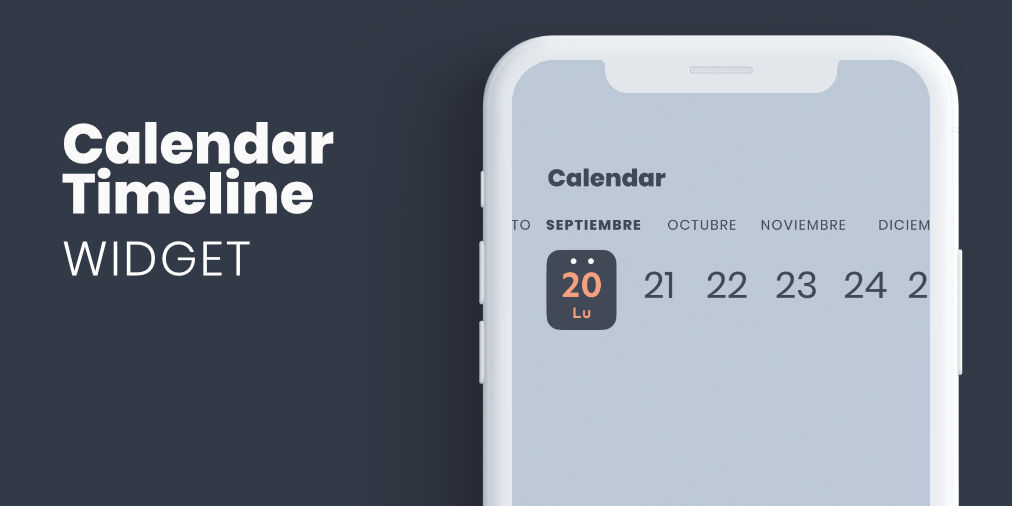
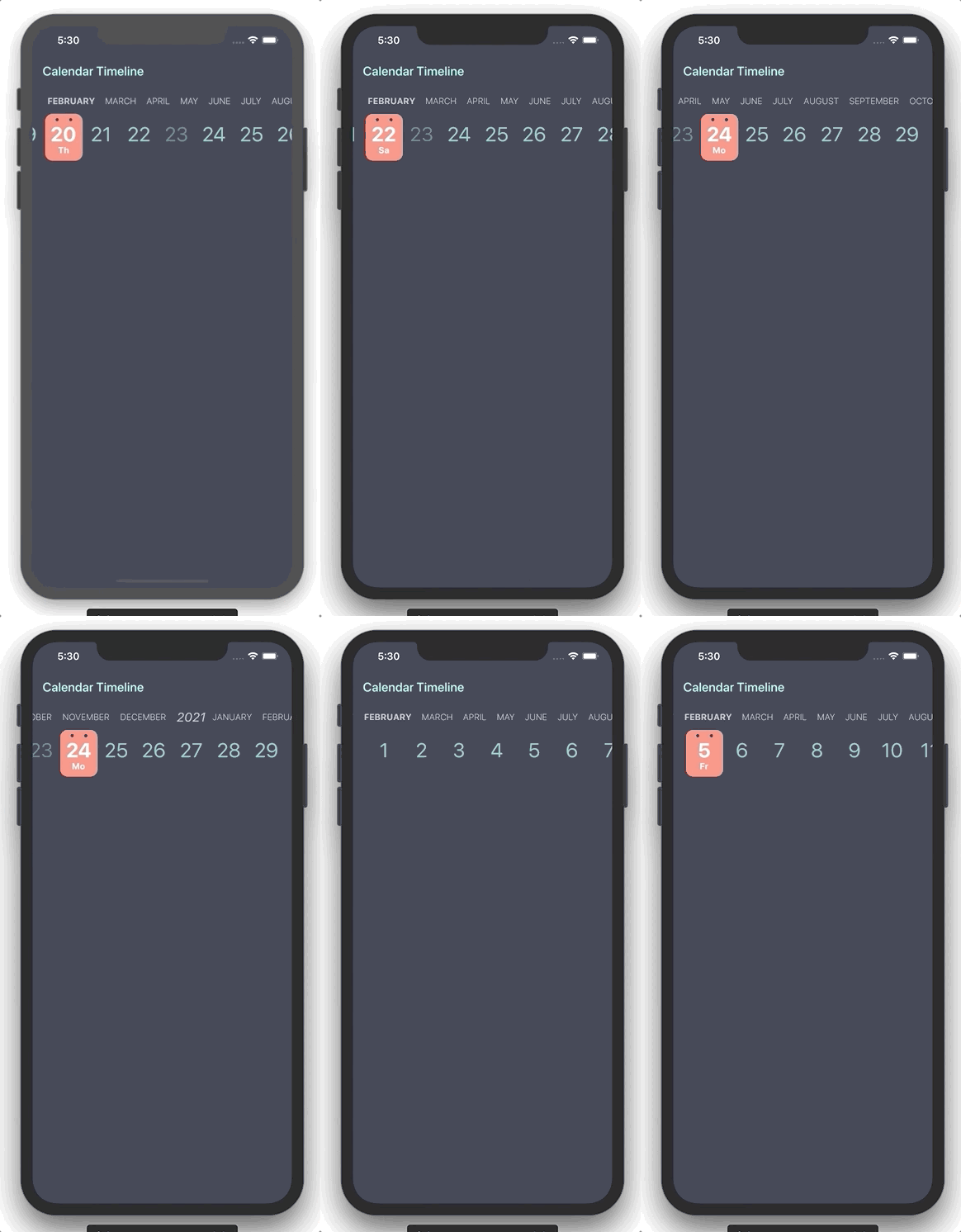
CalendarTimeline는 효율적인 한손 사용과 최소한의 화면 공간을 위해 설계된 컴팩트한 수평 날짜 선택기입니다. 현재 날짜를 항상 표시하므로 자주 날짜를 선택해야 하는 앱에 적합합니다. 타임라인 레이아웃을 통해 사용자는 하루, 주, 월 단위로 부드럽게 스와이프할 수 있습니다. Flutter로 구현되어 Android, iOS, Web, macOS, Windows, Linux 등 다양한 플랫폼을 지원합니다. 깔끔한 인터페이스는 양식, 일정 관리 도구, 일일 계획 도구에서의 사용성을 향상시킵니다.
사용 사례
일일 작업 추적
스케줄링 애플리케이션
이벤트 기획
모바일 우선 날짜 선택
한손 탐색
주요 기능
수평 스크롤 가능한 타임라인
콤팩트 디자인
한손 사용성
크로스 플랫폼 지원
사용자 지정 가능한 날짜 범위
적합한 대상
모바일 앱 개발자
생산성 앱
캘린더 통합
미니멀리스트 UI 디자인
시간 민감성 워크플로우
고려 사항
날짜만 선택 가능
내장된 이벤트 렌더링 없음
일자 변경을 수동으로 처리해야 합니다
선형 시간 탐색에 가장 적합
다크 모드를 위해 추가적인 스타일링이 필요할 수 있습니다
원본 README
연결된 소스 저장소의 README 원문 스냅샷입니다. 최신 내용은 저장소에서 확인하세요.
Flutter widget form select a date in horizontal timeline with customizable styles.
Getting Started
You can use this package when you need to add a date picker that takes up little screen space, so we can always have it visible, and that facilitates use with one hand.
Properties
Property
Type
Description
initialDate
DateTime
Initial date selected
firstDate
DateTime
First date available in calendar
lastDate
DateTime
Last date available in calendar
selectableDayPredicate
SelectableDayPredicate
Signature for predicating dates for enabled date selections
onDateSelected
OnDateSelected
Callback to notify that a date has been selected
leftMargin
double
Left margin to month and day list
monthColor
Color
Color for month list elements
dayColor
Color
Color for day list elements
activeDayColor
Color
Color for selected day text
activeBackgroundDayColor
Color
Color for selected day background
dotColor
Color
Color for top dots in select day
locale
String
Locale string to get formatted date
showYears
bool
Indicates if it show year selector
Use example
You can review the example folder for a complete example of using the widget.