CropperX는 깔끔하고 직관적인 인터페이스를 통해 이미지 자르기 및 회전을 위한 플러터 패키지입니다. 크로스플랫폼 사용을 위해 설계되어 안드로이드, iOS, 웹, 맥OS, 윈도우, 리눅스를 모두 지원합니다. 자르기 영역과 이미지 회전을 조정할 수 있는 사용자 정의 가능한 컨트롤을 제공하여 정밀한 이미지 편집이 필요한 애플리케이션에 적합합니다. 간단한 API를 통해 플러터 앱에 쉽게 통합되어 개발자가 이미지 자르기 기능을 빠르게 구현할 수 있습니다. CropperX는 가볍고 효율적이며 성능과 사용 편의성에 중점을 둡니다.
사용 사례
이미지 프로필 편집
문서 스캔 워크플로우
사진 편집 도구
소셜 미디어 콘텐츠 제작
사용자 생성 콘텐츠 처리
주요 기능
인터랙티브 이미지 자르기
실시간 회전 지원
크로스 플랫폼 호환성
사용자 정의 가능한 UI 컨트롤
Flutter와의 간단한 통합
적합한 대상
모바일 앱 개발자
웹 애플리케이션 제작자
이미지 처리 기능
사용자 친화적인 사진 편집기
문서 또는 신원 확인이 필요한 앱
고려 사항
자르기 전에 이미지를 로드해야 합니다
기본 편집 작업에 제한됨
내장된 이미지 저장 기능 없음
사용자 정의 테마를 위해 추가 스타일링이 필요할 수 있습니다
외부 이미지 소스 처리에 따라 달라짐
원본 README
연결된 소스 저장소의 README 원문 스냅샷입니다. 최신 내용은 저장소에서 확인하세요.
CropperX
A cropper package made fully in Flutter.
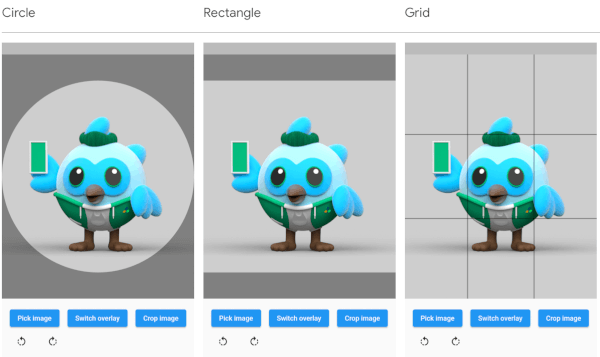
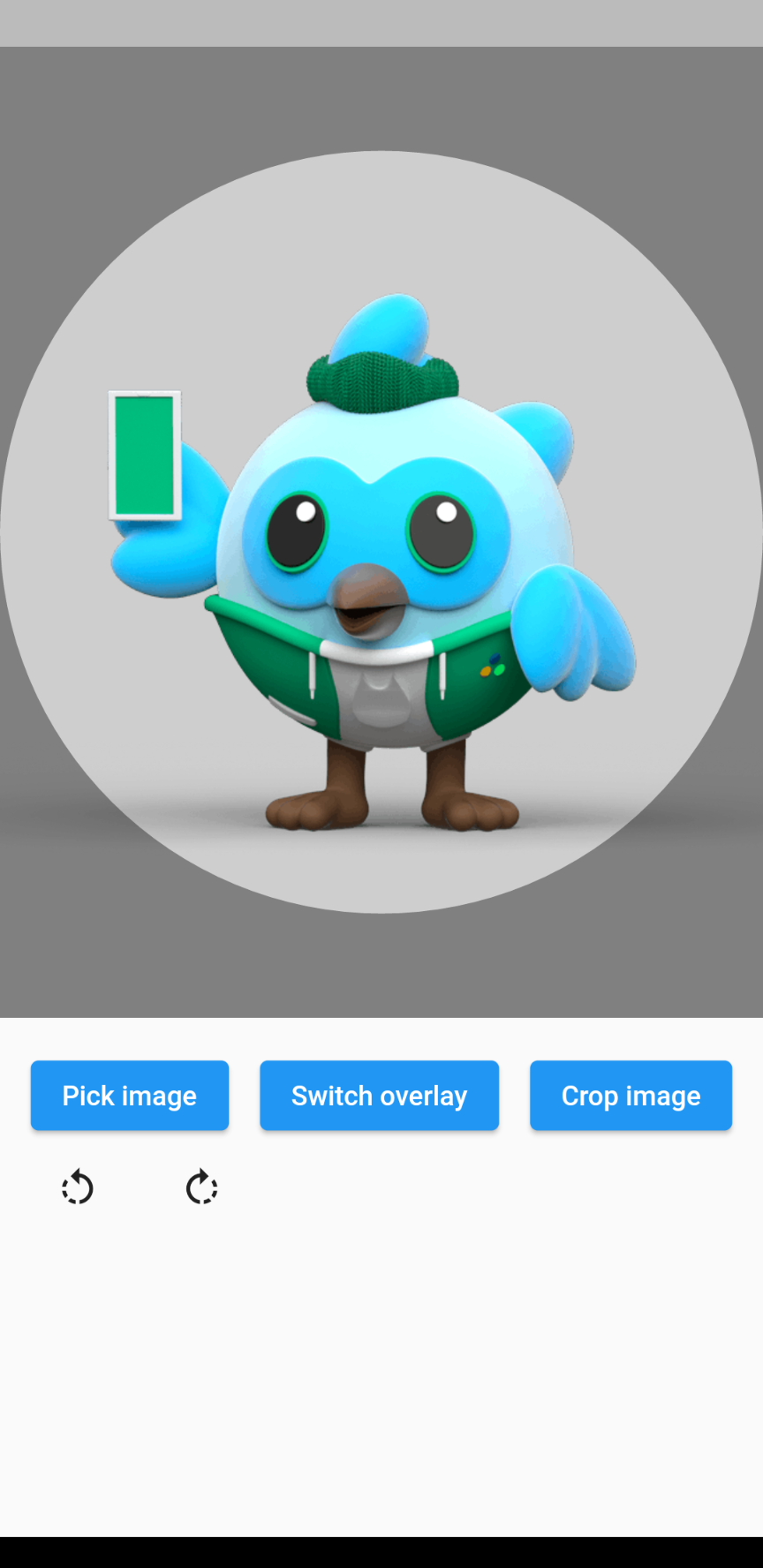
Circle
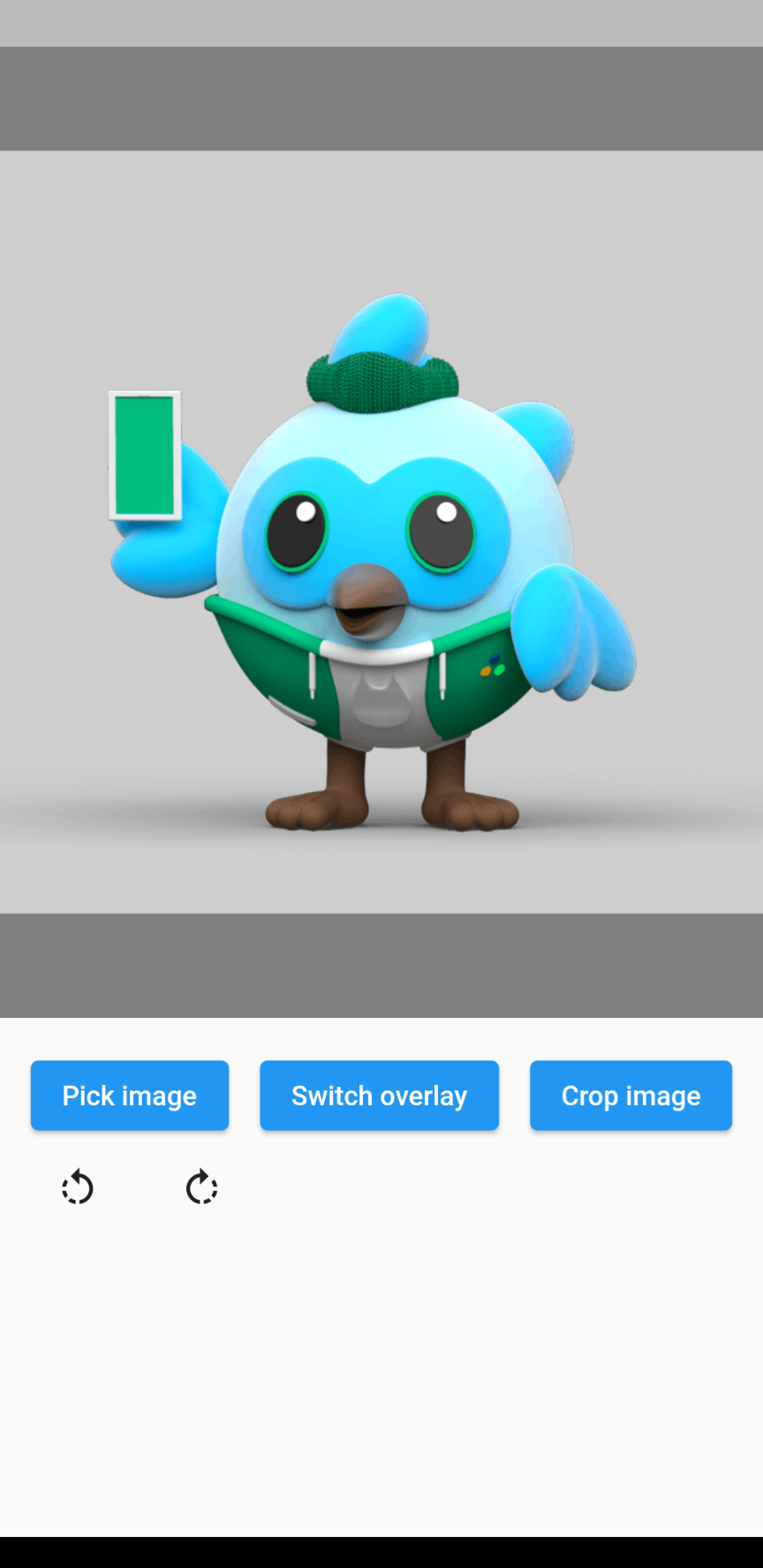
Rectangle
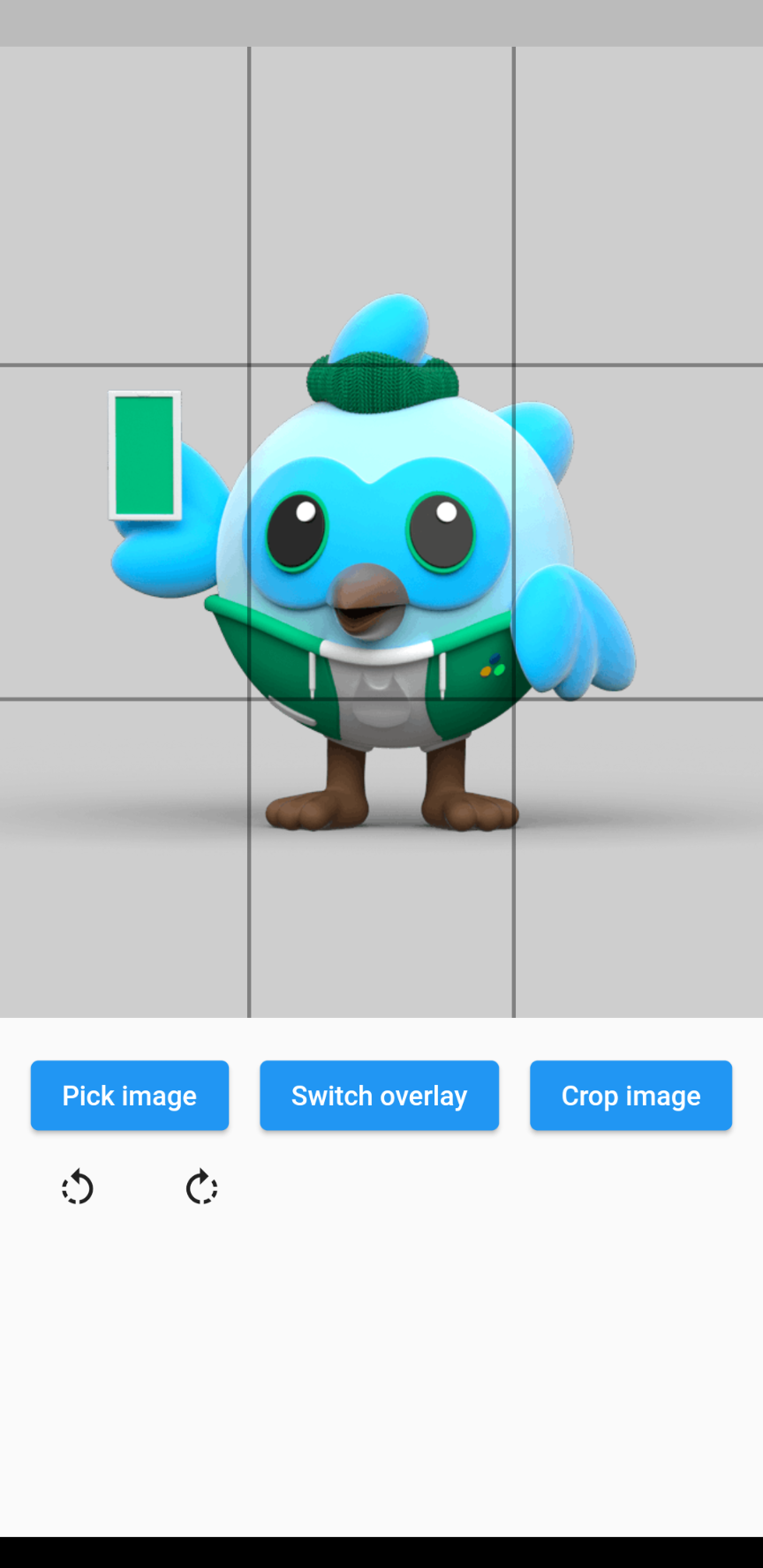
Grid
Types of overlays
The overlay can be defined by adding an overlay type through the overlayType parameter. The following types are currently supported:
OverlayType.none: No overlay at all.
OverlayType.circle: An overlay with a circular gap.
OverlayType.rectangle: An overlay with a rectangular gap, takes the given aspect ratio.
OverlayType.grid: An overlay of grid lines: 2 horizontal and 2 vertical, evenly spaced.
OverlayType.gridHorizontal: An overlay of 2 horizontal grid lines, evenly spaced.
OverlayType.gridVertical: An overlay of 2 vertical grid lines, evenly spaced.
Rotating the image
The image rotation can be defined through the rotationTurns parameter. The default value is 0, corresponding to 0 degrees of rotation. Making the value larger by 1 will rotate the image 90 degrees clockwise, making it smaller will rotate the image 90 degrees counterclockwise. 0 to 4 is not a limit, so going above or below these values will keep rotating the image.
Example
// Import packageimport'package:cropperx/cropper.dart';
// Define a keyfinal _cropperKey = GlobalKey(debugLabel: 'cropperKey');
// Add the Cropper widget to your tree, using the above key and adding the image to cropCropper(
cropperKey: _cropperKey, // Use your key here
image: Image.network(
'https://i.pinimg.com/originals/6b/4d/18/6b4d18c0b756ab20c3591490dfc10090.jpg',
),
)
// Get the cropped image as bytesfinal imageBytes = awaitCropper.crop(
cropperKey: _cropperKey, // Reference it through the key
)