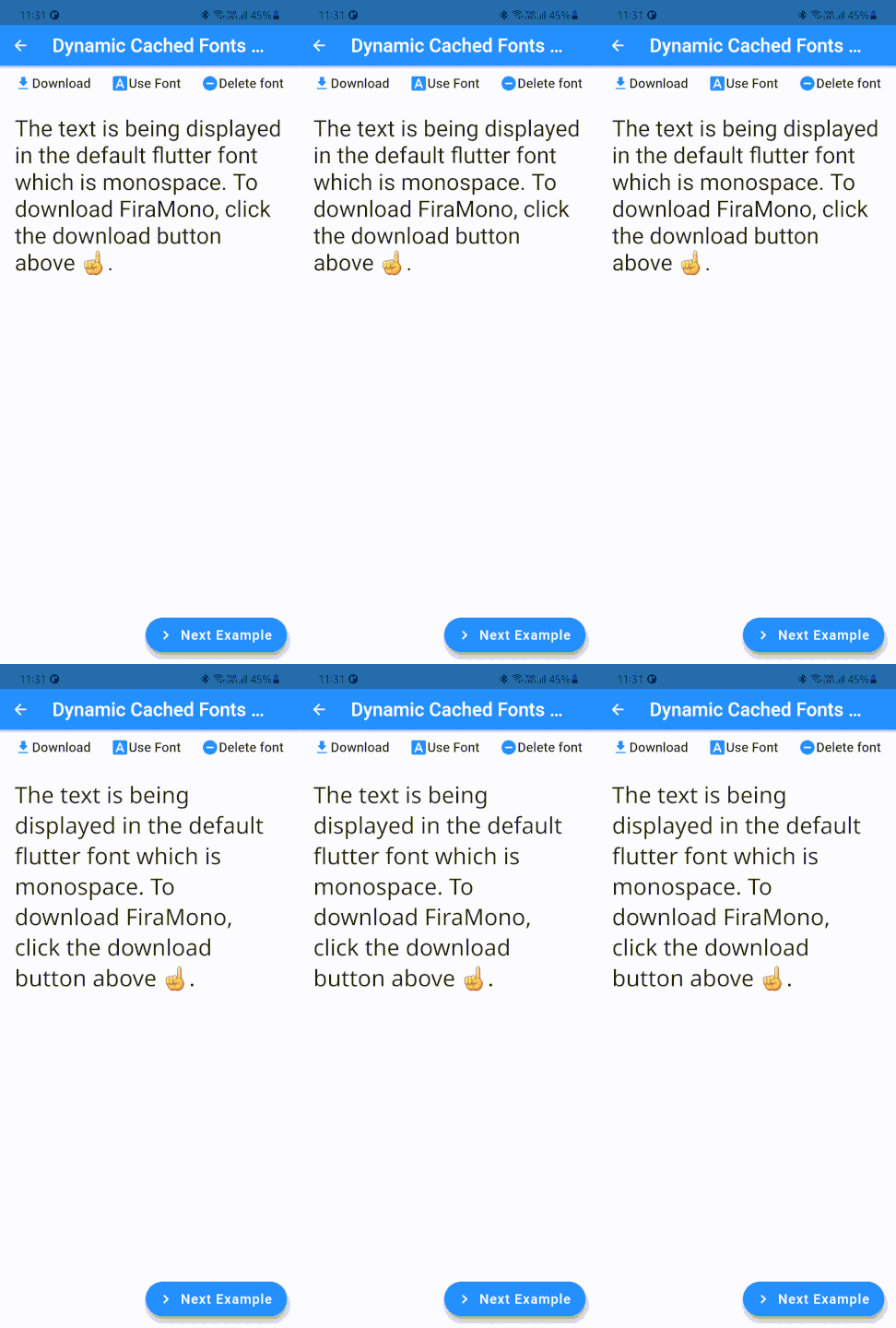
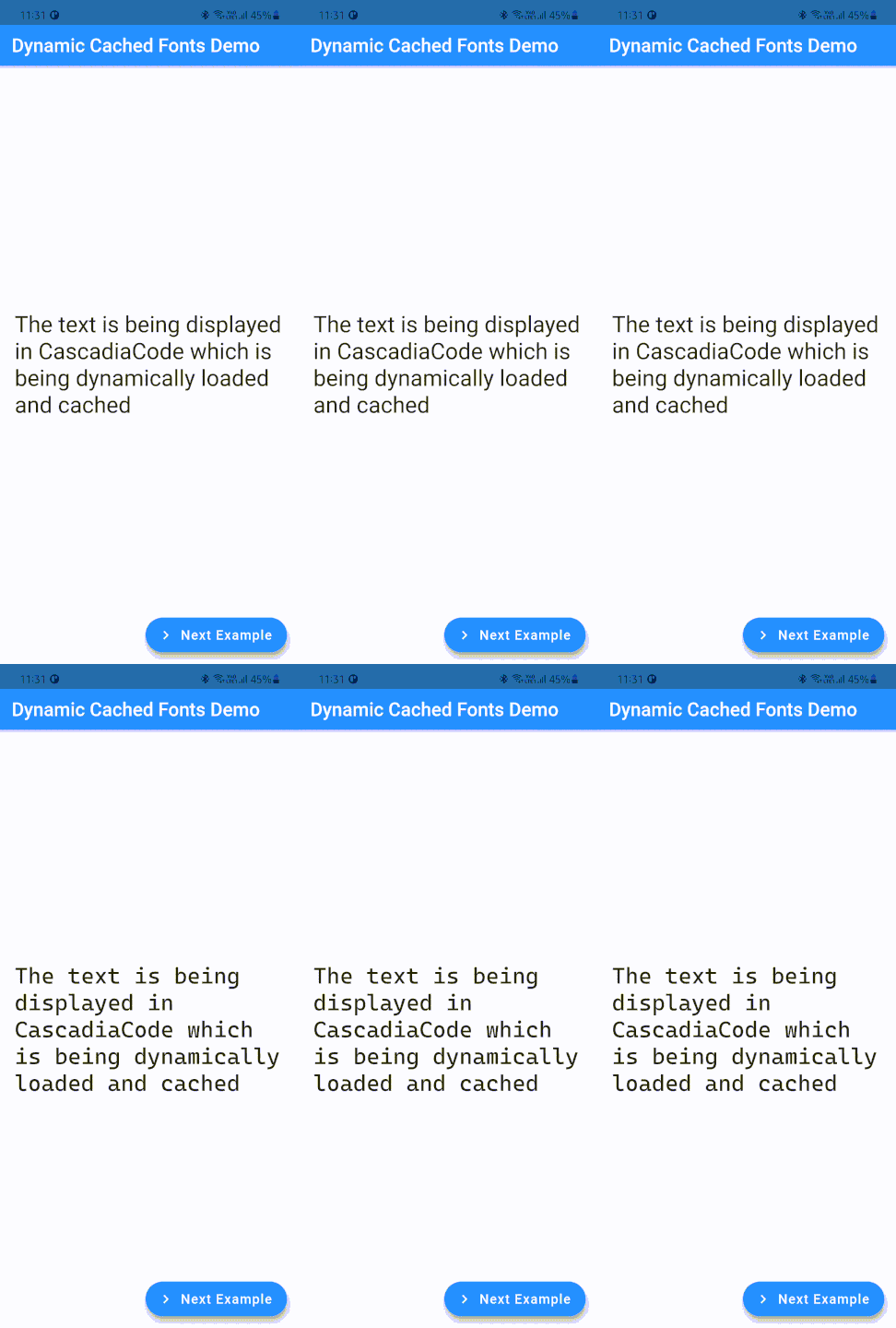
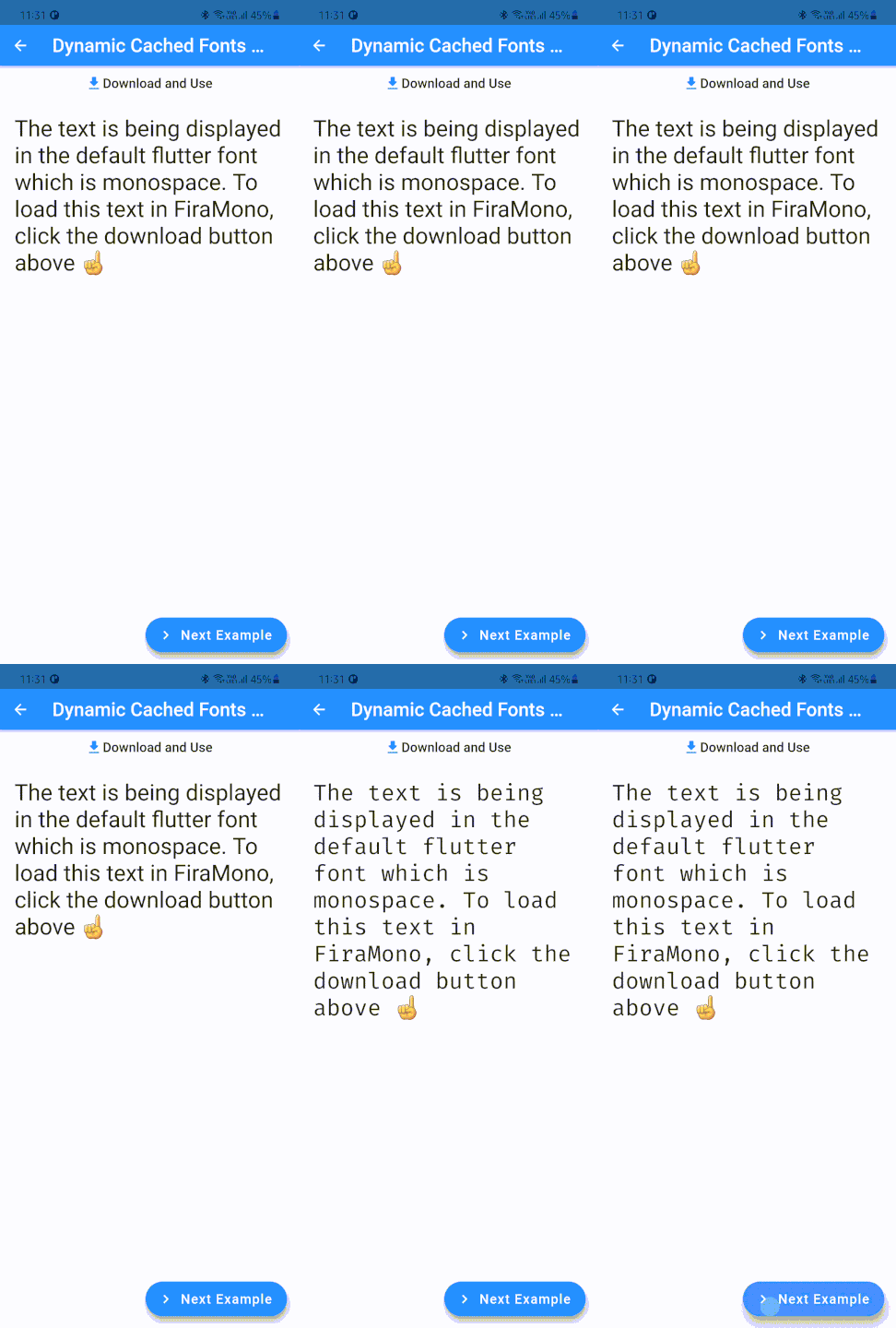
DynamicCachedFonts는 Firebase Cloud Storage에 호스팅된 폰트와 원활하게 통합되는 웹 폰트의 동적 로딩, 캐싱 및 렌더링을 가능하게 하는 Flutter 패키지입니다. 필요 시 효율적으로 폰트를 다운로드하고 로컬에 저장하여 로드 시간을 줄이며, Android, iOS, Web, macOS, Windows 등 다양한 플랫폼을 지원합니다. 앱 번들 크기를 늘리지 않고도 사용자 정의 또는 자주 업데이트되는 타이포그래피가 필요한 앱에 이상적입니다.
사용 사례
Firebase Cloud Storage에서 글꼴 로드
오프라인 사용을 위한 웹 폰트 캐싱
다이나믹 테마 기반 타이포그래피 지원
글꼴 다운로드를 연기하여 앱 크기 줄이기
앱에서 실시간 폰트 업데이트 활성화
주요 기능
Firebase Cloud Storage를 글꼴 소스로 지원합니다
다운로드된 폰트의 자동 로컬 캐싱
크로스플랫폼 호환성
효율적인 메모리 관리
요청 시 폰트 로딩
적합한 대상
동적 또는 원격 글꼴을 사용하는 앱
Firebase Cloud Storage 통합 개발자
자주 글꼴을 업데이트해야 하는 프로젝트
다중 플랫폼을 대상으로 하는 앱
성능 중심 애플리케이션
고려 사항
초기 글꼴 다운로드를 위해 인터넷 연결이 필요합니다
캐시 관리는 수동 처리가 필요할 수 있습니다
폰트 파일 크기는 초기 로드 시간에 영향을 미칩니다
지원되는 글꼴 형식에 제한됨
클라우드 호스팅된 글꼴을 위한 Firebase 구성에 따라 다름
원본 README
연결된 소스 저장소의 README 원문 스냅샷입니다. 최신 내용은 저장소에서 확인하세요.
Dynamic Cached Fonts
A simple, easy to use yet customizable font loader to use web fonts.
Dynamic Cached Fonts allows you to dynamically load a font from any url and cache it. This way, you can reduce your bundle size and load the font if and when it's required.
Another advantage of dynamically loading fonts is that you can now easily provide an option to your users to pick an app font. This allows for a greater level of customization.
Caching is an added performance upgrade as the font will be downloaded only once and used multiple times, reducing network and battery usage.
🏃 Get Started
To use the package, add dynamic_cached_fonts as a dependency.
⚒️ Usage
Loading fonts on demand
You can load font on demand, for example - when a page loads
@overridevoidinitState() {
finalDynamicCachedFonts dynamicCachedFont = DynamicCachedFonts(
fontFamily: fontFamilyName, // The font family name to be passed to TextStyle.fontFamily
url: fontUrl, // A valid url pointing to a font file (.ttf or .otf files only)
);
dynamicCachedFont.load(); // Downloads the font, caches and loads it.super.initState();
}
...
Text(
'Some Text',
style: TextStyle(fontFamily: fontFamilyName),
)
TextStyle.fontFamilys are applied only after load() is called.
Calling load() more than once throws a StateError
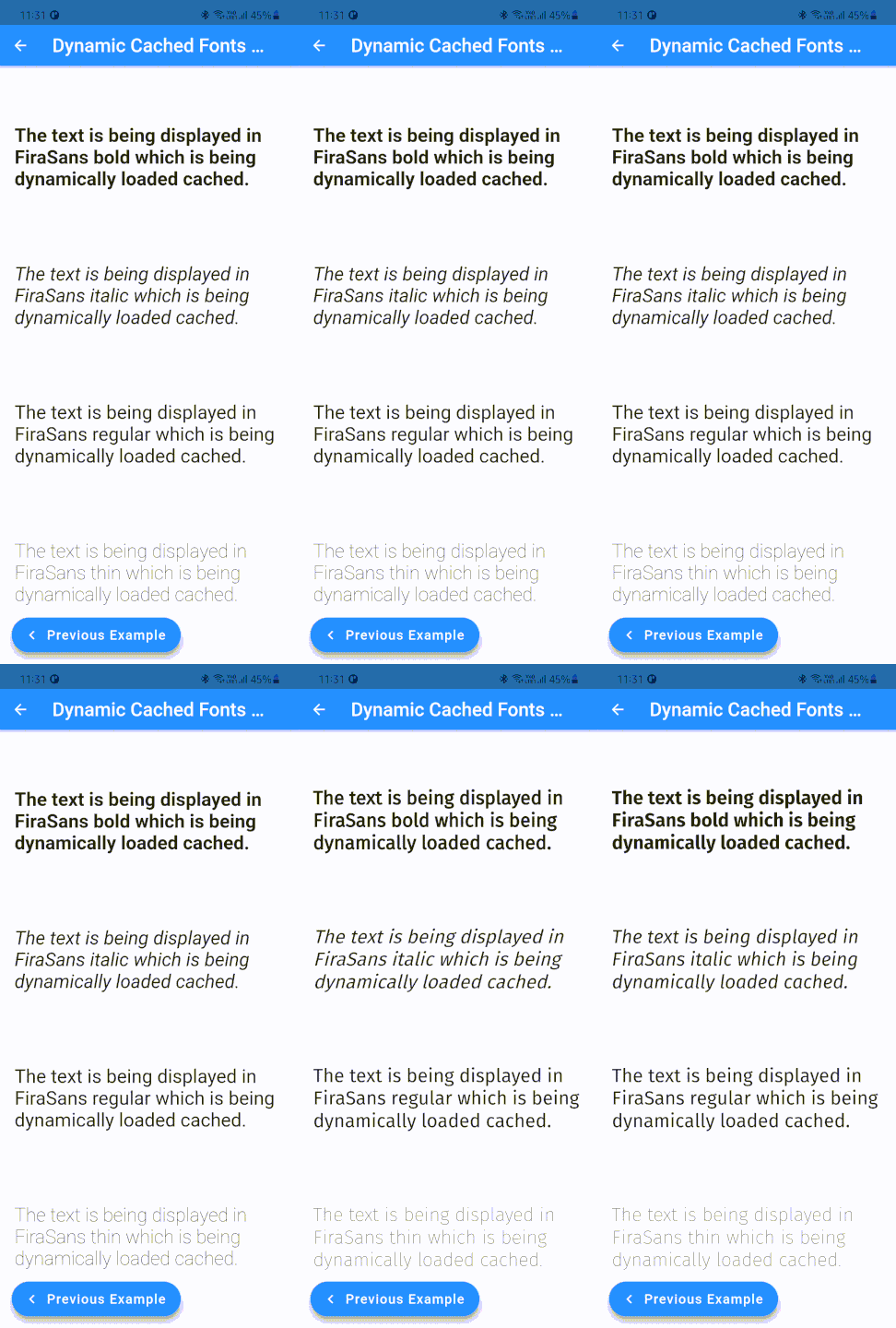
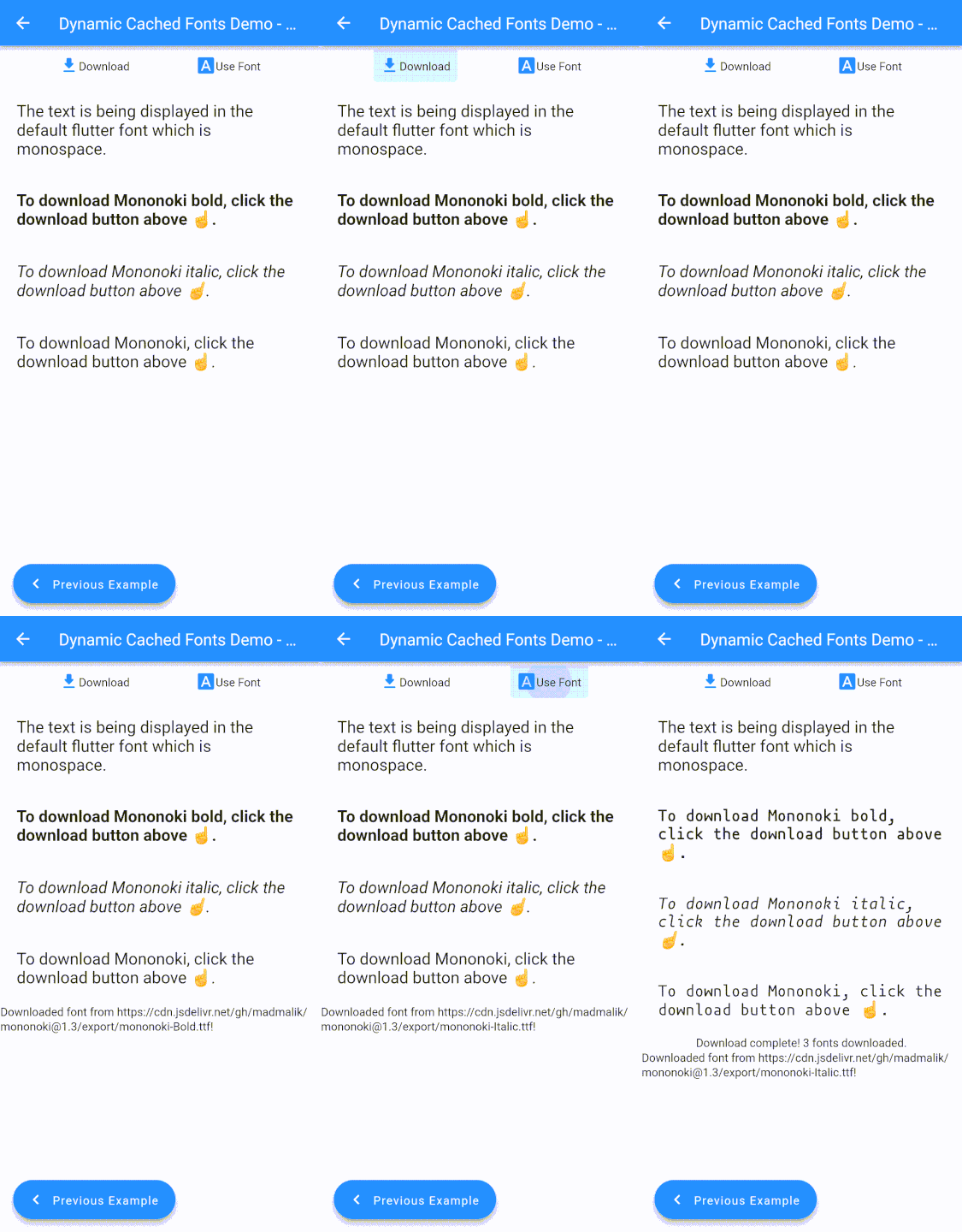
What if you need to load multiple fonts, of varying weights and styles, as a single family...For that, you can use the DynamicCachedFonts.family constructor.
It accepts a list of urls, pointing to different fonts in the same family, as urls.
The package also supports loading the fonts as a Stream! The loadStream returns a single subscription stream which emits the font files.
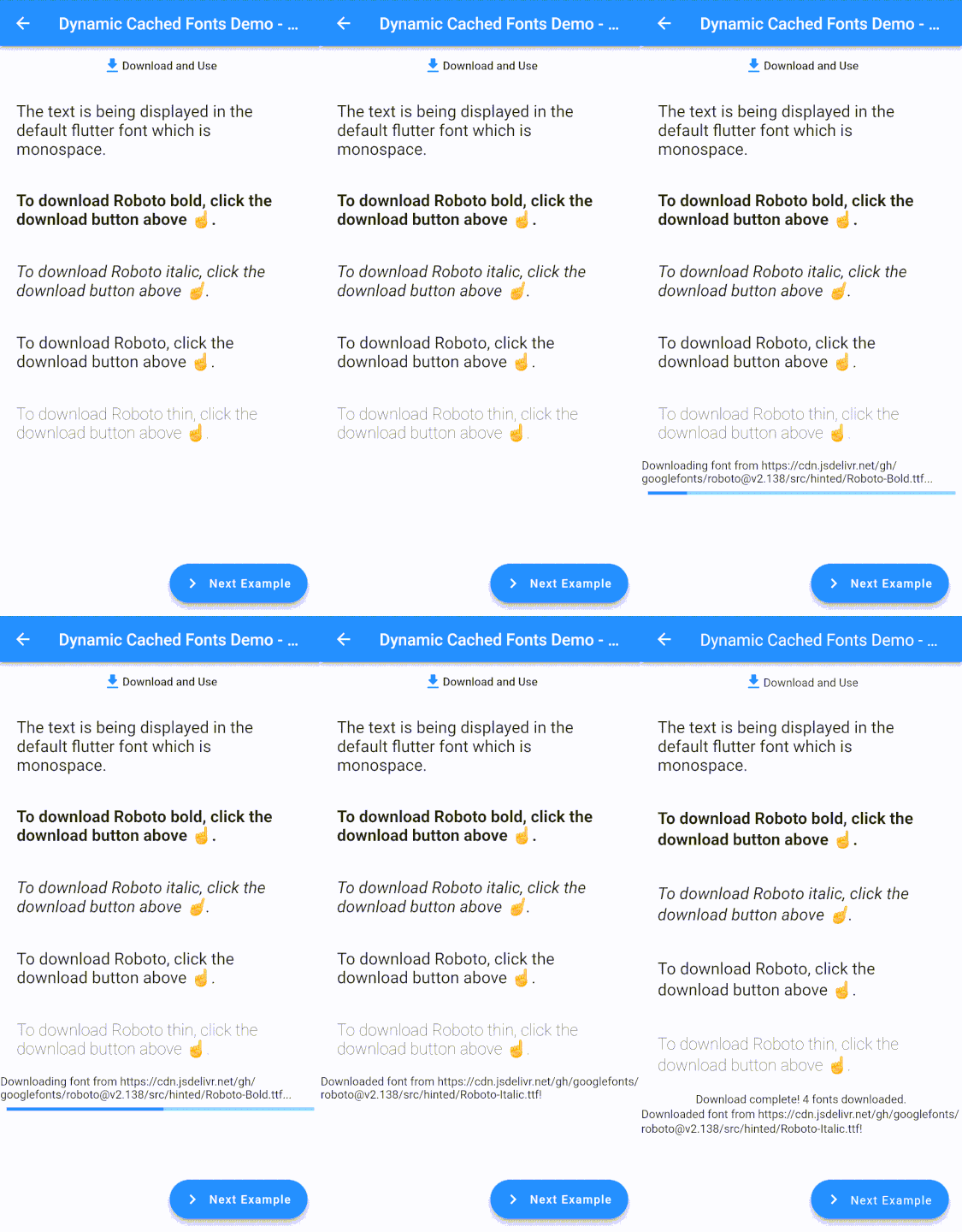
loadStream accepts a callback, downloadProgressListener, that is called each time a DownloadProgress event is received. This happens only when the font is actually being downloaded from the provided url. Subsequent requests, which are usually served from the cache, do not emit any progress events. If the font file has expired, then the file will be downloaded again for which the progress events will be streamed to downloadProgressListener.
When loadStream is called with a single font url, then itemCountProgressListener will be called only once when the font has been loaded into the engine.
And when loadStream is used to load an entire font family, itemCountProgressListener will be called once for every font in the family.
In the example given below, itemCountProgressListener will be called 4 times, once after every font has been loaded into the Flutter engine.
You can pass in maxCacheObjects and cacheStalePeriod here as well.
canLoadFont, loadCachedFont, loadCachedFamily
canLoadFont is used to check whether the font is available in cache. It is usually used in combination with the loadCached* methods.
First, Check whether the font is already in cache. If it is, then load the font.
if(DynamicCachedFonts.canLoadFont(fontUrl)) {
// To load a single font...DynamicCachedFonts.loadCachedFont(
fontUrl,
fontFamily: fontFamilyName,
);
// Or if you want to load multiple fonts as a family...DynamicCachedFonts.loadCachedFamily(
<String>[
fontFamilyNameBoldUrl,
fontFamilyNameItalicUrl,
fontFamilyNameRegularUrl,
fontFamilyNameThinUrl,
],
fontFamily: fontFamilyName,
);
}
Now, if the font isn't available in cache, download it!
cacheFontStream is used to download and cache the font. This method is similar to cacheFont but returns a single subscription Stream that emits the progress of the download.
The download is streamed to the progressListener callback which is called each time a DownloadProgress event is received. This happens only when the font is actually being downloaded from the provided url. Subsequent requests, which are usually served from the cache, do not emit any progress events. If the font file has expired, then the file will be downloaded again for which the progress events will be streamed to downloadProgressListener.
Use canLoadFont to check whether the font is available in cache.
loadCachedFamilyStream is used to load multiple fonts into the Flutter engine, as a single font family. This method is similar to loadCachedFamily but returns a stream.
When loadCachedFamilyStream is called with a single font url, progressListener will be called only once when the font has been loaded into the engine.
And when loadCachedFamilyStream is used to load an entire font family, progressListener will be called once for every font in the family.
In the example given below, progressListener will be called 4 times, once after every font has been loaded into the Flutter engine.
DynamicCachedFonts.loadCachedFamilyStream(
  <String>[
    fontFamilyNameBoldUrl,
    fontFamilyNameItalicUrl,
    fontFamilyNameRegularUrl,
    fontFamilyNameThinUrl,
  ],
  fontFamily: fontFamilyName,
  progressListener: (double progress, int totalItems, int downloadedItems) {},
);
removeCachedFont
To remove a font from cache permanently, use removeCachedFont.
Note - This does not change the font immediately until a complete app restart.
Finally, if you want to customize their implementation, extend RawDynamicCachedFonts and override the static methods.
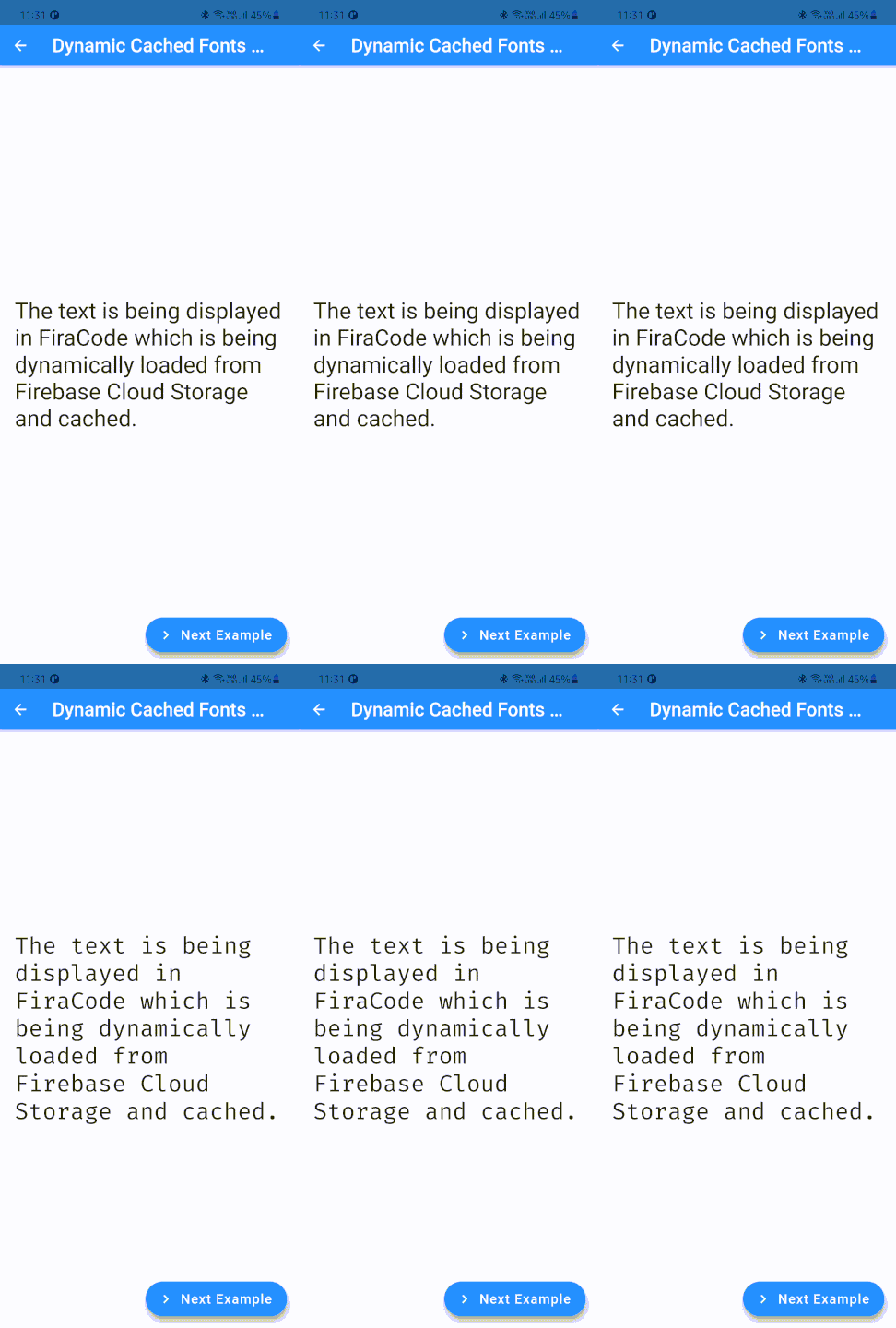
Have a custom font to load from Firebase Cloud Storage? Go for the DynamicCachedFonts.fromFirebase constructor! It accepts a Google Cloud Storage location which is a url starting with gs://. Other than that, it is similar to the default constructor.
Tip: Use DynamicCachedFonts.toggleVerboseLogging to log detailed statuses and configurations for debugging.
🐛 Bug Reports and Help
If you find a bug, please open an issue on Github or if you need any help, let's discuss on Github Discussions!
💁 Contributing
To make things easier, you can use docker compose to set up a dev environment.
Just run docker compose run linux to set up a Linux dev environment or run docker compose run windows to set up a Linux dev environment.
You need to be on a Windows machine to be able to set up a docker Windows environment.
To contribute to the package, fork the repository and open a pull request!