패키지, 저장소 및 앱 카테고리 검색

entry 표지
패키지 상세v1.0.3

entry

위젯을 생동감 있게 만들어보세요 – Entry를 사용하면 위젯을 보이는 상태로 간단히 애니메이션할 수 있습니다. 하나의 위젯으로 투명도, 스케일, 위치 및 각도를 애니메이션할 수 있습니다.

AndroidiOSWebmacOSWindowsLinux
30일 다운로드
2.5천
좋아요
315
Pub 점수
160

패키지 설치

flutter pub add entry

패키지 개요

공개 정보를 바탕으로 생성한 선택 가이드입니다.

Entry는 불투명도, 스케일, 위치 및 회전에 대한 부드러운 전환을 가능하게 함으로써 위젯 애니메이션을 단순화하는 Flutter 패키지입니다. 하나의 위젯만으로 개발자가 최소한의 코드로 요소를 화면에 애니메이션으로 표시할 수 있어, 매력적인 UI를 만들기에 이상적입니다. Android, iOS, Web, macOS, Windows, Linux 등 모든 주요 플랫폼을 지원하며, 기기 간 일관된 동작을 보장합니다. 이 패키지는 가볍고 통합이 쉬우며, 일반적인 애니메이션 요구 사항을 위한 직관적인 문법에 중점을 둡니다.

사용 사례

  • 온보딩 화면
  • 로딩 표시기
  • 동적 목록 항목 표시
  • 모달 팝업
  • 페이지 전환
  • 인터랙티브 요소 강조

주요 기능

  • 단일 위젯 애니메이션 제어
  • 투명도, 스케일, 위치 및 회전을 지원합니다
  • 크로스 플랫폼 호환성
  • 최소 설정
  • 스무딩 기본 이징
  • 사용자 정의 가능한 지속 시간 및 지연

적합한 대상

  • 초보자 플러터 개발자
  • 빠른 애니메이션을 찾는 UI/UX 디자이너
  • 상호작용 또는 동적 콘텐츠를 포함한 앱
  • 빠른 UI 변경 사항 프로토타이핑
  • 미묘한 진입 효과가 필요한 프로젝트

고려 사항

  • 기본 변형 및 투명도 애니메이션에 제한됨
  • 복잡한 코러그래피 시퀀스에 적합하지 않습니다
  • 고급 사용 사례를 위해 추가 상태 관리가 필요할 수 있습니다
  • 많은 동시 애니메이션으로 인한 성능 영향

원본 README

연결된 소스 저장소의 README 원문 스냅샷입니다. 최신 내용은 저장소에서 확인하세요.

entry

Entry

Pub Package Platform

CodeFactor CodeFactor


This Flutter package introduces a new widget : Entry.

It lets you simply animate a widget into a visible state.

  • Don't just display widgets : make them appear (and disappear).
  • Lightweight and flexible : one widget is all you need.
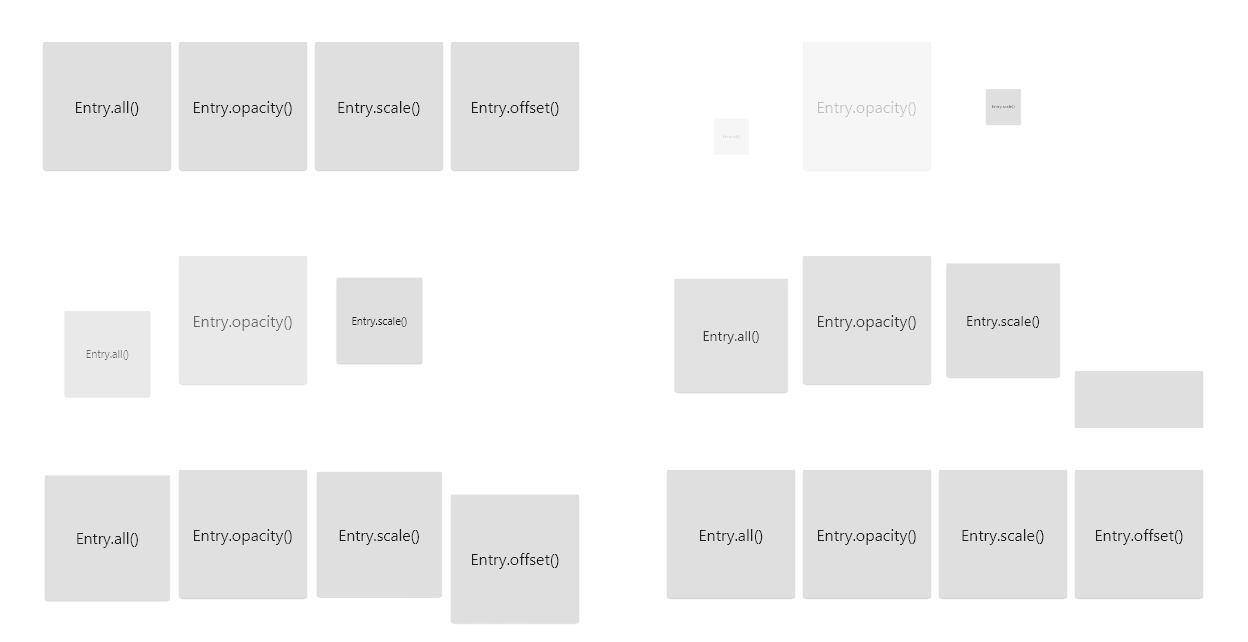
  • Wrap a widget with an Entry.all and watch it come to life.

Entry animates opacity, scale, position and angle concurrently.

You can visualize the Curves constants on its documentation page.

🏭 Constructors

Default

Entry({key, delay, duration, curve, visible, opacity, scale, xOffset, yOffset, angle, child})

This constructor is motionless by default.

It includes every parameter available in named constructors.

Named

Entry has four named constructors :

  1. Entry.all({visible, opacity, scale, xOffset, yOffset, angle})

.all makes use of every animation by default, except for angle and xOffset.

The three others are each dedicated to a single animation :

  1. Entry.opacity({opacity})
  2. Entry.scale({scale})
  3. Entry.offset({xOffset, yOffset})

The key, delay, duration, curve, visible and child parameters are omitted here.

💕 Combining entries

Wrapping an Entry with another one works just as you expect it.

By playing with all the parameters, possibilities are endless.

You can copy one of the examples and start from there.

See in action

entry

👷 Grid builders

Fixed crossed-axis count

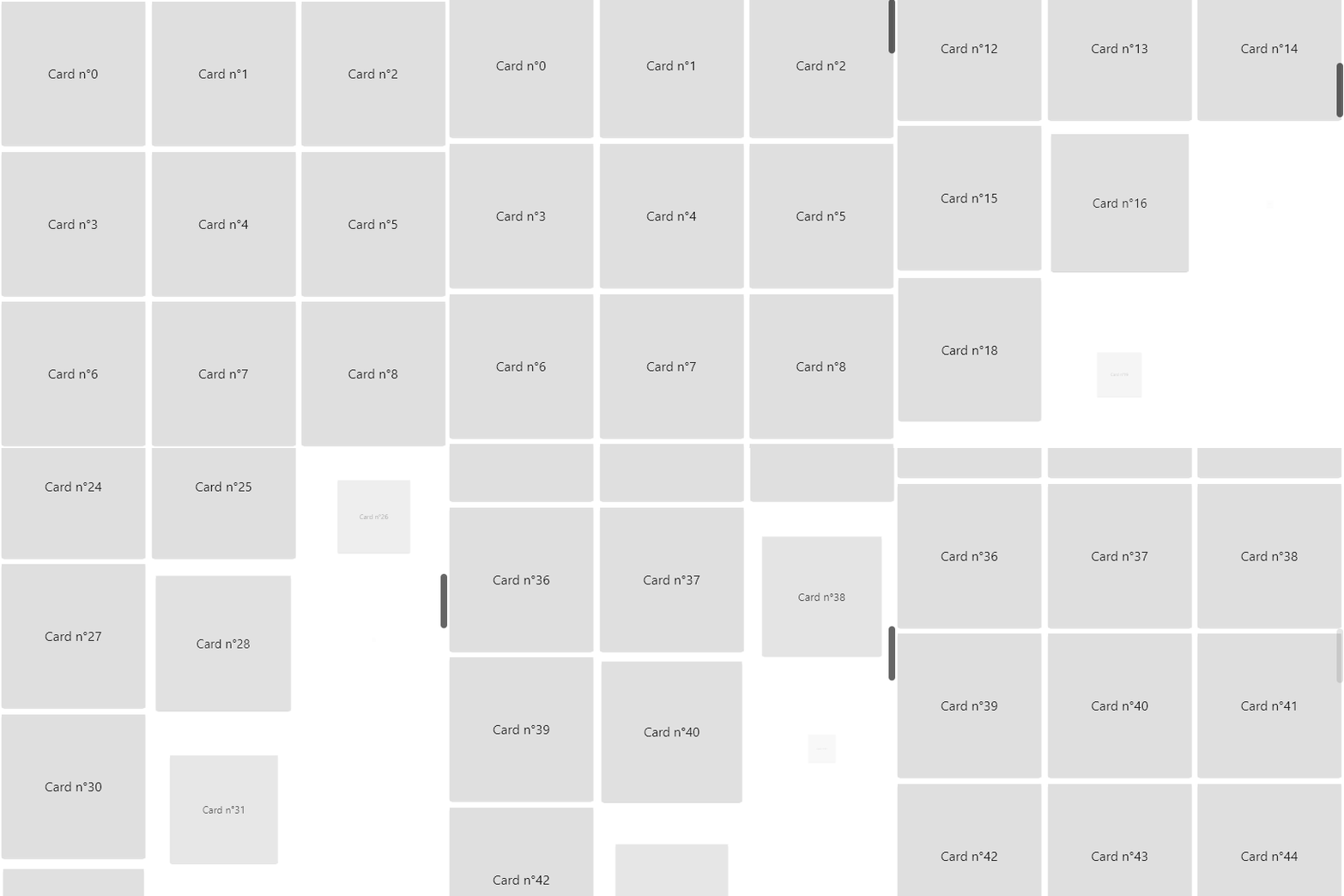
Using Entry with grid builders can create a staggered effect :

  • Wrap the generated child with an Entry widget
  • Multiply the delay value by the index % crossAxisCount

In result, the widgets of a same row will appear after each other.

See in action

entry

Randomization

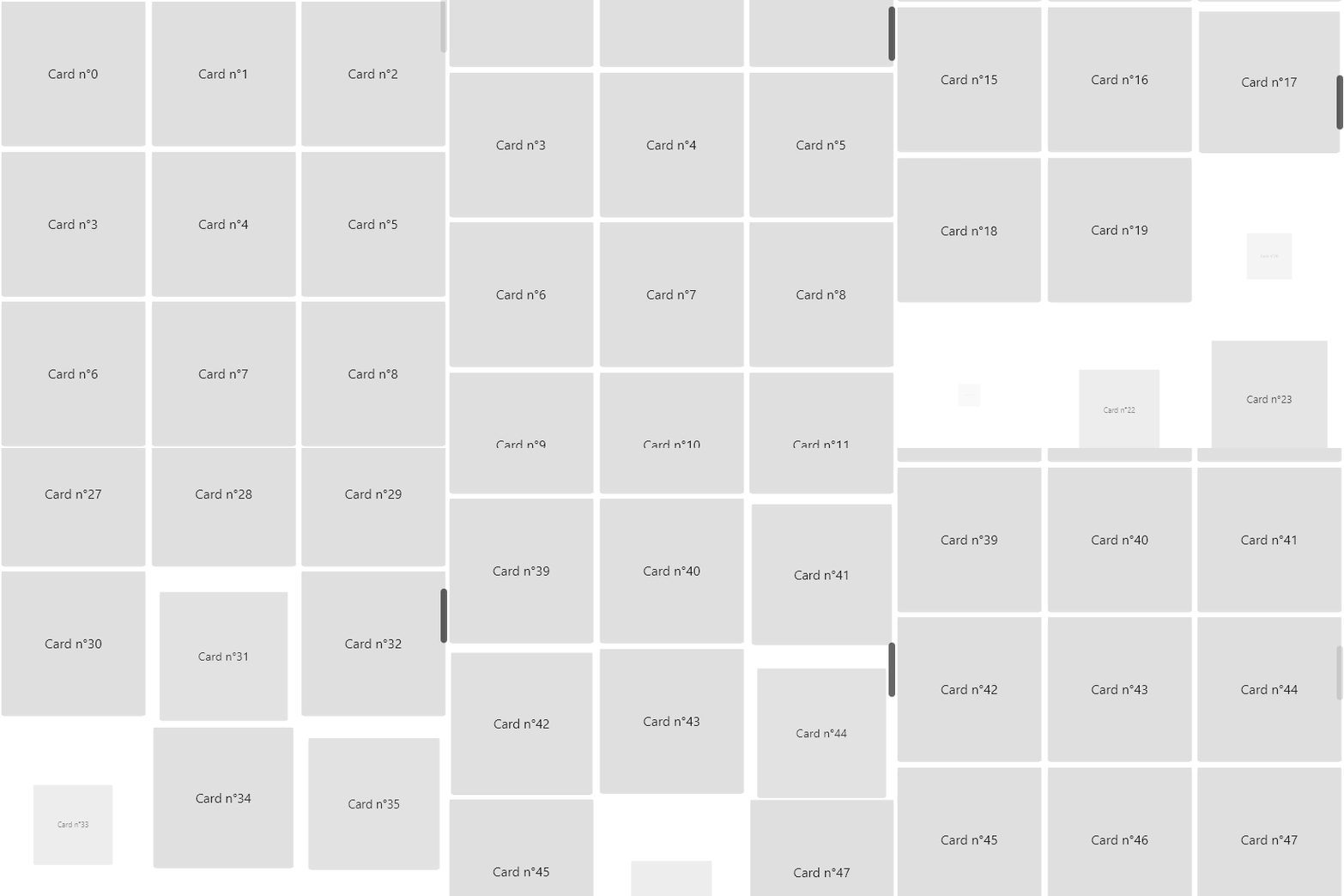
You can set your delay and/or duration to a random number :

delay: Duration(milliseconds: random.nextInt(300))

This makes the entries look more independent from each other.

See in action

entry

✊ Motivation

  • Animations are key to elevate and refine the user experience.
  • By default, all widgets appear instantly. It feels basic, almost webpage-like.
  • Flutter doesn't provide a simple way to delay and animate a widget's entry into view.
  • Animations overall implies a lot of complexity and boilerplate code.
  • I got tired of copying the same file over multiple projects.

🙏 Credit

A special thank you to Felix Blaschke for his simple_animations package. This package literally depends on it.

카테고리

의존성

의존성 목록 2 개

소스 저장소

이 패키지를 사용하는 프로젝트

아직 데이터가 없습니다.