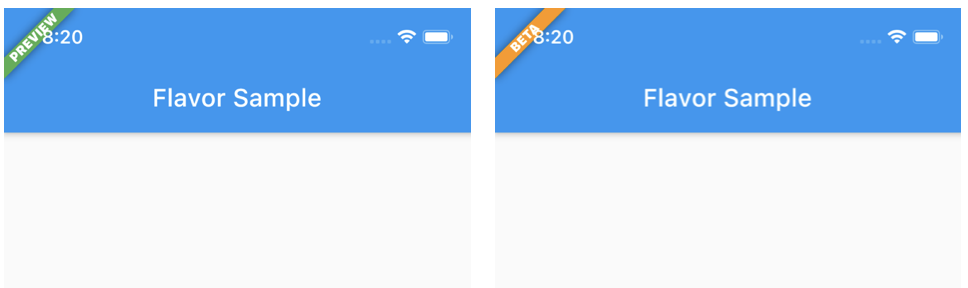
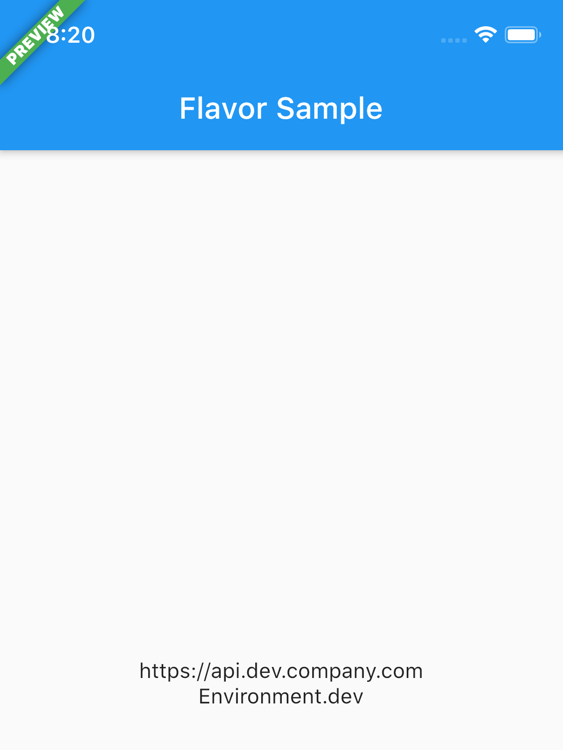
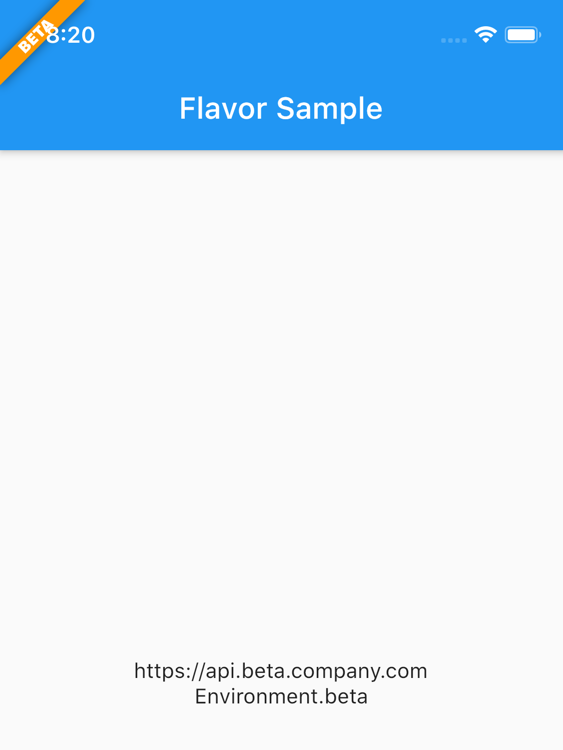
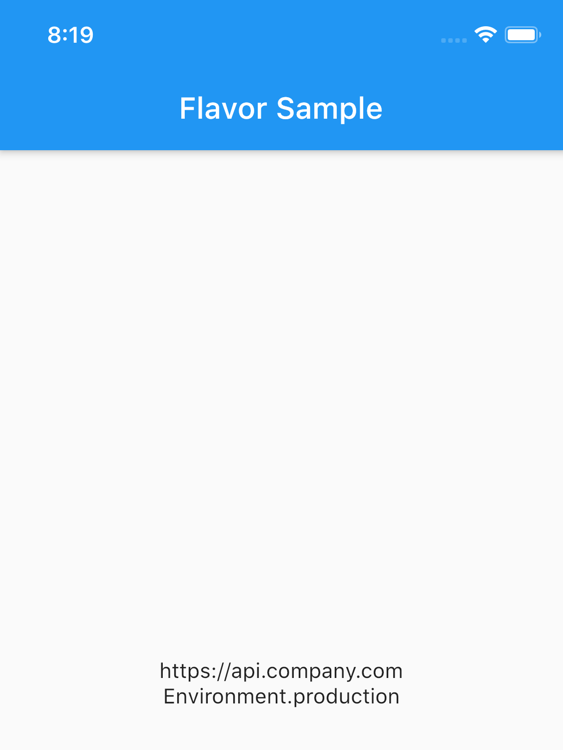
Flavor는 Flutter 패키지로 앱 플레이버 구성의 단순화를 도와주며 디버그 빌드에서 시각적인 플레이버 배너를 표시합니다. 개발, 스테이징, 생산과 같은 다양한 빌드 변형을 쉽게 구분할 수 있도록 화면에 사용자 정의 가능한 배너를 표시합니다. 릴리스 빌드에서는 배너가 자동으로 숨겨져 깔끔한 사용자 경험을 보장합니다. 여러 환경을 관리하는 팀에게 이상적이며 설정을 간소화하고 테스트 중 가시성을 향상시킵니다.
사용 사례
다른 빌드 환경 디버깅
개발용 및 프로덕션 빌드 식별
테스트 중 환경 정보 표시
맛에 따라 배너 맞춤 설정
다중 환경 프로젝트에서 팀 협업 향상
주요 기능
간편한 맛 구성
디버그 모드에서 자동 배너 표시
사용자 정의 가능한 배너 외관
모든 플러터 플랫폼을 지원합니다
릴리스 빌드에서 배너 숨기기
적합한 대상
여러 앱 플레이버를 사용하는 개발자
팀이 다른 환경을 테스트하고 있습니다
명확한 빌드 식별이 필요한 앱
CI/CD 파이프라인을 갖춘 플러터 프로젝트
개발 중 시각적 피드백이 필요한 프로젝트
고려 사항
배너는 디버그 빌드에서만 나타납니다
새로운 풍미에 대해 수동 설정이 필요합니다
복잡한 UI에 대한 스타일 조정이 필요할 수 있습니다
생산 사용을 위한 것이 아님
기본 배너 속성 외의 사용자 지정은 제한적입니다
원본 README
연결된 소스 저장소의 README 원문 스냅샷입니다. 최신 내용은 저장소에서 확인하세요.
flavor
A Flutter plugin for configuring flavor settings and optionally display a flavor banner on the app.
Flavors
Each app needs some kind of flavor during its development lifecycle. You often have an api you use that is
different during dev, beta, production, or log settings for example. That's when flavors come in.
Setup flavors
You can define different start main methods, each can be configured with a flavor.
So for example, you can create a main_dev.dart file for your development environment:
Note: The args keys are currently commented. These only works if you created the flavors in the iOS / Android native projects too.
Extras
You can also define additional properties for each flavor/configuration. This is handy to store url's, api keys, etc.
Further in your app you can access these values.
Flavor.I.getString(Keys.apiUrl)
The package has some default Keys at the moment which will be extended over time.
The defaults:
apiUrl, apiKey, appTitle
Of course you can add custom keys yourself as showed in the example.
Or you can check what flavor is currently running:
if (Flavor.I.isDevelopment) {
// do something nice in development
}
Checkout the example folder for a complete setup.
Flavorize your bundleids and assets
If you want to change bundle ids, or even assets (icon, splash screen) check out flutter_flavorizr. This nice tool will help you create flavors in Android and iOS.