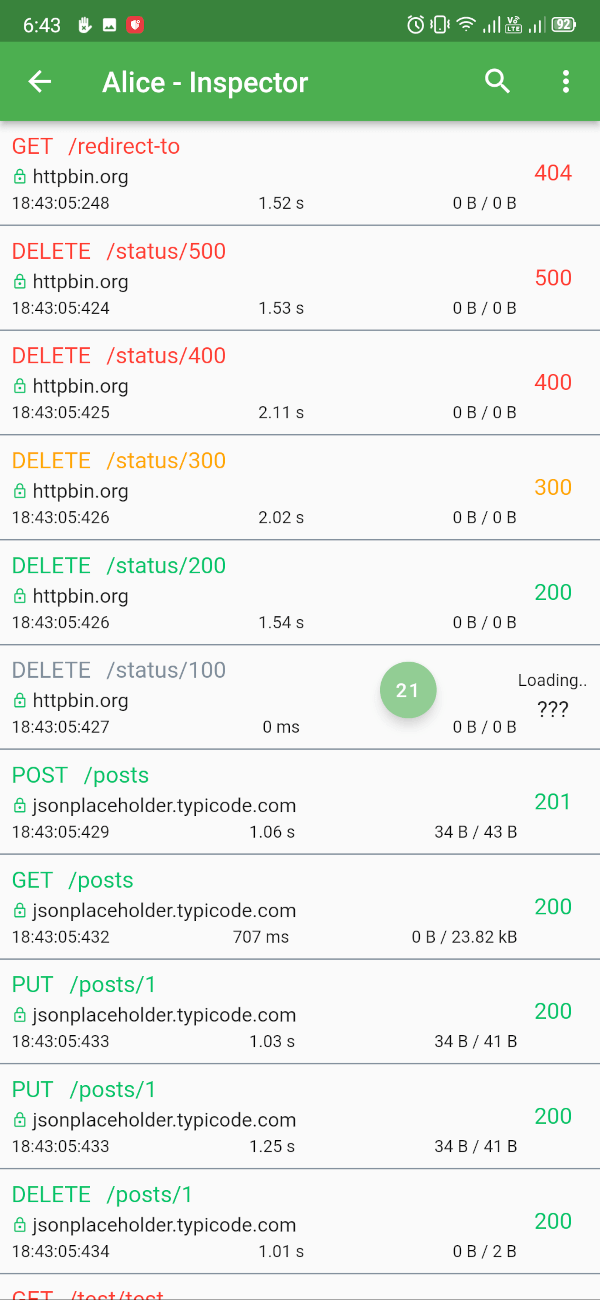
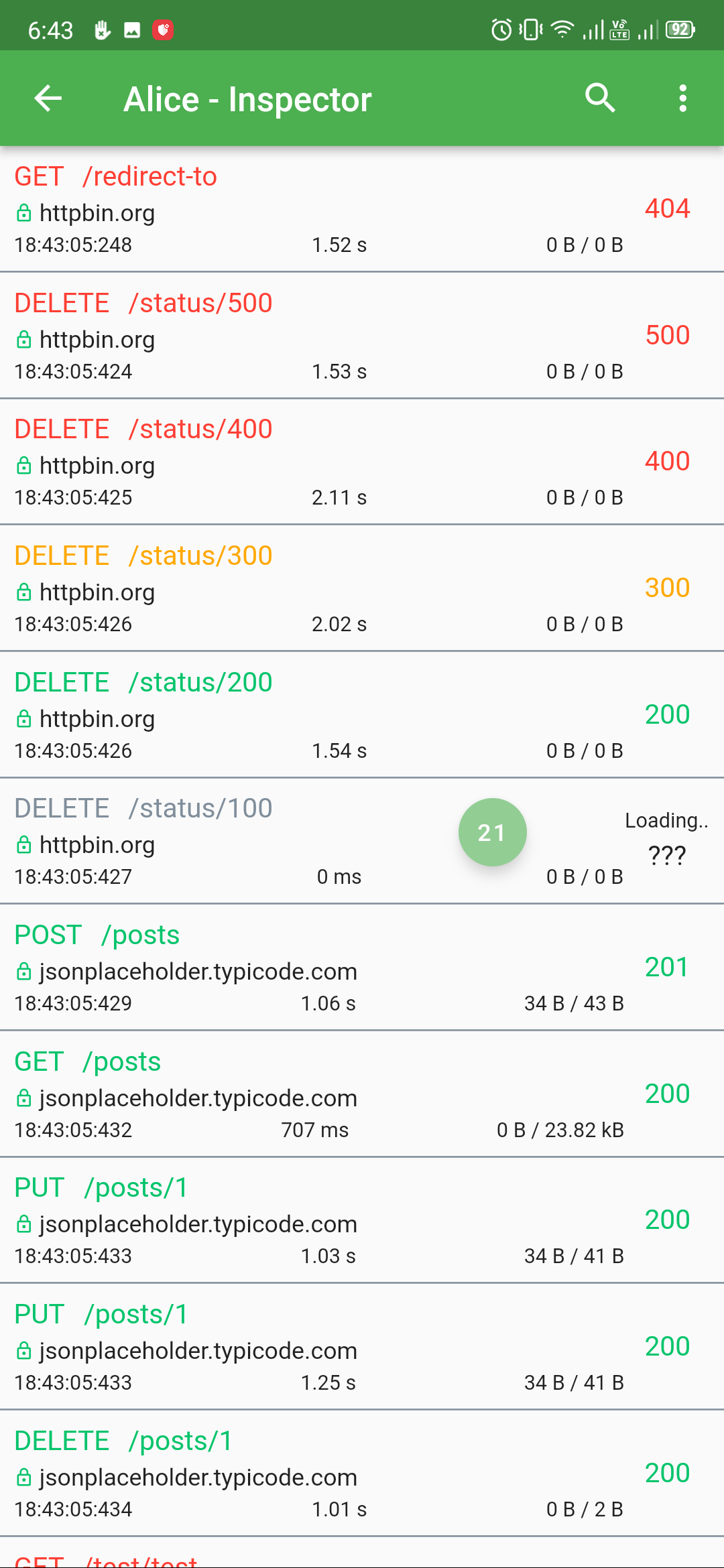
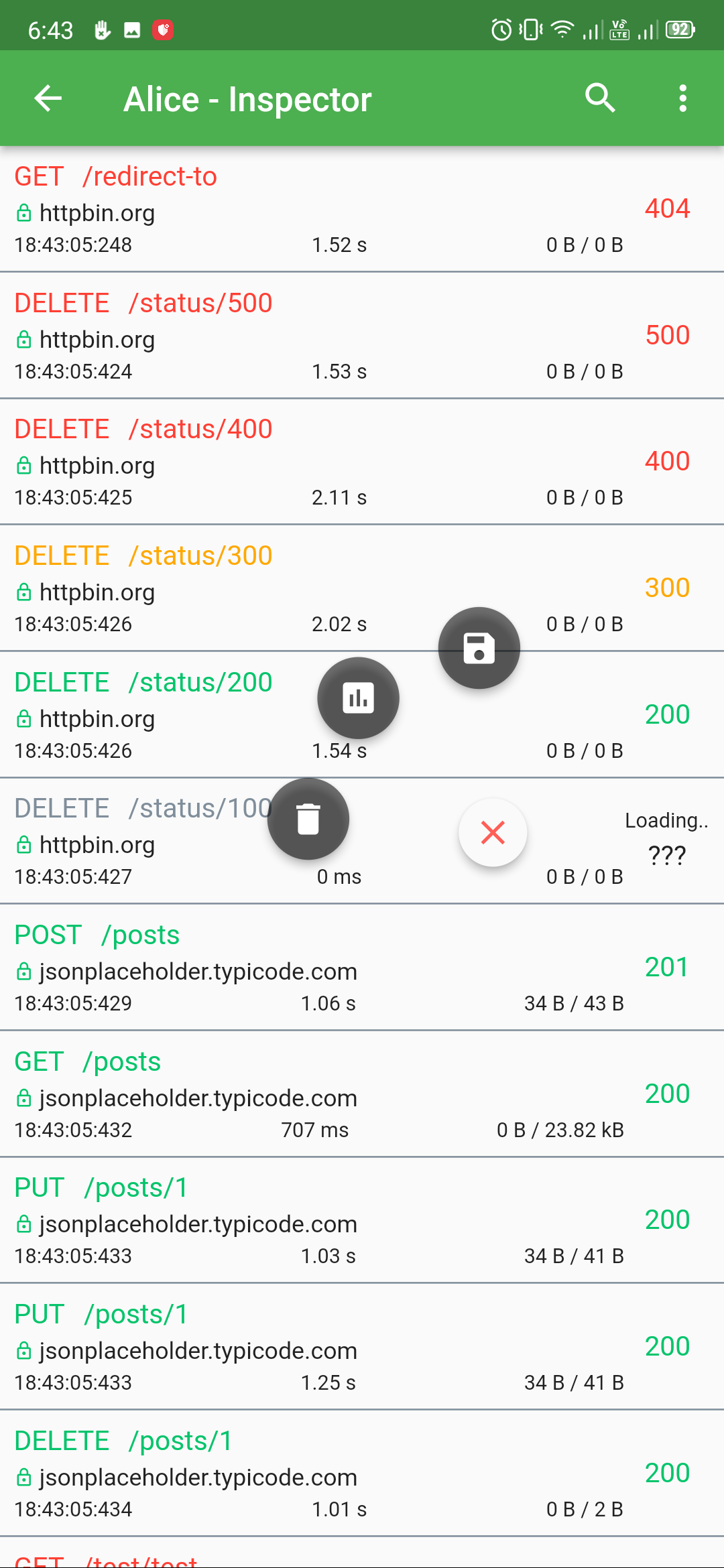
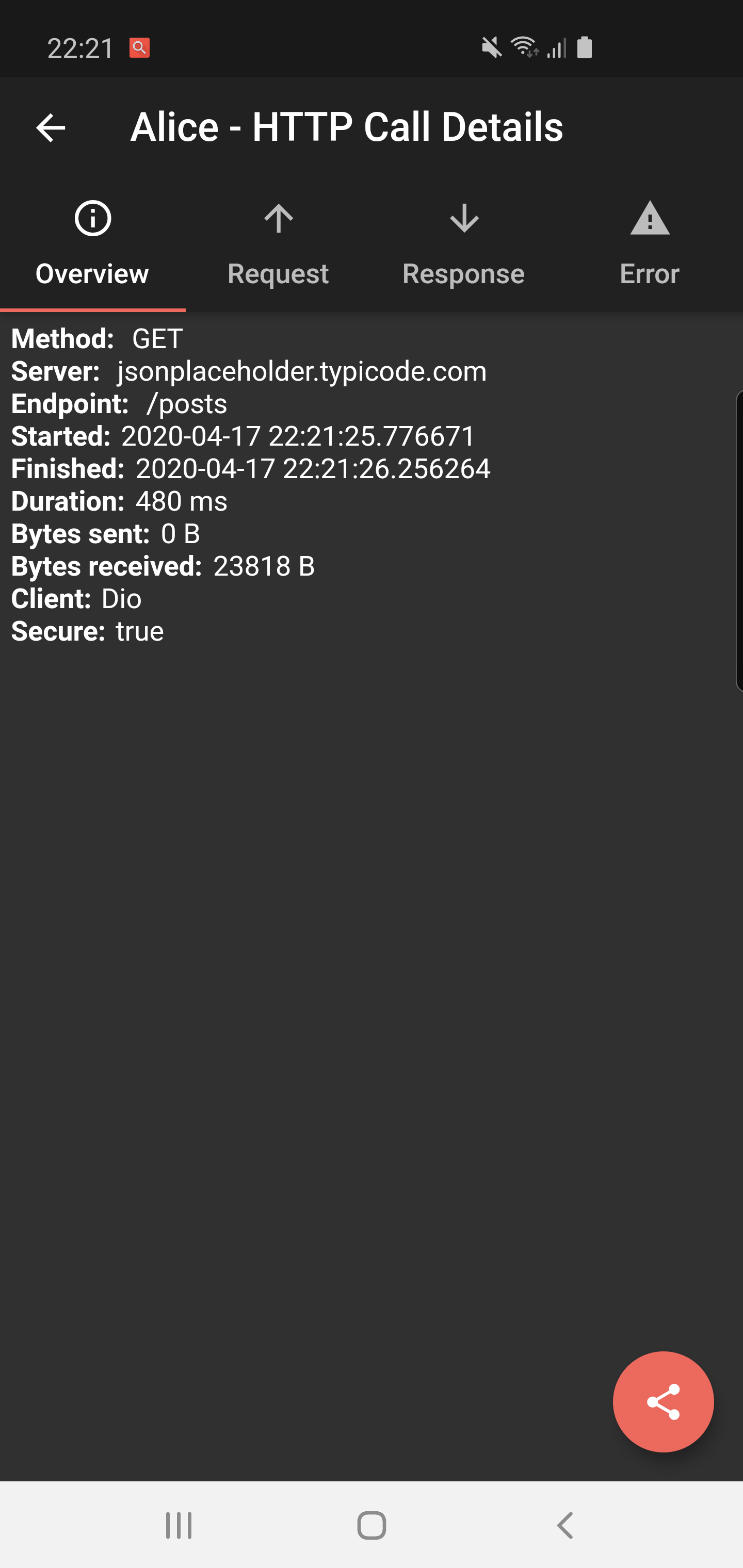
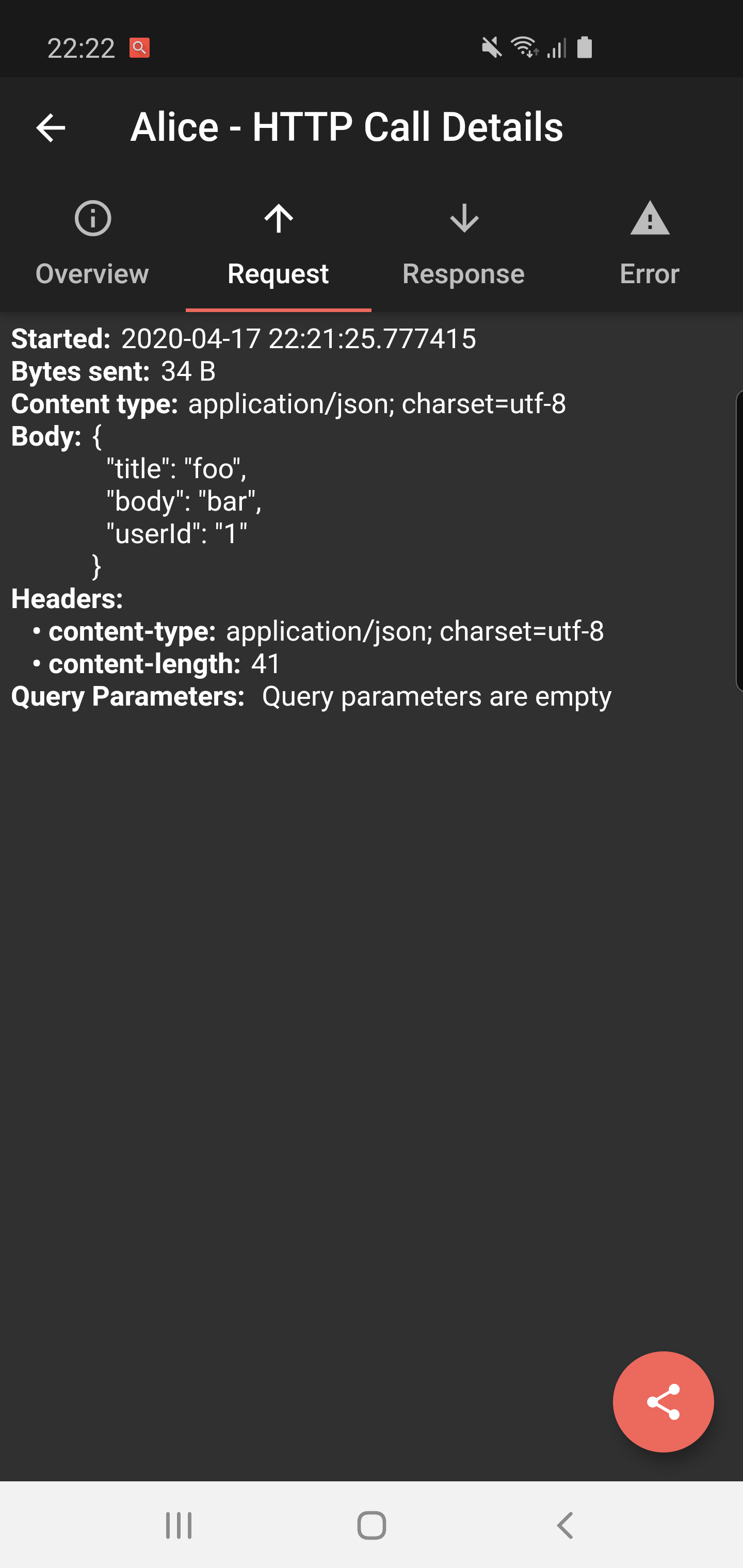
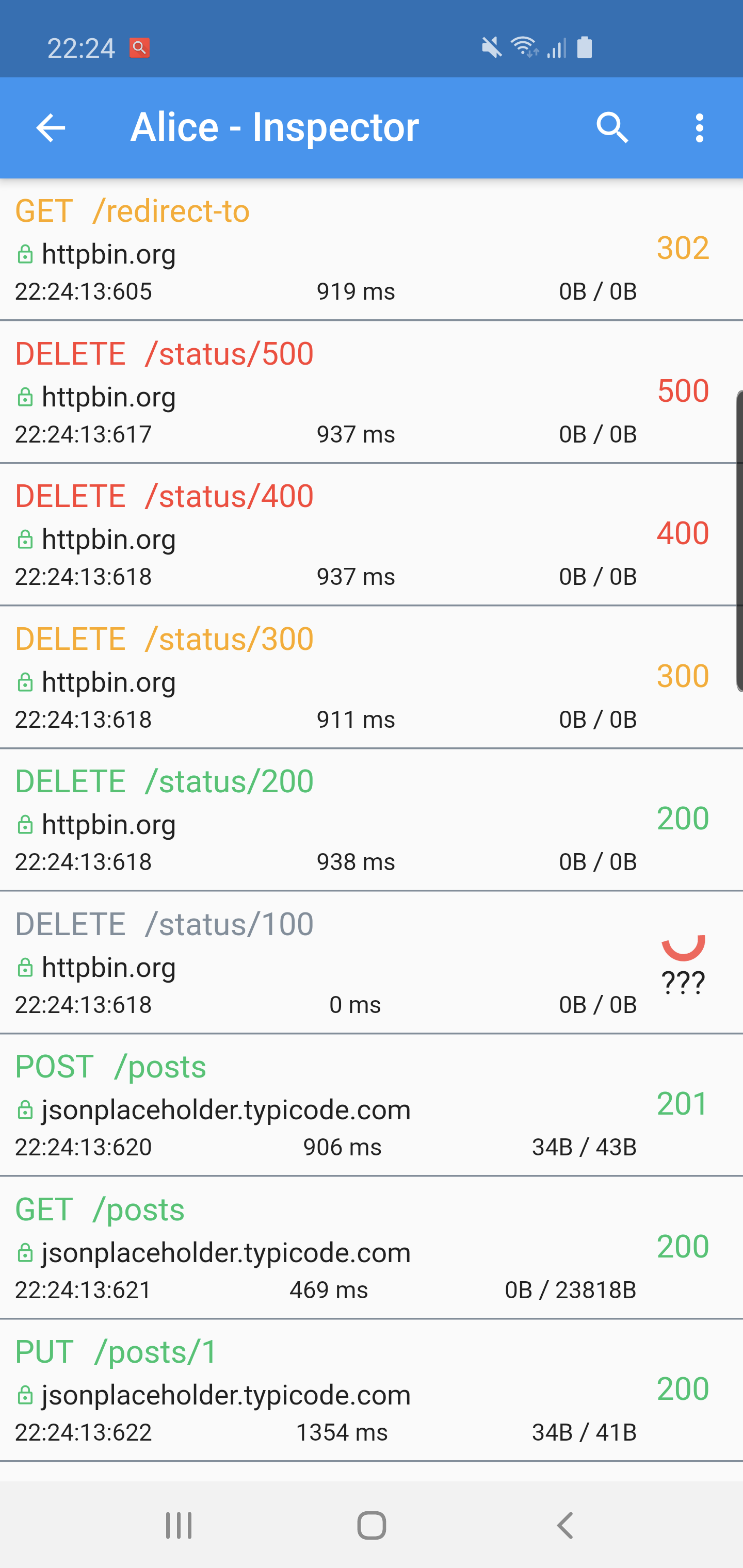
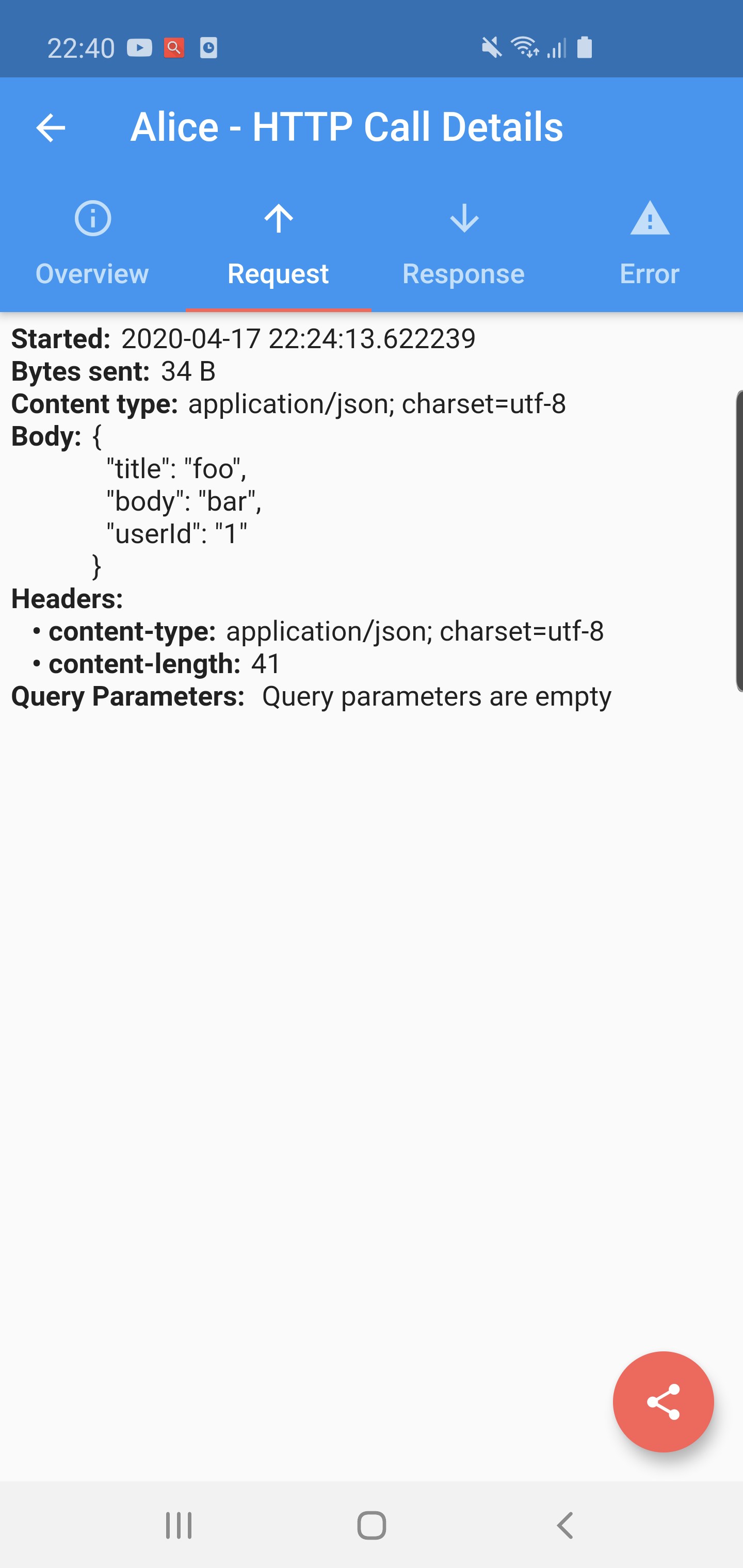
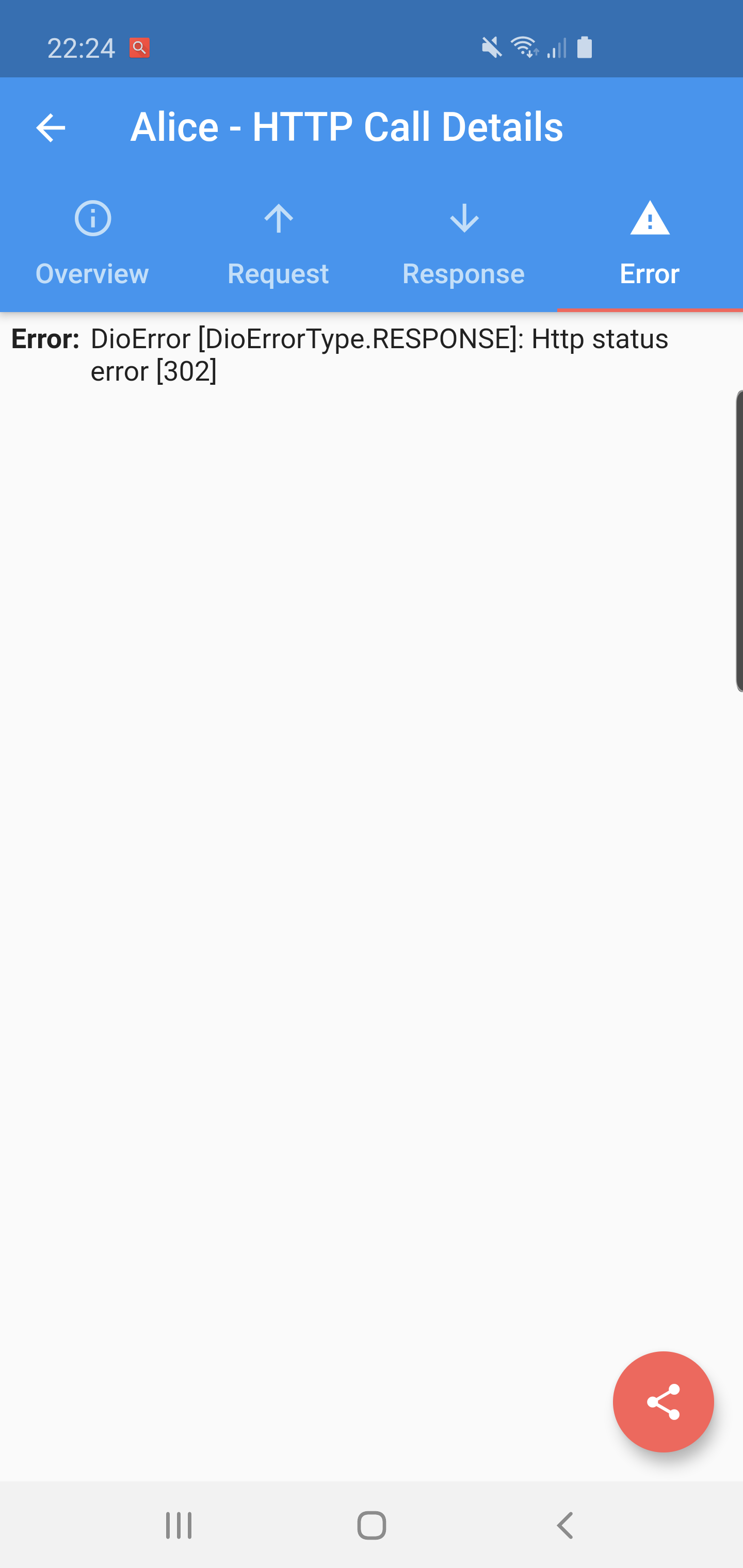
Flutter Alice는 HTTP 요청을 위한 디버깅 도구로, 모든 외부 요청과 그 응답을 캡처하고 저장합니다. 헤더, 본문, 상태 코드 및 시간 정보를 포함한 각 요청과 응답의 전체 세부 정보를 확인할 수 있는 간단하고 직관적인 UI를 제공합니다. 앱 개발 및 테스트 중 개발자에게 이상적이며, API 통신 문제를 신속하게 식별하는 데 도움이 됩니다. 이 도구는 Flutter 앱에 원활하게 통합되며 Android, iOS, macOS, Windows, Linux 등 여러 플랫폼을 지원하여 접근성이 뛰어납니다. 오픈소스 성격으로 투명성과 커뮤니티 기여가 가능합니다.
사용 사례
개발 중 API 호출 디버깅
요청/응답 헤더 및 본문 검사
네트워크 성능 모니터링
RESTful 서비스 테스트
실패한 HTTP 요청 문제 해결
주요 기능
실시간 HTTP 요청 로깅
인터랙티브 웹 기반 검사 UI
모든 주요 플랫폼을 지원합니다
pub.dev를 통한 간편한 통합
오픈소스이며 사용자 정의 가능
적합한 대상
Flutter 개발자
API 테스터
모바일 앱 디버거
프론트엔드 엔지니어
네트워크 문제에 대한 팀 협업
고려 사항
생산 빌드에 권장되지 않습니다
개발 모드에서 수동으로 활성화해야 합니다
사용자 인터페이스는 복잡한 데이터 구조에 적합하지 않을 수 있습니다
HTTP 트래픽만 제한
강한 사용 시 성능에 약간의 영향을 미칠 수 있습니다
원본 README
연결된 소스 저장소의 README 원문 스냅샷입니다. 최신 내용은 저장소에서 확인하세요.
A ⭐ star on GitHub repo is the greatest motivation for me
to keep improving this project! 💖
Alice
Alice is an HTTP Inspector tool for Flutter which helps debugging http requests.
It catches and stores http requests and responses, which can be viewed via simple UI.
It is inspired from Chuck (https://github.com/jgilfelt/chuck) and Chucker (https://github.com/ChuckerTeam/chucker).
Overlay bubble version of Alice: https://github.com/jhomlala/alice
Supported Dart http client plugins:
Dio
HttpClient from dart:io package
Http from http/http package
Generic HTTP client
Features:
✔️ Detailed logs for each HTTP calls (HTTP Request, HTTP Response)
✔️ Inspector UI for viewing HTTP calls
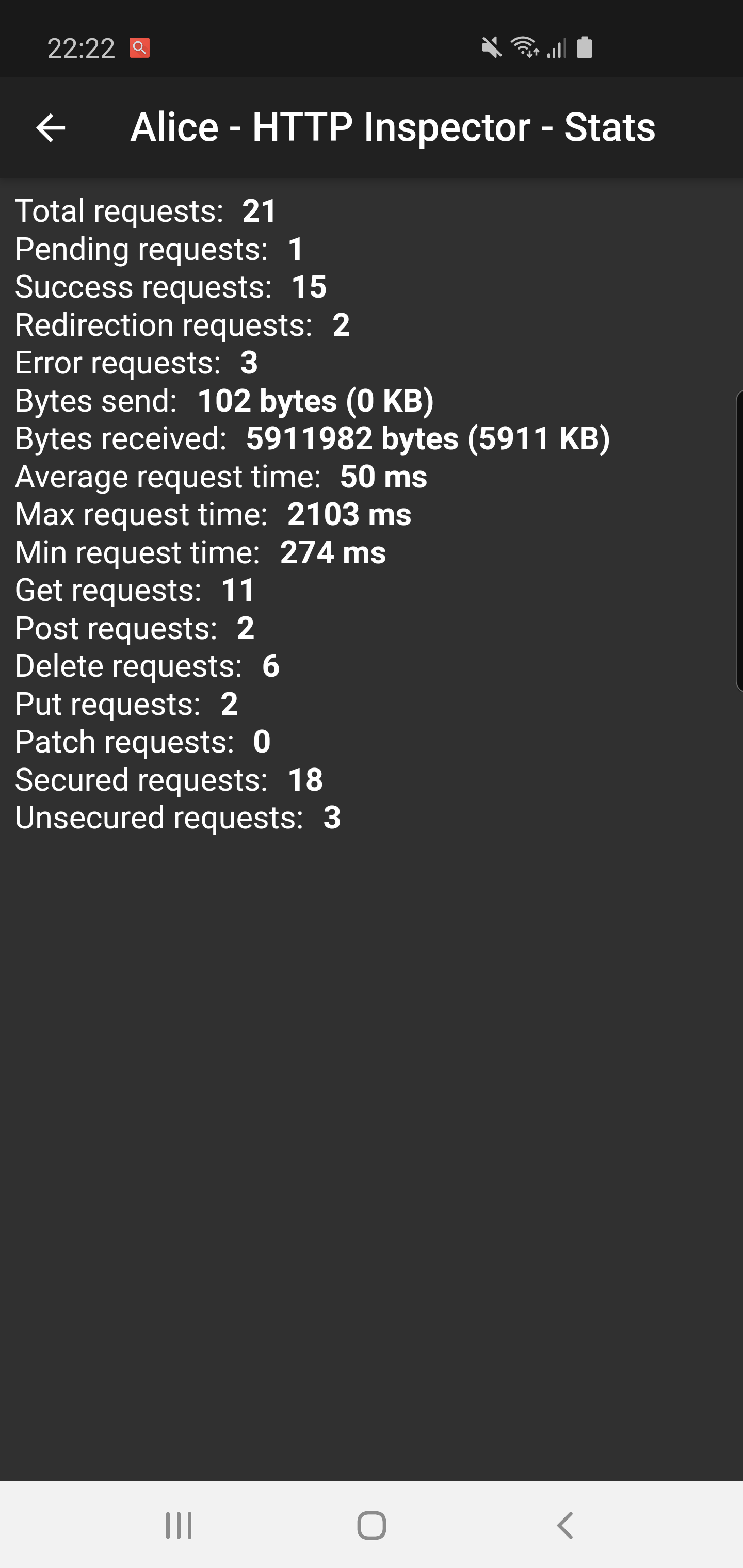
✔️ Statistics
✔️ Support for top used HTTP clients in Dart
✔️ Error handling
✔️ HTTP calls search
✔️ Bubble overlay entry
Install
Add this to your pubspec.yaml file:
dependencies:flutter_alice:^1.0.1
Install it
$ flutter pub get
Import it
import'package:flutter_alice/alice.dart';
Usage
Alice configuration
Create Alice instance:
// Define a navigator keyfinal navigatorKey = GlobalKey<NavigatorState>();
// Create Alice with the navigator keyfinal alice = Alice(navigatorKey: navigatorKey);
final dio = Dio();
dio.interceptors.add(alice.getDioInterceptor());
For HTTP package
You can use extension methods for cleaner code:
// Import extensionsimport'package:flutter_alice/core/alice_http_extensions.dart';
// Use extension methods
http
.get(Uri.parse('https://jsonplaceholder.typicode.com/posts'))
.interceptWithAlice(alice);
// For POST requests with body
http
.post(Uri.parse('https://jsonplaceholder.typicode.com/posts'), body: body)
.interceptWithAlice(alice, body: body);
Or use the standard approach:
http.get(Uri.parse('https://jsonplaceholder.typicode.com/posts')).then((response) {
  alice.onHttpResponse(response);
});

// For POST requests with body
http.post(Uri.parse('https://jsonplaceholder.typicode.com/posts'), body: body).then((response) {
  alice.onHttpResponse(response, body: body);
});
For HttpClient from dart:io
You can use extension methods:
// Import extensionsimport'package:flutter_alice/core/alice_http_client_extensions.dart';
// Use extension methods
httpClient
.getUrl(Uri.parse("https://jsonplaceholder.typicode.com/posts"))
.interceptWithAlice(alice);
// For POST requests with body
httpClient
.postUrl(Uri.parse("https://jsonplaceholder.typicode.com/posts"))
.interceptWithAlice(alice, body: body, headers: Map());
### Opening the InspectorYou can open the inspector UI in different ways:
```dart
// Open directlyElevatedButton(
child: Text("Open Inspector"),
onPressed: alice.showInspector,
)
// Or call from anywhere in your code
alice.showInspector();