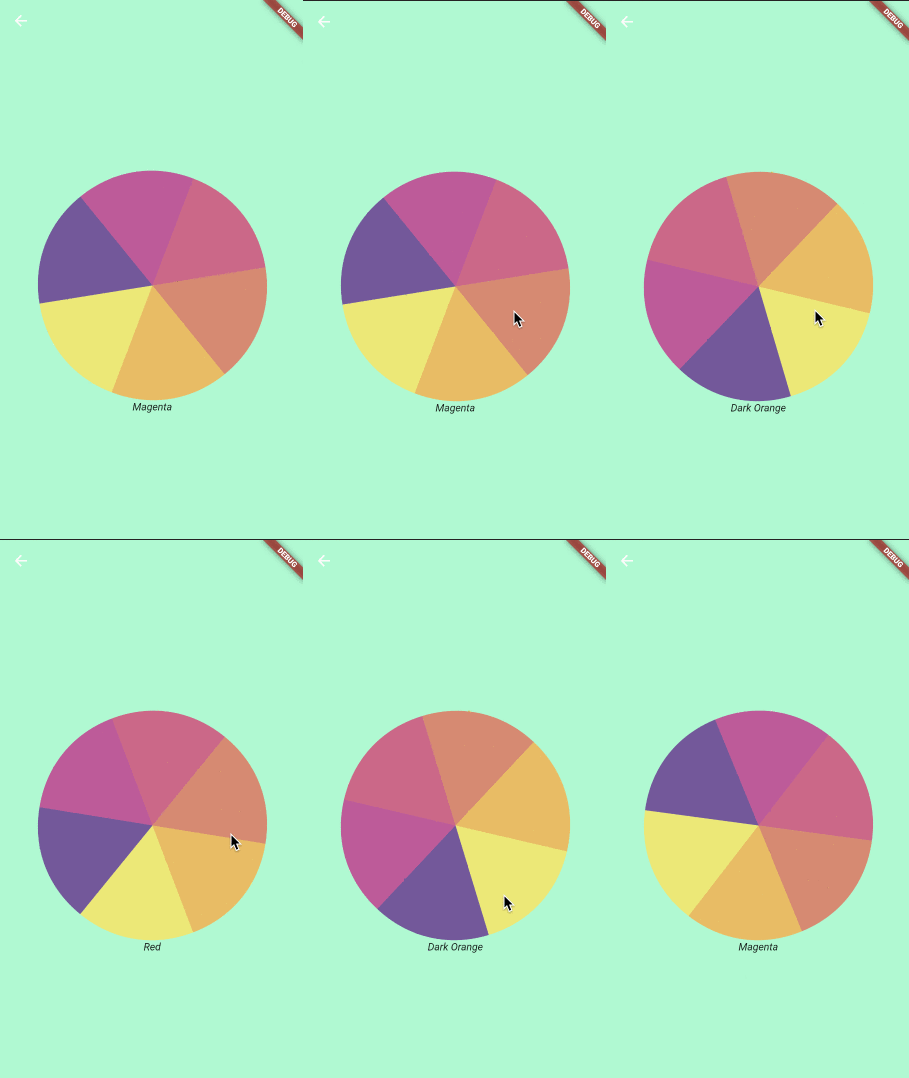
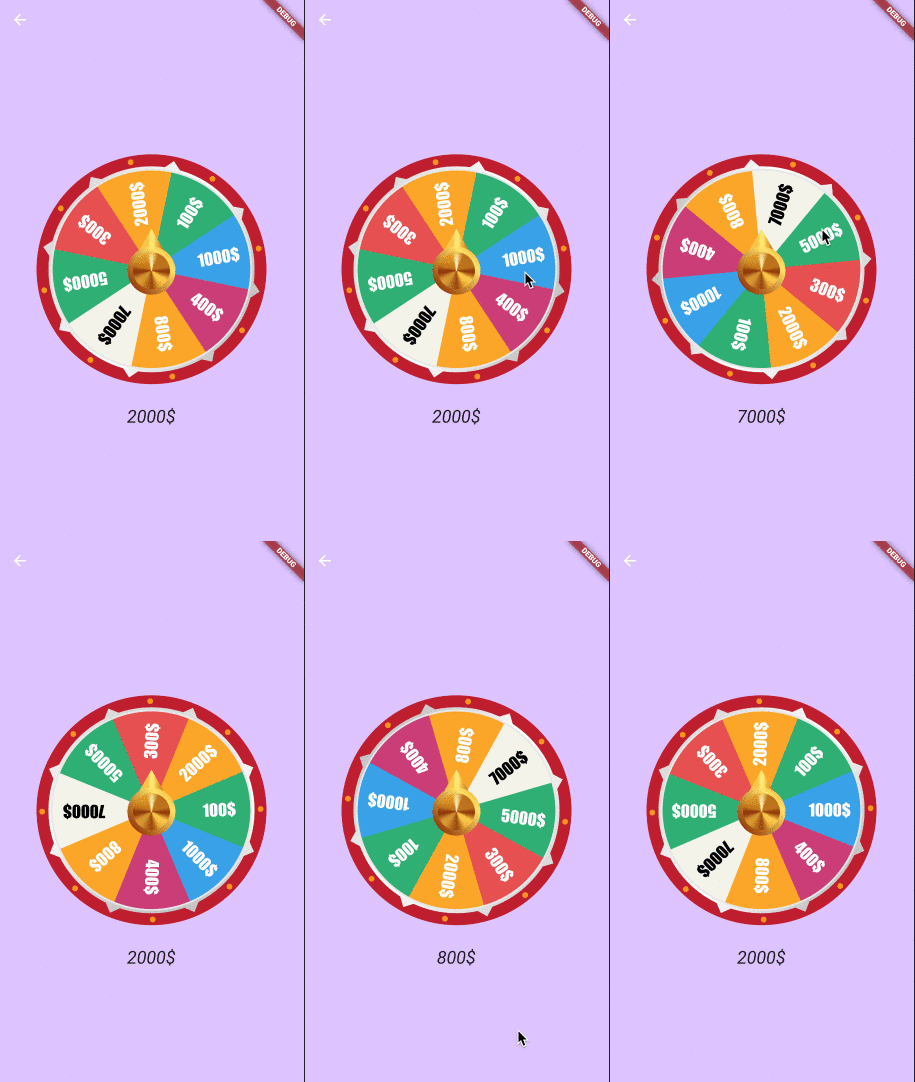
연결된 소스 저장소의 README 원문 스냅샷입니다. 최신 내용은 저장소에서 확인하세요.
flutter_spinning_wheel
A customizable widget to use as a spinning wheel in Flutter.
Getting Started
Installation
Add
flutter_spinning_wheel : ^lastest_version
to your pubspec.yaml, and run
flutter packages get
in your project's root directory.
Basic Usage
Create a new project with command
flutter create myapp
Edit lib/main.dart like this:
import 'package:flutter/material.dart' ;
import 'package:flutter_circular_slider/flutter_circular_slider.dart' ;
void main () => runApp (MyApp ());
class MyApp extends StatelessWidget @override
Widget build (BuildContext context) {
return MaterialApp (
theme: ThemeData (
primarySwatch: Colors .blue,
),
home: MyHomePage (),
);
}
}
class MyHomePage extends StatelessWidget @override
Widget build (BuildContext context) {
return Scaffold (
backgroundColor: Colors .blueGrey,
body: Center (
child: Container (child:
SpinningWheel (
Image .asset ('assets/images/wheel-6-300.png' ),
width: 310 ,
height: 310 ,
dividers: 6 ,
onEnd: _dividerController.add,
),
),
));
}
}
You can replace the image with one of your preference.
Constructor
Parameter
Default
Description
image
The image to be used as wheel.
dividers
The number of divisions in the image. It's important that all divisions are equal.
height
Height of the container that will display the wheel.
width
Width of the container that will display the wheel.
initialSpinAngle
0.0
Initial rotation angle for the wheel, so the wheel could look initialy rotated.
spinResistance
0.5
From >0.0 to 1.0 will be used to calculate the speed and deceleration of the wheel.
canInteractWhileSpinning
true
If set to false, once the animation starts the user won't be able to stop it.
secondaryImage
Secondary image that will be rendered on top of the wheel and won't be affected by the animation.
secondaryImageHeight
Height for the secondary image.
secondaryImageWidth
Width for the secondary image.
secondaryImageTop
Used to fine tune the position of the secondary image. Otherwise it will be centered.
secondaryImageLeft
Used to fine tune the position of the secondary image. Otherwise it will be centered.
onUpdate
void onUpdate(int value)
Callback function executed when the selected divider changes during the animation.
onEnd
void onEnd(int value)
Callback function executed when the animation stops.
shouldStartOrStop
Stream to interact with the wheel, with double being pixelsPerSecond in axis y (default 8000)
Use Cases
Game
import 'dart:async' ;
import 'dart:math' ;
import 'package:flutter/material.dart' ;
import 'package:flutter/services.dart' ;
import 'package:flutter_spinning_wheel/flutter_spinning_wheel.dart' ;
void main () {
SystemChrome .setEnabledSystemUIOverlays ([]);
runApp (MyApp ());
}
class MyApp extends StatelessWidget @override
Widget build (BuildContext context) {
return MaterialApp (
theme: ThemeData (
primarySwatch: Colors .blue,
),
home: MyHomePage (),
);
}
}
class MyHomePage extends StatelessWidget final StreamController _dividerController = StreamController <int >();
dispose () {
_dividerController.close ();
}
@override
Widget build (BuildContext context) {
return Scaffold (
appBar: AppBar (backgroundColor: Color (0xffDDC3FF ), elevation: 0.0 ),
backgroundColor: Color (0xffDDC3FF ),
body: Center (
child: Column (
mainAxisAlignment: MainAxisAlignment .center,
children: [
SpinningWheel (
Image .asset ('assets/images/roulette-8-300.png' ),
width: 310 ,
height: 310 ,
initialSpinAngle: _generateRandomAngle (),
spinResistance: 0.6 ,
canInteractWhileSpinning: false ,
dividers: 8 ,
onUpdate: _dividerController.add,
onEnd: _dividerController.add,
secondaryImage:
Image .asset ('assets/images/roulette-center-300.png' ),
secondaryImageHeight: 110 ,
secondaryImageWidth: 110 ,
),
SizedBox (height: 30 ),
StreamBuilder (
stream: _dividerController.stream,
builder: (context, snapshot) =>
snapshot.hasData ? RouletteScore (snapshot.data) : Container (),
)
],
),
),
);
}
double _generateRandomAngle () => Random ().nextDouble () * pi * 2 ;
}
class RouletteScore extends StatelessWidget final int selected;
final Map <int , String > labels = {
1 : '1000\$' ,
2 : '400\$' ,
3 : '800\$' ,
4 : '7000\$' ,
5 : '5000\$' ,
6 : '300\$' ,
7 : '2000\$' ,
8 : '100\$' ,
};
RouletteScore (this .selected);
@override
Widget build (BuildContext context) {
return Text ('${labels[selected]} ' ,
style: TextStyle (fontStyle: FontStyle .italic, fontSize: 24.0 ));
}
}