패키지, 저장소 및 앱 카테고리 검색

flutter_storyboard 표지
패키지 상세v0.1.7

flutter_storyboard

모든 위젯의 스토리보드를 보여주는 Flutter 패키지입니다.

30일 다운로드
122
좋아요
133
Pub 점수
40

패키지 설치

flutter pub add flutter_storyboard

패키지 개요

공개 정보를 바탕으로 생성한 선택 가이드입니다.

Flutter Storyboard는 Flutter 앱 내의 모든 위젯을 스토리보드 형태로 시각화하는 디버깅 도구로, 개발자가 위젯 계층 구조와 레이아웃 구조를 검사할 수 있게 해줍니다. UI 트리의 명확하고 계층적인 시각적 표현을 제공하여 성능 저하 요인, 레이아웃 문제 또는 예기치 않은 위젯 중첩을 식별하는 데 도움을 줍니다. 개발 및 테스트 단계에 이상적이며, 코드를 수동으로 추적하지 않고도 복잡한 UI 조합을 이해하는 데 도움을 줍니다. 이 패키지는 pub add를 통해 Flutter 프로젝트에 원활하게 통합됩니다.

사용 사례

  • 복잡한 위젯 트리 디버깅
  • 개발 중 UI 계층 구조 시각화
  • 레이아웃 비효율성 식별
  • UI 구조 변경 테스트
  • UI 디자인에서 팀 협업 개선

주요 기능

  • 실시간 위젯 트리 시각화
  • 모든 위젯의 계층적 표시
  • pub add를 통한 간단한 통합
  • 생산 환경에서 런타임 오버헤드 없음
  • UI 검사용 깔끔하고 가독성 뛰어난 인터페이스

적합한 대상

  • Flutter 개발자
  • Flutter를 사용하는 UI/UX 디자이너
  • 팀이 복잡한 레이아웃 디버깅 중
  • Flutter 위젯 구조를 배우는 초보자
  • UI 일관성 검증하는 테스터

고려 사항

  • 생산 사용을 위한 것이 아님
  • 개발 빌드 속도를 느리게 할 수 있습니다
  • 제한된 사용자 정의 옵션
  • 검사 중에는 핫 리로드를 지원하지 않습니다
  • 디버그 모드에서는 수동 활성화가 필요합니다

원본 README

연결된 소스 저장소의 README 원문 스냅샷입니다. 최신 내용은 저장소에서 확인하세요.

Buy Me A Coffee Donate github pages GitHub stars flutter_storyboard

storyboard

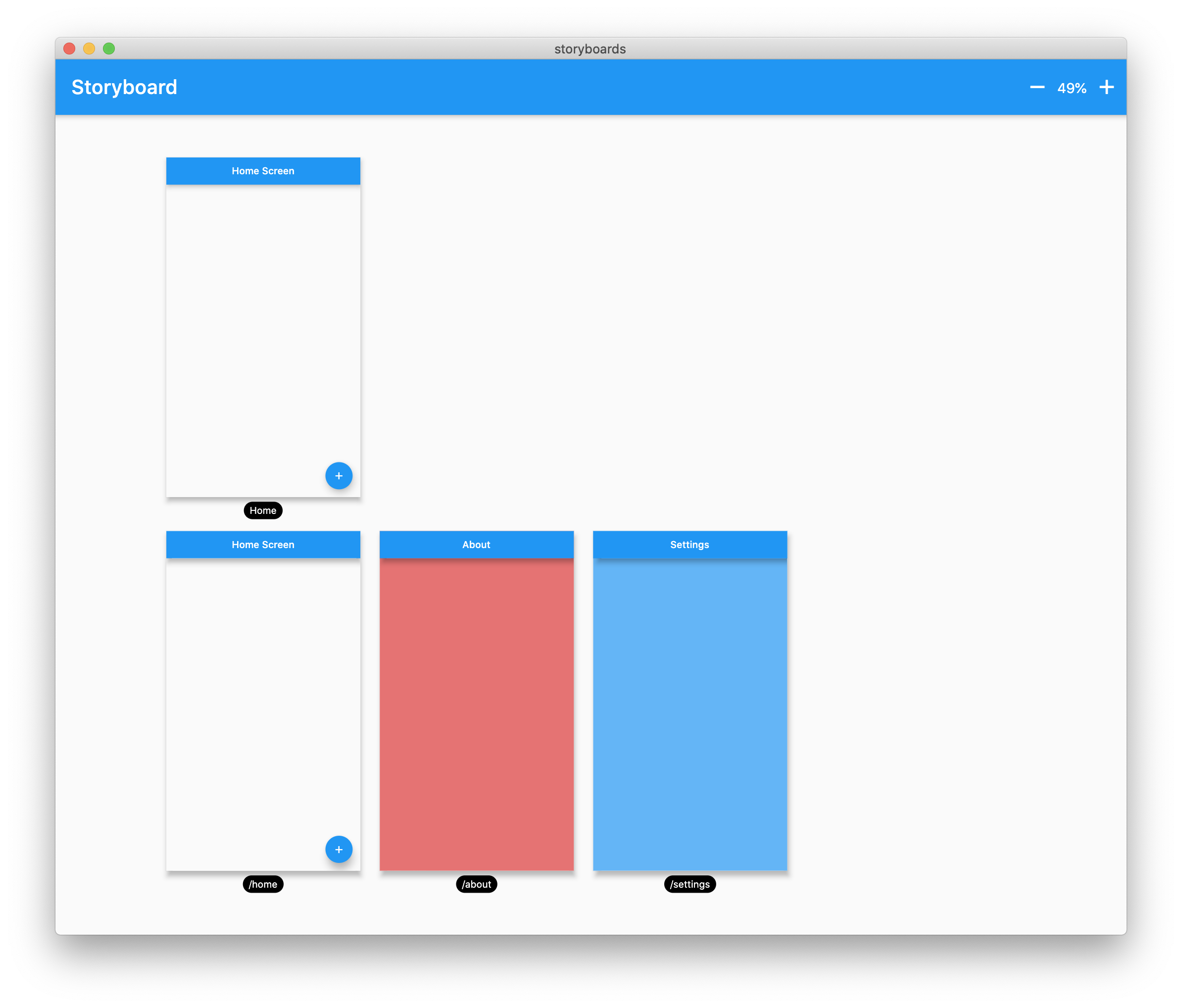
A Flutter Debug tool to see and test all your screens at once.

Online Demo: https://rodydavis.github.io/storyboard/

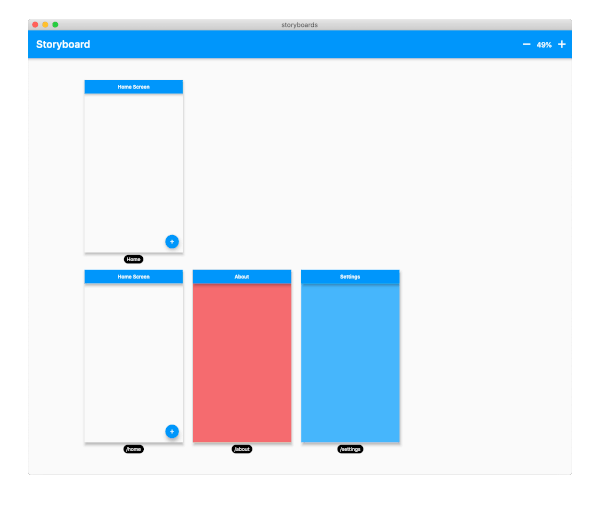
screenshot

Examples

Custom Lane Builder

Dynamic Screen Sizes

Material App Example

Widget Example

Multiple Custom Lanes Example

Getting Started

Wrap your MaterialApp with Storyboard.

return StoryBoard.material(
      child: MaterialApp(
        debugShowCheckedModeBanner: false,
        title: 'Flutter Storyboard Example',
        theme: ThemeData.light().copyWith(
          visualDensity: VisualDensity.adaptivePlatformDensity,
        ),
        darkTheme: ThemeData.dark().copyWith(
          visualDensity: VisualDensity.adaptivePlatformDensity,
        ),
        themeMode: ThemeMode.light,
        home: HomeScreen(),
        routes: {
          '/home': (_) => HomeScreen(),
          '/about': (_) => AboutScreen(),
          '/settings': (_) => SettingsScreen(),
        },
      ),
    );

Wrap your WidgetsApp with Storyboard.widgets(). Wrap your CupertinoApp with Storyboard.cupertino().

Custom Routes and Widgets

You can add any number of custom widgets to the canvas, including custom routes. You can add dummy data to the constructors here as it will render all default values.

customScreens: [
  SettingsScreen(),
  AboutScreen(),
  CustomWidget(title: 'Dummy Data'),
],
customRoutes: [
  RouteSettings(name: '/about'),
],

Misc

Now you can test all your screens with a hot reload! You can also disable the widget at any time by setting enabled to false. You will need to do a hot restart after you change this value.

카테고리

의존성

의존성 목록 2 개

소스 저장소

이 패키지를 사용하는 프로젝트

아직 데이터가 없습니다.