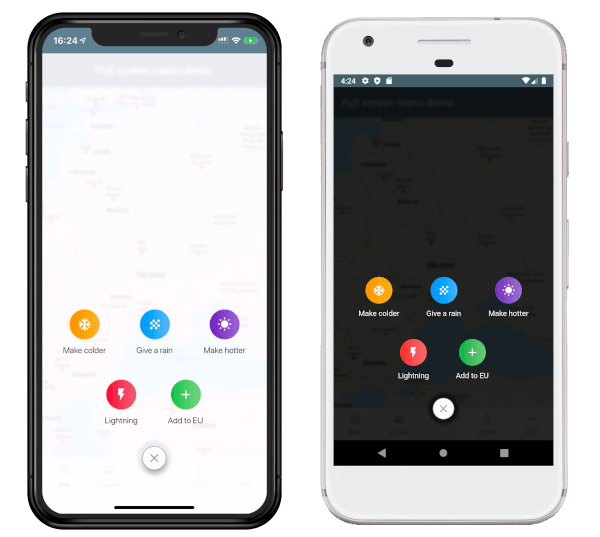
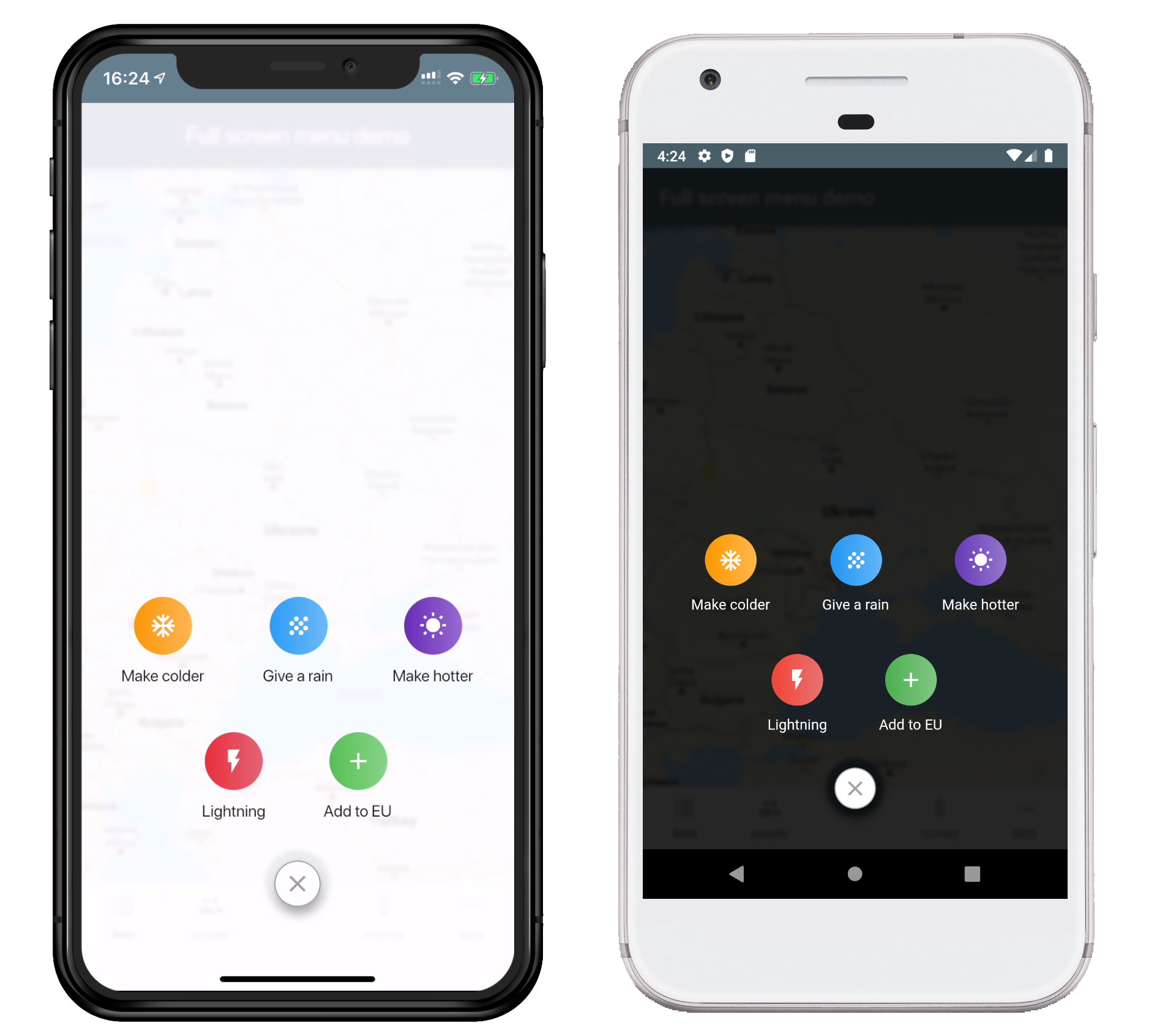
연결된 소스 저장소의 README 원문 스냅샷입니다. 최신 내용은 저장소에서 확인하세요.
Full Screen Menu for Flutter
Installing:
Add the dependency in your pubspec.yaml file.
dependencies:
  full_screen_menu: ^2.0.0
Import the settings_ui package.
import 'package:full_screen_menu/full_screen_menu.dart' ;
Basic Usage:
FullScreenMenu .show (
context,
items: [
Image .asset ('assets/image.png' ),
FSMenuItem (
icon: Icon (Icons .ac_unit, color: Colors .white),
text: Text ('Make colder' ),
gradient: orangeGradient,
onTap: () => print ('The weather is colder now' );
),
FSMenuItem (
icon: Icon (Icons .wb_sunny, color: Colors .white),
text: Text ('Make hotter' ),
gradient: blueGradient,
onTap: () => print ('The weather is hotter now' );
),
],
);
Full Screen Menu Base Widget
The Full Screen Menu Base Widget is the block of your menu items located in your screen
Parameters
Parameter
Description
Required
Color backgroundColor
Set a background color of your FullScreenMenu
+
VoidCallback onHide
Set a function which is called by pressing FAB
-
List items
Set a menu items which you want to display
-
BuildContext context
Set the context of your parent widget
-
Function(AnimationController) animationController
Setup your animation when open full screen menu
+
FSMenuItem
The Full Screen Menu Base Widget is the block of your menu items located in your screen
Parameters
Parameter
Description
Required
Text text
Set the text that will be displayed on the item
-
Icon icon
Set the icon that will be displayed on the item
-
Function onTap
Set The function that will be called when you click on item
+
Gradient gradient
Set a gradient that will fill the background of your icon
+
License
This project is licensed under the Apache License 2.0 - see the LICENSE file for details