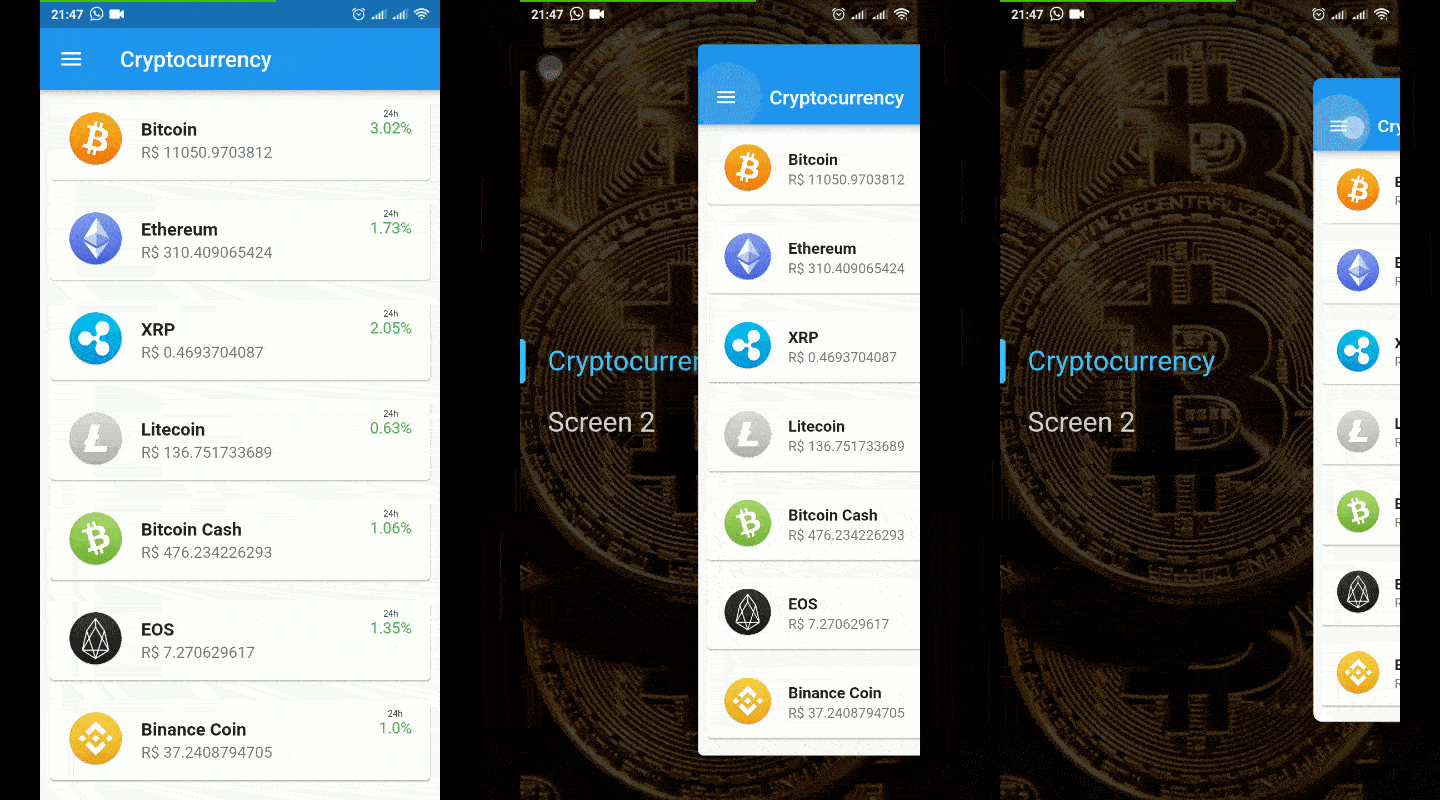
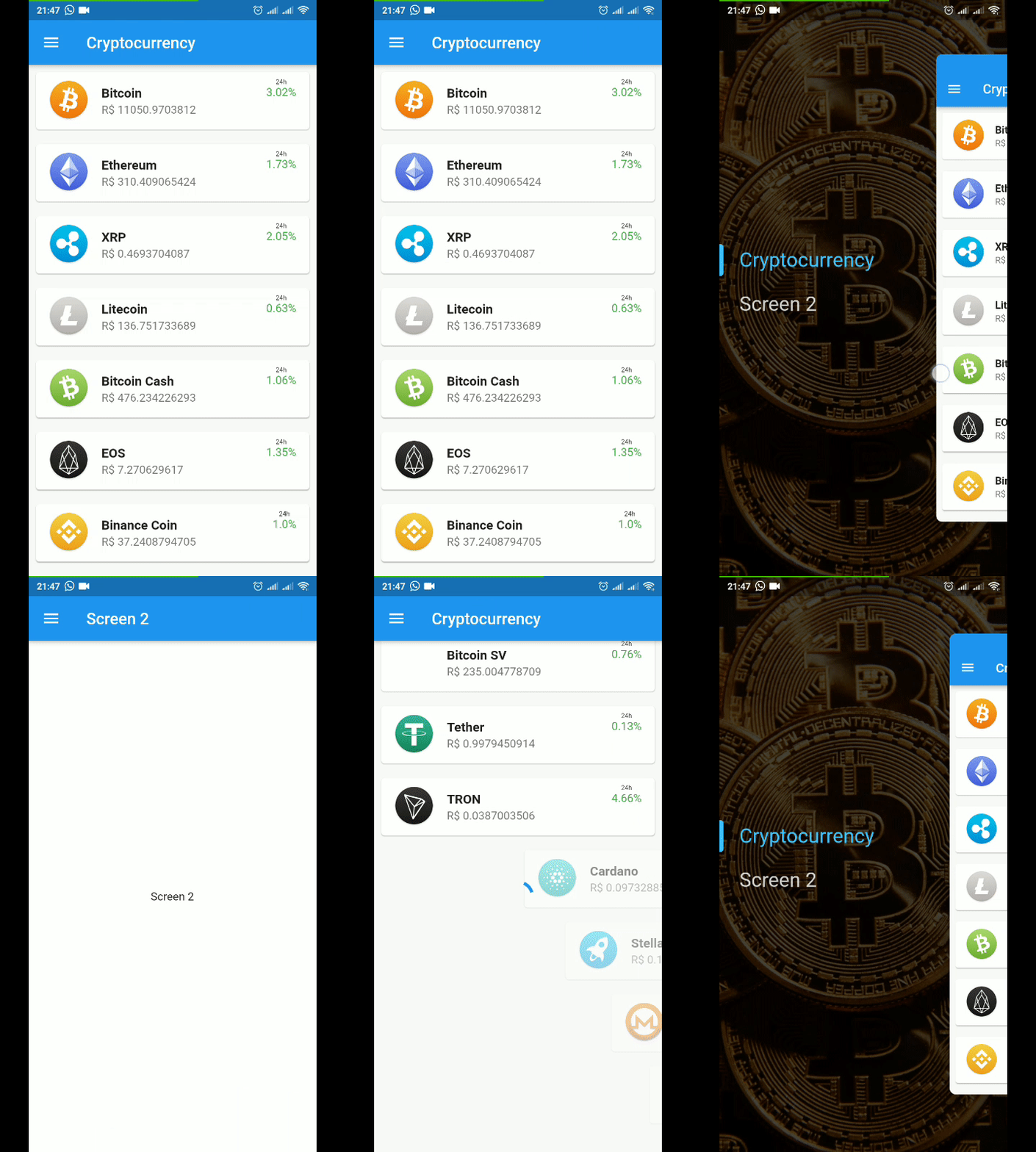
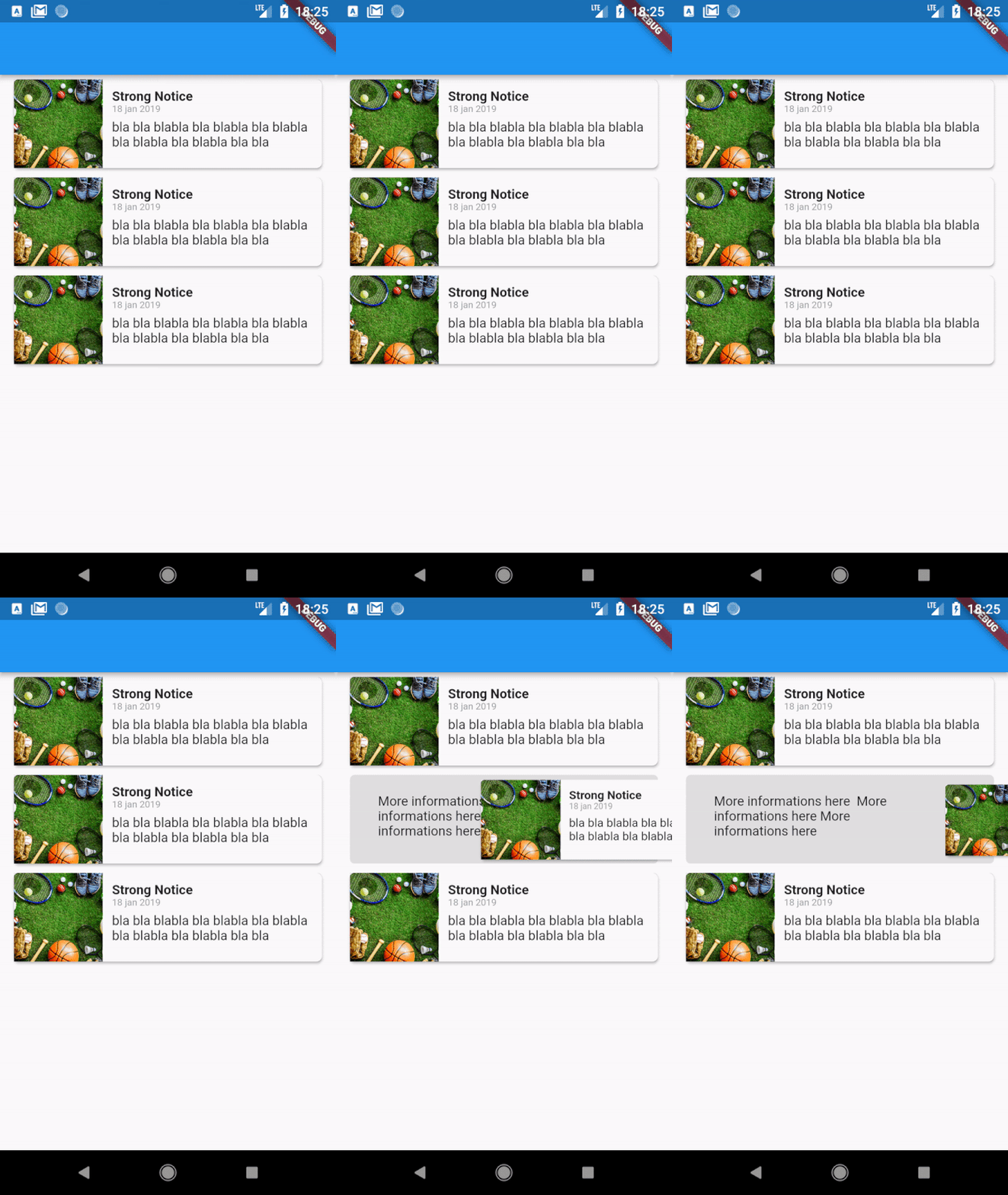
Hidden Drawer Menu는 매끄러운 원근감 애니메이션을 갖춘 시각적으로 매력적인 드로어 탐색을 구현할 수 있도록 해주는 Flutter 패키지입니다. 현대적인 UI를 위해 설계되었으며, 깊이와 움직임을 통해 콘텐츠를 노출하는 세련된 슬라이딩 드로어를 제공하여 다양한 플랫폼에서 사용자 경험을 향상시킵니다. 이 라이브러리는 Android, iOS, Web, macOS, Windows, Linux 등 여러 플랫폼을 지원하며 크로스플랫폼 애플리케이션에 적합합니다. pub 명령을 통해 최소한의 설정으로 기존 프로젝트에 원활하게 통합할 수 있습니다. 애니메이션 품질과 사용성에 중점을 두고 있어 우아한 탐색 패턴이 필요한 앱에 적합합니다.
사용 사례
모바일 앱 탐색
크로스 플랫폼 UI 디자인
인터랙티브 대시보드 레이아웃
개선된 사용자 온보딩 흐름
현대적인 인터페이스 프로토타이핑
주요 기능
관점 기반 애니메이션
크로스 플랫폼 호환성
pub와의 간편한 통합
사용자 정의 서랍 모양
부드러운 슬라이딩 전환
적합한 대상
애니메이션 탐색을 찾는 개발자
디자인 중심의 플러터 프로젝트
복잡한 탐색이 필요한 앱
시각적 완성도를 우선시하는 팀
다중 플랫폼 애플리케이션 빌더
고려 사항
오래된 장치에서는 성능 튜닝이 필요할 수 있습니다
고급 제스처에 대한 사용자 지정 제한
Flutter의 렌더링 파이프라인에 의존합니다
간단한 정적 메뉴에는 적합하지 않음
애니메이션은 접근성 맥락에서 방해가 될 수 있습니다
원본 README
연결된 소스 저장소의 README 원문 스냅샷입니다. 최신 내용은 저장소에서 확인하세요.
Hidden Drawer Menu
Hidden Drawer Menu is a library for adding a beautiful drawer mode menu feature with perspective animation.
You can use a pre-defined menu or make a fully customized menu.
final controller = SimpleHiddenDrawerController.of(context);
controller.addListener((){
  print(controller.position);
});
Listen to menu status (closed,opening,open,closing)
final controller = SimpleHiddenDrawerController.of(context);
controller.addListener((){
  print(controller.state);
});
If you want to use only the widget responsible for the animation, it is now available as AnimatedDrawerContent
AnimatedDrawerController controller = AnimatedDrawerController(
vsync: this,
animationCurve:Curves.decelerate,
duration:constDuration(milliseconds: 350,
);
returnAnimatedDrawerContent(
controller: controller,
whithPaddingTop: false, //(optional) default = false // Add padding top in de gesture equals Heigth of the AppBar
whithShadow: false, //(optional) default = false
isDraggable: true, //(optional) default = true
child: Screen(),
);
You can control actions by controller such as:
controller.toggle() // Open or Close
controller.open()
controller.close()
controller.move(percent) // moves to a specific position from 0 to 1 (0 = fully enclosed, 1 = fully opened)