패키지, 저장소 및 앱 카테고리 검색

image_picker_web 표지
패키지 상세v4.0.0

image_picker_web

Flutter Web 플러그인을 사용하여 이미지(위젯, 파일 또는 Uint8List로), 동영상(파일 또는 Uint8List로) 선택하기

Web
30일 다운로드
1.8만
좋아요
160
Pub 점수
140

패키지 설치

flutter pub add image_picker_web

패키지 개요

공개 정보를 바탕으로 생성한 선택 가이드입니다.

Flutter 웹 플러그인으로 사용자가 웹 브라우저에서 직접 이미지와 동영상을 선택할 수 있도록 합니다. 선택한 미디어를 위젯, 파일 또는 Uint8List로 반환하는 유연한 출력 옵션을 제공하여 웹 애플리케이션에 원활하게 통합할 수 있습니다. 웹 플랫폼 전용으로 설계되어 네이티브 파일 선택을 지원하며 최소한의 설정으로 사용자 경험을 향상시킵니다. 커뮤니티 기여자에 의해 유지 관리되며 현대적인 웹 표준을 지원합니다. 브라우저 환경에서 미디어 업로드 또는 미리보기 기능이 필요한 앱에 적합합니다.

사용 사례

  • 웹 기반 사진 업로드 폼
  • 콘텐츠 제작을 위한 비디오 선택
  • 업로드 전 미디어 미리보기
  • 사용자 프로필 이미지 사용자 정의
  • 인터랙티브 웹 갤러리

주요 기능

  • 이미지 및 비디오 선택을 지원합니다
  • 미디어를 File 또는 Uint8List로 반환합니다
  • 위젯 미리보기 옵션 제공
  • 웹 플랫폼에 최적화됨
  • Flutter Web과의 간단한 통합

적합한 대상

  • Flutter 개발자가 웹 앱을 만들고 있습니다
  • 브라우저 기반 미디어 입력이 필요한 앱
  • 경량 미디어 선택기 필요 프로젝트
  • 미디어 워크플로우를 갖춘 웹 전용 애플리케이션
  • 크로스 플랫폼 일관성을 찾는 개발자

고려 사항

  • 웹 플랫폼에만 제한됨
  • 파일 접근을 위해 브라우저 권한이 필요합니다
  • 웹에서 카메라 캡처를 지원하지 않습니다
  • 브라우저에 따라 다양한 동작을 보일 수 있습니다
  • 업데이트를 위해 외부 GitHub 저장소에 의존합니다

원본 README

연결된 소스 저장소의 README 원문 스냅샷입니다. 최신 내용은 저장소에서 확인하세요.

ImagePickerWeb

Issues Stars Pub Version Flutter Web CI

This Web-Plugin allows Flutter Web to pick images (as File, Widget or Uint8List) and videos (as File or Uint8List). Many thanks goes to AlvaroVasconcelos for the implementation of picking images in his plugin: flutter_web_image_picker

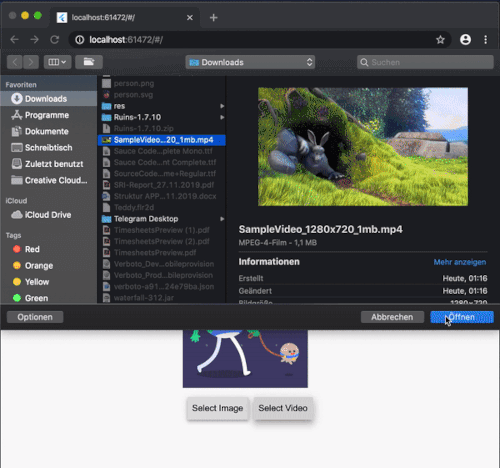
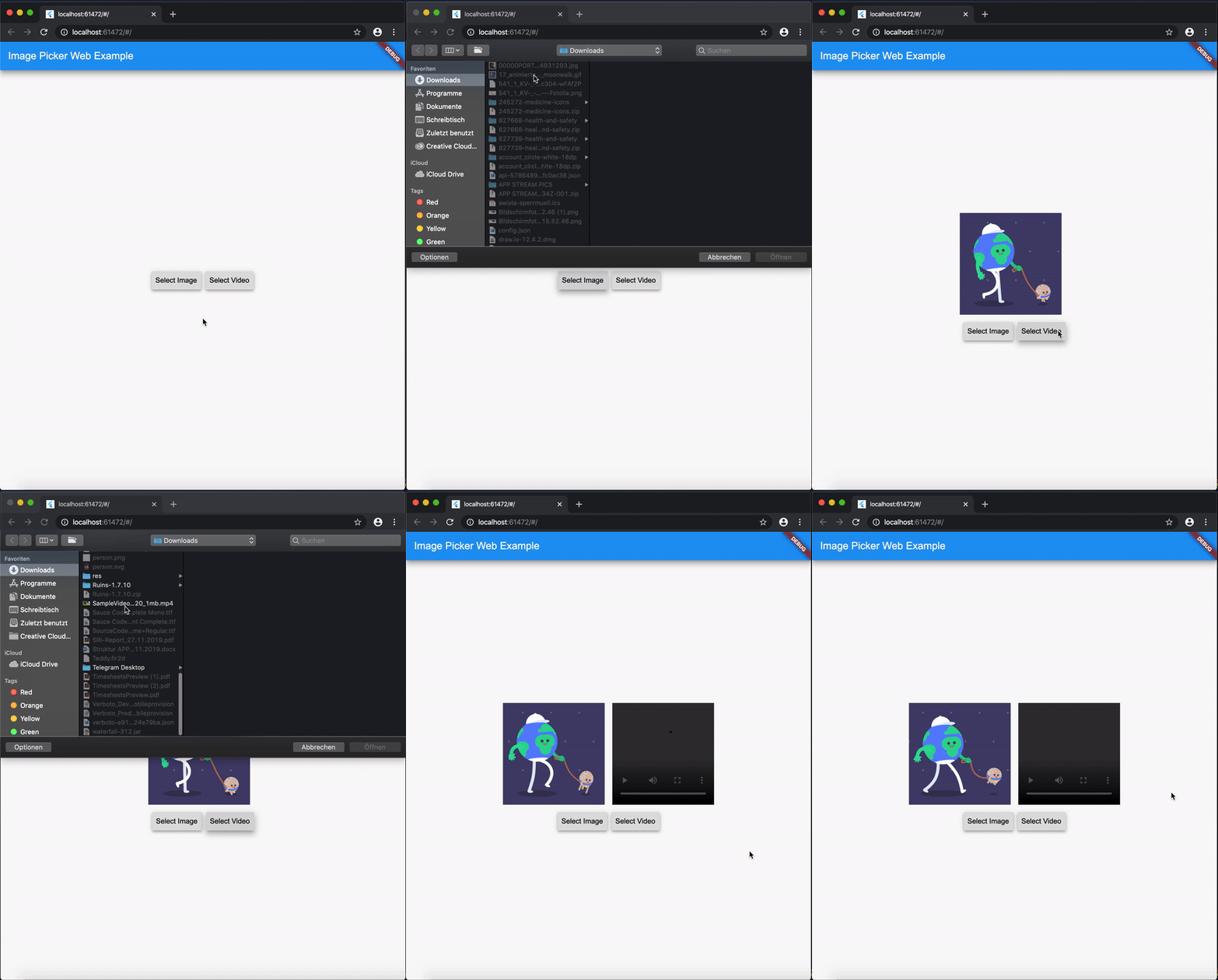
ExampleGif

Disclaimer for Videos
  • Till now [Mar. 2020] it's not possible (due to security reasons) to play a local video file (see also video_player_web). But you can retreive the file and upload them somewhere and play it as a network source.

Getting Started

Add image_picker_web to your pubspec.yaml:

image_picker_web: any

Picking Images

Pick an image

Load image as Image.memory Widget:

Image? fromPicker = await ImagePickerWeb.getImageAsWidget();

Load image as bytes:

Uint8List? bytesFromPicker = await ImagePickerWeb.getImageAsBytes();

Load image as and html.File object :

html.File? imageFile = (await ImagePickerWeb.getMultiImagesAsFile())?[0];
Pick multiple images

Load images as a List<Image> :

List<Image>? fromPicker = await ImagePickerWeb.getMultiImagesAsWidget();

Load images as bytes :

List<Uint8List>? bytesFromPicker = await ImagePickerWeb.getMultiImagesAsBytes();

Load images as List<html.File> objects :

List<html.File> imageFiles = await ImagePickerWeb.getMultiImagesAsFile();

How do I get all Informations out of my Image/Video (e.g. Image AND File in one run)?

Besides the standard getImage() or getVideo() methods you can use the getters:

  • getImageInfo or
  • getVideoInfo to acheive this.

Full Example

import 'dart:html' as html;
 
import 'package:mime_type/mime_type.dart';
import 'package:path/path.dart' as Path;
import 'package:image_picker_web/image_picker_web.dart';
import 'package:flutter/material.dart';

 html.File _cloudFile;
 var _fileBytes;
 Image _imageWidget;
 
 Future<void> getMultipleImageInfos() async {
    var mediaData = await ImagePickerWeb.getImageInfo;
    String mimeType = mime(Path.basename(mediaData.fileName));
    html.File mediaFile =
        new html.File(mediaData.data, mediaData.fileName, {'type': mimeType});

    if (mediaFile != null) {
      setState(() {
        _cloudFile = mediaFile;
        _fileBytes = mediaData.data;
        _imageWidget = Image.memory(mediaData.data);
      });
    }
  }

With getMultipleImageInfos() you can get all three available types in one call.

Picking Videos

To load a video as html.File do:

html.File? videoFile = await ImagePickerWeb.getVideoAsFile();

To load a video as Uint8List do:

Uint8List? videoData = await ImagePickerWeb.getVideoAsBytes();

Reminder: Don't use Uint8List retreivement for big video files! Flutter can't handle that. Pick bigger sized videos and high-resolution videos as html.File !

After you uploaded your video somewhere hosted, you can retreive the network url to play it.

MediaInfos
  • The methods getVideoInfo and getImageInfo are also available and you can use them to retreive further informations about your picked source.
Pick multiple images

Load videos as bytes:

List<Uint8List>? videos = ImagePickerWeb.getMultiVideosAsBytes();

Load videos as List<html.File> objects :

List<html.File>? videoFiles = await ImagePickerWeb.getMultiVideosAsFile();

Migration Guide

From 3.0.0 to 4.0.0
  • The WebImagePicker class has been removed. Use methods from ImagePickerWeb class instead.
  • getImageInfo and getVideoInfo are now methods and not getters. Use them like ImagePickerWeb.getImageInfo() and ImagePickerWeb.getVideoInfo().

카테고리

소스 저장소

이 패키지를 사용하는 프로젝트