v13.0.1
firebase_database
Firebase Database용 Flutter 플러그인으로, 클라우드 호스팅된 NoSQL 데이터베이스로 Android 및 iOS 클라이언트 간 실시간 데이터 동기화와 오프라인 액세스를 지원합니다.
650좋아요 22.7만30일 다운로드140Pub 점수
AndroidiOSWebmacOSWindows
여러 대학을 위한 플러터 스포츠 팀 관리 시스템

아래는 영문 원문 스냅샷입니다. 최신 내용은 GitHub에서 확인하세요.
The SportsTeam Manager project is a Flutter-based app aimed at modernizing sports team management. Integrated with Firebase for real-time updates and Google Sign-In API for security, it goes beyond traditional management systems, fostering community engagement and event planning among college students.


Flutter representation of a Sports Team Management app UI.
Star⭐ the repo if you like what you see 😉.
Vishesh Sanghvi 

| About Us | Team |
|---|---|
 |
 |
| Events | Dashboard |
|---|---|
 |
 |
| Login1 | Welcome |
|---|---|
 |
 |
| OTP |
|---|
 |
Vishesh Sanghvi
This project is a starting point for a Flutter application.
A few resources to get you started if this is your first Flutter project:
For help getting started with Flutter, view our online documentation, which offers tutorials, samples, guidance on mobile development, and a full API reference. ` Feel free to use, modify, and distribute this project! If you have any questions or suggestions, feel free to reach out. Happy coding! 🚀
Clone the repository: git clone https://github.com/yourusername/SportsTeamManagementSystem.git
Navigate to the project directory:
Fetch dependencies using : flutter pub get
Firebase Database용 Flutter 플러그인으로, 클라우드 호스팅된 NoSQL 데이터베이스로 Android 및 iOS 클라이언트 간 실시간 데이터 동기화와 오프라인 액세스를 지원합니다.
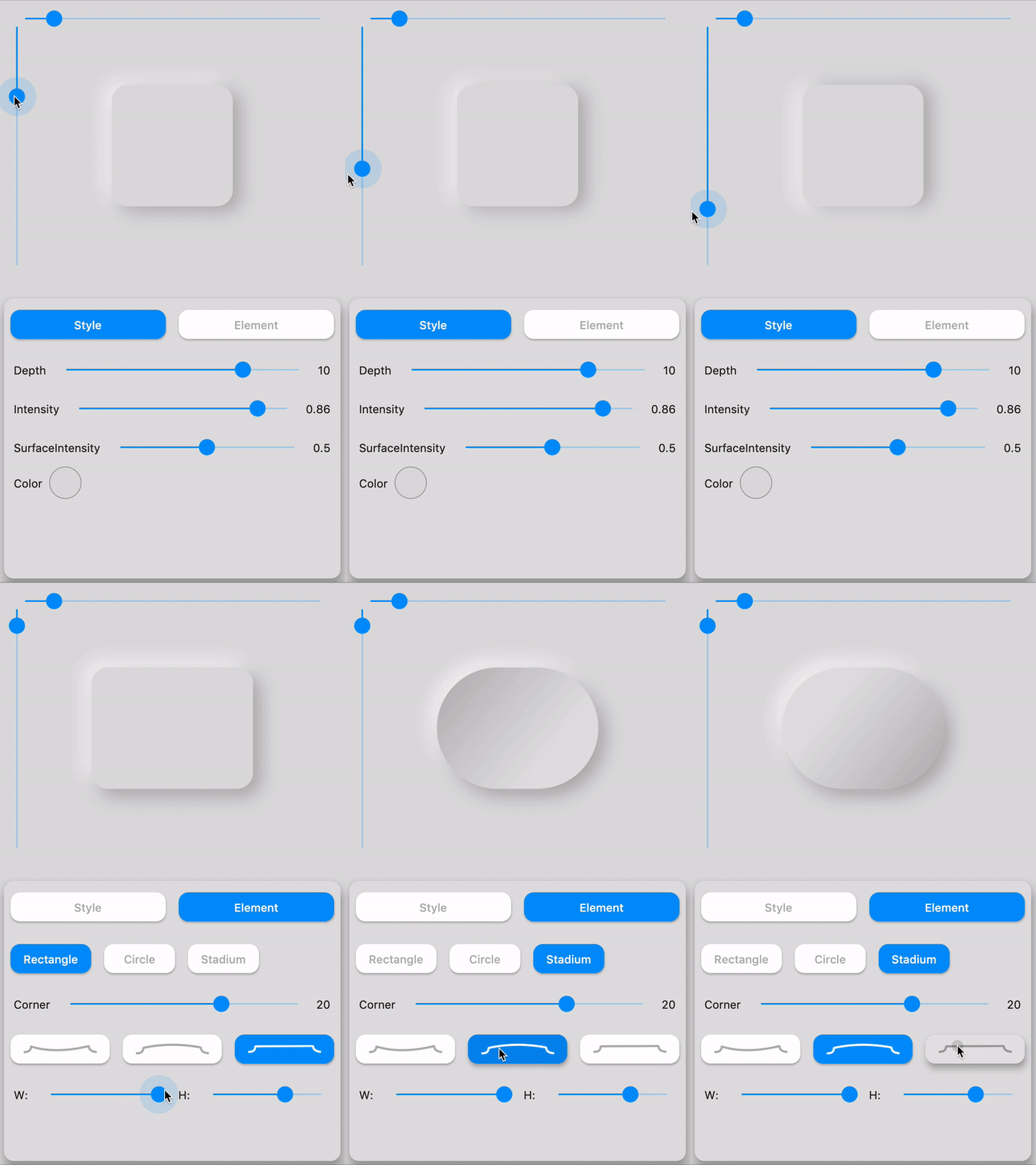
Flutter용 완전하고 즉시 사용 가능한 네오모포닉 UI 키트입니다. 다크 테마 호환 및 완전히 사용자 정의 가능합니다.
아름답고 멋진 텍스트 애니메이션 모음이 포함된 플러터 패키지 프로젝트입니다.
Material Design 지침에 표시된 대로 ListView, GridView, Column 및 Row 자식 요소에 쉽게 스태거드 애니메이션을 추가하세요
이 패키지는 폼 생성 시 반복 코드 제거, 검증 재사용, 변경 사항에 대한 반응, 최종 사용자 입력 수집을 통해 Flutter에서 폼을 쉽게 만들 수 있도록 도와줍니다.
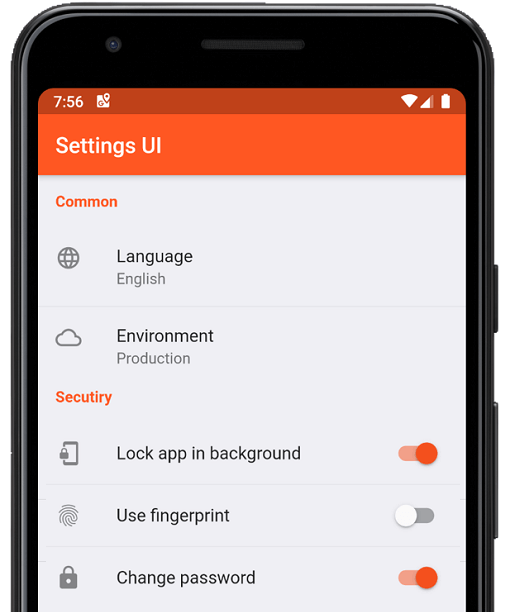
몇 분 만에 Flutter 앱용 네이티브 설정을 생성하세요. 단일 인터페이스를 사용하여 빌드합니다
(Flutter Xlider) 수평 및 수직 방향의 매터리얼 디자인 슬라이더와 범위 슬라이더, RTL 지원 및 플러터용 다양한 옵션과 사용자 정의 기능을 제공합니다
더 나은 피드백을 얻기 위한 Flutter 패키지입니다. 사용자가 앱 내에서 직접 상호작용형 피드백을 제공할 수 있도록 합니다.
Flutter용 간단하지만 완전히 사용자 정의 가능한 평점 바이며, 임의의 분수 평점을 지원하는 평점 바 인디케이터도 포함되어 있습니다.
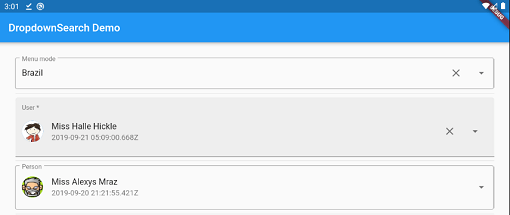
검색, 팝업 플랫폼, 비동기/동기 등 다양한 기능을 갖춘 간단하고 반응성 있으며 매우 사용자 정의 가능한 Flutter 드롭다운. 메뉴, 다이얼로그, 바텀시트 등의 여러 모드를 지원합니다.
안드로이드 및 iOS에서 PDFView 위젯을 제공하는 플러터 플러그인입니다.
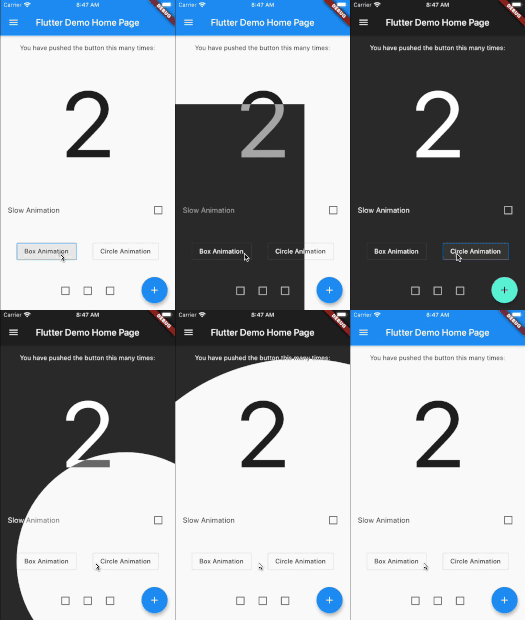
Flutter 애니메이션 테마 스위처로 테마 전환 시 아름다운 트랜잭션을 만들 수 있습니다.
의존성 목록 65 개
{"sdk":"flutter"}^1.0.8^2.2.3^1.1.0^6.0.0^6.1.5+1^6.3.2^2.2.1^2.5.3^1.2.0^12.0.2^6.3.2^4.1.1^6.1.0^6.0.2^2.0.2^9.0.0^10.3.3^4.3.0^2.0.10^4.1.0^1.4.3^3.4.1^3.0.0^4.0.0^13.0.2^3.0.3^0.21.3+1^7.2.0^7.1.2^3.2.0^2.1.5^0.15.6^0.0.4^9.1.1^14.0.2^4.13.0^10.10.0^2.4.2^1.1.1^0.15.0^0.11.2^0.7.0^1.2.1^4.2.5^4.0.1^2.0.2^3.0.0^4.0.3^12.0.2^8.2.2^0.9.1^3.1.2^3.2.0^1.0.1^1.1.1^10.2.0^2.0.11^6.0.2^2.3.0^3.5.0^0.14.4{"sdk":"flutter"}^2.0.1^2.4.13사용 목적에 따라 검색하고 개발 활동을 비교한 뒤 원본 저장소에서 요구 사항을 확인하세요.
“A repository is the most basic element of GitHub.”
GitHub Docs — About repositories ↗