패키지, 저장소 및 앱 카테고리 검색

inview_notifier_list 표지
패키지 상세v4.1.0

inview_notifier_list

위젯이 화면에 표시될 때 알리는 ListView를 생성하는 Flutter 패키지입니다.

AndroidiOSWebmacOSWindowsLinux
30일 다운로드
4.4천
좋아요
501
Pub 점수
160

패키지 설치

flutter pub add inview_notifier_list

패키지 개요

공개 정보를 바탕으로 생성한 선택 가이드입니다.

스크롤 가능한 목록을 효율적으로 빌드하고 리스트 항목이 화면에 보이는 영역에 진입하거나 탈출할 때 실시간 알림을 제공하는 플러터 패키지입니다. `ListView`의 강력한 기능을 활용하면서도 시각적 상태를 감지하기 위한 반응형 메커니즘을 추가하여 최적화된 렌더링, 지연 로딩 및 성능 향상을 가능하게 합니다. 이미지 로딩, 분석 추적 또는 가시성에 의해 트리거되는 애니메이션과 같은 상황에 이상적입니다. 이 패키지는 모바일, 웹, 데스크톱을 포함한 모든 주요 플랫폼을 지원합니다.

사용 사례

  • 지연로딩 이미지 또는 콘텐츠
  • 분석을 위한 시각 가능성 추적
  • 가시성에서 애니메이션 트리거
  • 긴 목록에서 자원 사용 최적화
  • 가시성 검사와 함께 무한 스크롤 구현

주요 기능

  • 실시간 시야 내 감지
  • ListView를 사용한 효율적인 위젯 재사용
  • 크로스 플랫폼 지원
  • 간단한 콜백 기반 API
  • 통합을 위한 최소한의 보일러플레이트

적합한 대상

  • 성능에 민감한 목록을 구축하는 개발자
  • 시각 기반 동작이 필요한 앱
  • 동적 데이터를 포함한 콘텐츠 중심 애플리케이션
  • 부드러운 스크롤링과 반응성을 우선시하는 팀

고려 사항

  • 많은 리스너가 활성화된 경우 메모리 사용량이 증가할 수 있습니다
  • 누수를 방지하기 위해 콜백을 신중하게 다뤄야 합니다
  • 오버헤드가 이점보다 클 때 매우 짧은 목록에는 적합하지 않습니다
  • 자주 업데이트되거나 대규모 데이터 세트에 적합

원본 README

연결된 소스 저장소의 README 원문 스냅샷입니다. 최신 내용은 저장소에서 확인하세요.

inview_notifier_list

pub package CI codecov

A Flutter package that builds a ListView or CustomScrollView and notifies when the widgets are on screen within a provided area.

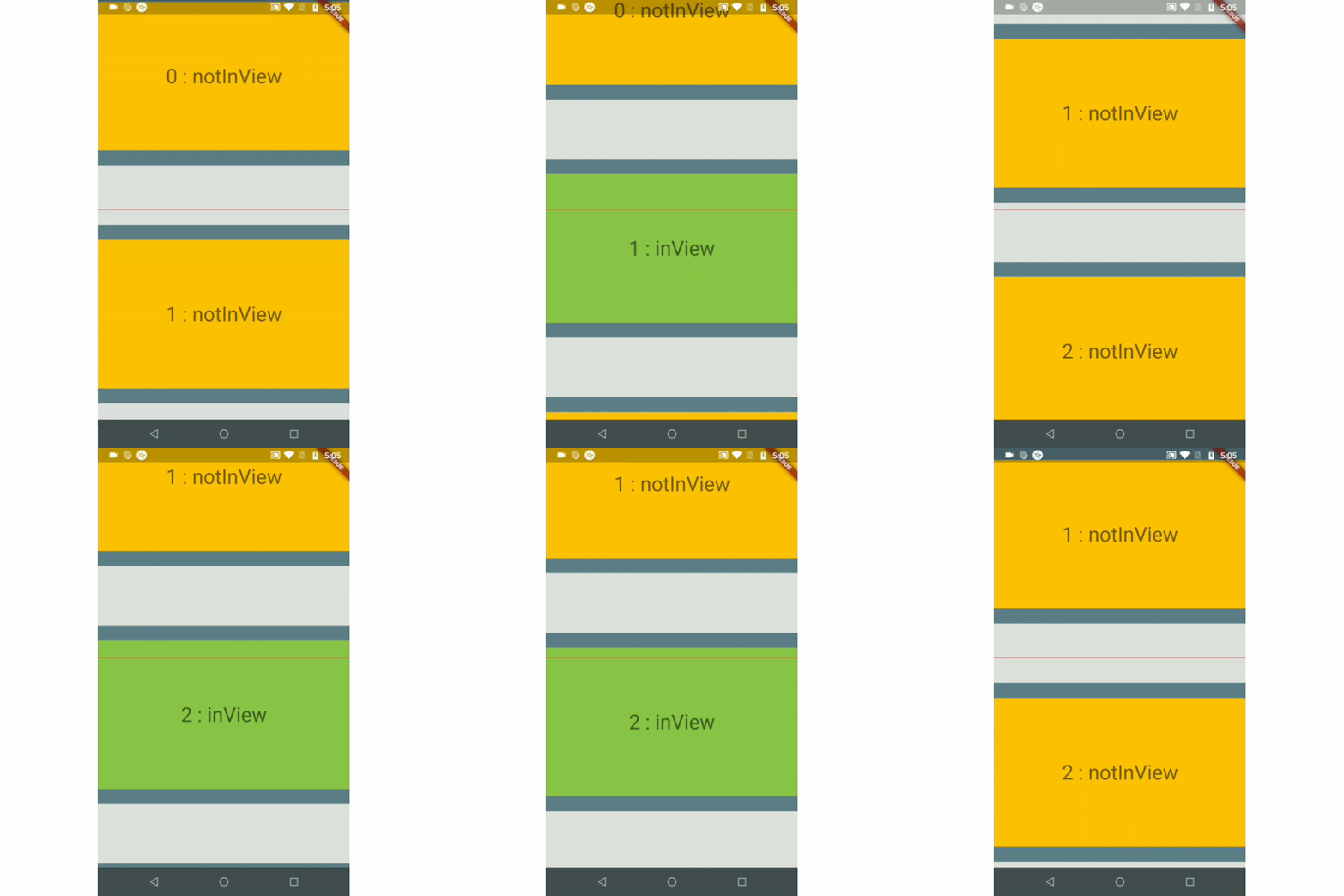
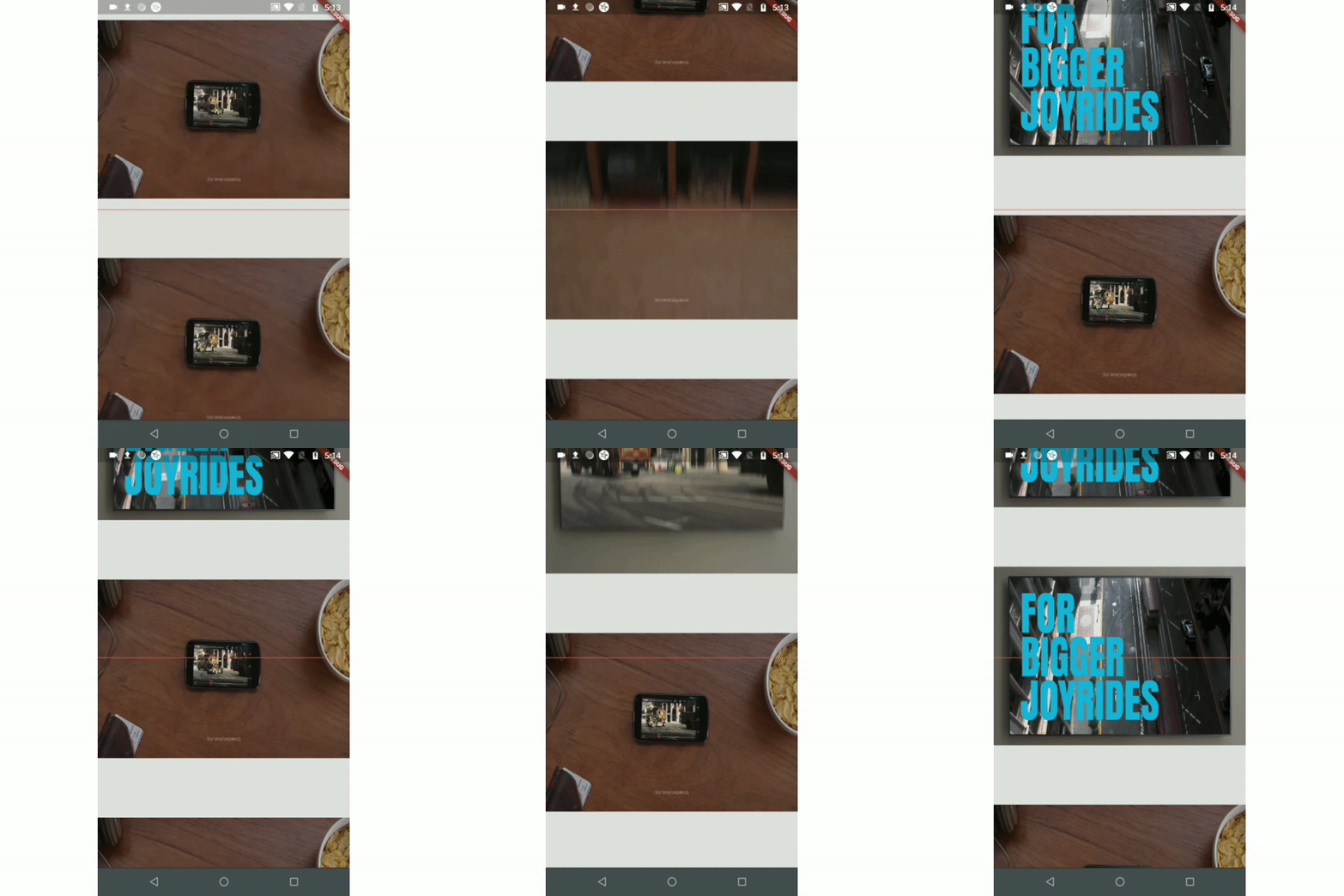
Example 1 Example 2 Example 3(Auto-play video)
ezgif com-gif-maker (1) ezgif com-video-to-gif (1) ezgif com-video-to-gif (2)
Example 4(Custom Scroll View)
csv_example

Index

Use-cases

  • To auto-play a video when a user scrolls.

  • To add real-time update listeners from database to the posts/content only within an area visible to the user.

    Note: If you have other use cases please update this section and create a PR.

Installation

Just add the package to your dependencies in the pubspec.yaml file:

dependencies:
  inview_notifier_list: ^4.1.0

Basic Usage

Step 1:

Add the InViewNotifierList to your widget tree

import 'package:flutter/material.dart';
import 'package:inview_notifier_list/inview_notifier_list.dart';

class MyApp extends StatelessWidget {
  @override
  Widget build(BuildContext context) {
    return Scaffold(
      body: InViewNotifierList(
		...
      ),
    );
  }
}

Step 2:

Add the required property isInViewPortCondition to the InViewNotifierList widget. This is the function that defines the area which the widgets overlap should be notified as currently in-view.

typedef IsInViewPortCondition = bool Function(
  double deltaTop,
  double deltaBottom,
  double viewPortDimension,
);

It takes 3 parameters:

  1. deltaTop: It is the distance from top of the widget to be notified in the list view to top of the viewport(0.0).

  2. deltaBottom: It is the distance from bottom of the widget to be notified in the list view to top of the viewport(0.0).

  3. viewPortDimension: The height or width of the viewport depending on the srollDirection property provided. The image below showcases the values if the srollDirection is Axis.vertical.

    Untitled Diagram

Here is an example that returns true only when the widget's top is above the halfway of the viewport and the widget's bottom is below the halfway of the viewport. It is shown in example1.

InViewNotifierList(
  isInViewPortCondition:
      (double deltaTop, double deltaBottom, double viewPortDimension) {
    return deltaTop < (0.5 * viewPortDimension) &&
        deltaBottom > (0.5 * viewPortDimension);
  },
),

step 3:

Add the IndexedWidgetBuilder , which builds the children on demand. It is just like the ListView.builder.

InViewNotifierList(
    isInViewPortCondition:(...){...},
    itemCount: 10,
    builder: (BuildContext context, int index) {
      return child;
    }

),
step 4:

Use the InViewNotifierWidget to get notified if the required widget is currently in-view or not.

The InViewNotifierWidget consists of the following properties:

  1. id: a required String property. This should be unique for every widget that wants to get notified.
  2. builder : Signature for a function that creates a widget for a given index. The function that defines and returns the widget that should be notified as inView. See InViewNotifierWidgetBuilder.
  3. child: The child widget to pass to the builder.
InViewNotifierWidget(
  id: 'unique-Id',
  builder: (BuildContext context, bool isInView, Widget child) {
    return Container(
      child: Text(
        isInView ? 'in view' : 'not in view',
      ),
    );
  },
)

That's it, done!

A complete code:

InViewNotifierList(
  isInViewPortCondition:
      (double deltaTop, double deltaBottom, double vpHeight) {
    return deltaTop < (0.5 * vpHeight) && deltaBottom > (0.5 * vpHeight);
  },
  itemCount: 10,
  builder: (BuildContext context, int index) {
    return InViewNotifierWidget(
      id: '$index',
      builder: (BuildContext context, bool isInView, Widget child) {
        return Container(
          height: 250.0,
          color: isInView ? Colors.green : Colors.red,
          child: Text(
            isInView ? 'Is in view' : 'Not in view',
          ),
        );
      },
    );
  },
);

Run the example app provided and check out the folder for complete code.

Types of Notifiers

  1. InViewNotifierList: builds a ListView and notifies when the widgets are on screen within a provided area.
  2. InViewNotifierCustomScrollView: builds a CustomScrollView and notifies when the widgets are on screen within a provided area.

Properties

  • isInViewPortCondition: [Required] The function that defines the area within which the widgets should be notified as in-view.

  • initialInViewIds: The String list of unique ids of the child widgets that should be initialized as in-view when the list view is built for the first time.

  • endNotificationOffset: The distance from the bottom of the list where the onListEndReached should be invoked. Defaults to the end of the list i.e 0.0.

  • onListEndReached: The function that is invoked when the list scroll reaches the end or the endNotificationOffset if provided.

  • throttleDuration: The duration to be used for throttling the scroll notification. Defaults to 200 milliseconds.

  • scrollDirection: The axis along which the scroll view scrolls.

  • scrollViewWrapper: An optional callback that wraps the internal scroll view with an additional widget, such as a pull-to-refresh or shimmer wrapper, while keeping in-view detection working. It receives the fully built scroll view and must return a widget that contains it.

    InViewNotifierList(
      scrollViewWrapper: (scrollView) => RefreshIndicator(
        onRefresh: _onRefresh,
        child: scrollView,
      ),
      // ...
    )
    

    Note: The wrapper must let ScrollNotification events bubble up from the inner scroll view (most widgets do by default). If the wrapper provides its own ScrollController, make sure it does not conflict with the one passed to InViewNotifierList.

Credits:

Thanks to Didier Boelens for the raw solution.

카테고리

의존성

의존성 목록 1 개

소스 저장소

이 패키지를 사용하는 프로젝트