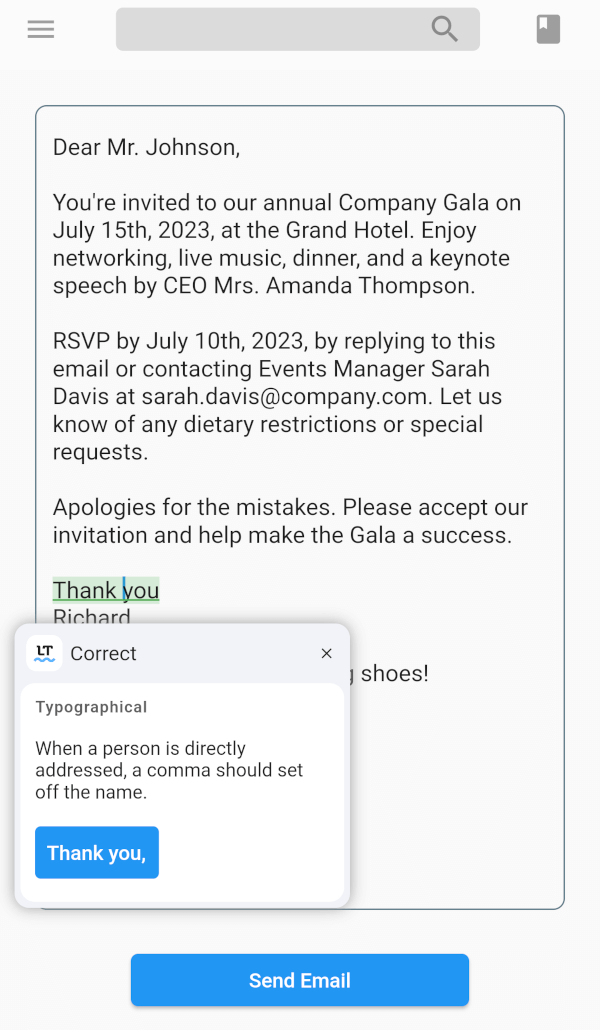
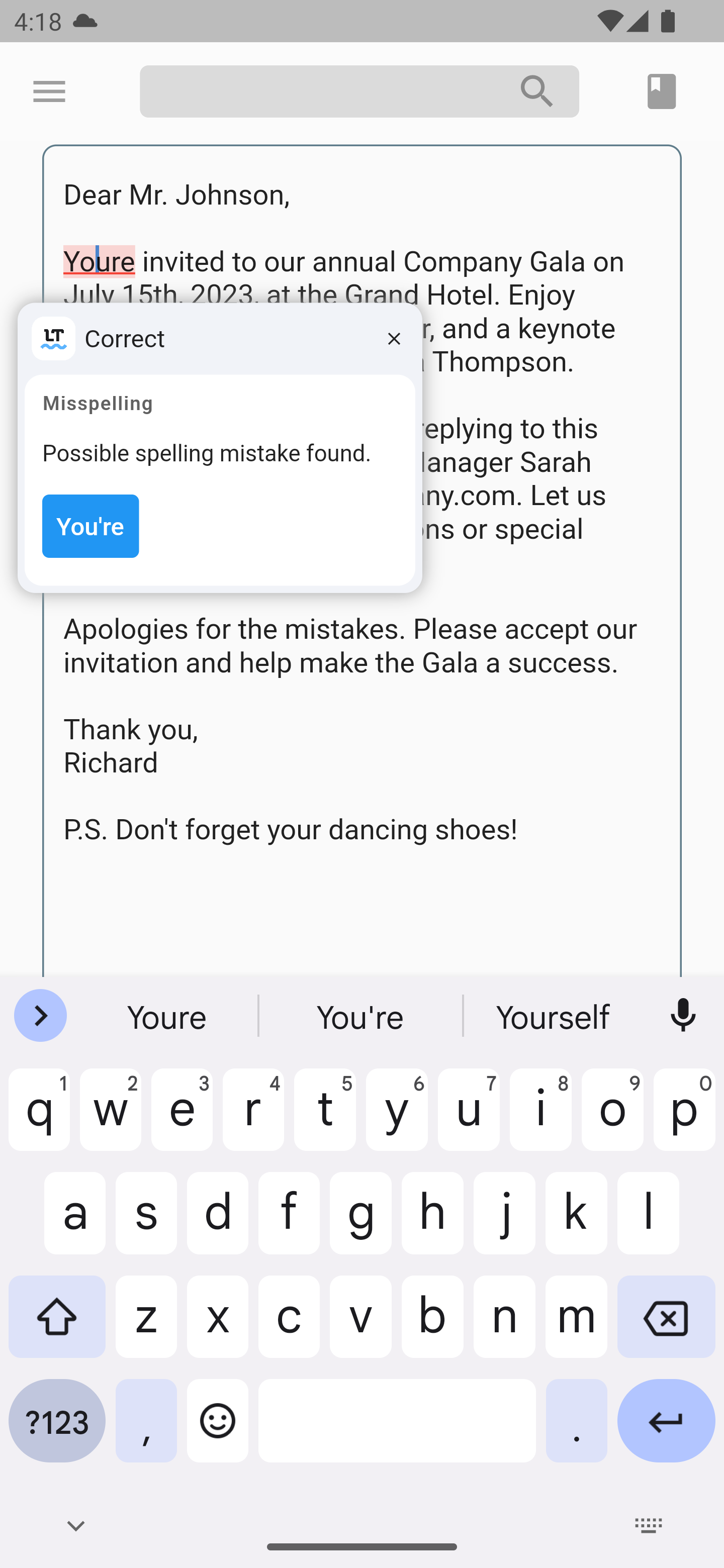
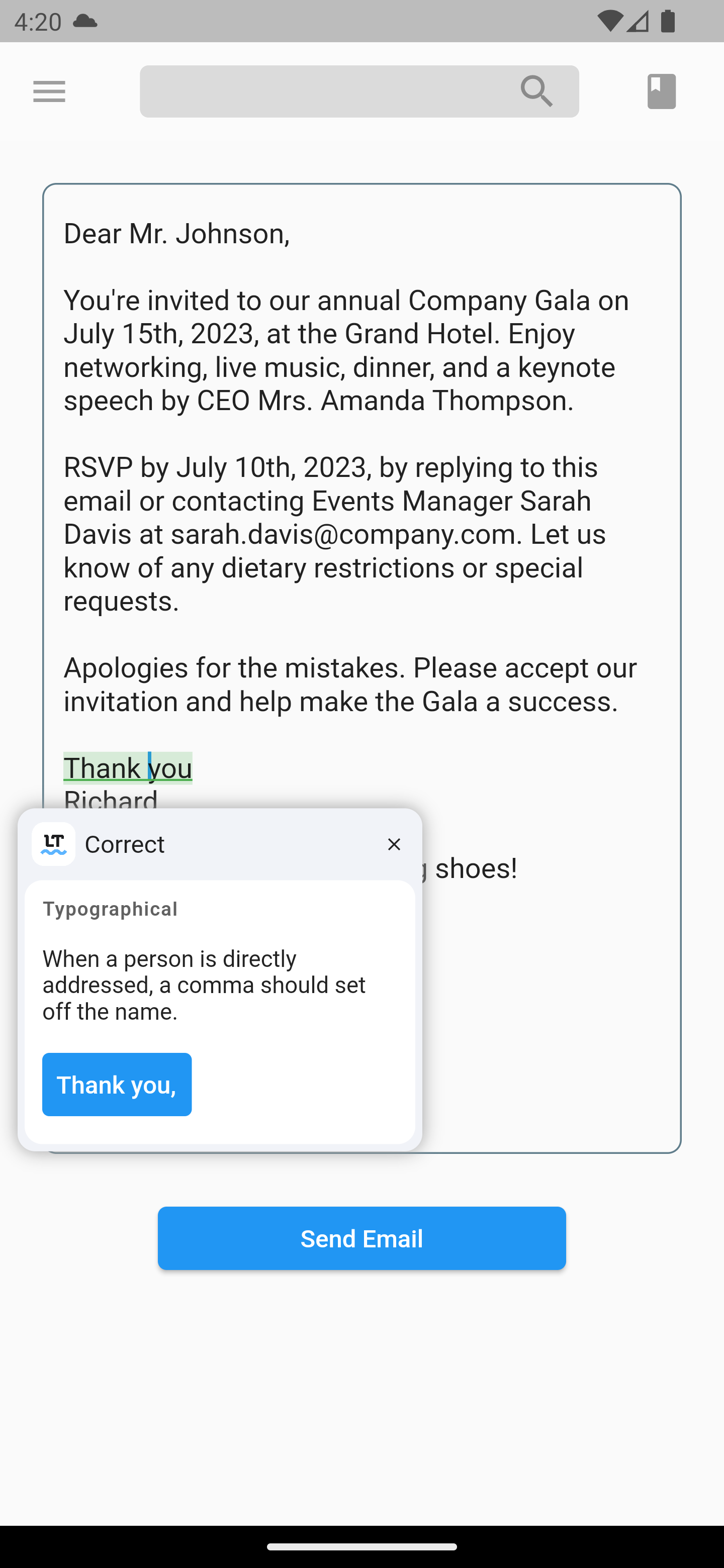
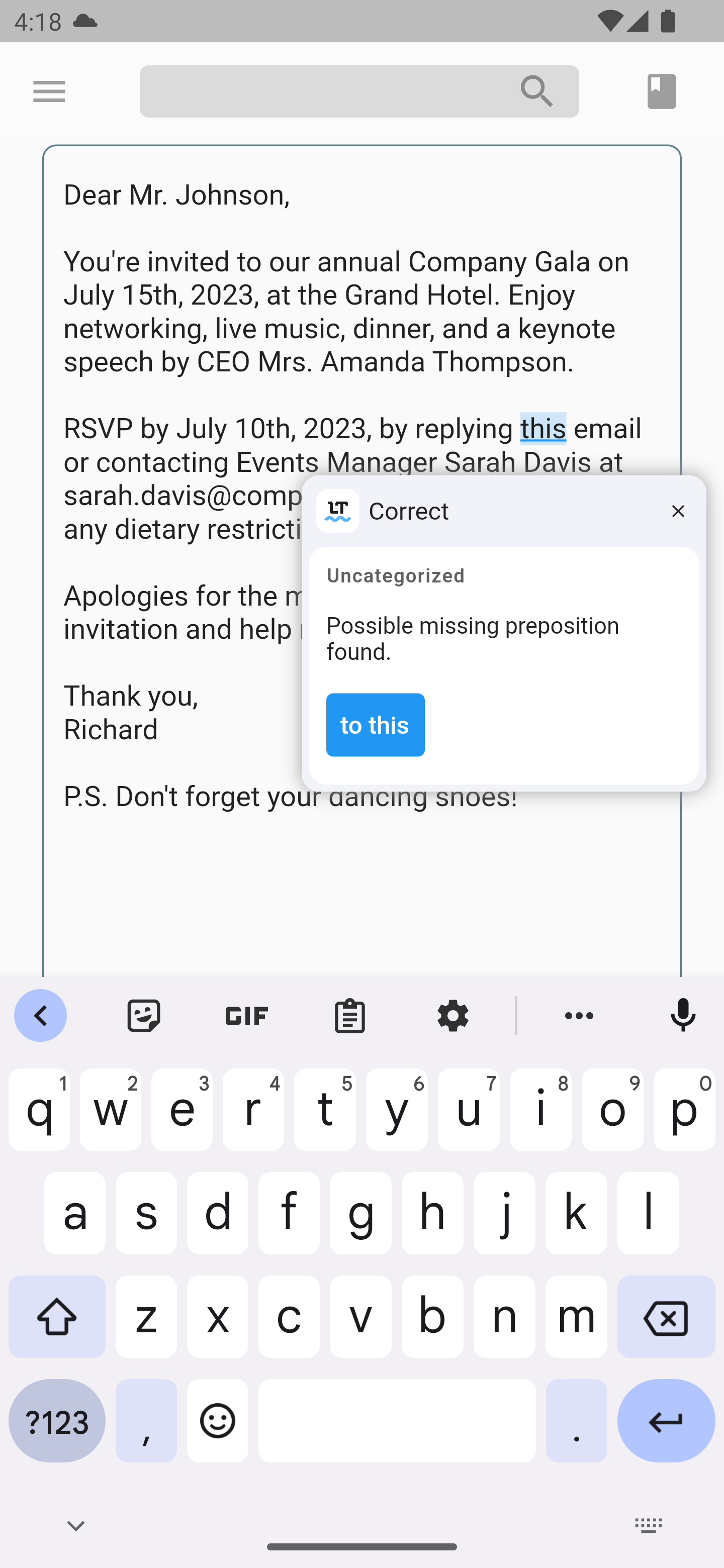
LanguageTool TextField 패키지는 텍스트 입력 필드에 실시간 철자 및 문법 검사를 제공하여 Flutter 애플리케이션을 강화합니다. 메시징, 노트 작성, 이메일 클라이언트와 같은 정확한 텍스트 입력이 필요한 앱을 위해 설계되었으며, LanguageTool API와 원활하게 통합되어 철자 및 문법 오류에 대해 즉각적인 피드백을 제공합니다. iOS 및 웹 플랫폼용으로 설계된 이 패키지는 다국어 텍스트 검증을 지원하며 작업 흐름을 방해하지 않고 사용자 입력 품질을 향상시킵니다. 패키지는 가볍고 간단한 pub add 명령어로 쉽게 구현할 수 있습니다.
사용 사례
메시지 앱에서 실시간 맞춤법 검사
노트 작성 도구에서의 문법 검증
이메일 작성 중 오류 탐지
다국어 텍스트 입력 검증
사용자 입력 정확도 향상
주요 기능
실시간 철자 및 문법 검사
다양한 언어를 지원합니다
Flutter와의 가벼운 통합
크로스 플랫폼(iOS 및 웹)
pub.dev를 통한 간단한 설정
API 기반 오류 탐지
적합한 대상
텍스트가 많은 Flutter 앱을 개발하는 개발자
높은 입력 정확도가 필요한 앱
교육 또는 글쓰기 중심 애플리케이션
다국어 지원 필요
텍스트 입력에서 사용자 경험을 우선시하는 팀
고려 사항
API 접근을 위해 인터넷 연결이 필요합니다
네트워크 속도에 따라 지연될 수 있습니다
오류 제안의 사용자 지정이 제한적
제3자 LanguageTool 서비스에 의존
민감한 텍스트에 대한 잠재적인 데이터 개인정보 보호 고려 사항
원본 README
연결된 소스 저장소의 README 원문 스냅샷입니다. 최신 내용은 저장소에서 확인하세요.
LanguageTool TextField
Providing powerful spell-checking and grammar correction capabilities.
Features
The LanguageTool TextField package is a spell-checker designed for Flutter apps. It integrates with the LanguageTool API to offer real-time spell-checking capabilities. This package will enhance text input accuracy by automatically detecting and highlighting spelling errors as users type.
It's particularly useful for apps that require precise text input, like chat or note-taking apps. By using the LanguageTool TextField package, developers can improve the user experience by providing an intuitive and reliable spell-checking feature.
To start using the plugin, copy this code or follow the example project in 'languagetool_textfield/example'
// Create a text controller for the Widgetfinal _controller = LanguageToolController();
// Use the text field widget in your layout
child: LanguageToolTextField(
controller: _controller,
// A language code like en-US, de-DE, fr, or auto to guess// the language automatically.// language = 'auto' by default.
language: 'en-US',
);
// Don't forget to dispose the controller
_controller.dispose();
Using Debounce and Throttle in LanguageTool TextField
To incorporate the debounce or throttle functionality into the LanguageTool TextField, follow these:
Create a LanguageToolController and provide the desired debounce/throttle delay duration and delay type:
final _controller = LanguageToolController(
  // If the delay value is [Duration.zero], no delay is applied.
  delay: Duration(milliseconds: 500), // Set the debounce/throttle delay duration here
  delayType: DelayType.debouncing, // Choose either DelayType.debouncing or DelayType.throttling
);
DelayType.debouncing - Calls a function when a user hasn't carried out the event in a specific amount of time.
DelayType.throttling - Calls a function at intervals of a specified amount of time while the user is carrying out the event.
Legal
This is an unofficial plugin. We are not affiliated with LanguageTool.
All logos are of their respected owners.