v4.7.3
get
GetX를 사용하면 컨텍스트 없이 화면, 스크린바, 대화상자를 열고 상태를 쉽게 관리하며 종속성을 주입할 수 있습니다.
1.6만좋아요 76.4만30일 다운로드140Pub 점수
AndroidiOSWebmacOSWindowsLinux
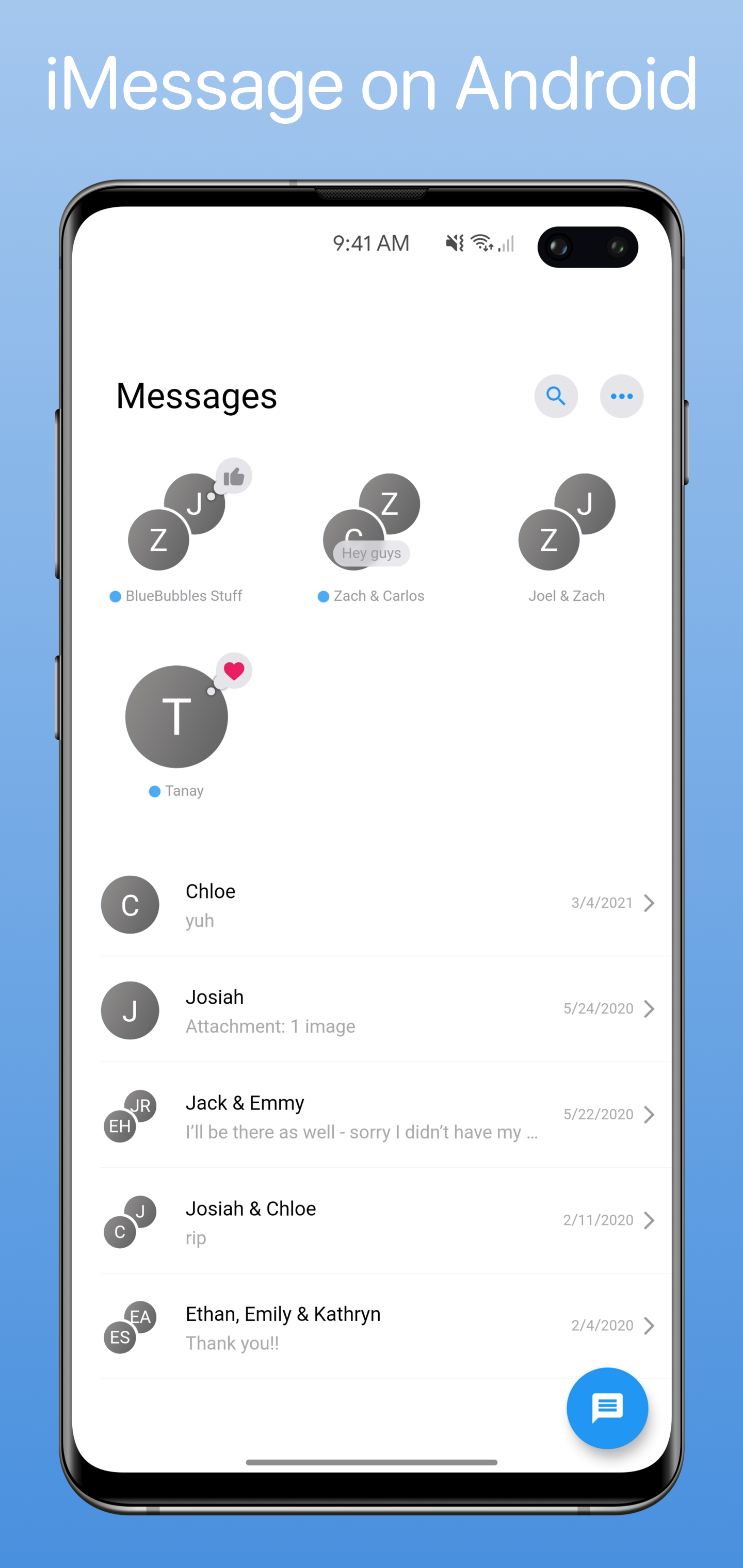
크로스 플랫폼 앱 생태계로 iMessage를 안드로이드, PC(윈도우, 리눅스, 심지어 맥OS), 웹에 가져옵니다!

아래는 영문 원문 스냅샷입니다. 최신 내용은 GitHub에서 확인하세요.
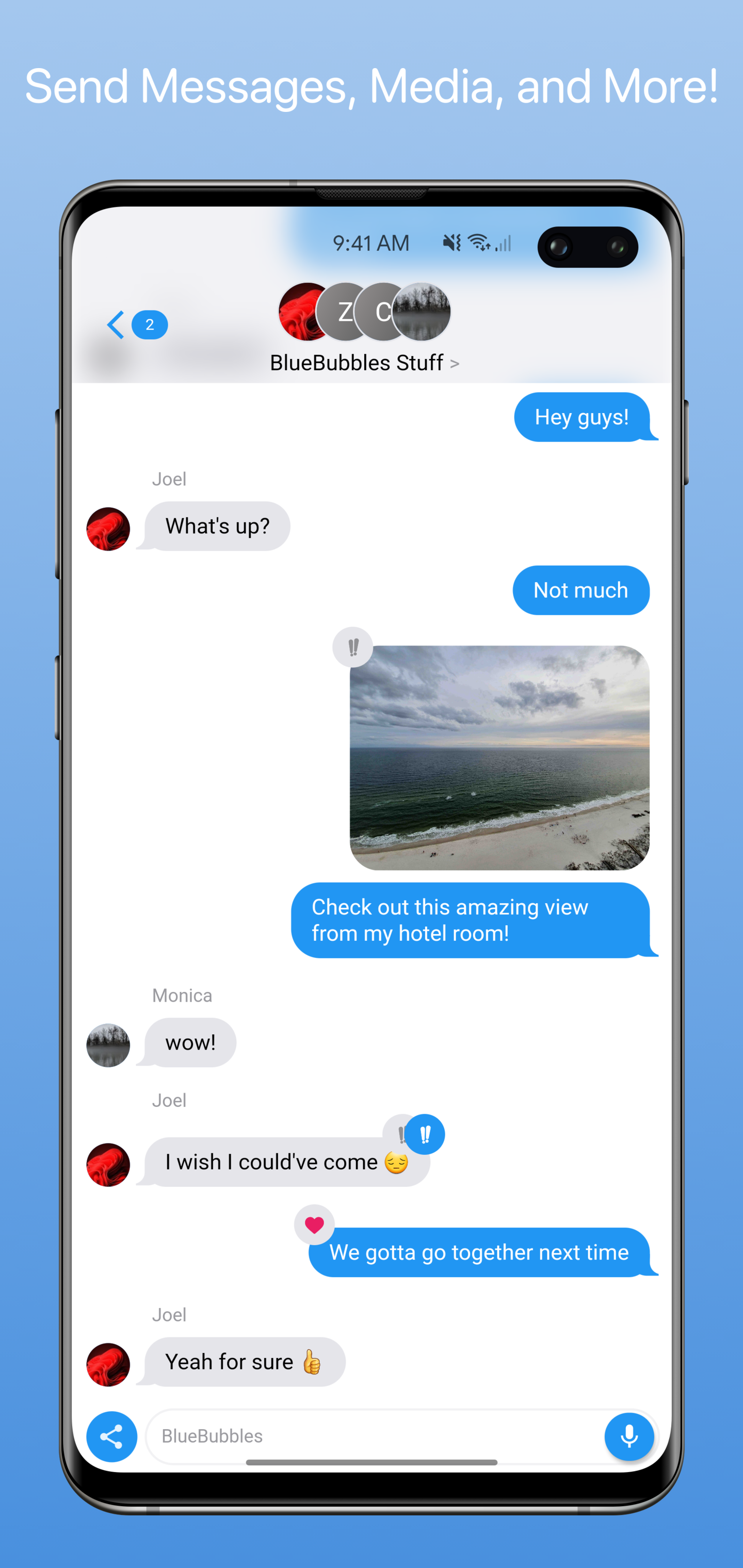
BlueBubbles is an open-source, cross-platform ecosystem of apps that brings iMessage to Android, Windows, Linux, and the web. Send messages, media, reactions, and more — all from your non-Apple devices.
Note: BlueBubbles requires a Mac running the BlueBubbles Server and an active Apple ID. A macOS virtual machine on Windows or Linux works as well.
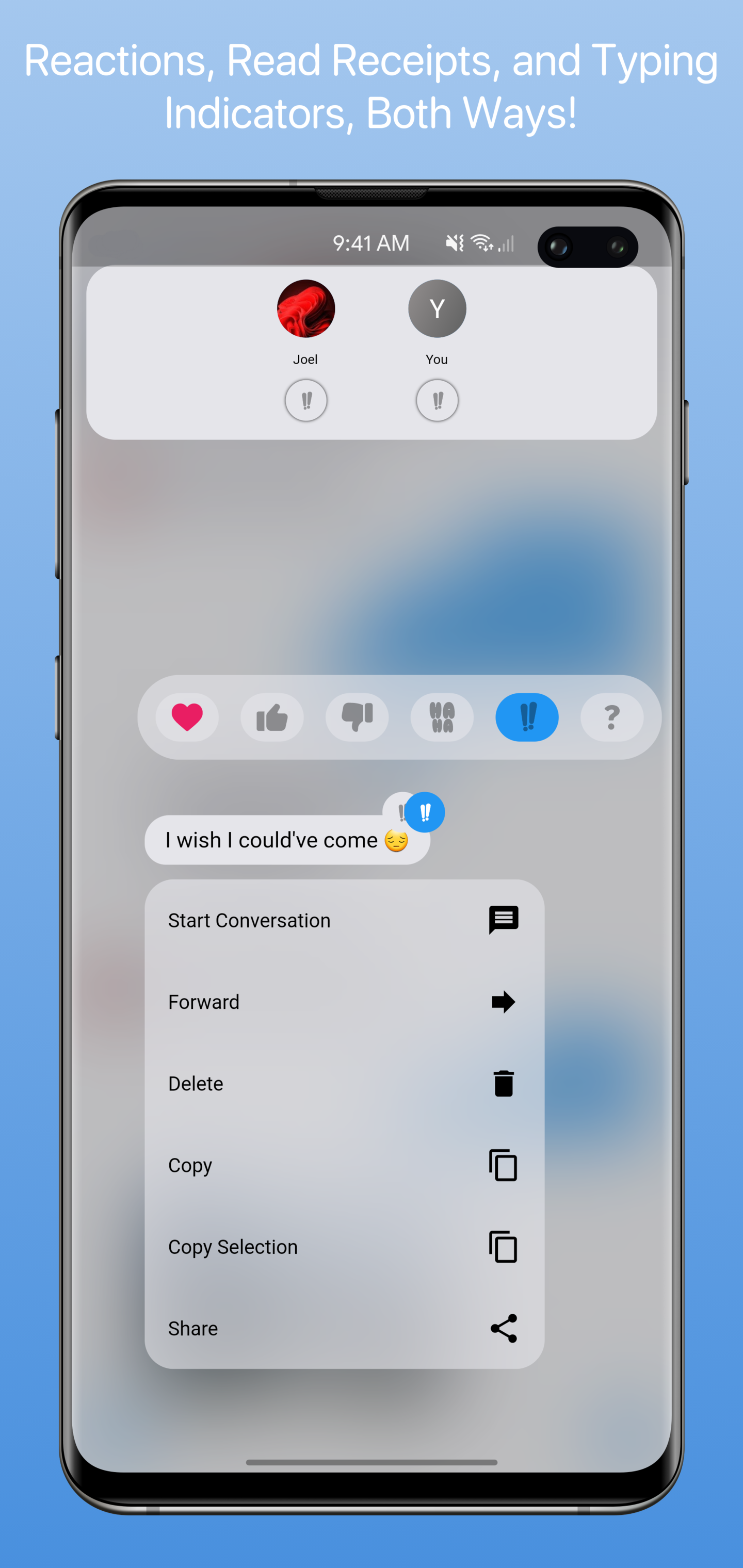
With optional Private API setup, you can unlock deeper iMessage integration:
Private API features require additional configuration. See the Private API setup guide for instructions.
| Chat List | Message View | Private API Features |
 |
 |
 |
The client is also available on:
We have an active and welcoming community. Come say hello, get help, or follow along with development:
Contributions are always welcome. Whether it's fixing a bug, improving performance, or adding a new feature — we appreciate the help.
Before getting started, please read CONTRIBUTING.md for setup instructions and code conventions.
To report a bug or request a feature, open an issue on GitHub. Please search before opening a new ticket.
BlueBubbles is free and open-source, maintained entirely by volunteers. If you find the project valuable, consider supporting its development:
 |
Free code signing on Windows provided by SignPath.io, certificate by SignPath Foundation |
|---|
BlueBubbles is released under the terms of the LICENSE file in this repository.
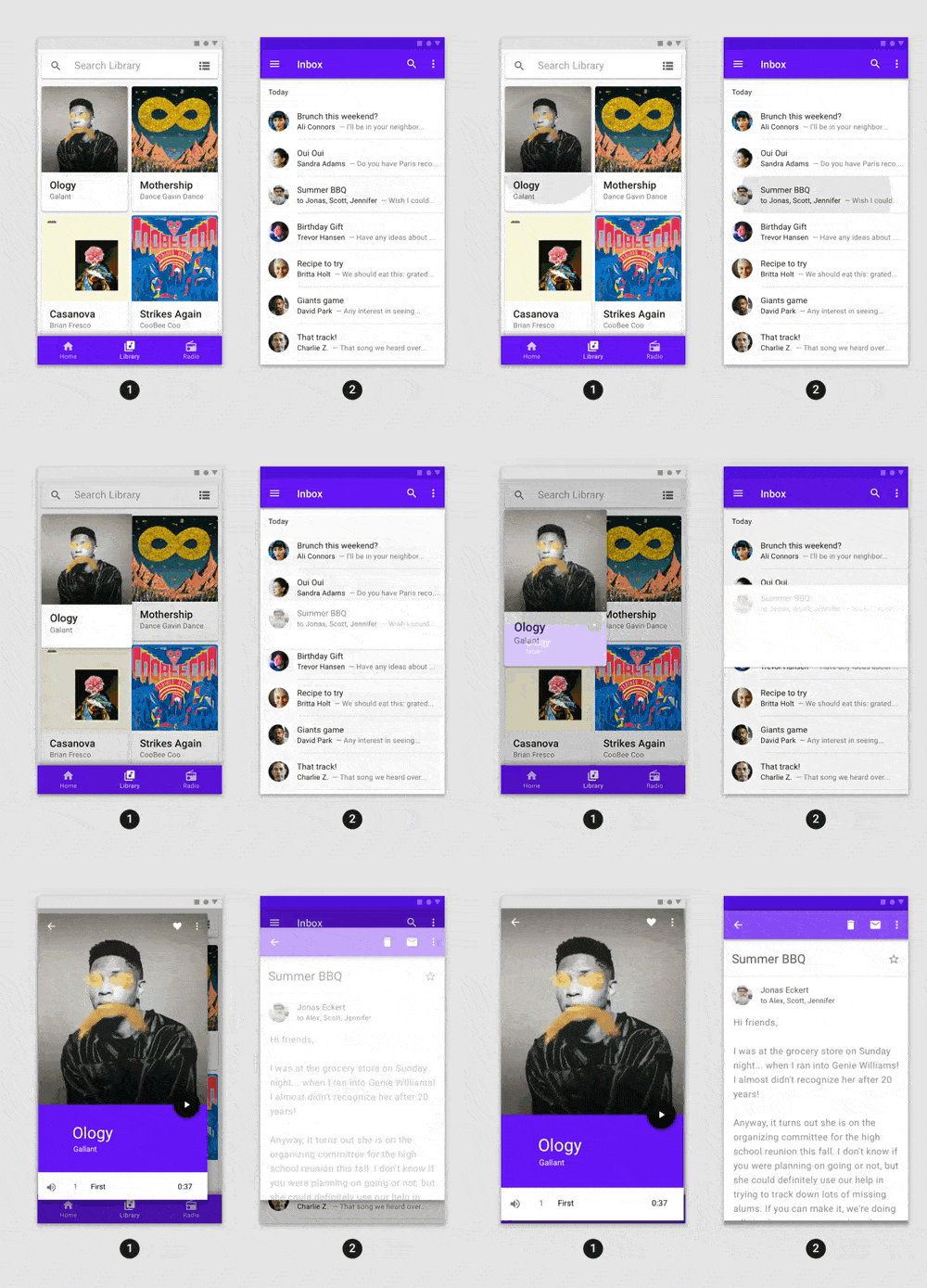
GetX를 사용하면 컨텍스트 없이 화면, 스크린바, 대화상자를 열고 상태를 쉽게 관리하며 종속성을 주입할 수 있습니다.
어떤 Flutter 애플리케이션에도 쉽게 통합할 수 있는 고급 사전 구축 애니메이션.
Google 계정으로 로그인하는 데 사용되는 안전한 인증 시스템인 Google Sign-In용 Flutter 플러그인입니다.
생체 인식, 비밀번호, PIN 또는 패턴을 통한 로컬 인증을 허용하는 플러터 플러그인.
Android, iOS, macOS 및 웹에서 다른 Flutter 위젯과 함께 인라인 비디오를 표시하기 위한 Flutter 플러그인입니다.
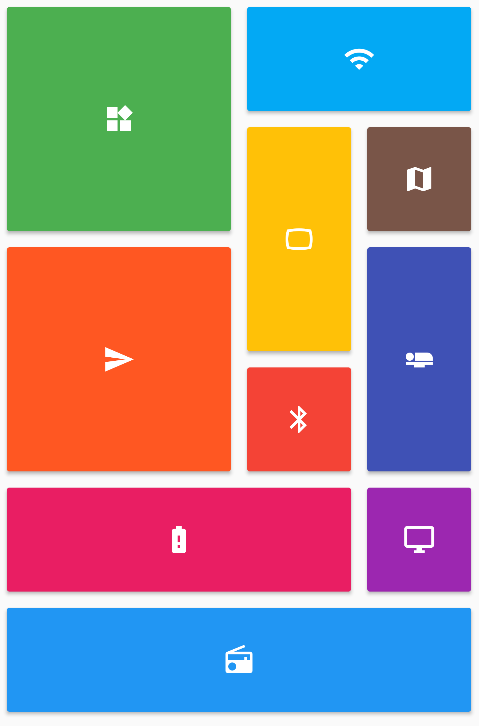
Flutter 그리드 레이아웃(스태거드, 메이슨리, 큐일티드, 웨븐 등)의 컬렉션을 제공합니다.
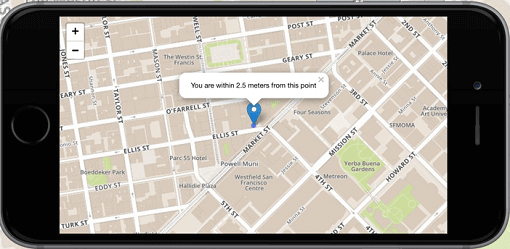
Flutter의 1위 비상업적 목적의 지도 클라이언트: 사용이 간편하고 유연하며 공급업체에 의존하지 않으며, 완전히 크로스 플랫폼이며 100% 순수한 Flutter입니다
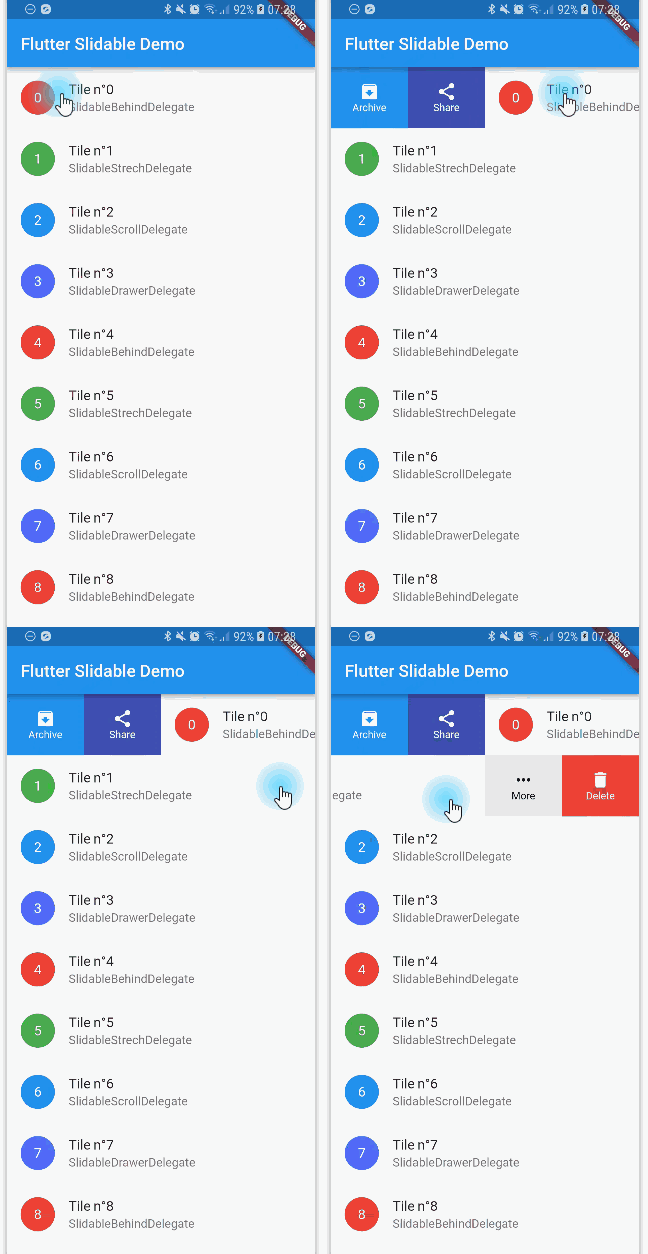
방향성 슬라이드 액션을 갖춘, 닫을 수 있는 슬라이더블 리스트 항목의 플러터 구현입니다.
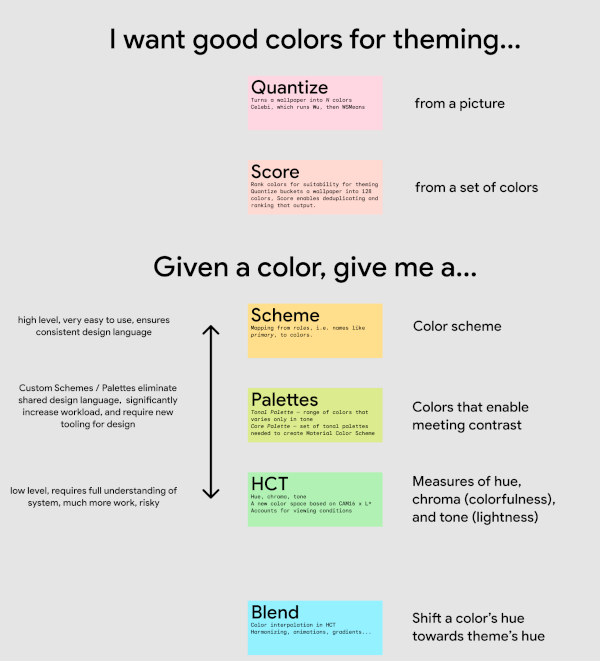
Material Design 3 색상 시스템을 구동하는 알고리즘 및 유틸리티로, 이미지에서 테마 색상을 선택하고 색의 톤을 생성하는 기능을 포함합니다. 모든 것이 새로운 색 공간에서 구현됩니다.
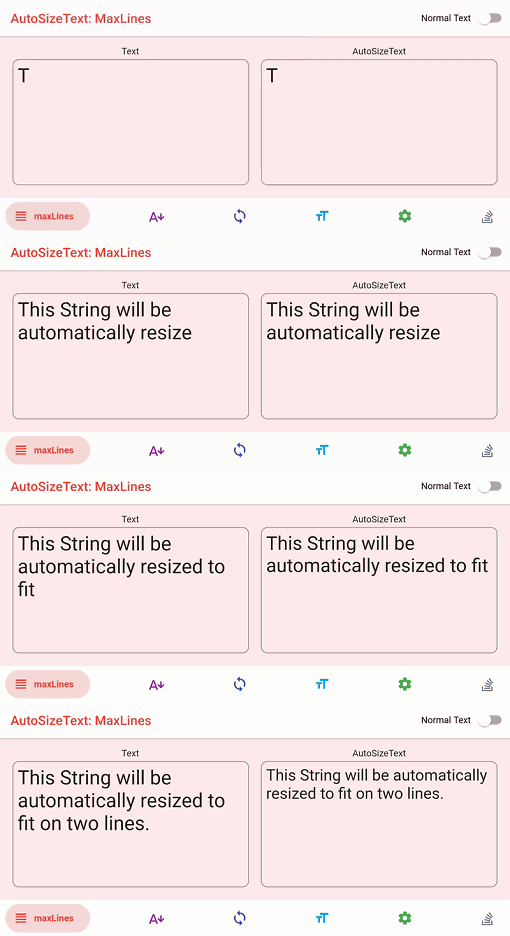
텍스트를 경계 내에 완벽하게 맞추기 위해 자동으로 크기를 조정하는 Flutter 위젯입니다.
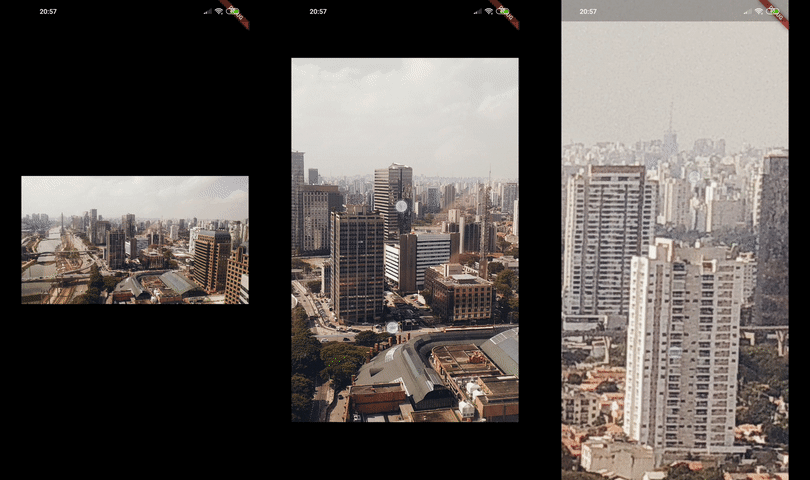
Photo View는 제스처에 민감한 확대 가능한 위젯을 제공합니다. Photo View는 주로 인터랙티브 이미지 및 SVG와 같은 다른 콘텐츠를 표시하는 데 사용됩니다.
네트워크 정보(예: Wi-Fi 세부 정보)를 탐색하기 위한 Flutter 플러그인입니다.
의존성 목록 163 개
{"sdk":"flutter"}^3.7.1+2^5.1.1^2.0.11^0.1.5^7.0.0^4.0.7^1.1.1^2.0.2^3.0.0^0.1.6^1.4.2^1.19.0^0.8.0^7.3.0^2.0.0^1.0.2^1.0.8^0.0.2{"git":{"url":"https://github.com/jjoelj/flutter-plugins.git","ref":"83d5f846f83307b115191a80a1e9ecbda9804570","path":"packages/desktop_drop"}}{"git":{"url":"https://github.com/BlueBubblesApp/flutter_desktop_webview_auth.git","ref":"webkit2gtk-4.1"}}^11.3.0^1.0.3^5.9.0^1.1.46^1.8.1^2.0.3^4.3.0^5.1.0^3.3.0^2.2.0^3.6.2^2.3.1^11.0.2^1.1.0{"git":{"url":"https://github.com/appsup-dart/firebase_dart.git","ref":"beb79f70a2bb0e96e6bb9fdebac2ff452f138950","path":"packages/firebase_dart"}}^1.2.0^3.7.1^8.1.1^1.1.4^6.0.1^0.7.0^2.4.0^0.0.3^6.0.0^22.0.1^8.1.0^1.0.7^0.4.0^4.0.1^2.1.1^0.7.0^2.2.0^5.0.2^8.2.14^14.0.2{"git":{"url":"https://github.com/BlueBubblesApp/xgesture_flutter.git","ref":"d63342cb17976f60bd94e7c1a822398115d3f83c"}}^4.7.2^1.0.3^9.25.0^8.0.2^0.15.3^0.13.0^7.1.1^3.1.0+2^2.6.1+7^4.5.4^1.2.0^2.4.1^2.0.11^3.0.0^0.0.3^0.1.1^0.5.1^3.0.1^3.0.0+1^2.6.1^0.13.0^1.2.2^2.0.0^1.0.7^1.0.1^7.2.0^3.18.0^0.0.2^1.5.0^7.0.0^6.0.3^2.1.2^5.3.1anyanyany^0.5.24^1.0.0^4.7.0^9.0.1^3.2.0^0.5.0^2.1.5^2.2.1^2.3.0^3.11.3^12.0.1^3.9.0^0.15.0^5.14.2^0.10.2^4.1.0^0.2.7^6.1.1^0.6.0^4.0.1^0.2.0^3.0.1^4.1.0^12.0.1^2.5.3^2.4.10^2.4.2^3.0.0^5.1.0^2.1.3^3.3.0+1^2.0.0^2.0.1^3.1.2^3.0.1^1.8.0^3.3.0+3^2.1.1^0.5.1^0.5.1^5.0.2^2.2.4^2.2.2^6.3.2^1.0.2^3.0.2^2.10.0^0.2.5^5.10.1^0.5.1^1.1.2^0.0.1anyanyanyanyanyanyanyanyanyanyanyany^2.7.1^3.1.0^0.14.3^6.0.0^6.0.0any사용 목적에 따라 검색하고 개발 활동을 비교한 뒤 원본 저장소에서 요구 사항을 확인하세요.
“A repository is the most basic element of GitHub.”
GitHub Docs — About repositories ↗