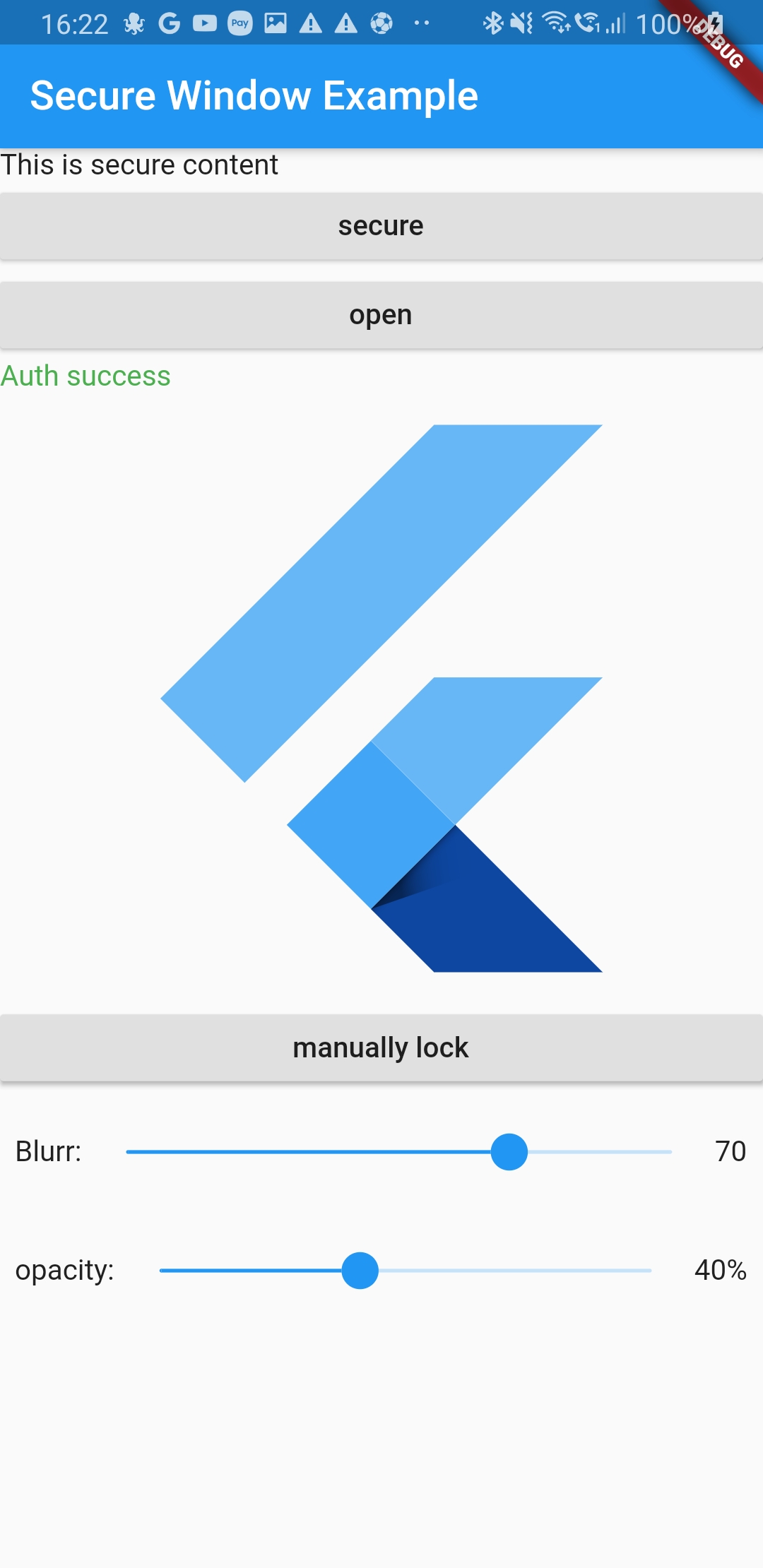
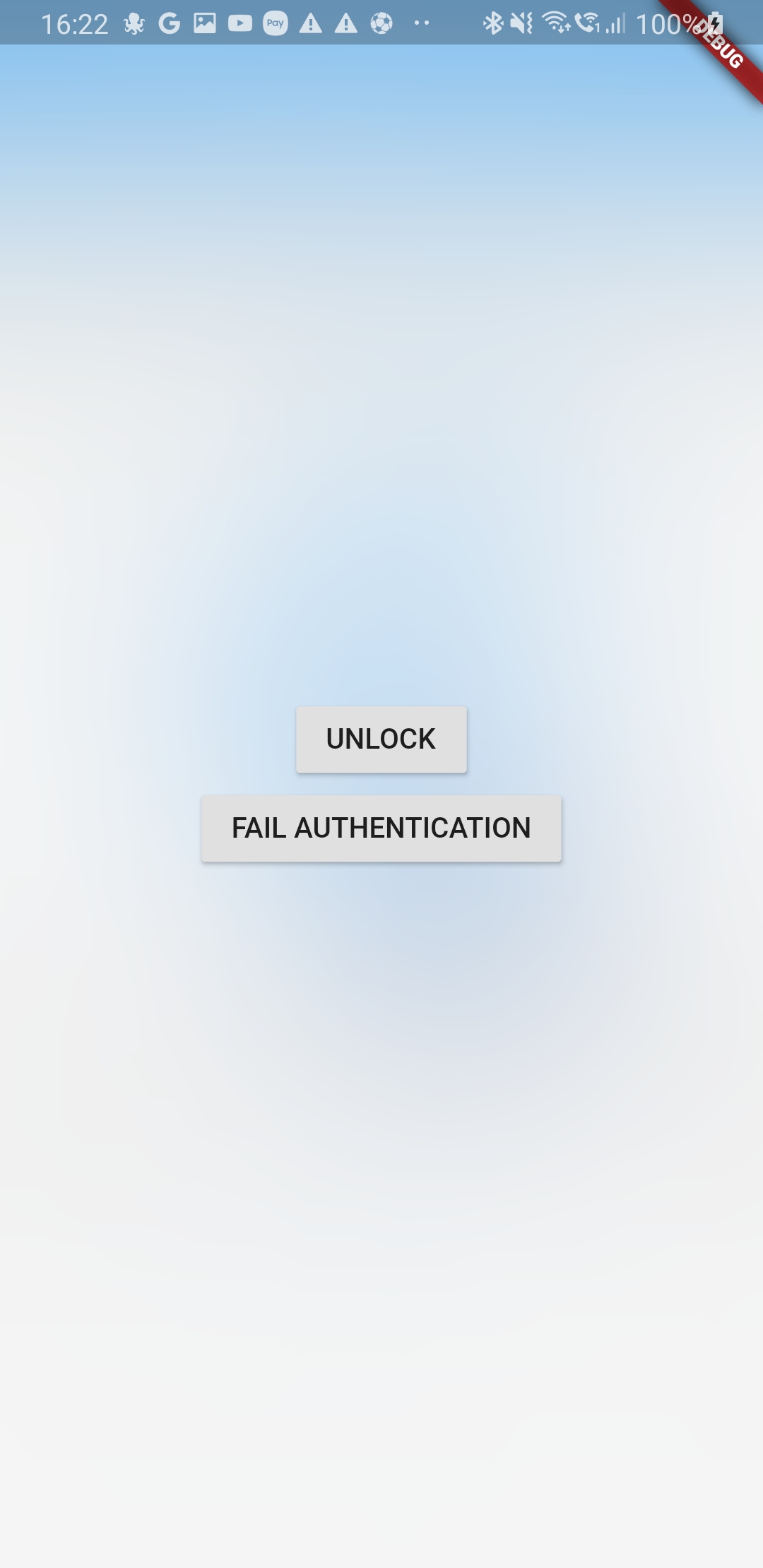
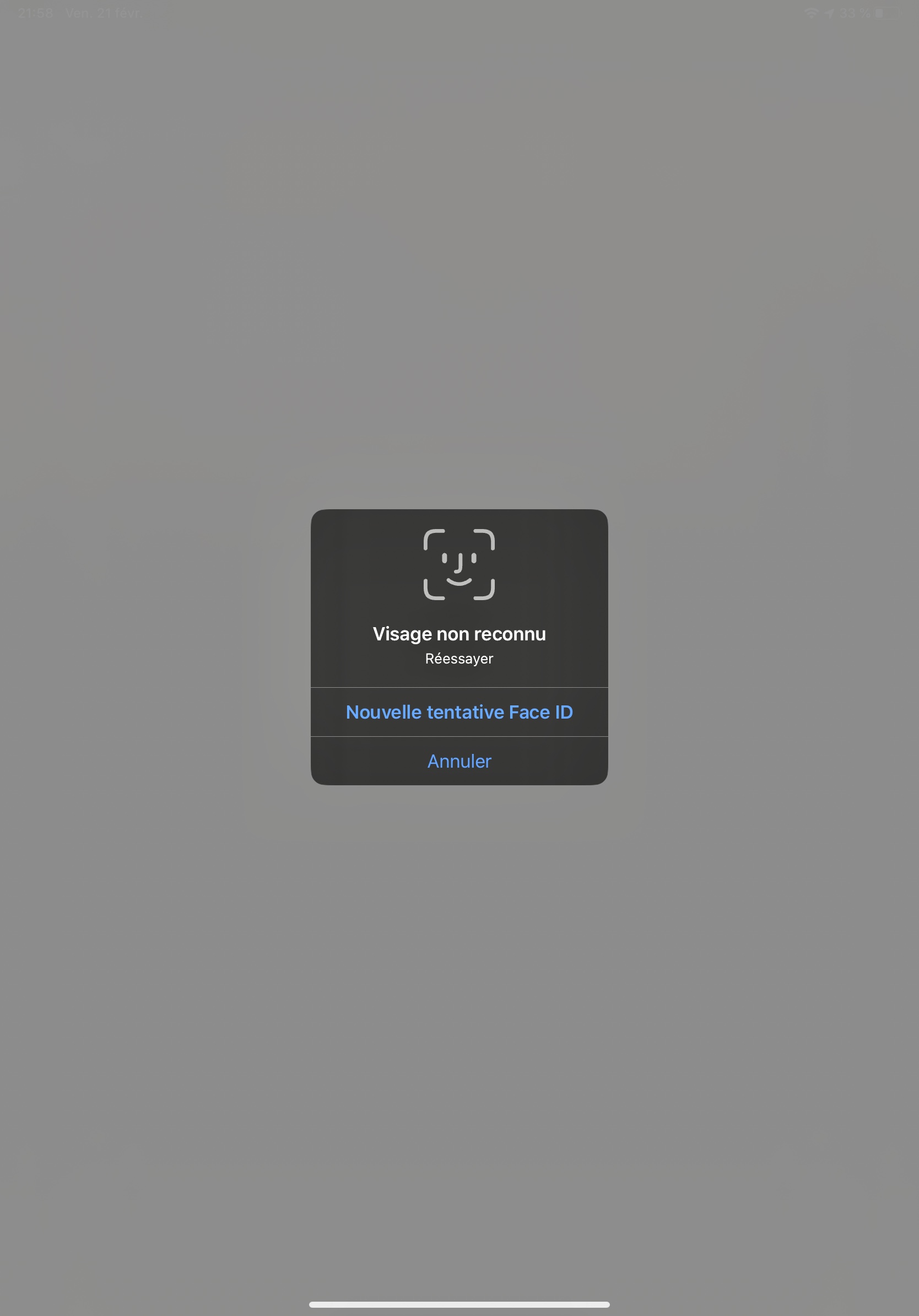
secure_application 패키지는 사용자가 앱을 떠날 때 민감한 콘텐츠가 숨겨지도록 하여 앱 보안을 강화합니다. 앱 전환기에서 콘텐츠가 표시되는 것을 방지하고, 복귀 시 잠긴 콘텐츠에 서리 장벽 오버레이를 적용하여 개인정보를 보호합니다. Android, iOS, Web 및 Windows용으로 설계되었으며, Flutter 앱에 원활하게 통합되어 백그라운드 전환 중 사용자 데이터를 보호합니다. 이 패키지는 플랫폼별 기능을 활용하여 사용성에 영향을 주지 않고 보안을 유지합니다.
사용 사례
앱 전환 중에 민감한 UI 요소 보호하기
앱에서 개인 또는 기밀 데이터 보호
다중 사용자 환경에서 스크린샷 유출 방지
의료 또는 금융 애플리케이션에서 프라이버시 보장
데이터 보호 기준 준수 유지
주요 기능
앱 전환기에서 앱 콘텐츠 숨기기
반환 시 냉동 차단 오버레이를 적용합니다
크로스 플랫폼 지원 (Android, iOS, Web, Windows)
최소 통합 노력
플랫폼 내장 보안 메커니즘
적합한 대상
개인정보 보호 중심의 모바일 및 데스크톱 앱
금융 및 헬스케어 애플리케이션
다중 사용자 장치 환경
GDPR 또는 HIPAA 준수를 요구하는 앱
사용자 데이터 보호를 우선시하는 개발자
고려 사항
적절한 플랫폼 권한이 필요합니다
저사양 기기에서 성능에 영향을 줄 수 있습니다
서리 장벽 효과는 모든 화면 유형에서 보이지 않을 수 있습니다
완전한 앱 암호화의 대체가 아님
사용자 경험은 플랫폼에 따라 다를 수 있습니다
원본 README
연결된 소스 저장소의 README 원문 스냅샷입니다. 최신 내용은 저장소에서 확인하세요.
previously nammed secure_window
secure_application
This plugin allow you to protect your application content from view on demand
Pluggin in iOS is in swift
Pluggin in Android is in Kotlin / AndroidX libraries
Pluggin is also working for web
Plugin work for windows (will lock when you minimize the window and lock screen)
Usage
Installation
Add secure_application as a dependency in your pubspec.yaml file (what?).
SecureApplication(
        onNeedUnlock: (secure) => print(
            'need unlock maybe use biometric to confirm and then use sercure.unlock()'),
        child: MyAppContent(),
)
Put the content you want to protect in a SecureGate (could be the whole app)
Secure application is in MaterialApp/Builder so just above your app naviagator
I wrap the route i want to protect in onGenerateRoute with a SecureGate but you could put it anywhare you want if you only want to protect part of your page
Ask validation will display a dialog above everything to ask is you want to unlock app or not
if the user switch app or leave app the content will not be visible in the app switcher
and when it goes back to the app it will lock it
locked
the child of the SecureGates will be hidden bellow the blurry barrier
paused
even if secured SecureGates will not activate when user comes back to the app
authenticated
last authentication status. To help you manage visibility of some elements of your UI
depending on auth status
secureApplicationController.authFailed() will set it to false
secureApplicationController.authLogout() will set it to false
secureApplicationController.authSuccess() will set it to true
You could use the authenticationEvents for the same purpose as it is a BehaviorSubject stream
Streams
There is two different BehaviorStream (emit last value when you subscribe):
authenticationEvents: When there is a successful or unsucessful authentification (you can use it for example to clean your app if authentification is not successful)
lockEvents: Will be called when the application lock or unlock. Usefull for example to pause media when the app lock
Example
Look at example app to see a use case
Authentication
This tool does not impose a way to authenticate the user to give them back access to their content
You are free to use your own Widget/Workflow to allow user to see their content once locked (cf SecureApplication widget argument onNeedUnlock)
On Android as soon as you secure the application the user will not be able to capture the screen in the app (even if unlocked)
We might give an option to allow screenshot as an option if need arise
iOS
Contrary to Android we create a native frosted view over your app content so that content is not visible in the app switcher.
When the user gets back to the app we wait for ~500ms to remove this view to allow time for the app to woke and flutter gate to draw
Widgets
SecureApplication
Api Doc
this widget is required and need to be a parent of any Gate
it provides to its descendant a SecureApplicationProvider that allow you to secure or open the application
You can pass you own initialized SecureApplicationController if you want to set default values
SecureGate
Api Doc
The child of this widget will be below a blurry barrier (control the amount of blurr and opacity with its arguments)
if the provided SecureApplicationController is locked
When app will become inactive we add a top view with a blurr filter
We remove this app 500ms after the app become active to avoid your content form being breifly visible