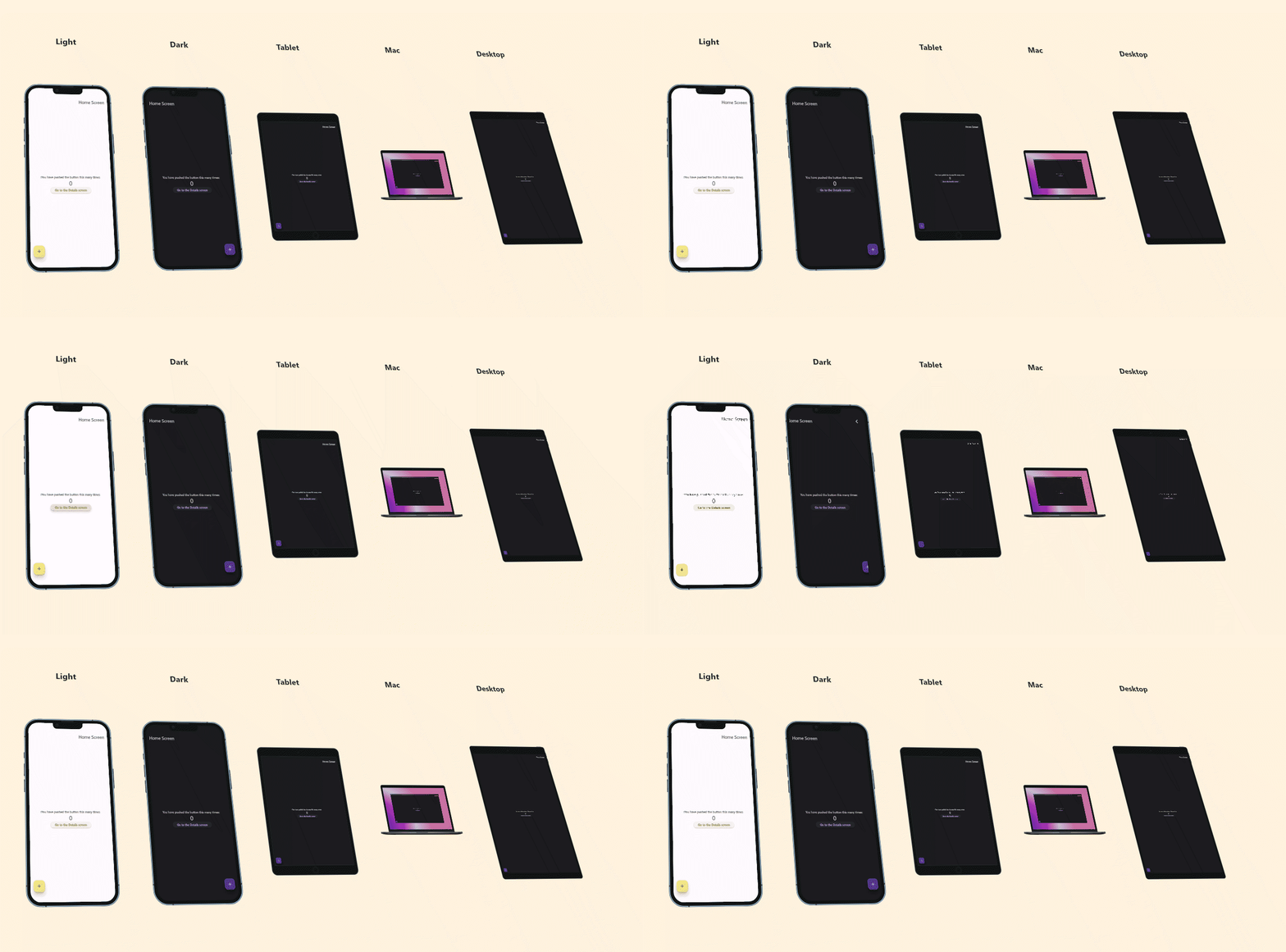
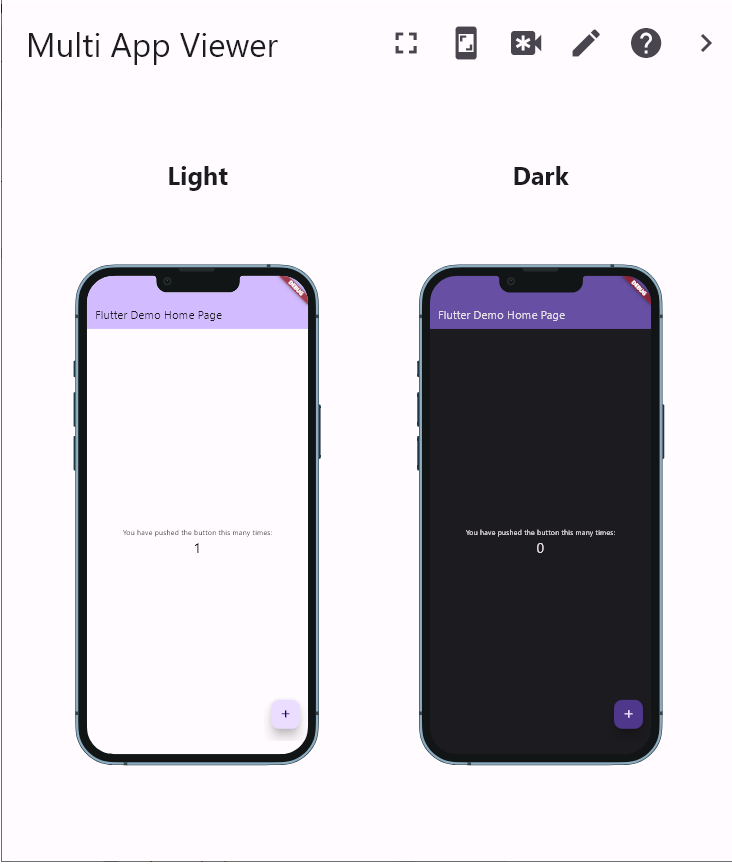
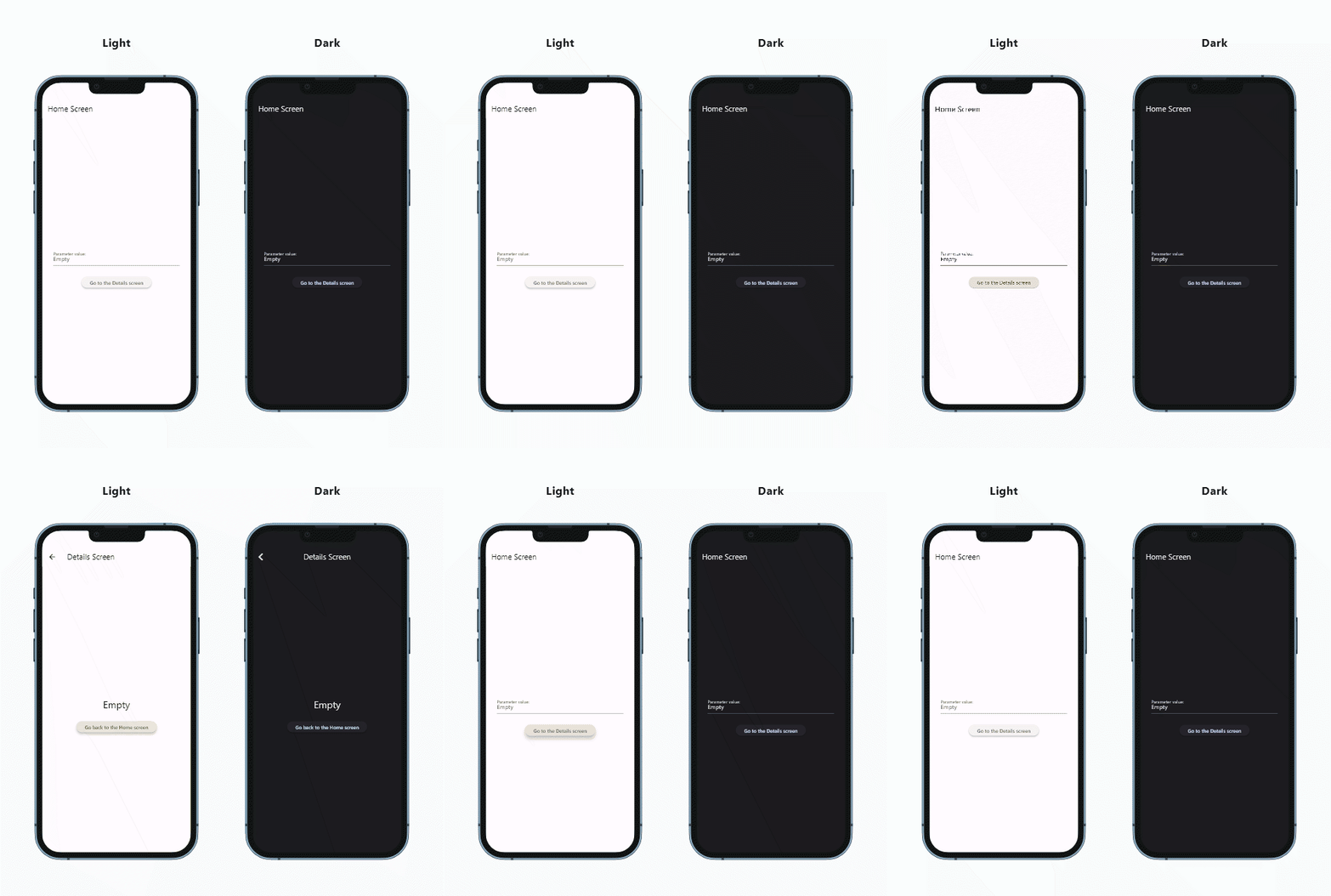
멀티 앱 뷰어는 개발자가 다양한 구성으로 하나의 앱을 동시에 보고 탐색할 수 있게 해주는 테스트 도구입니다. 다양한 설정 간의 동작을 빠르게 비교할 수 있도록 합니다. Android, iOS, Web, macOS, Windows, Linux 등 여러 플랫폼을 지원하여 크로스플랫폼 테스트에 적합합니다. 각 구성 변경 시 앱을 다시 빌드하거나 재시작할 필요를 줄여 개발 효율성을 높입니다. Flutter Pub를 통해 원활하게 통합되며, 개발 및 QA 워크플로우에 특별히 설계되었습니다.
사용 사례
다른 테마에서의 UI/UX 비교
다양한 환경 설정으로 앱 동작 테스트
다양한 언어 간 로컬라이제이션 변경 사항 검증
플랫폼별 렌더링 문제 디버깅
개발 중 빠른 구성 반복 수행
주요 기능
실시간 앱 상태 전환
다중 기기 플랫폼 지원
구성 차이의 실시간 미리보기
Flutter Pub를 통한 간편한 통합
앱 인스턴스 간 내장 탐색
적합한 대상
Flutter 개발자
QA 테스터
UI/UX 디자이너
크로스 플랫폼 앱 팀
빠른 프로토타이핑 환경
고려 사항
생산 빌드용으로 의도되지 않음
구성 프로파일의 수동 설정이 필요합니다
여러 인스턴스 사용 시 메모리 사용량이 증가할 수 있습니다
읽기 전용; 자동 테스트용이 아님
개발 전용 환경에서만 최적으로 사용됨
원본 README
연결된 소스 저장소의 README 원문 스냅샷입니다. 최신 내용은 저장소에서 확인하세요.
Multi App Viewer
Multi App View is a developer tool to view and navigate multiple instances of one app with
different visual settings, at the same time.
While developing and debugging your app, during a hot reload the MAV frame should keep the
interactive formatting but on restart it will use the initial view.
Configurations are not app specific, you can reuse them in different projects.
and an onNavigationCallback to handle and forward navigation events to the rest of the instances. The callback depends on the way of navigation in your app.
For example with go_router
If you use a state management solution, the MAV event bus might not be needed. For example, Provider counter example works out of the box when ' Providers are above MyApp instead of inside it. '
Scripts
Scripts are lists of navigation, configuration change and synchronization commands.
For example:
List script = [
FrameConfiguration.fourPiece(),
// navigates to details with value 33
(-1, 'details', {'id1': '33'}),
// navigates back to main
(-1, '/', {'id1': '33'}),
// send value 99 to all listeners
('_counterValue', 99)
];
// runs the script when the toolbar menu Run scrip invoked MavFrame.buttonScript = script;
// runs the script when the app load or reloads MavFrame.autoRunScript = script;
// repeats the script until the stop button is pressedMavFrame.autoRepeat = true;
Additional information
Mentions
Although the device_preview package is not used directly, it is still an exceptional inspiration for
Flutter development.
The dashboard package is used for complex layouts. That's a very promising solution.
Disclaimer
Showing the same app in multiple slots at the same time is not an end user scenario. Therefore, this
is a development tool not a release feature.
Most of the Flutter apps are not reentrant (and that's OK). Running them in parallel with themself has conflicts on
statics, globals, keys, local or server resources. These conflicts may result in data loss, endless loops,
tricky and hard to detect bugs.
The itemBuilder and the itemInherited permits further customization and isolation of the instances.
Performance degradations are natural as more and more items are started at the same time.
Make sure that Multi App View does not impact the release quality of your app by separating/removing all
related code from release builds and
have separate run configurations with and without Multi App View.
Screens and platforms
Of course, all instances run on the same platform even if the device frames are different.
Big screen is good. I use the desktop target where I develop.
If you want to make a distributable with the Multi App Viewer, swap the original main.dart file with the new you've created in the Getting Started.
Use it internally only, since the Multi App View is not for release versions.
This is a pure dart library, it should work on all platforms - more or less.
Multi App Viewer tries to minimize the impact on the hosting app, for example no additional permission are required. That's why the file save/load is a bit simplified...
The config file save and load was not tested on Linux, MacOs and IoS. Please submit an issue if you
encounter problems.
Lot of apps will not run with Multi App View if they are non reentrant. For example, in the Gallery App the Reply sample fails on a GlobalKey when running more than one instance, all others work.
Running on different platform may have different results. For example, an app running on Android may fail on restoration ids, but may run on Windows and on Web.