분류, 패키지 및 저장소 검색

패키지 상세v0.14.0

qr_code_dart_scan

Dart 디코더를 사용하여 iOS 및 Android에서 모두 작동하는 QR 코드 스캐너입니다.

AndroidiOS
30일 다운로드
1.4만
좋아요
67
Pub 점수
120

패키지 설치

flutter pub add qr_code_dart_scan

패키지 개요

공개 정보를 바탕으로 생성한 선택 가이드입니다.

Flutter 앱을 위한 크로스 플랫폼 QR 코드 스캐너로, Android와 iOS 모두에서 원활하게 작동하는 Dart 기반 디코더를 활용합니다. 네이티브 카메라 API에 의존하지 않고 실시간 스캔을 가능하게 하며, Dart 내에서 직접 QR 코드 기능을 통합할 수 있는 가볍고 효율적인 솔루션을 제공합니다. 티켓팅, 인증, 제품 정보 검색과 같은 QR 코드에서 빠르게 데이터를 추출해야 하는 애플리케이션에 적합합니다. 간단함을 우선시하여 설계되어 쉽게 통합되고 신뢰할 수 있는 디코딩 성능을 제공합니다.

사용 사례

  • 모바일 앱에서 QR 코드 스캔하기
  • 디지털 티켓 검증
  • 제품 정보 조회
  • QR을 통한 사용자 인증
  • 장치 간 빠른 데이터 전송

주요 기능

  • 크로스 플랫폼 지원 (iOS 및 안드로이드)
  • Dart 네이티브 디코딩 엔진
  • 가볍고 빠름
  • 간단한 API 통합
  • 실시간 스캔 기능

적합한 대상

  • QR 스캔 기능이 필요한 모바일 앱을 개발하는 개발자
  • 오프라인 QR 디코딩이 필요한 앱
  • 네이티브 카메라 종속성 회피 프로젝트

고려 사항

  • QR 코드에 한정 (바코드 제외)
  • 성능은 기기 카메라 품질에 따라 달라집니다
  • 카메라 권한이 필요할 수 있습니다
  • 내장된 UI 없음—사용자 정의 구현 필요

원본 README

연결된 소스 저장소의 README 원문 스냅샷입니다. 최신 내용은 저장소에서 확인하세요.

pub package

QRCodeDartScan

A QR code scanner that works on both iOS and Android using dart decoder.

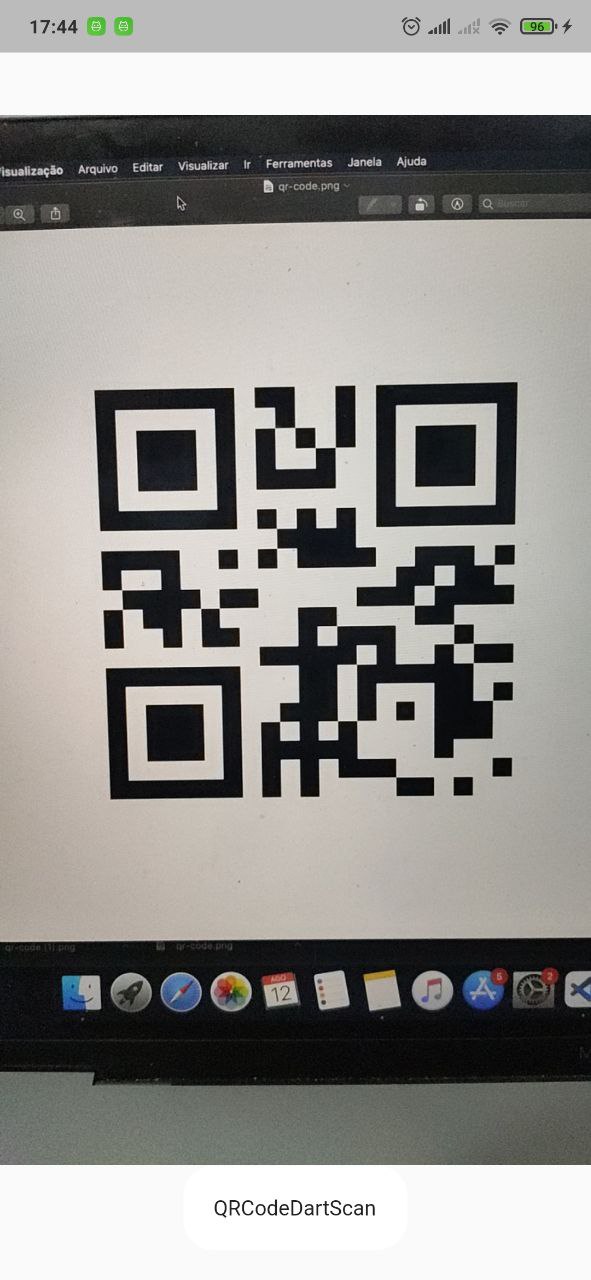
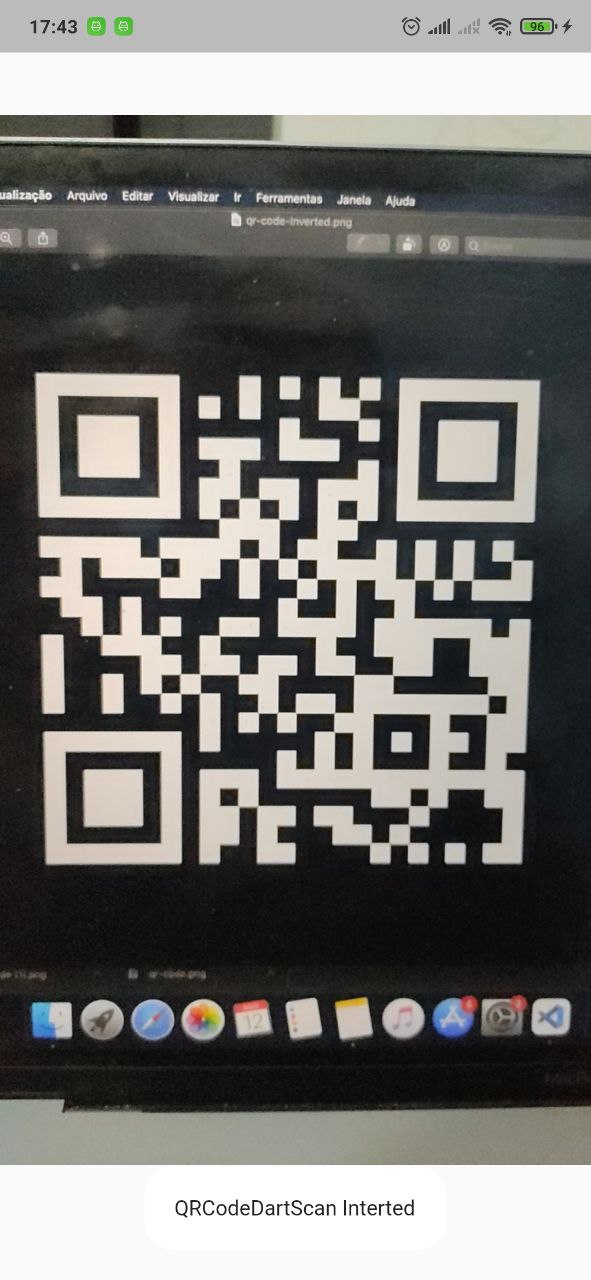
Scanning normal Qr code Scanning invert Qr code

APK DEMO

Features

  • Camera scan preview in a widget
  • Scan QRCode
  • Scan inverted QRCode

Supported platforms

This package is limited per camera pluggin support.

Platform Scan live Scan take picture
Android :white_check_mark: :white_check_mark:
IOS :white_check_mark: :white_check_mark:
WEB :white_check_mark:
Windows
MacOS
Linux

Supported Formats

  • QR_CODE
  • AZTEC
  • DATA_MATRIX
  • PDF_417
  • CODE_39
  • CODE_93
  • CODE_128
  • EAN_8
  • EAN_13
  • ITF

Installation

First, add qr_code_dart_scan as a dependency in your pubspec.yaml file.

iOS

iOS 10.0 of higher is needed to use the camera plugin. If compiling for any version lower than 10.0 make sure to check the iOS version before using the camera plugin. For example, using the device_info plugin.

Add two rows to the ios/Runner/Info.plist:

  • one with the key Privacy - Camera Usage Description and a usage description.
  • and one with the key Privacy - Microphone Usage Description and a usage description.

Or in text format add the key:

<key>NSCameraUsageDescription</key>
<string>Can I use the camera please?</string>
<key>NSMicrophoneUsageDescription</key>
<string>Can I use the mic please?</string>
Android

Change the minimum Android sdk version to 21 (or higher) in your android/app/build.gradle file.

minSdkVersion 21

It's important to note that the MediaRecorder class is not working properly on emulators, as stated in the documentation: https://developer.android.com/reference/android/media/MediaRecorder. Specifically, when recording a video with sound enabled and trying to play it back, the duration won't be correct and you will only see the first frame.

dependency_overrides:
  camera_android_camerax: 0.6.14
Using

    return Scaffold(
      body: QRCodeDartScanView(
        onCameraError: (String error) {
          debugPrint('Error: $error');
        },
        // cropRect: CropRect(left: 0, top: 0, width: 100, height: 100), // You can crop the image to improve accuracy by specifying a rectangle region. ( default = null)
        // imageDecodeOrientation: ImageDecodeOrientation.original, // you can force how the image orientation will be decoded (default = original)
        typeScan: TypeScan.live, // if TypeScan.takePicture will try decode when click to take a picture(default TypeScan.live)
        // intervalScan: const Duration(seconds:1)
        // onResultInterceptor: (old,new){
        //  do any rule to controll onCapture.
        // }
        // takePictureButtonBuilder: (context,controller,isLoading){ // if typeScan == TypeScan.takePicture you can customize the button.
        //    if(loading) return CircularProgressIndicator();
        //    return ElevatedButton(
        //       onPressed:controller.takePictureAndDecode,
        //       child:Text('Take a picture'),
        //    );
        // }
        // resolutionPreset: = QrCodeDartScanResolutionPreset.high,
        // formats: [ // You can restrict specific formats.
        //  BarcodeFormat.qrCode,
        //  BarcodeFormat.aztec,
        //  BarcodeFormat.dataMatrix,
        //  BarcodeFormat.pdf417,
        //  BarcodeFormat.code39,
        //  BarcodeFormat.code93,
        //  BarcodeFormat.code128,
        //  BarcodeFormat.ean8,
        //  BarcodeFormat.ean13,
        // ],
        // croppingStrategy: CroppingStrategy.cropCenterSquare(
        //   squareSizeFactor: 0.7,
        // ),
        onCapture: (ScanResult result) {
          // do anything with result
          // result.text      -> String
          // result.format    -> BarcodeFormat
          // result.corners   -> List<Point<double>>, in camera preview
          //                     coordinates. Use `result.corners.toOffsets`
          //                     to paint them.
          // result.rawBytes  -> Uint8List?
          // result.timestamp -> DateTime
        },
      ),
    );
    

ATTENTION

Always use this package in portrait mode.

There is a bug in the camera plugin that sometimes the image is rotated 90 degrees, to avoid this problem, you can use the imageDecodeOrientation parameter to force the image to be decoded in the correct orientation.

For example, if you are reading an ITF code, you can force the image to be decoded in landscape orientation.

imageDecodeOrientation: ImageDecodeOrientation.landscape,

if you want to force the image to be decoded in portrait orientation, you can use the following code:

imageDecodeOrientation: ImageDecodeOrientation.portrait,
Camera performance

The decoder process is done in dart code. So, in flutter debug mode, you will not have a good performance. But in release mode, the performance is very better.

카테고리

의존성

의존성 목록 6 개

소스 저장소

이 패키지를 사용하는 프로젝트