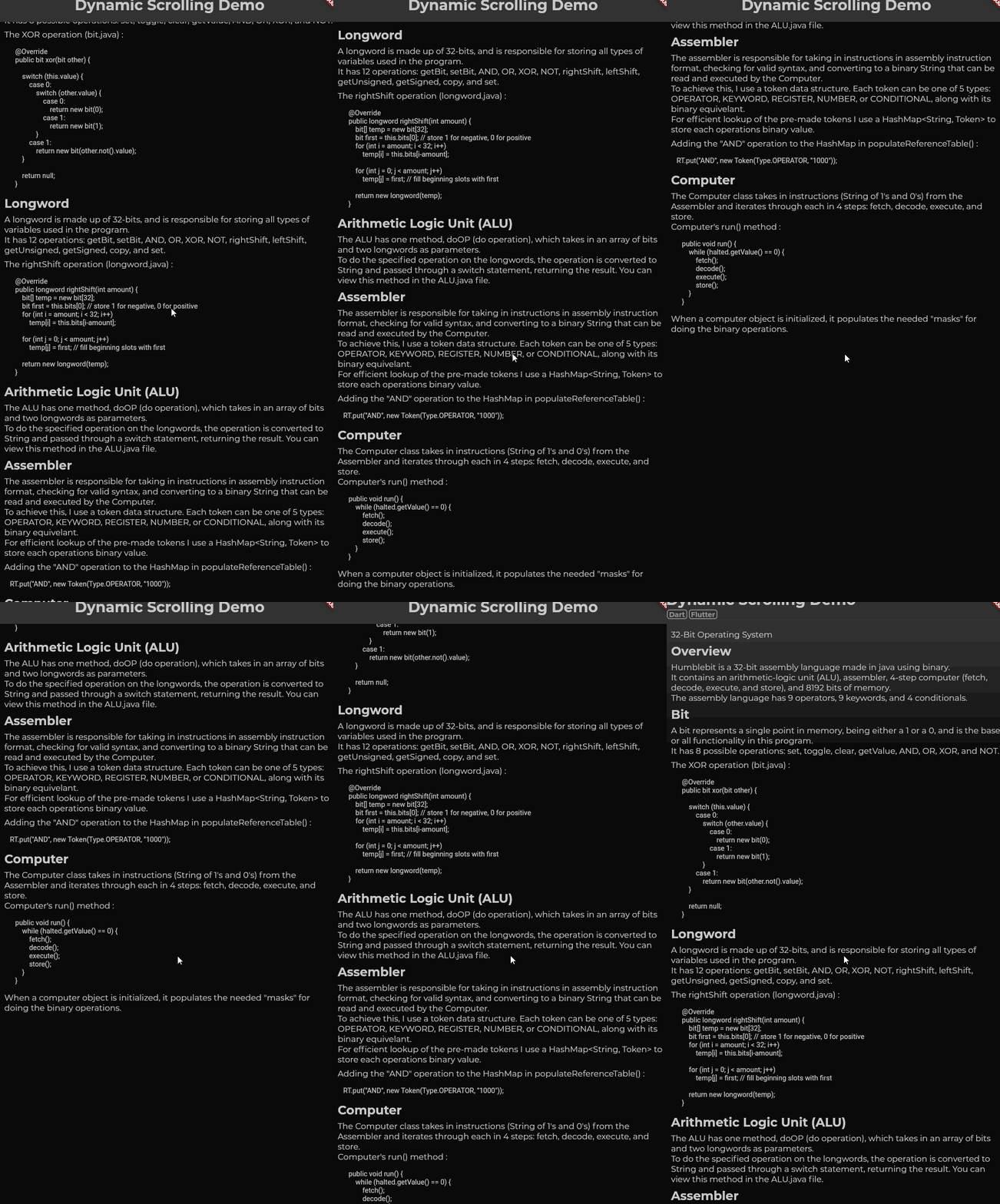
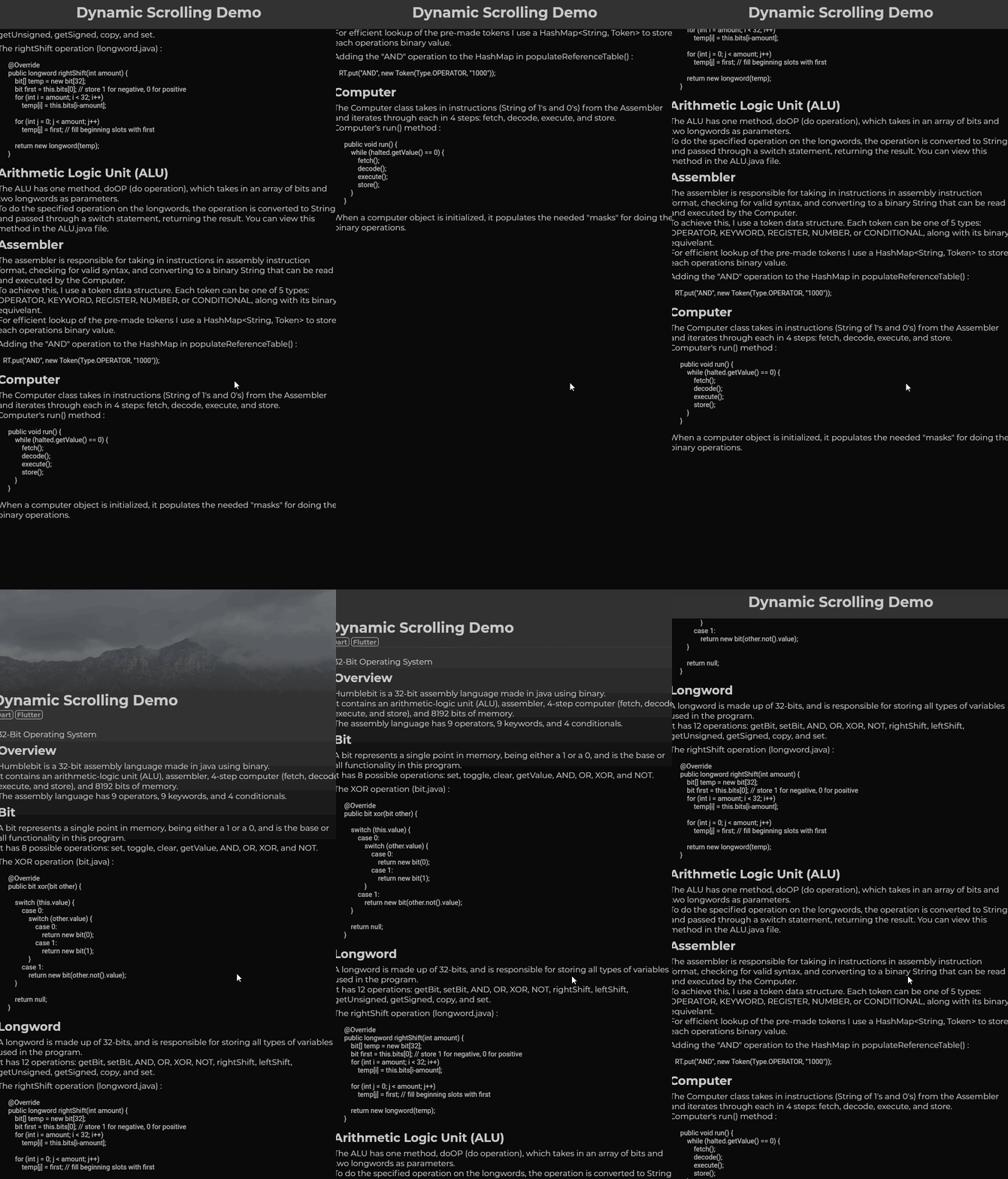
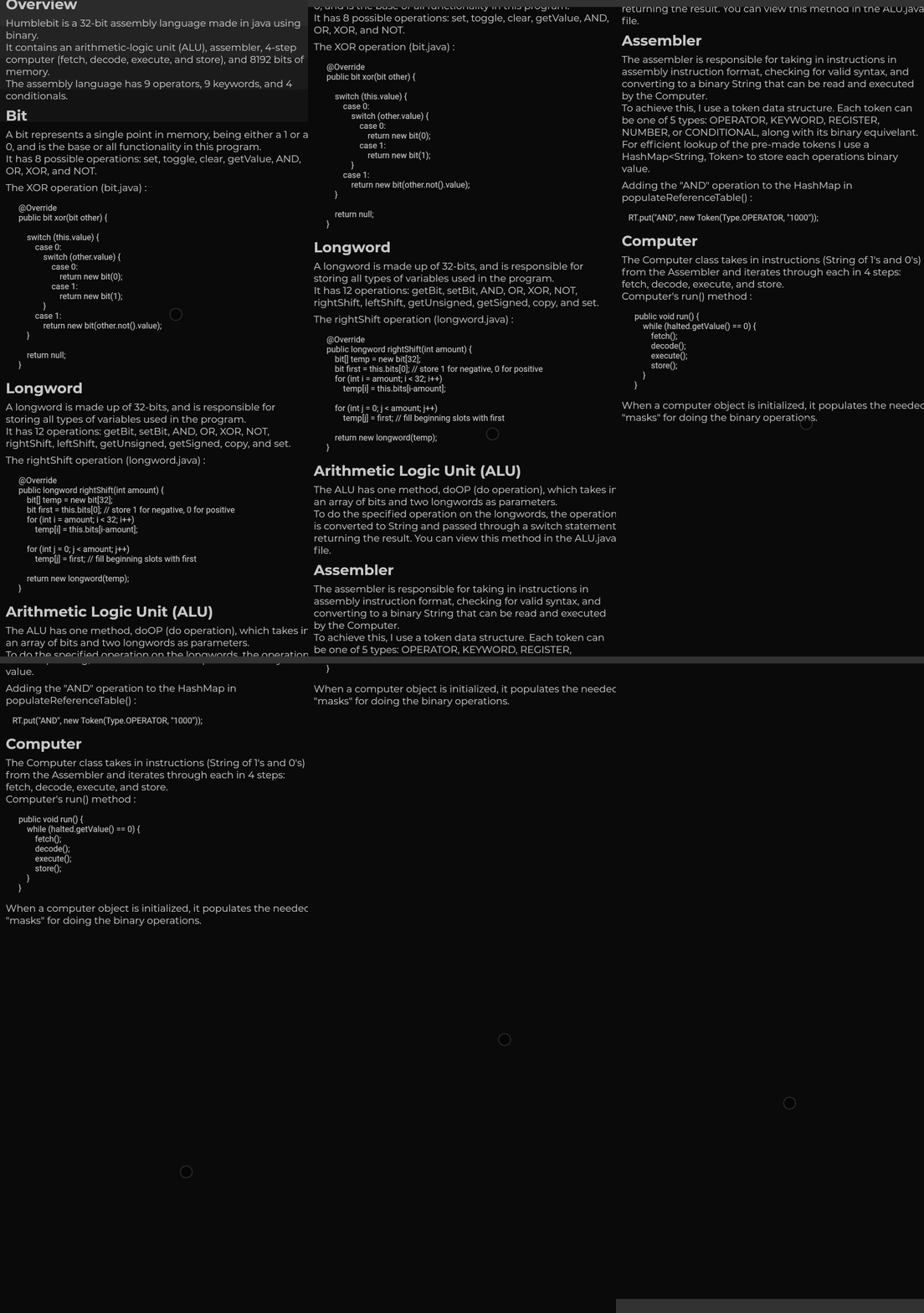
모든 플랫폼에서 마우스 기반의 부드러운 스크롤링을 제공하는 Flutter 패키지입니다. ListView 또는 ScrollViewController와 같은 기존의 스크롤 가능한 위젯을 감싸서 마우스를 사용할 때 유연하고 지속적인 스크롤 경험을 제공하여 데스크톱 및 웹 환경에서의 사용성을 향상시킵니다. 이 패키지는 대상 플랫폼에 관계없이 일관된 동작을 보장하며 정밀한 탐색이 필요한 애플리케이션에 적합합니다. 네이티브 입력 처리를 활용해 반응성 있고 자연스러운 스크롤 동작을 제공합니다.
사용 사례
데스크톱 애플리케이션 탐색
웹 앱 부드러운 스크롤
크로스 플랫폼 UI 일관성
마우스 입력에 대한 사용자 경험 향상
데이터가 많은 인터페이스에서의 스크롤링
주요 기능
플랫폼에 관계없는 부드러운 스크롤
마우스 중심 스크롤 최적화
기존 스크롤 가능한 요소와의 원활한 통합
모든 주요 플랫폼을 지원합니다
필수 최소 구성
적합한 대상
다중 플랫폼을 대상으로 하는 개발자
넓은 스크롤 가능한 콘텐츠를 가진 앱
데스크톱 및 웹 중심의 Flutter 프로젝트
사용자 경험 중심의 인터페이스 디자인
정교한 스크롤 동작이 필요한 프로젝트
고려 사항
터치 기반 스크롤에 영향을 주지 않을 수 있음
완전한 효과를 위해 마우스 입력이 필요합니다
모바일 플랫폼에 미치는 영향은 제한적
모바일이 아닌 사용 사례에 가장 적합
큰 목록에서의 잠재적인 성능 오버헤드
원본 README
연결된 소스 저장소의 README 원문 스냅샷입니다. 최신 내용은 저장소에서 확인하세요.
Multiplatform Smooth Scroll
A fork of the dyn_mouse_scroll package, including Wizzel1's fixes and my own fixes;
Provides wrapper for scrollable widgets that enables smooth scrolling with a mouse wheel, trackpad or touch screen on all platforms;
This fork fixes all issues regarding trackpad, mouse/trackpad switching and animations, fixing the slippery effect when changing scroll direction;
The fork also changes the default mouse scroll animation to look smoother;
Additionally, it allows to change the scroll speed, on top of the duration and animation curve.
First gif: Scrolling slowly.
Second gif: Scrolling quickly (flick scroll).
Third gif: Mobile drag scroll detected, physics change.
Features
Animate smooth scroll based on speed of user's scroll.
Automatically detect if the wrong ScrollPhysics is being used and update using provider.
Flutter does not animate smooth scrolls for pointers, causing choppy experiences for the end user.
One package, web_smooth_scroll, attempts to fix this problem
by disabling default scrolling entirely (mobile can't drag now) and listening for pointer events to animate
the scroll controller that can only move at one speed.
Solution:
To allow mobile default scrolling to still be accessible I detect the user's platform
and automatically update if the detection was wrong. When the user scrolls, the 'futurePosition'
variable is updated and the animation is started I set the mobile scroll physics as the default
one, switching to desktop scroll physics as the mouse wheel scroll is initiated and only starting the animation
after the widget is rebuilt; the desktop scroll physics then takes priority over mobile physics,
switching back to mobile physics only after the last scroll animation has ended, only if no new scroll wheel
action had been initiated in the meantime.