연결된 소스 저장소의 README 원문 스냅샷입니다. 최신 내용은 저장소에서 확인하세요.

Simplifying your widget tree structure by defining widgets using methods.



Thanks to the introduction of extension methods in Dart 2.7.0, styled_widget makes it possible to build widget tree`s more readable and efficient.
styled_widget is build as a tool to enhance your Flutter development experience and to seamlessly integrate with your codebase.
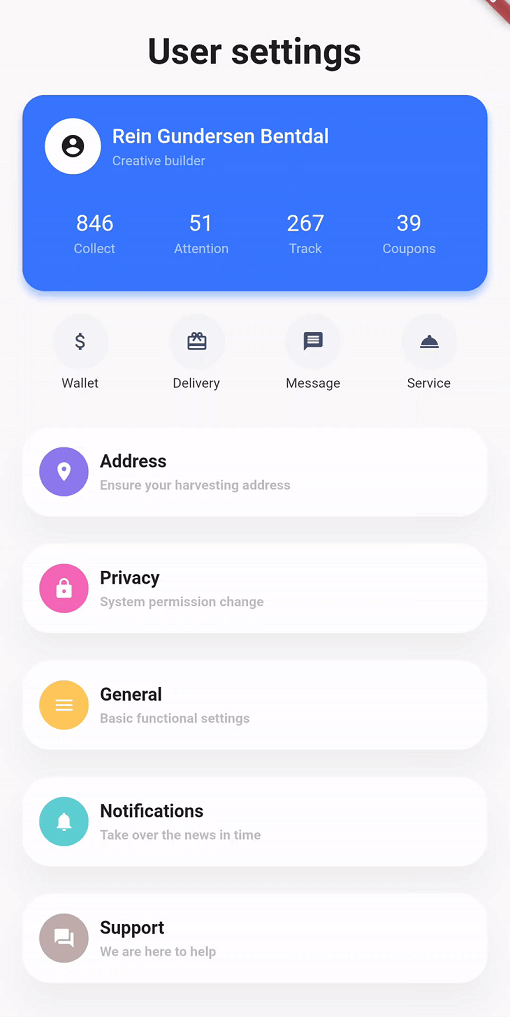
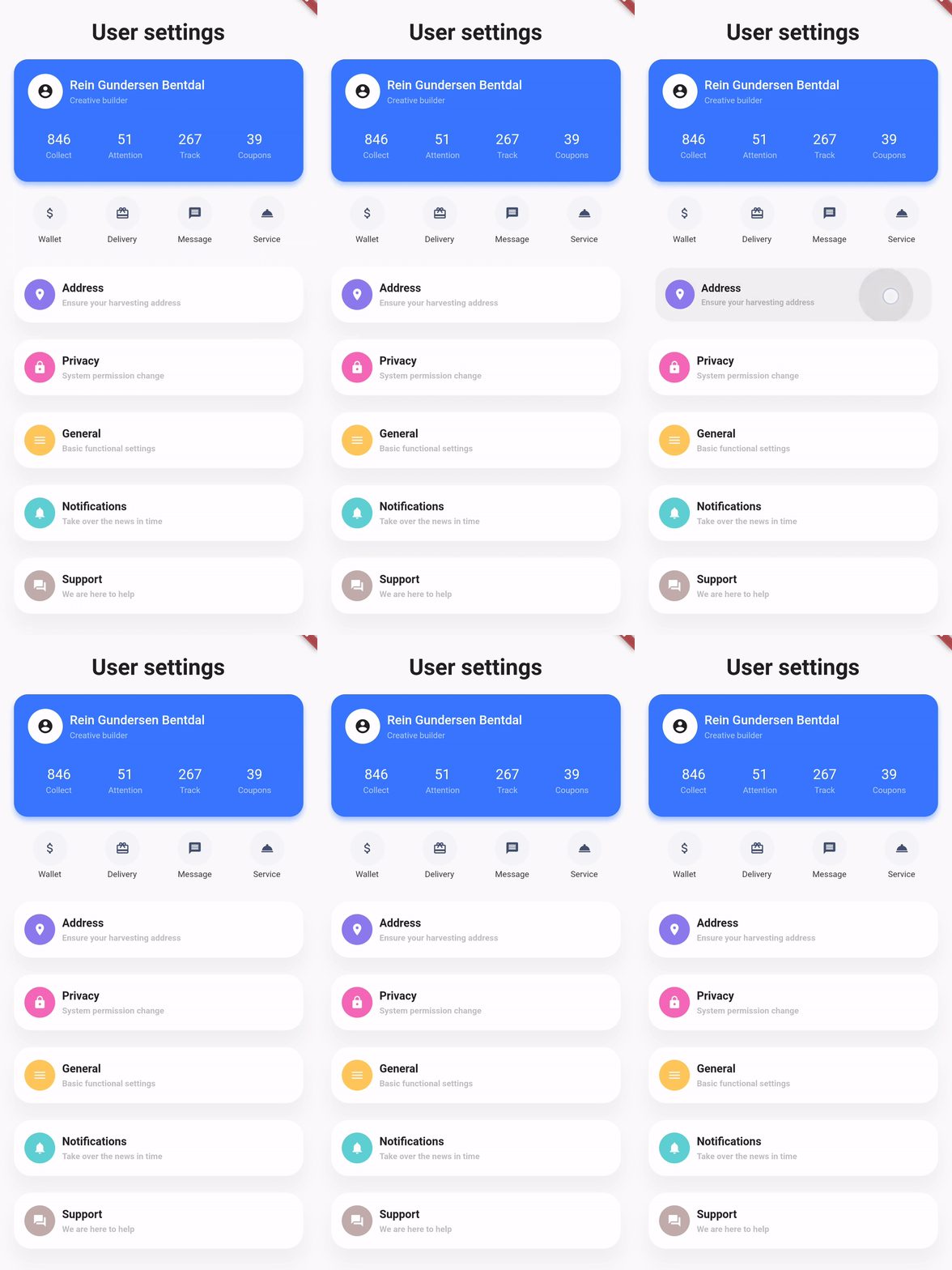
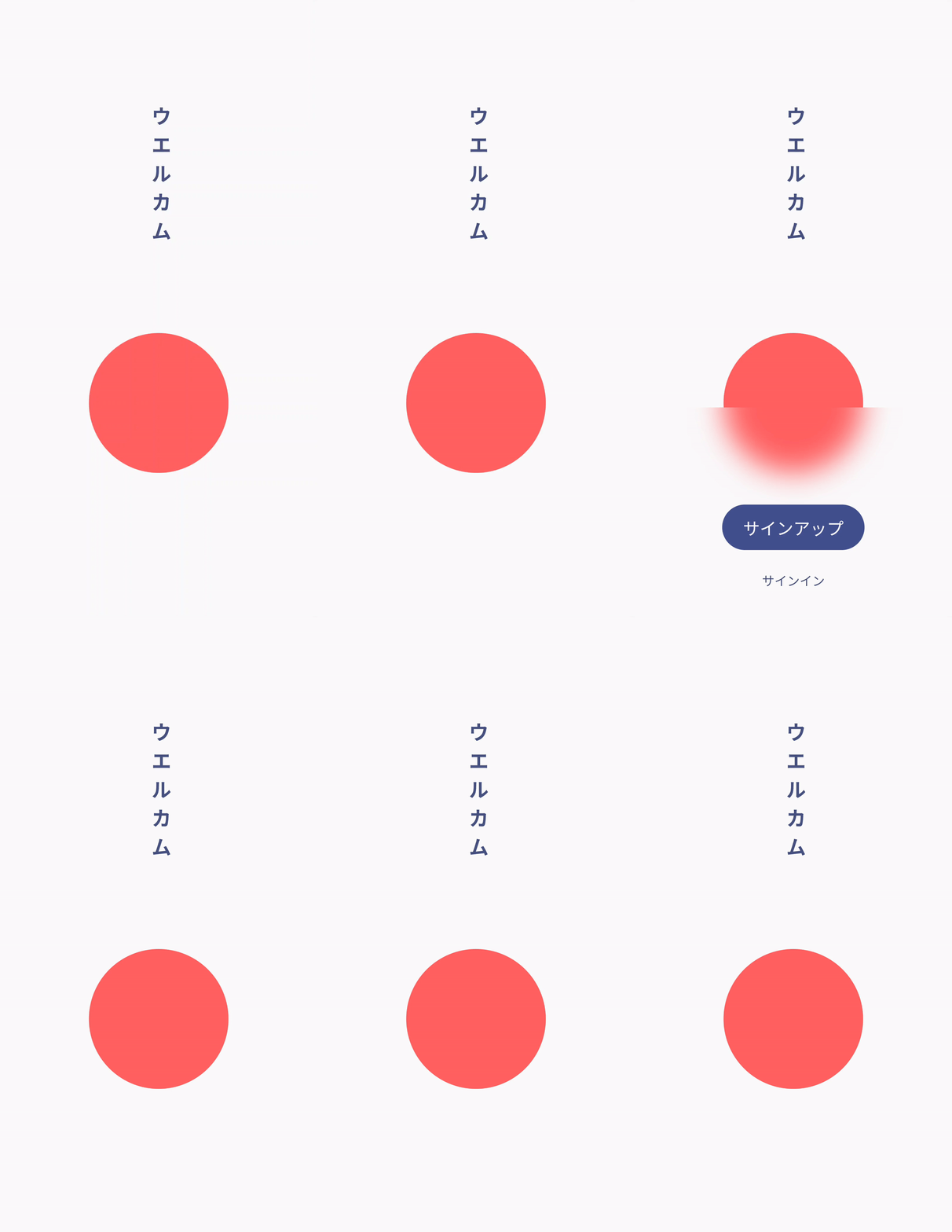
Showcase
Basic example
styled_widget has a bottom up approach to building widget`s. This means you start with the inner most element and layer widget`s on top. The following example is structured as follows:
Icon -> blue circle -> light blue circle -> card -> background
Icon(OMIcons.home, color: Colors.white)
  .padding(all: 10)
  .decorated(color: Color(0xff7AC1E7), shape: BoxShape.circle)
  .padding(all: 15)
  .decorated(color: Color(0xffE8F2F7), shape: BoxShape.circle)
  .padding(all: 20)
  .card(
    elevation: 10,
    shape: RoundedRectangleBorder(
      borderRadius: BorderRadius.circular(20),
    ),
  )
  .alignment(Alignment.center)
  .backgroundColor(Color(0xffEBECF1));
Raw Flutter (click to show)
DecoratedBox(
  decoration: BoxDecoration(
    color: Color(0xffEBECF1),
  ),
  child: Align(
    alignment: Alignment.center,
    child: Card(
      elevation: 10,
      shape: RoundedRectangleBorder(
        borderRadius: BorderRadius.circular(20),
      ),
      child: Padding(
        padding: EdgeInsets.all(20),
        child: DecoratedBox(
          decoration: BoxDecoration(
            color: Color(0xffE8F2F7),
            shape: BoxShape.circle,
          ),
          child: Padding(
            padding: EdgeInsets.all(15),
            child: DecoratedBox(
              decoration: BoxDecoration(
                color: Color(0xff7AC1E7),
                shape: BoxShape.circle,
              ),
              child: Padding(
                padding: EdgeInsets.all(10),
                child: Icon(
                  OMIcons.home,
                  color: Colors.white,
                ),
              ),
            ),
          ),
        ),
      ),
    ),
  ),
);

Docs
See the documentation at styled_widget/wiki for more information about using styled_widget!
Quicklinks