패키지, 저장소 및 앱 카테고리 검색

uri_to_file 표지
패키지 상세v1.0.0

uri_to_file

지원되는 URI를 파일로 변환하는 Flutter 플러그인입니다. Android 및 iOS를 지원합니다.

AndroidiOS
30일 다운로드
5.2천
좋아요
44
Pub 점수
160

패키지 설치

flutter pub add uri_to_file

패키지 개요

공개 정보를 바탕으로 생성한 선택 가이드입니다.

지원되는 URI를 Android 및 iOS에서 File 객체로 변환하는 Flutter 플러그인입니다. 이미지나 문서와 같은 다양한 URI 소스에서 파일에 접근할 수 있도록 사용 가능한 File 인스턴스로 변환해 줍니다. 파일 선택기, 카메라 캡처 또는 외부 파일 참조와 함께 작업할 때 특히 유용합니다. 이 플러그인은 플랫폼별 로직을 추상화함으로써 크로스플랫폼 앱에서의 파일 처리를 단순화합니다.

사용 사례

  • 갤러리에서 이미지 URI를 파일로 변환
  • 외부 소스에서 문서 파일 경로 처리
  • 카메라에서 캡처한 미디어 처리
  • 공유 저장소에서 파일 읽기
  • 파일 피커 플러그인과의 통합
  • URI에서 파일 업로드 지원

주요 기능

  • Android 및 iOS용 크로스 플랫폼 지원
  • 간단한 URI에서 파일로의 변환
  • 일반적인 파일 형식 처리
  • 최소한의 설정 필요
  • 네이티브 파일 시스템 접근과 호환됨
  • 파일 선택기 통합과 호환됨

적합한 대상

  • URI에서 파일에 접근이 필요한 앱
  • 미디어 처리 워크플로우
  • 파일 업로드 기능
  • 이미지 및 문서 처리
  • 파일 선택기 또는 카메라를 사용하는 개발자

고려 사항

  • Android 및 iOS만 지원
  • 파일 액세스를 위한 적절한 권한이 필요합니다
  • 지원되는 URI 스키마에 한정됨
  • 모든 사용자 정의 또는 암호화된 URI와 호환되지 않을 수 있습니다
  • 기반 플랫폼 구현에 따라 다름

원본 README

연결된 소스 저장소의 README 원문 스냅샷입니다. 최신 내용은 저장소에서 확인하세요.

uri_to_file

Pub

A Flutter plugin for converting supported uri to file. Supports Android & iOS.

Supported Uri Schema

  • content:// (Android Only)
  • Schema supported by File.fromUri(uri)

Get started

Add dependency
dependencies:
  uri_to_file: ^1.0.0
Super simple to use
import 'dart:io';

import 'package:uri_to_file/uri_to_file.dart';

Future<void> convertUriToFile() async {
  try {
    String uriString = 'content://sample.txt'; // Uri string

    // Don't pass uri parameter using [Uri] object via uri.toString().
    // Because uri.toString() changes the string to lowercase which causes this package to misbehave

    // If you are using uni_links package for deep linking purpose.
    // Pass the uri string using getInitialLink() or linkStream

    File file = await toFile(uriString); // Converting uri to file
  } catch (e) {
    print(e); // Exception
  }
}
Important note
  • Don't pass uri parameter using [Uri] object via uri.toString(). Because uri.toString() changes the string to lowercase which causes this package to misbehave
  • If you are using uni_links package for deep linking purpose. Pass the uri string using getInitialLink() or linkStream
  • Check out the full example: https://pub.dev/packages/uri_to_file/example
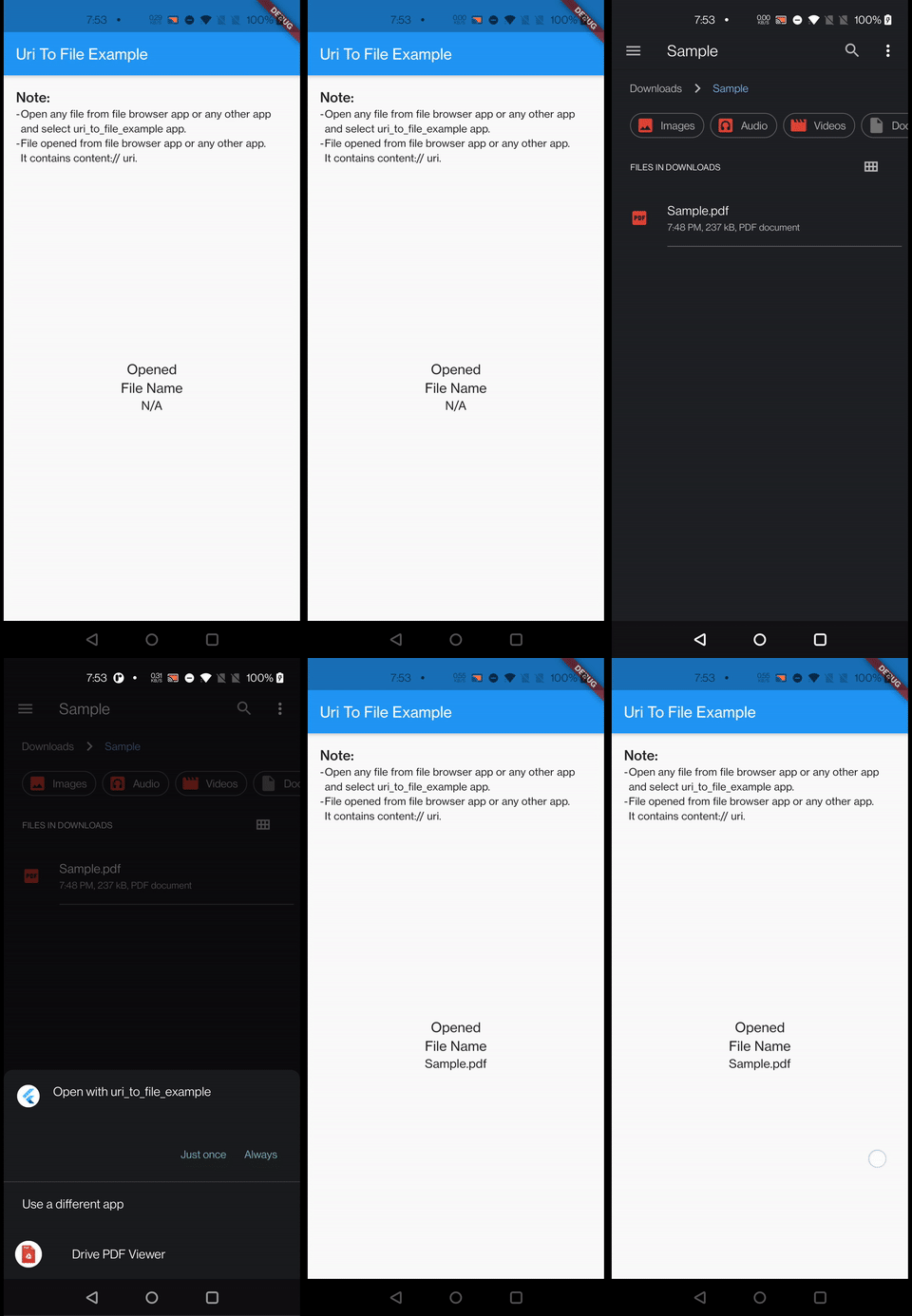
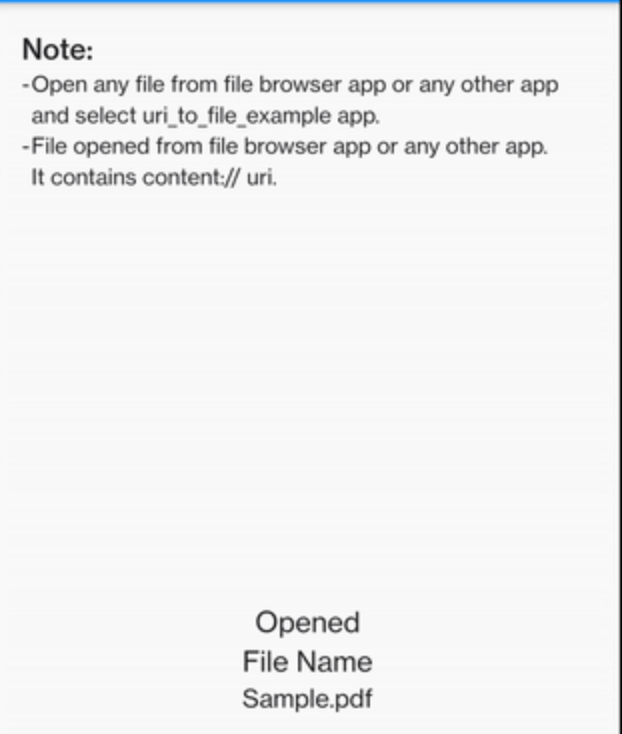
Working example

Working example

Background
  • content:// (Android Only) uri_to_file creates a temporary file using the content:// uri with the help of native channel that stores this file in the application directory.

  • All the others uri are handled by flutter sdk itself with the help of File.fromUri(uri)

Copyright & License

MIT License

Features and bugs

Please file feature requests and bugs at the issue tracker.

카테고리

의존성

의존성 목록 1 개

  • plugin_platform_interface^2.0.2

소스 저장소

이 패키지를 사용하는 프로젝트