패키지, 저장소 및 앱 카테고리 검색

vitality 표지
패키지 상세v3.0.0

vitality

Vitality로 Flutter 앱에 매력적인 실시간 애니메이션을 쉽게 추가하세요!

AndroidiOSWebmacOSWindowsLinux
30일 다운로드
46
좋아요
70
Pub 점수
130

패키지 설치

flutter pub add vitality

패키지 개요

공개 정보를 바탕으로 생성한 선택 가이드입니다.

Vitality는 개발자가 앱에 매력적인 실시간 애니메이션을 쉽게 추가할 수 있도록 해주는 Flutter 패키지입니다. 동적 배경 효과, 그라디언트 및 샤이더를 지원하여 여러 플랫폼에서 부드럽고 매력적인 시각적 요소로 사용자 인터페이스를 향상시킵니다. 간단한 명령어를 사용해 Flutter 프로젝트에 원활하게 통합되며, 초보자부터 경험이 풍부한 개발자까지 모두 접근하기 쉬워집니다. 가벼운 설계 덕분에 앱 속도를 저하시키지 않으면서도 원활한 성능을 보장합니다. Vitality는 사용자 상호작용이나 시간 기반 트리거에 반응하는 사용자 정의 가능한 실시간 애니메이션을 통해 정적인 디자인에 생명력을 불어넣습니다.

사용 사례

  • 앱 온보딩 화면 개선
  • 동적 스플래시 화면 만들기
  • 대시보드에 애니메이션 배경 추가
  • 시각적 피드백을 통한 사용자 참여도 향상
  • 게임이나 인터랙티브 앱에서 UI 요소 애니메이션화하기

주요 기능

  • 실시간 라이브 애니메이션
  • 그라디언트 및 색상 처리 지원
  • 크로스 플랫폼 호환성
  • pub add를 통한 간단한 통합
  • 사용자 지정 가능한 애니메이션 매개변수
  • 경량이고 성능이 뛰어남

적합한 대상

  • 동적 시각 효과를 찾는 UI 디자이너
  • 인터랙티브 앱을 개발하는 개발자
  • 사용자 경험에 집중하는 팀
  • 애니메이션 배경이 필요한 프로젝트
  • Flutter 초보자가 고급 효과 탐색

고려 사항

  • 저사양 기기에서 성능에 영향을 미칠 수 있습니다
  • 애니메이션 원칙에 대한 이해 필요
  • 기본 예제 외에 문서가 제한적
  • 비중요한 UI 컴포넌트에 적합
  • 매우 복잡한 애니메이션 시퀀스에는 적합하지 않음

원본 README

연결된 소스 저장소의 README 원문 스냅샷입니다. 최신 내용은 저장소에서 확인하세요.

vitality

  • Welcome to Vitality, a dynamic Flutter package designed to effortlessly infuse your app with captivating live animations in the background. With just 10 lines of code, you can breathe life into your UI by adding randomly moving icons, circles, rectangles, images, and more. Let's explore how you can enhance your app's visual appeal with ease.

Examples:

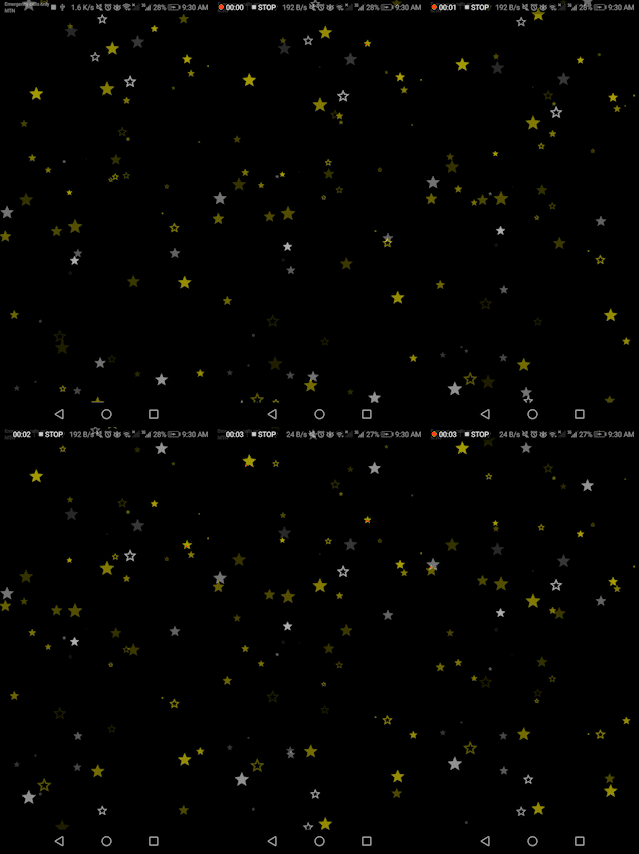
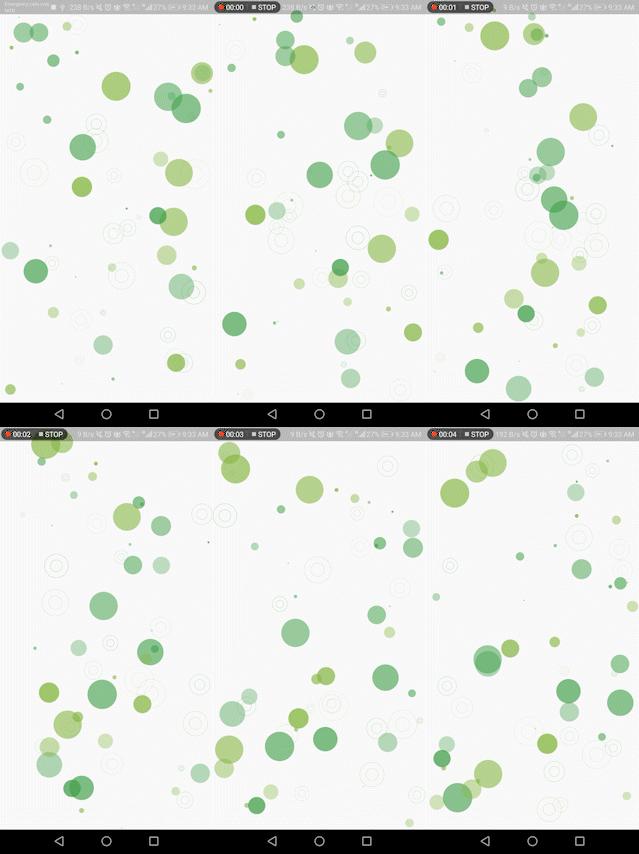
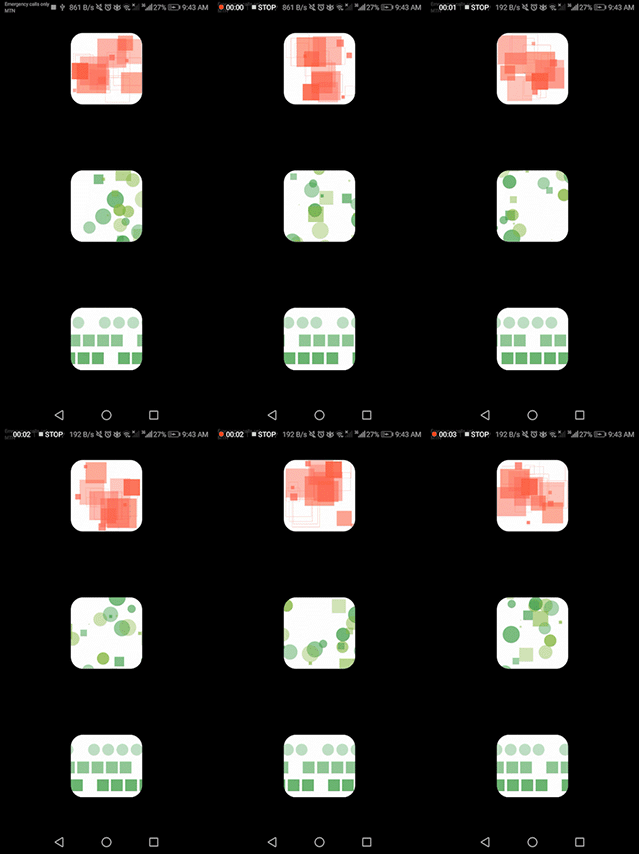
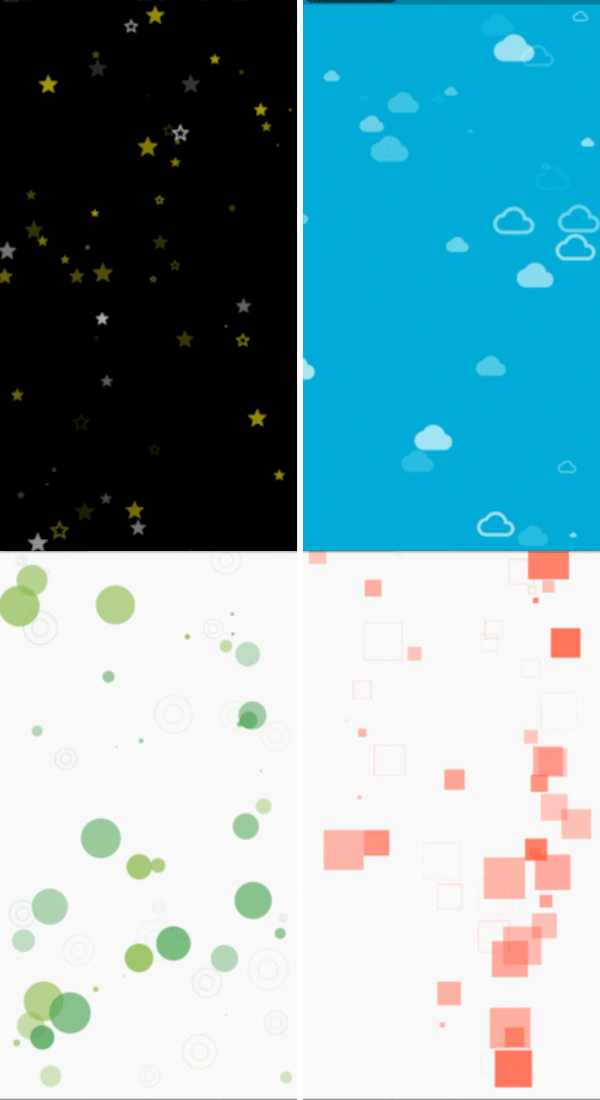
Check out these examples showcasing the versatility of the Vitality library:

  • example 1 example 6

  • example 3 example 4

  • example 5 example 2

Usage:

  • The Vitality package is designed with simplicity in mind, making integration a breeze. Take a look at the example below to quickly grasp how to use it:
Vitality.randomly(
  background: Colors.black,
  maxOpacity: 0.8,
  minOpacity: 0.3,
  itemsCount: 80,
  enableXMovements: false,
  whenOutOfScreenMode: WhenOutOfScreenMode.Teleport,
  maxSpeed: 1.5,
  maxSize: 30,
  minSpeed: 0.5,
  randomItemsColors: [Colors.yellowAccent, Colors.white],
  randomItemsBehaviours: [
    ItemBehaviour(shape: ShapeType.Icon, icon: Icons.star),
    ItemBehaviour(shape: ShapeType.Icon, icon: Icons.star_border),
    ItemBehaviour(shape: ShapeType.StrokeCircle),
  ],
)

Parameters:

  • whenOutOfScreenMode Determines how a shape behaves at the screen edge, values are:

    • none: It does nothing and continues its movements out the screen.
    • Reflect: It bounces and returns in the oppisite direction.
    • Teleport: It continues its movements to the other side of the screen.
  • randomItemsBehaviours Defines the shapes that the library can generate. Choose from the ShapeType enum (FilledCircle, StrokeCicle, FilledSquare, Icon, Image, etc.) :

    • For Icon type, pass an IconData object:

       ItemBehaviour(shape: ShapeType.Icon, icon: Icons.star)
      
    • For Image type, pass a dart:ui Image object:

       ItemBehaviour(shape: ShapeType.Image, image: /*ui.Image() here*/)
      

      Sample code to load an image from assets:

      • Convert the path into dart:ui Image object
      import 'dart:ui' as ui;
      import 'package:flutter/services.dart';
      
      Future<ui.Image> loadImage(String assetPath) async {
        ByteData data = await rootBundle.load(assetPath);
        List<int> bytes = data.buffer.asUint8List();
        ui.Codec codec = await ui.instantiateImageCodec(Uint8List.fromList(bytes));
        ui.FrameInfo fi = await codec.getNextFrame();
        return fi.image;
      }
      
      • Integrate this function into your code :
      FutureBuilder<ui.Image>(
        future: loadImage('assets/images/your_image.png'),
        builder: (context, snapshot) {
          if (snapshot.connectionState == ConnectionState.done) {
            return Vitality.randomly(
              whenOutOfScreenMode: WhenOutOfScreenMode.Reflect,
              randomItemsColors: const [Colors.yellow],
              randomItemsBehaviours: [
                ItemBehaviour(
                  shape: ShapeType.Image,
                  image: snapshot.data!,
                )
              ],
            );
          }
          return const CircularProgressIndicator();
        },
      ),
      

Full Customization:

  • If you desire even more customization in your animations, Vitality provides a custom mode that is straightforward to use. In this mode, you can specify the exact shapes, icons, or images you want to animate using the shapes parameter. Additionally, you can control the background with the background parameter.
Customizing Individual Shapes:
  • To customize individual shapes, you can pass a list of Shape objects as the shapes parameter. Each Shape object includes the following properties:
    • pos: Initial position of the shape [Offset].
    • dx: Speed on the X-axis [double].
    • dy: Speed on the Y-axis [double].
    • size: Size of the shape [double].
    • color: Color of the shape [Color].
    • whenOutOfScreenMode: Behavior of the shape at the screen edge [WhenOutOfScreenMode].
    • behaviour: Structure of the shape [ItemBehaviour].
Vitality.custom(shapes: [
  Shape(
    pos: const Offset(30, 30),
    dx: 0.3,
    dy: 0,
    size: 160,
    color: Colors.yellow,
    whenOutOfScreenMode: WhenOutOfScreenMode.Reflect,
    behaviour: ItemBehaviour(shape: ShapeType.Icon, icon: Icons.sunny),
  ),
]),
Customizing Groups of Shapes:
  • For more dynamic combinations, you can use the ShapesGenerator class. This class allows you to generate shapes with specific properties, resulting in an easier way to seamlessly combine multiple shapes, allowing you to effortlessly craft a beautiful background. The parameters include:

    • minWidth, minHeight: Minimum width and height for random generation [double].
    • maxWidth, maxHeigh: Maximum width and height for random generation [double].
    • enableXMovements, enableYMovements: Whether or not the shapes will move on the X and Y axes [bool].
    • minSize, maxSize: Minimum and maximum size values for shapes [double].
    • minOpacity, maxOpacity: Minimum and maximum opacity values for shapes (values between 0 and 1) [double].
    • minSpeed, maxSpeed: Minimum and maximum speed values for shapes [double].
    • behaviours: List of ItemBehaviour for random selection.
    • colors: List of Color for random selection.
    • whenOutOfScreenMode: What will happen when shapes reach the screen edge [WhenOutOfScreenMode].
List<Shape> getClouds(Size size) {
  return ShapesGenerator.randomly(
    maxWidth: size.width,
    maxHeight: size.height / 3,
    enableYMovements: false,
    maxSize: 60,
    minSize: 50,
    maxOpacity: 0.9,
    minOpacity: 0.5,
    whenOutOfScreenMode: WhenOutOfScreenMode.Reflect,
    behaviours: [ItemBehaviour(shape: ShapeType.Icon, icon: Icons.cloud)],
    colors: const [Colors.white],
  ).getShapes(10);
}

Now, let's mix different shapes to make something truly magical.

List<Shape> getClouds(Size size) {
  return ShapesGenerator.randomly(
    maxWidth: size.width,
    maxHeight: size.height / 3,
    enableYMovements: false,
    maxSize: 60,
    minSize: 50,
    maxOpacity: 0.9,
    minOpacity: 0.5,
    whenOutOfScreenMode: WhenOutOfScreenMode.Reflect,
    behaviours: [ItemBehaviour(shape: ShapeType.Icon, icon: Icons.cloud)],
    colors: const [Colors.white],
  ).getShapes(10);
}

List<Shape> getGroundShapes(Size size) {
  return ShapesGenerator.randomly(
    minHeight: size.height - 130,
    maxWidth: size.width,
    maxHeight: size.height,
    enableYMovements: false,
    maxSize: 190,
    minSize: 90,
    maxOpacity: 1,
    minOpacity: 0.5,
    whenOutOfScreenMode: WhenOutOfScreenMode.none,
    behaviours: [
      ItemBehaviour(shape: ShapeType.Icon, icon: Icons.circle)
    ],
    colors: const [Colors.green],
    maxSpeed: 0,
    minSpeed: 0
  ).getShapes(40);
}


@override
Widget build(BuildContext context) {
  Size size = MediaQuery.of(context).size;
  return Vitality.custom(background: Colors.blue, shapes: [
    Shape(
      pos: const Offset(30, 30),
      dx: 0.3,
      dy: 0,
      size: 160,
      color: Colors.yellow,
      whenOutOfScreenMode: WhenOutOfScreenMode.Reflect,
      behaviour: ItemBehaviour(shape: ShapeType.Icon, icon: Icons.sunny),
    ),
    ...getClouds(size),
    ...getGroundShapes(size),
  ]);
}

카테고리

의존성

의존성 목록 1 개

소스 저장소

이 패키지를 사용하는 프로젝트

아직 데이터가 없습니다.