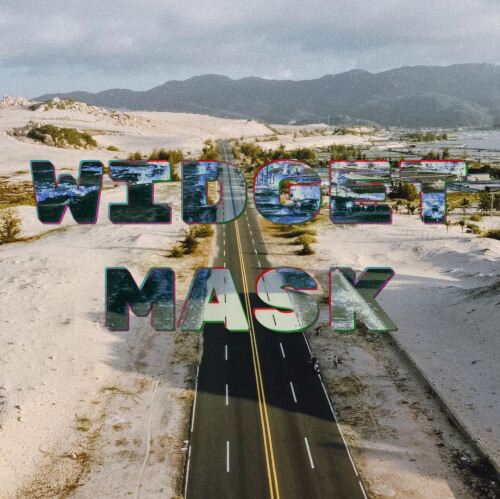
widget_mask 패키지는 개발자가 하나의 위젯을 마스크로 사용하여 다른 위젯을 자르거나 혼합할 수 있게 해주며, 표면에 텍스트를 인쇄하는 등의 창의적인 시각적 효과를 가능하게 합니다. 이는 Flutter의 조합 기능을 활용해 알파 마스크를 적용함으로써 투명도와 레이어링을 포함한 고급 UI 디자인에 적합합니다. 패키지는 가볍고 다양한 플랫폼에서 기존의 Flutter 프로젝트에 원활하게 통합될 수 있습니다. 정적 및 동적 마스킹 상황 모두를 지원하며, 사용자 지정 위젯 조합의 유연성을 향상시킵니다.
사용 사례
이미지에 텍스트 오버레이 만들기
계층적인 UI 요소 설계
사용자 정의 클리핑 경로 구현
애니메이션 마스크 전환 구축
투명도를 사용한 시각 효과 생성
마스크된 그래픽을 통한 앱 브랜딩 강화
주요 기능
모든 위젯을 마스크로 지원
최소 오버헤드로 효율적인 렌더링
크로스 플랫폼 호환성
유연한 블렌딩 모드
간단한 API를 통한 쉬운 통합
동적 마스크 업데이트
적합한 대상
고급 시각 효과를 찾는 UI 디자이너
브랜드 또는 예술적 인터페이스를 구축하는 개발자
표면 텍스트 효과가 필요한 앱
복잡한 레이어와 투명성을 사용하는 프로젝트
창의적인 구성 탐색 중인 플러터 개발자
고려 사항
무거운 마스크 사용 시 성능에 영향을 미칠 수 있습니다
Flutter의 페인팅 시스템에 대한 이해가 필요합니다
마스크로 렌더링할 수 있는 위젯으로 제한
최적화 없이 고주파 애니메이션에 적합하지 않습니다
예측 가능하고 안정적인 마스크 모양과 함께 사용하는 것이 가장 좋습니다
원본 README
연결된 소스 저장소의 README 원문 스냅샷입니다. 최신 내용은 저장소에서 확인하세요.
Use a widget to mask and blend another widget, for example to imprint text onto
surfaces.
If you're looking for a database solution, check out
cbl, another project of mine. It brings
Couchbase Lite to standalone Dart and Flutter, with support for:
Full-Text Search,
Expressive Queries,
Data Sync,
Change Notifications
and more.
Limitations
Widgets that are used as children of WidgetMask or SaveLayer must not need
compositing, or contain widgets which need compositing, such as
RepaintBoundary.
This is because this package makes use of save layers, which cannot encompass
compositing layers.
Masks and blending
A mask is an image, which is positioned in front of another image and affects
this images in some way, where it is not empty.
Blending is a process which takes two images and produces a new image by
applying a mathematical function to each pair of pixels from the input images.
For some of these functions, the order of the arguments matters. That's why the
input images are labeled with src and dst. A mask is usually the image
labeled with src.
Getting started
The example below paints some text onto an image. The text is filled with the
negative of the image.
WidgetMask(
// `BlendMode.difference` results in the negative of `dst` where `src`// is fully white. That is why the text is white.
blendMode: BlendMode.difference,
mask: Center(
child: Text(
'Negative',
style: TextStyle(
fontSize: 50,
color: Colors.white,
),
),
),
child: Image.asset('images/my_image.jpg'),
);
WidgetMask delegates to child to lay itself out. It always has the same size
as child. mask is forced to adopt the same size as child and positioned on
top it.
During hit testing mask is positioned over child.
The different BlendModes use src and dst to describe how the colors of two
images are blended with each other. In the context of WidgetMaskmask is the
src and child the dst.
Examples
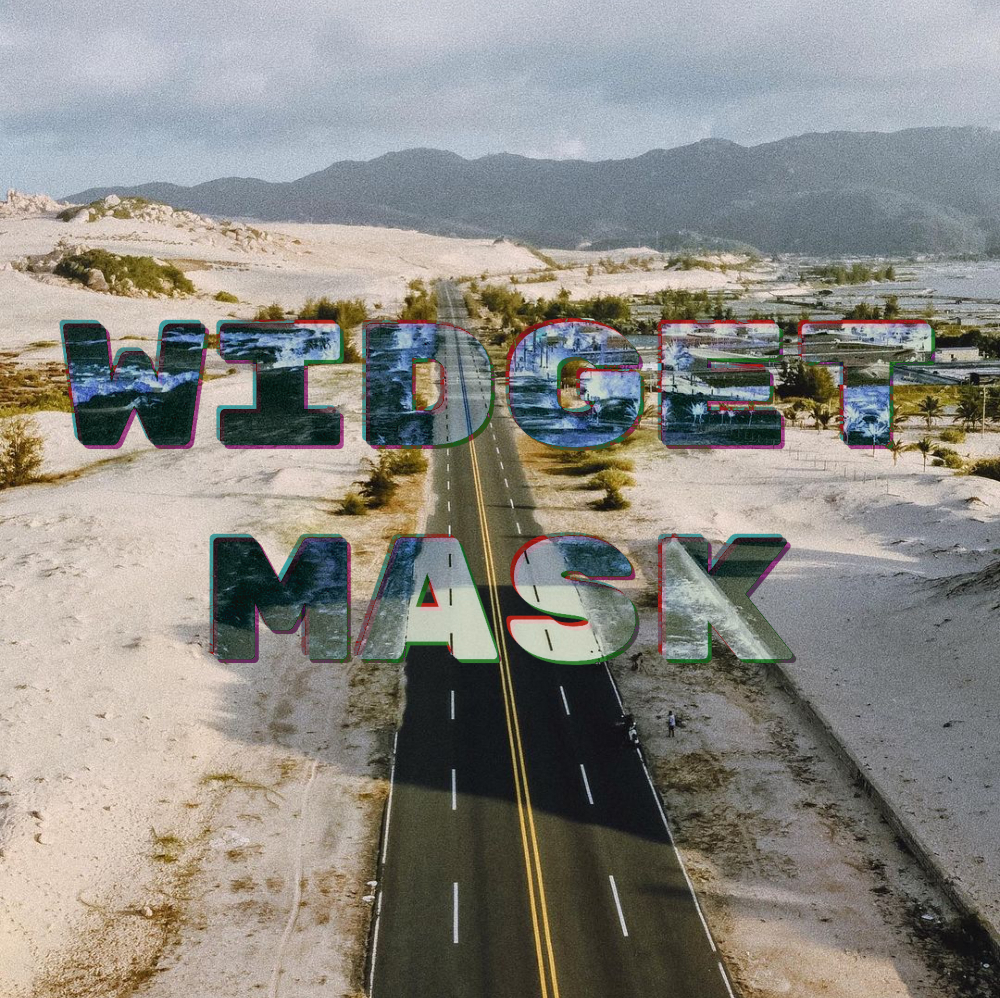
The NegativeMaskedImageDemo widget, in the
example app, implements the
image at the top.
SaveLayer
This widget paints its child into a save layer and allows you to fully specify
the Paint to use with the save layer. If you need to use a custom Paint or
require a different layout of the widgets, you can use SaveLayer.
WidgetMask is implement using two SaveLayers to blend the mask and
child: